


'/%3e%3cpath%20d='M15.9997%2019.3335L11.833%2014.3335H14.333L15.9997%2017.6668L17.6663%2014.3335H20.1663L15.9997%2019.3335Z'%20fill='white'/%3e%3c/g%3e%3cdefs%3e%3clinearGradient%20id='paint0_linear_1412_57140'%20x1='16'%20y1='7.6665'%20x2='16'%20y2='24.3332'%20gradientUnits='userSpaceOnUse'%3e%3cstop%20stop-color='%23FFA15F'/%3e%3cstop%20offset='1'%20stop-color='%23E37C32'/%3e%3c/linearGradient%3e%3c/defs%3e%3c/svg%3e)


'/%3e%3c/g%3e%3cdefs%3e%3clinearGradient%20id='paint0_linear_1703_62681'%20x1='16'%20y1='7.25'%20x2='20.6891'%20y2='24.75'%20gradientUnits='userSpaceOnUse'%3e%3cstop%20stop-color='%23FF538C'/%3e%3cstop%20offset='1'%20stop-color='%23FF2351'/%3e%3c/linearGradient%3e%3c/defs%3e%3c/svg%3e)


'/%3e%3c/g%3e%3cdefs%3e%3clinearGradient%20id='paint0_linear_1737_57170'%20x1='16.5097'%20y1='8.87061'%20x2='16.5097'%20y2='23.3945'%20gradientUnits='userSpaceOnUse'%3e%3cstop%20stop-color='%232E9AFF'/%3e%3cstop%20offset='1'%20stop-color='%233378FF'/%3e%3c/linearGradient%3e%3c/defs%3e%3c/svg%3e)


Background Remover
Remove photo backgrounds instantly for clean, high‑quality cutouts in seconds.
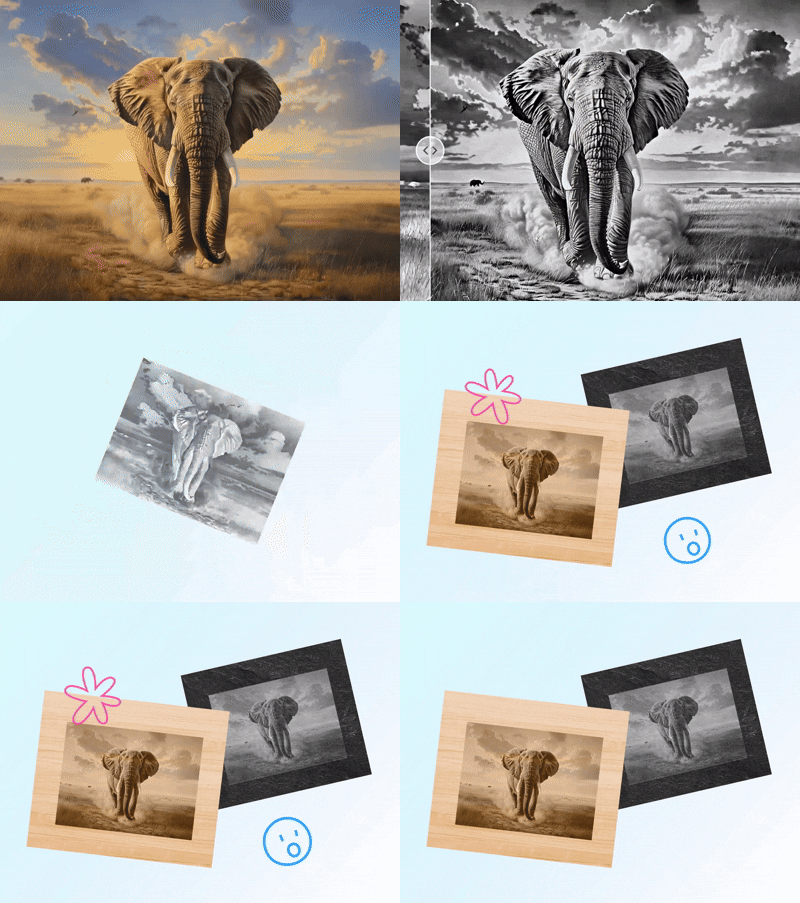
The simplest way to convert images for laser engraving online, free to try and easy to use. Instantly transform any photo into a precise, engraving‑ready file in just seconds.
Supported formats: JPG, JPEG, PNG, WEBP. Image size ≤10 MB. Please keep the main subject centered and fully visible.
Preparing raw photos for engraving usually means manual edits, including resizing, grayscale conversion, contrast sharpening, and background cleanup. Atomm's Laser Prep automates it all with a simple “upload → optimize → download” workflow. In seconds, your photo becomes laser‑ready, saving hours of effort.

Different materials demand different engraving prep. Laser Prep adapts automatically to wood, metal, acrylic, leather, vinyl, paper, and more. By fine‑tuning contrast and edge sharpness for each surface, it ensures deeper blacks, cleaner lines, and consistent engraving results across every project.

Traditional engraving prep requires technical know‑how, from grayscale conversion to DPI settings. Atomm AI removes this complexity with intelligent presets and automated optimization. Beginners can achieve professional‑grade results without learning advanced image editing, while experienced users benefit from faster, more reliable workflows.

For craft‑grade or commercial engraving, detail and texture matter. Atomm AI enhances light and dark areas, preserves image quality, and smooths transitions for flawless engraving. Whether for gifts, branded products, or custom designs, it delivers sharp, distortion‑free results that elevate the final product’s professional appeal.

Prep smarter, not harder: generate laser‑ready files trusted by creators worldwide.

Remove photo backgrounds instantly for clean, high‑quality cutouts in seconds.

Clean up photos in seconds by removing objects, people, and watermarks.

Convert images into scalable vector graphics (SVG).

Redraw any part of an image using a text prompt.

Increase resolution and sharpen details.

Extend your image beyond its original borders.

Extract logos, graphics, and designs from any photo instantly.

Generate quick, high-quality AI variations that keep your style.

Edit text in any image online.
What is a DXF file? Learn what this 2D vector CAD format is, what it's used for in laser and CNC cutting, how it compares to SVG, and how to open one.
41 free floral and flower SVG files from the Atomm library — wreaths, frames, single blooms, bouquets, mandalas, borders, and seasonal designs, all ready to cut, engrave, or print.
The best DXF websites of 2026 for free, cut-ready files - DXFforCNC, Creative Fabrica, and more - for laser, CNC, and plasma cutting.
75 real pumpkin decorating and carving ideas from Atomm, covering carved jack-o-lanterns, wall art, porch signs, jewelry, and kitchen decor.
Where to download free laser cut files in 2026 — compare the best sites for free SVG and DXF designs, led by Atomm's community library.
40 free cat PNG files with transparent backgrounds — silhouettes, faces, cartoon, and watercolor cat designs ready for print, sublimation, stickers, and cut projects.

Atomm AI is your AI crafting agent that helps turn inspiration into real creations with ease.