
A vector file stores a picture as maths — points, lines, and curves — instead of a grid of pixels. That is why it stays sharp whether it is on a business card or a billboard.
This guide explains what a vector file is, how it differs from a raster image, which format to use when, and why cutting machines need vectors rather than photos.
Clean up an image before vectorizingRemove the background first — tracing an image with its background still attached traces the background too.Try it freeKey Takeaways
- A vector file describes shapes mathematically, so it can be scaled to any size with no loss of quality.
- A raster file (JPG, PNG) is a fixed grid of pixels, so enlarging it produces blur or visible squares.
- Cutting machines need vectors, because a blade or laser follows a path, and only a vector file contains paths.
What Is a Vector File?
A vector file records instructions rather than appearance: a circle of this radius at this point, filled with this colour. The software redraws those instructions at whatever size you ask for.
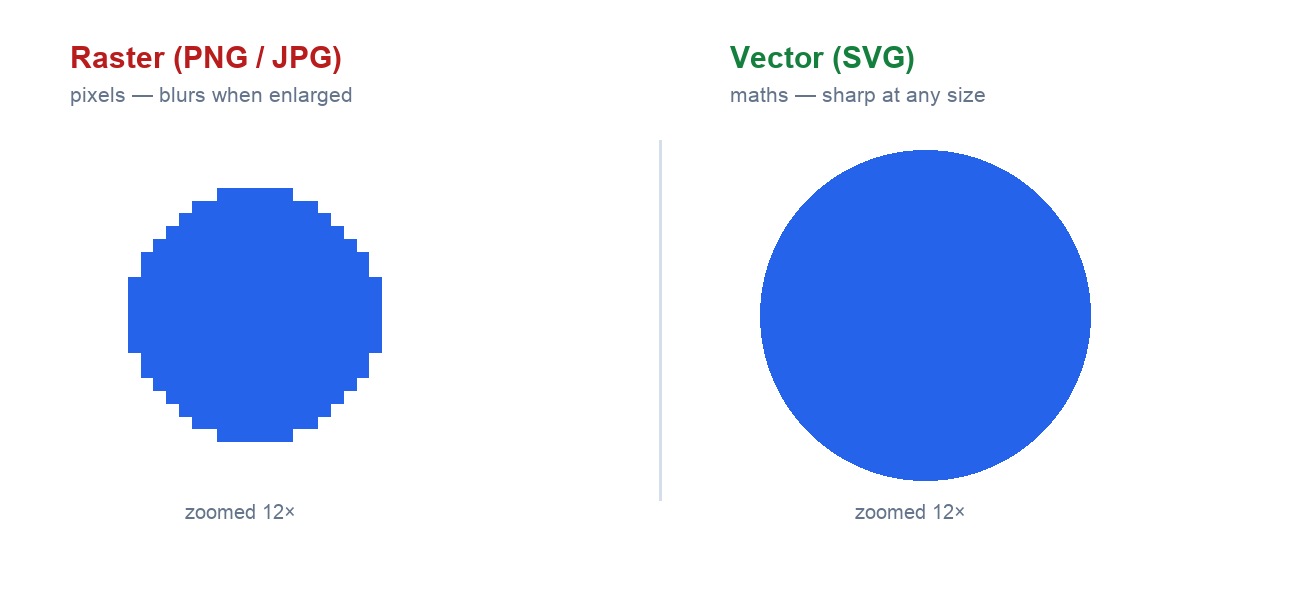
Because nothing is stored as a fixed grid, there is no resolution to run out of. Scale a vector logo up ten times and the curve is recalculated, so the edge stays exactly as crisp as it started.
The trade-off is what it can represent. Vectors handle flat shapes, type, and line work well; they cannot store a photograph, because a photo is millions of unique pixel values rather than a set of shapes.
Vector vs. Raster: The Difference
| Vector | Raster | |
|---|---|---|
| Stores | Points, lines, curves, fills | A fixed grid of coloured pixels |
| Scaling | Any size, always sharp | Blurs or pixelates when enlarged |
| File size | Small for flat artwork | Grows with dimensions |
| Good for | Logos, type, icons, cut files | Photographs and detailed imagery |
| Formats | SVG, AI, EPS, PDF, DXF | JPG, PNG, WEBP, GIF |
The practical rule: if the artwork is flat shapes or lettering, it should be a vector. If it is a photograph, it has to be raster. Most real projects use both — a vector logo placed over a raster photo.
Vector File Formats Explained
- SVG — the web and craft standard. Opens almost everywhere and is what most cutting software expects. Our guide to what an SVG file is covers how it stores shapes and where it falls short.
- AI — Adobe Illustrator's own format. Best editing support, but needs Adobe software to open properly.
- EPS — an older exchange format. Still common in print workflows and widely accepted by printers.
- PDF — can hold vector data, which is why print shops ask for it. A PDF can also contain raster images, so it is not automatically a vector file.
- DXF — a CAD format used by cutting and CNC machines. Carries paths but usually no colour or fill — see what a DXF file is for why CNC workflows prefer it.
Converting into one of these depends on what you start from: we have step-by-steps for PNG to SVG, JPG to SVG, and SVG back to PNG when a raster copy is what you actually need.
For most craft and laser work, SVG is the safe default. Send AI or EPS only when a designer or printer specifically asks for them.
Why Vector Files Matter
Vectors are not a niche craft format. They are what almost every professional workflow hands over, for four reasons that apply well beyond cutting machines.
They scale without limit
One file works as a favicon and as a building wrap. A raster logo needs a separate export at every size, and someone eventually uses the wrong one.
They stay editable
Colours, stroke widths, and individual shapes remain separate objects, so a brand colour change is a one-click edit rather than a redraw.
They are small and fast
A flat illustration stored as maths is often a fraction of the size of the same image stored as pixels, which is why icons and logos on the web are SVG.
Machines can follow them
A laser, blade, or CNC router travels along a line, and a vector contains exactly that — an ordered path with a start, a direction, and an end.

That last point is why cutting software rejects a JPG, or downgrades it into a low-quality engraving instead of a cut. It is also why a logo supplied as a screenshot must be traced before it can be used.
How to Get a Vector File
Two routes: convert an image you already have, or download one that is already a vector. This section covers the conversion; the next covers where to download.
Step 1: Start from the cleanest source you have
A high-resolution original traces far better than a screenshot. Tracing amplifies whatever noise is already in the image, so a compressed copy produces a ragged path.
Step 2: Remove the background first
Run the image through a background remover before tracing. Trace it with the background attached and you get the background as a shape too, which then has to be deleted by hand.
Step 3: Convert it to a vector
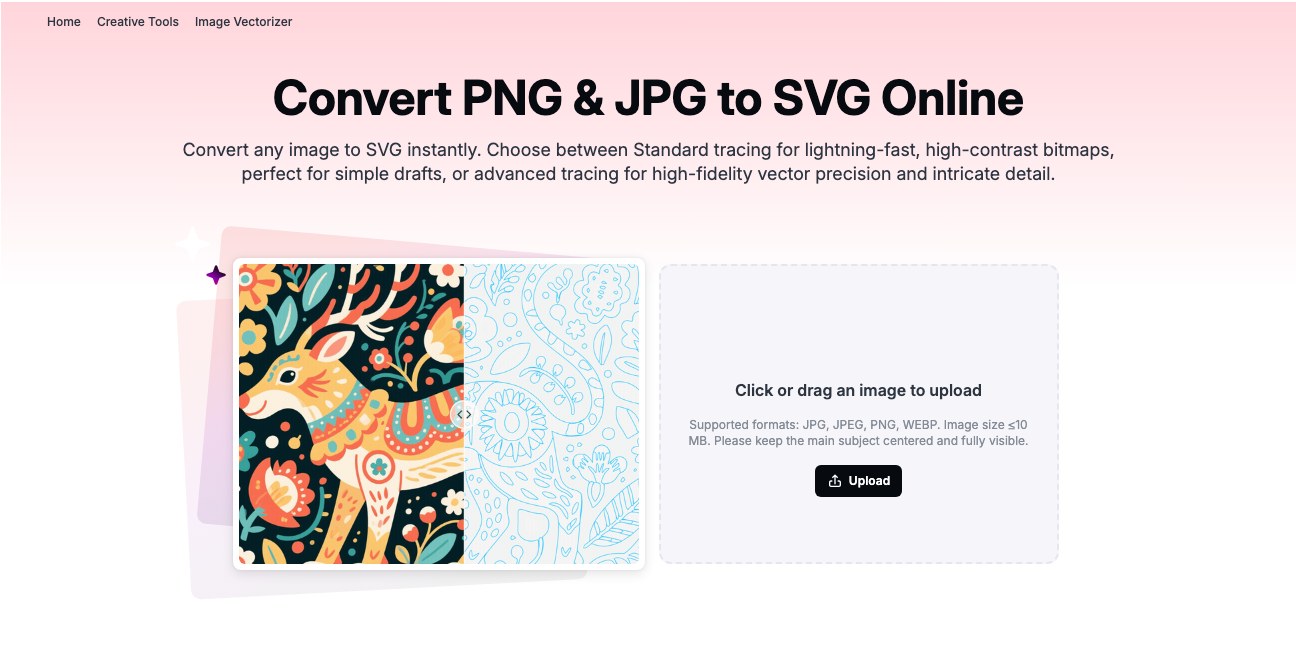
Run the cleaned image through the Atomm image vectorizer, which accepts JPG, PNG, and WEBP up to 10 MB. Pick standard tracing for flat, high-contrast art and advanced tracing when the detail is intricate.
For the full walkthrough see converting an image to SVG, and extracting a design from an image for laser-ready output specifically.
Step 4: Check the paths before cutting
Open the SVG and look for stray fragments and doubled outlines. Auto-tracing often leaves tiny artefacts that a laser will faithfully cut as extra holes.
Where to Find Free Vector Files
Sometimes converting is the wrong move — a file drawn as a vector from the start beats anything traced. Five sources worth knowing, and what each is actually good for. For the full rankings see our best vector file websites, or the format-specific lists of SVG sites and DXF sites.
1. Atomm
Best for cut-ready files
Atomm approaches this from the other end: rather than a stock library, it converts whatever image you already have into an SVG, with a choice of standard or advanced tracing.
That matters when the design has to be yours — a customer photo, your own drawing, a logo you own. No library will have it, and no licence question arises.
Pros
- Free with no account or watermark
- Two tracing modes for flat vs detailed art
- Output is already cut-ready SVG
Cons
- Converts rather than supplying artwork
- Quality depends on the source image
Atomm: the route to take when the design has to be yours rather than someone else's.
2. FreeSVG
Best licence terms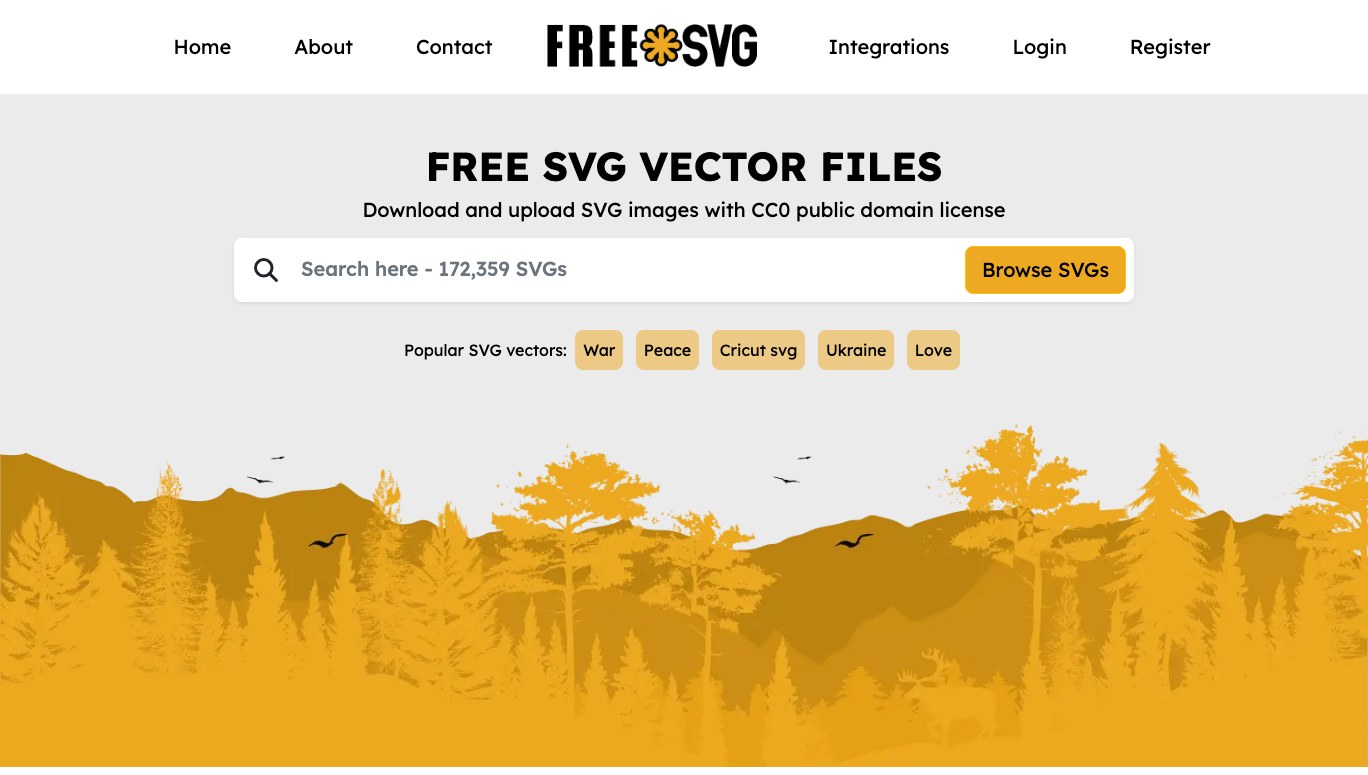
Everything on FreeSVG is released under CC0, which means public domain: no attribution, no restriction on commercial use, nothing to track.
That makes it the safest starting point when the finished piece is going to be sold, since licence compliance is the part most makers get wrong.
Pros
- CC0 on everything — no attribution needed
- Straight SVG downloads
- Large general-purpose library
Cons
- Quality varies, since anyone can upload
- Search is basic
FreeSVG: the first place to look when the design will end up on something you sell.
3. Public Domain Vectors
Best for clean shapes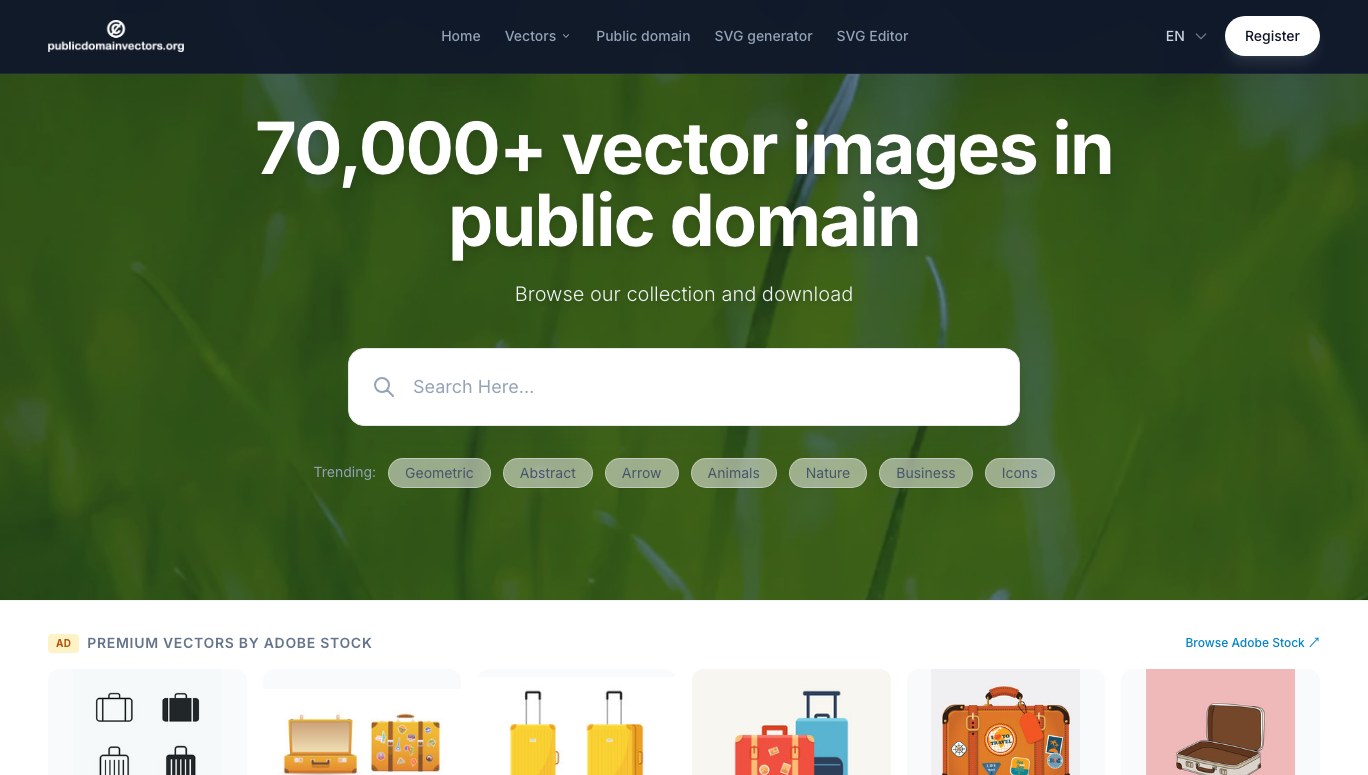
A curated public-domain library leaning toward simple, flat artwork — silhouettes, symbols, maps, basic illustrations rather than elaborate scenes.
That bias suits cutting well. Flat shapes with few nodes need almost no cleanup, where a detailed illustration usually needs paths deleted before it will cut sensibly.
Pros
- Public domain throughout
- Artwork skews simple and cuttable
- SVG, EPS, and AI downloads
Cons
- Smaller library than the big platforms
- Adobe Stock ads throughout the site
Public Domain Vectors: the best fit when you want a shape rather than an illustration.
4. Vecteezy
Best library size
Vecteezy is the largest of these by a wide margin, so it is the one most likely to have the specific subject you are after rather than an approximation of it.
The catch is the licence: free downloads require crediting the artist, and dropping the attribution means upgrading to a paid plan. Check before you build a product around one.
Pros
- Enormous, well-tagged library
- Search by image as well as keyword
- Consistently professional quality
Cons
- Free use requires attribution
- Account needed to download
Vecteezy: worth it when nothing smaller has the subject you need.
5. Openclipart
Best for quick clip art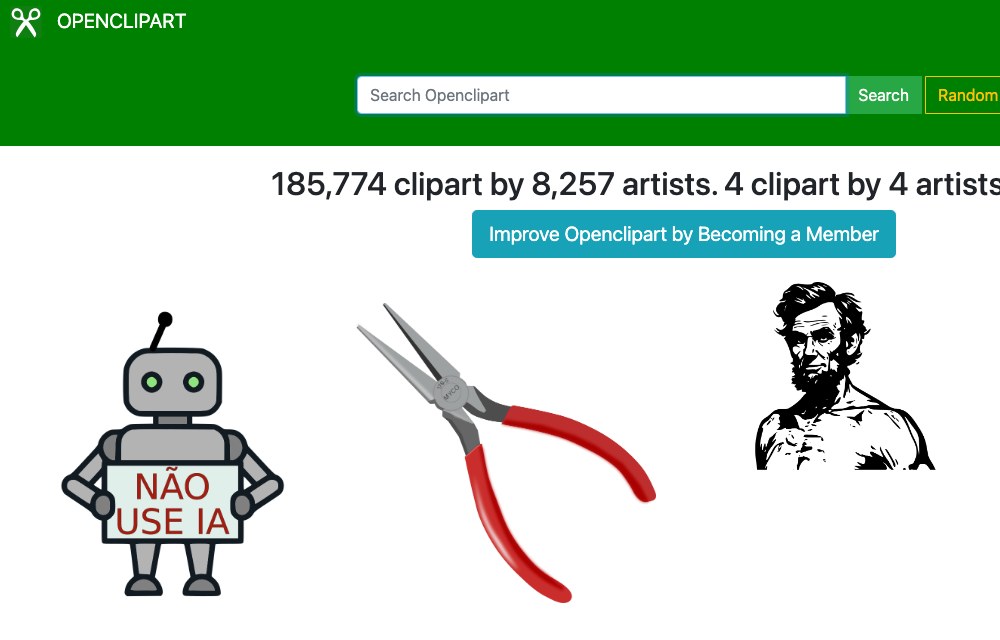
A long-running community archive of public-domain clip art, contributed by thousands of artists over two decades. No account needed, and nothing to attribute.
Treat the search as a browse rather than a lookup. The tagging is inconsistent, but the archive is deep enough that a broad term usually turns up something workable.
Pros
- Public domain, no account required
- Very large and long-established
- Downloads straight to SVG
Cons
- Inconsistent tagging and quality
- User uploads may include third-party characters — check before selling
Openclipart: the fastest source for a simple illustrative shape you do not want to draw.
Check the licence before you sell
Free to download and free to sell are different things. CC0 and public domain carry no obligation; attribution licences require a credit that is impractical on a physical product; and a few libraries forbid commercial use entirely.
Conclusion
A vector stores shapes as maths, so it scales without limit, stays editable, and — the part that matters for making — gives a machine an actual path to follow.
You get one of two ways: download a file that was drawn as a vector, or convert an image you already have. Downloading is cleaner when a library has your subject; converting is the only option when the design has to be yours.
Either way, open the result and check the paths before cutting. Stray fragments and doubled outlines are the normal output of auto-tracing, and a laser will cut every one of them.
Vector files exist because machines follow paths — our explainer on what a laser is covers what happens once that path reaches the cutter.
Frequently Asked Questions about Vector Files
What is a vector file in simple terms?
An image stored as mathematical shapes rather than pixels. Because the shapes are recalculated at whatever size you use, a vector file never blurs or pixelates when enlarged.
Is a PNG a vector file?
No. PNG is a raster format — a fixed grid of pixels. It supports transparency, which people sometimes confuse with being a vector, but it still degrades when scaled up.
Which vector format should I use?
SVG for web and craft work, since it opens almost everywhere. Use AI or EPS only when a designer or print shop asks, and DXF when a CNC or cutting machine requires it.
Can I convert a JPG to a vector?
You can trace it, which produces a vector approximation of the shapes. It works well for logos and flat artwork, but a photograph traced to vector rarely looks right.
Why does my laser cutter reject my image?
Because it is raster. A cutting machine follows paths, and only a vector file contains them. Trace the image to SVG first, then load that.
Where can I download free vector files?
FreeSVG and Public Domain Vectors are the safest for commercial work, since both are public domain. Vecteezy has the largest library but requires attribution on its free tier.
Are free vector files safe to use commercially?
Only if the licence says so. CC0 and public domain carry no obligation, attribution licences require a visible credit, and some libraries prohibit commercial use outright. Check per file, not per site.
Prepare an image for vectorizing
Remove the background free, then trace a clean shape ready to cut.
