


Remove Text from Image
Brush over captions or date stamps and AI fills the gap.
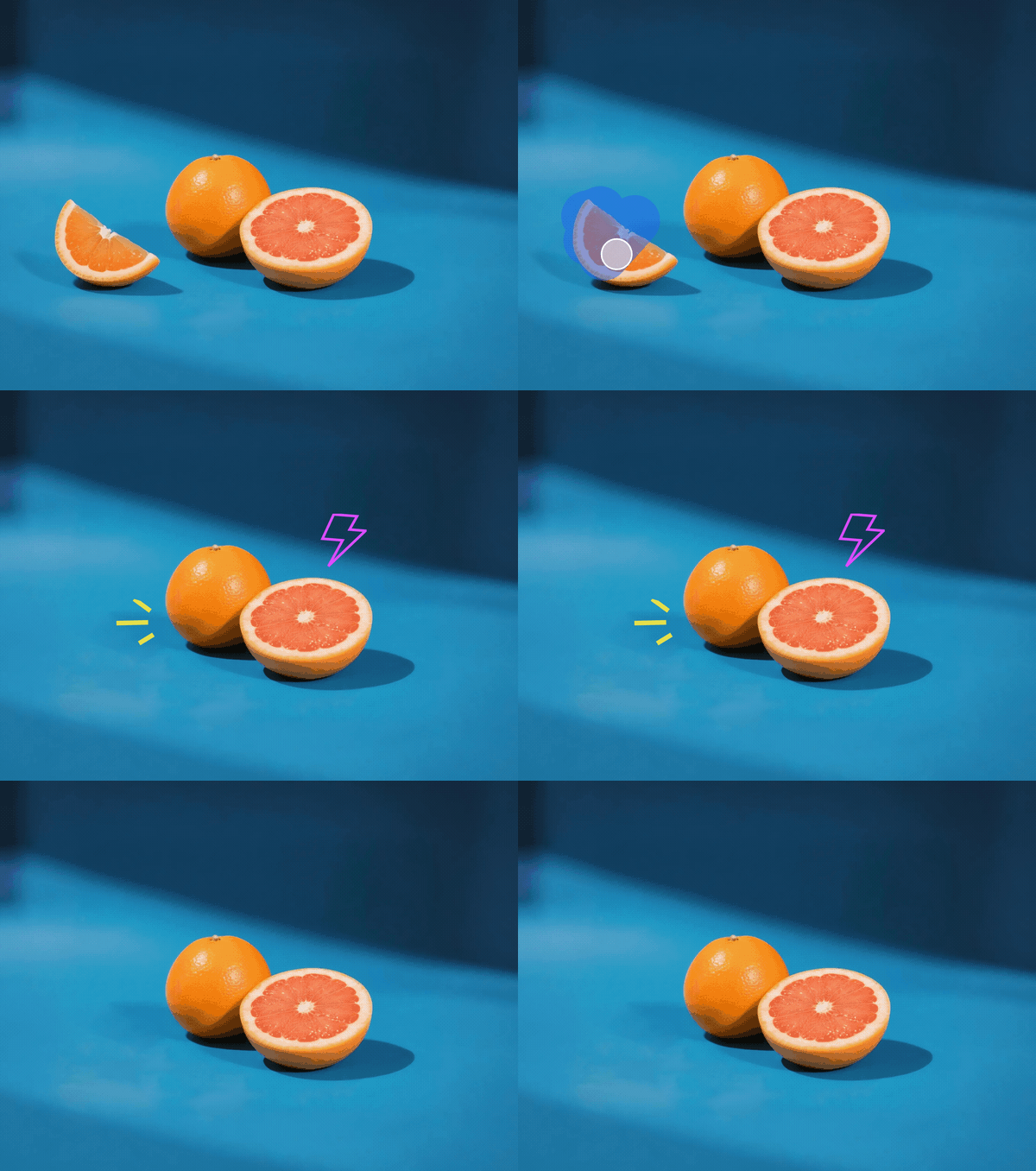
Brush over an unwanted part of a picture and let AI rebuild the surrounding area. Clean up photos, erase small distractions, and refine everyday images directly in your browser.
Formatos suportados: JPG, JPEG, PNG, WEBP. Tamanho da imagem ≤10 MB. Mantenha o assunto principal centralizado e totalmente visível.
Turn a distracting photo into a cleaner composition without rebuilding the scene by hand. Upload your image, brush over the part you want gone, and let the Magic Eraser use the surrounding colors and texture to fill the selected area. It works well for everyday pictures, product shots, travel photos, and social content.

Mark more than one part of an image before generating the result. Clean up small items, text, clutter, or people across the same photo while keeping the rest of the composition in place. A flexible brush helps you cover both broad areas and narrow edges with more control.

A useful photo eraser should make the edited area belong in the scene. Atomm AI reads the nearby color, lighting, edges, and texture when rebuilding the space you marked. Starting with a clear image and covering the complete unwanted area helps the replacement blend more naturally.

Clean up travel photos, portraits, and event images when someone entered the frame at the wrong moment. Brush over a passerby, tourist, or photobomber and include any connected shadow or carried item that should disappear with them.

Brush over a small unwanted shadow that pulls attention away from the subject. The AI eraser rebuilds the selected area from the nearby surface, helping simple walls, floors, tabletops, and product backgrounds look cleaner and more consistent.

Clean up captions, date stamps, stickers, and other small marks that sit on a photo. Cover the complete lettering or shape, include a narrow margin around its edge, and generate a replacement that follows the surrounding background.

Remove unwanted objects in seconds, AI precision trusted by thousands worldwide.
Choose a focused tool for text, backgrounds, image quality, and other common photo edits.

Brush over captions or date stamps and AI fills the gap.

Edit text in any image online.

Remove photo backgrounds instantly for clean, high‑quality cutouts in seconds.

Get professional, print‑ready images prepared for laser engraving in seconds.

Convert images into scalable vector graphics (SVG).

Redraw any part of an image using a text prompt.

Increase resolution and sharpen details.

Extend your image beyond its original borders.

Extract logos, graphics, and designs from any photo instantly.
What is a magic eraser? Learn how AI-powered object removal works, what it can remove from photos, the best tools to try, and whether it's free.
The best magic eraser and object remover tools of 2026 - Atomm, Google Magic Eraser, Cleanup.pictures, and more, compared with pricing.
How to remove a person from a photo for free. Brush over anyone unwanted, let AI rebuild the background, and fix leftover shadows and outlines.
Learn how to remove unwanted objects or people from a photo for free. A step-by-step guide to erasing distractions with an AI magic eraser online.
Learn how to remove text, captions, or a watermark from an image for free. A step-by-step guide using an AI eraser that rebuilds the background cleanly.
How to delete the background from a PNG and keep it transparent. Free online steps, why JPG turns it white, and fixes for halos and lost transparency.

Atomm AI is your AI crafting agent that helps turn inspiration into real creations with ease.