Report
![[Laser cut and engrave] A tray of sweet Santa (slate tray)](https://image-res.atomm.com/resource/xtool/community/attachment/xtool-community/9b853a5b-9623-4377-b8dd-bc8b64a4381d?x-oss-process=image/resize,m_fill,w_1280,h_960,limit_0/interlace,1/format,webp/auto-orient,1)
![[Laser cut and engrave] A tray of sweet Santa (slate tray)](data:image/png;base64,iVBORw0KGgoAAAANSUhEUgAAAAoAAAAKCAYAAACNMs+9AAAAAXNSR0IArs4c6QAAABdJREFUKFNjZCASMBKpjmFUId6QIjp4AAppAAuXjCs4AAAAAElFTkSuQmCC)
![[Laser cut and engrave] A tray of sweet Santa (slate tray)](https://image-res.atomm.com/resource/xtool/community/attachment/xtool-community/9b853a5b-9623-4377-b8dd-bc8b64a4381d?x-oss-process=image/resize,w_200,h_150,limit_0/interlace,1/format,webp/auto-orient,1)
![[Laser cut and engrave] A tray of sweet Santa (slate tray)](https://image-res.atomm.com/resource/xtool/community/attachment/xtool-community/3d0ccb8d-13ac-4141-b56b-89e2930d5b11.JPG?x-oss-process=image/resize,w_200,h_150,limit_0/interlace,1/format,webp/auto-orient,1)
![[Laser cut and engrave] A tray of sweet Santa (slate tray)](https://image-res.atomm.com/resource/xtool/community/attachment/xtool-community/e1991cc0-5b9c-46d9-a83b-e3b43f878195.JPG?x-oss-process=image/resize,w_200,h_150,limit_0/interlace,1/format,webp/auto-orient,1)
![[Laser cut and engrave] A tray of sweet Santa (slate tray)](https://image-res.atomm.com/resource/xtool/community/attachment/xtool-community/8240c486-951e-4d6e-b708-5022f0408f77.jpg?x-oss-process=image/resize,w_200,h_150,limit_0/interlace,1/format,webp/auto-orient,1)
![[Laser cut and engrave] A tray of sweet Santa (slate tray)](https://image-res.atomm.com/resource/xtool/community/attachment/xtool-community/7e43255d-2644-4eb3-be57-f58d5273ef35.jpg?x-oss-process=image/resize,w_200,h_150,limit_0/interlace,1/format,webp/auto-orient,1)
![[Laser cut and engrave] A tray of sweet Santa (slate tray)](https://image-res.atomm.com/resource/xtool/community/attachment/xtool-community/12bdfe3f-5d4e-4292-9a9c-d0f2c8b452c2.jpg?x-oss-process=image/resize,w_200,h_150,limit_0/interlace,1/format,webp/auto-orient,1)
![[Laser cut and engrave] A tray of sweet Santa (slate tray)](https://image-res.atomm.com/resource/xtool/community/attachment/xtool-community/72920443-e91d-4418-898e-d32135764969.JPG?x-oss-process=image/resize,w_200,h_150,limit_0/interlace,1/format,webp/auto-orient,1)
![[Laser cut and engrave] A tray of sweet Santa (slate tray)](https://image-res.atomm.com/resource/xtool/community/attachment/xtool-community/ee8d149f-4a74-4b29-b93b-4d398b10f916.JPG?x-oss-process=image/resize,w_200,h_150,limit_0/interlace,1/format,webp/auto-orient,1)
A tray of sweet Santa (slate tray)
 Instruction
ardoisenoel02
.xcs
Application scenario
Laser processing (90min)
Machine & module

xTool S1
40W, 2WCompatible xTool Machine
M2
3W, 10W, 20WF2 Ultra UV
5WF2
5W, 15WP3
5W, 80WF2 Ultra
40W, 60WF1 Ultra
20WM1
5W, 10WD1
2W, 5W, 10W, 20WD1 Pro
2W, 5W, 10W, 20W, 40WP2
55WF1
2W, 10WS1
10W, 20WM1 Ultra
10W, 20WP2S
55WF2 Ultra (Single)
60WAccessories

xTool S1 1064nm Infrared Laser Module

xTool S1 Honeycomb Panel
Material used

Rock Stone

112
1876
Information
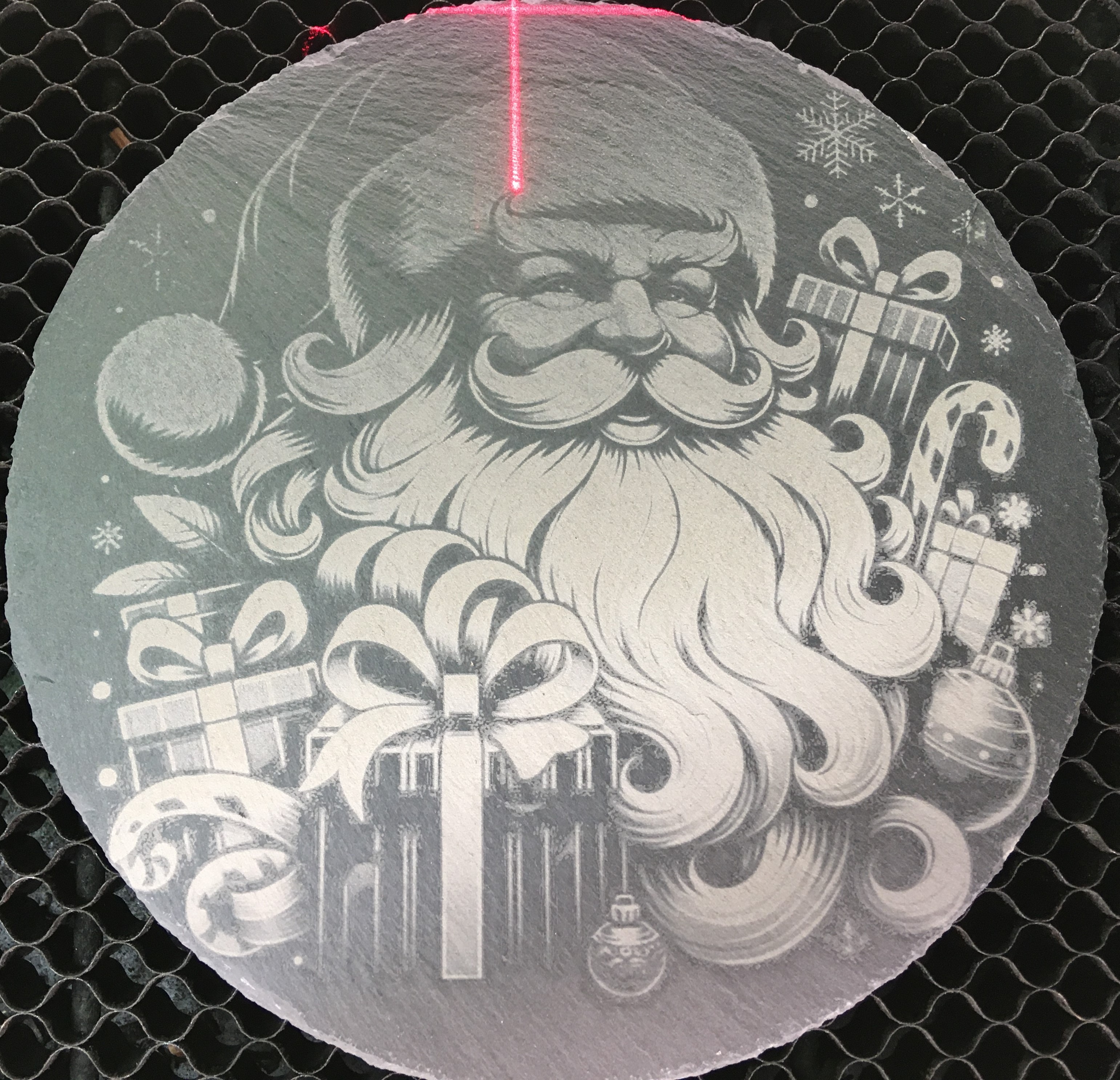
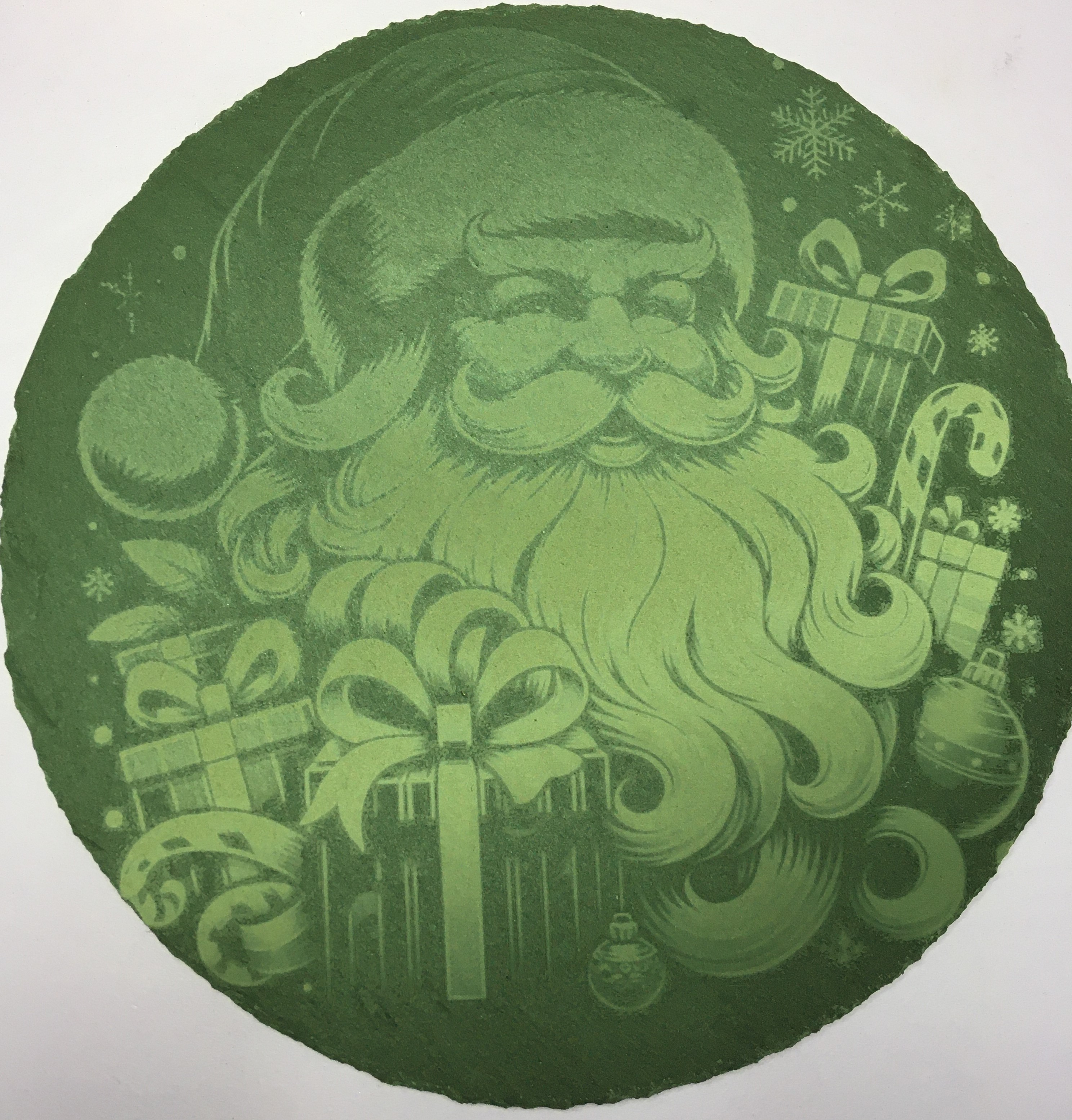
      A tray of sweets Santa with lot of gifts (slate tray).

I used this slate : https://www.action.com/fr-be/p/3002322/plateau-ardoise-absolu-chic/
Instruction
1
Step1: Start you xTool Creative space
Start XCS
2
Step2: Open project
Go to Files -→ open project
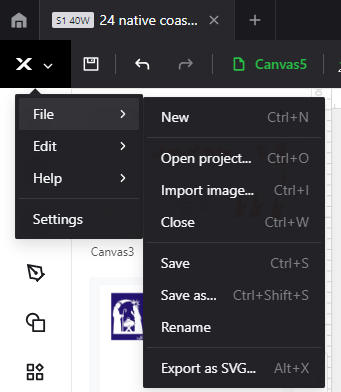
3. select ardoise noel 02.xcs in your drive
3
Step3: Select french or English
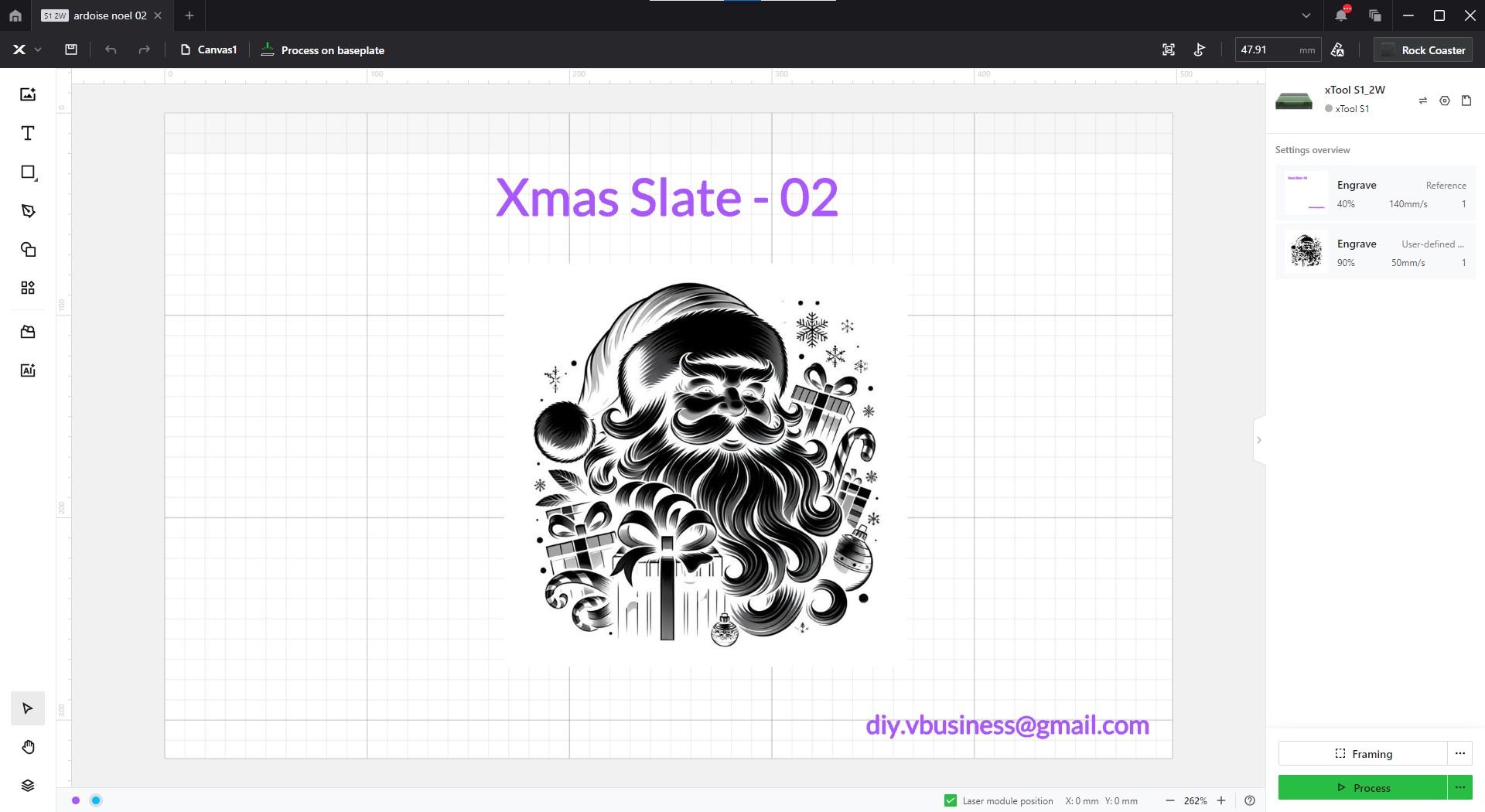
4
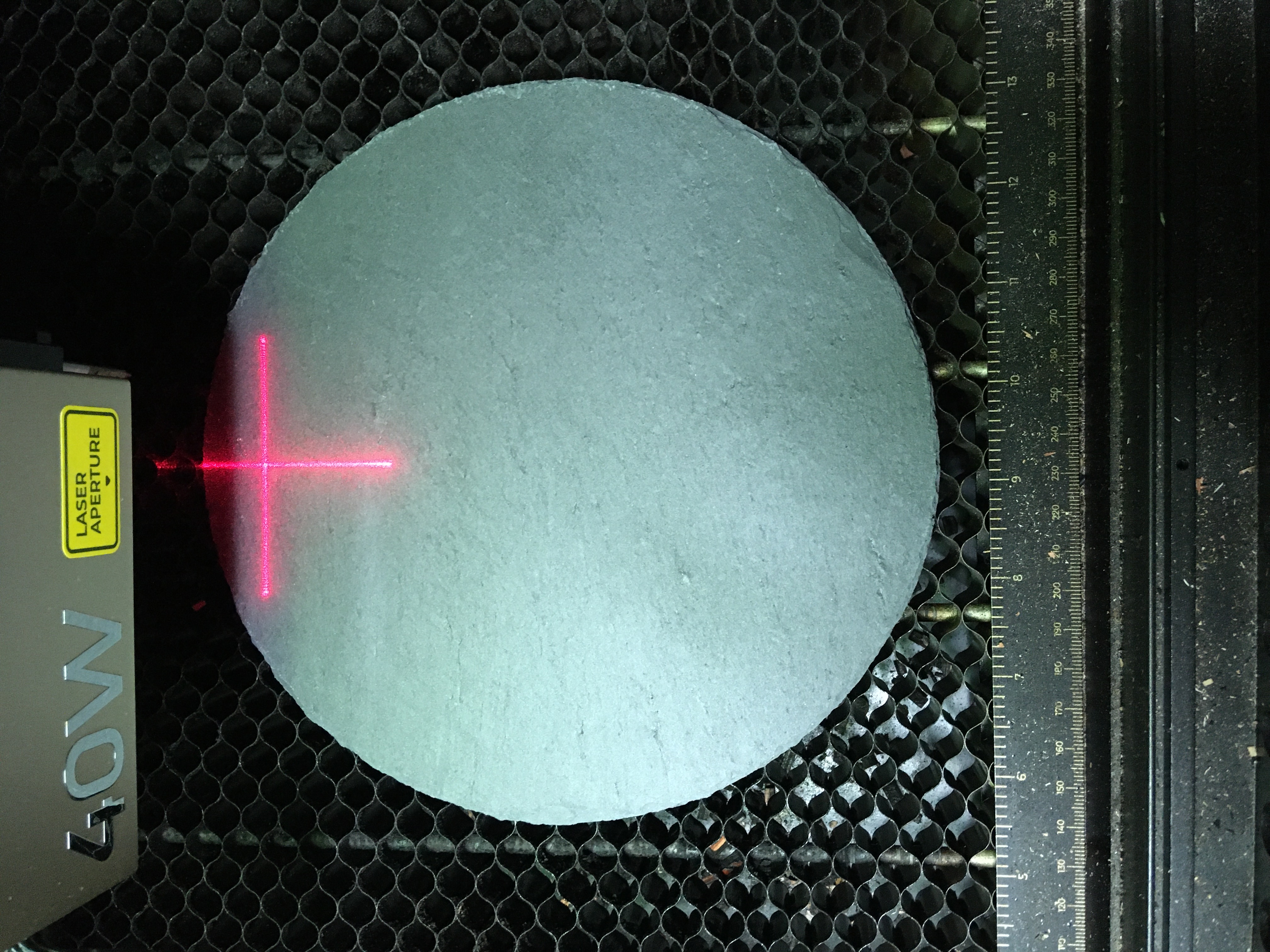
Step4: place slate tray into the machine
place slate tray into the machine
5
Step5: set focus
Set Focus
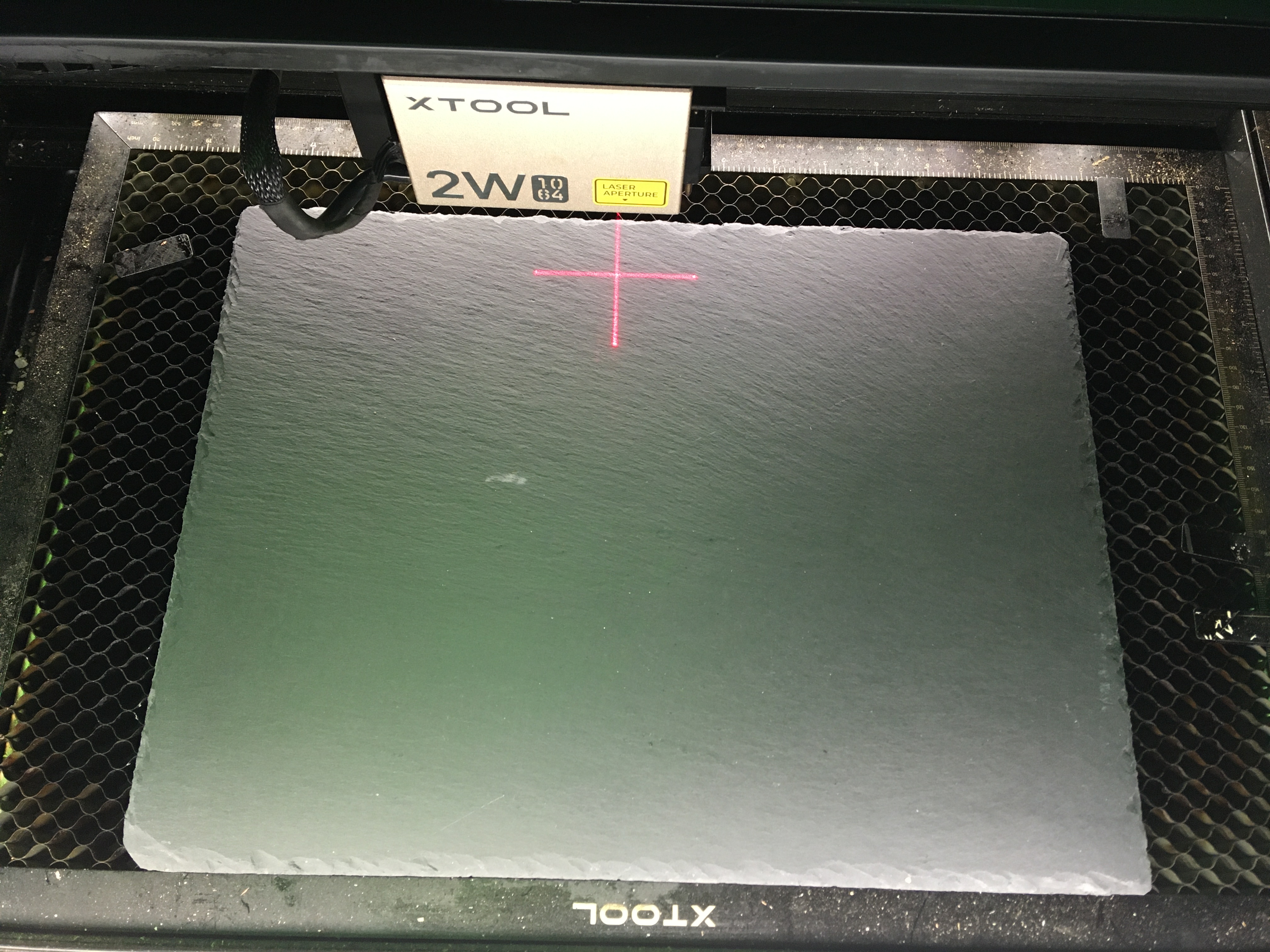
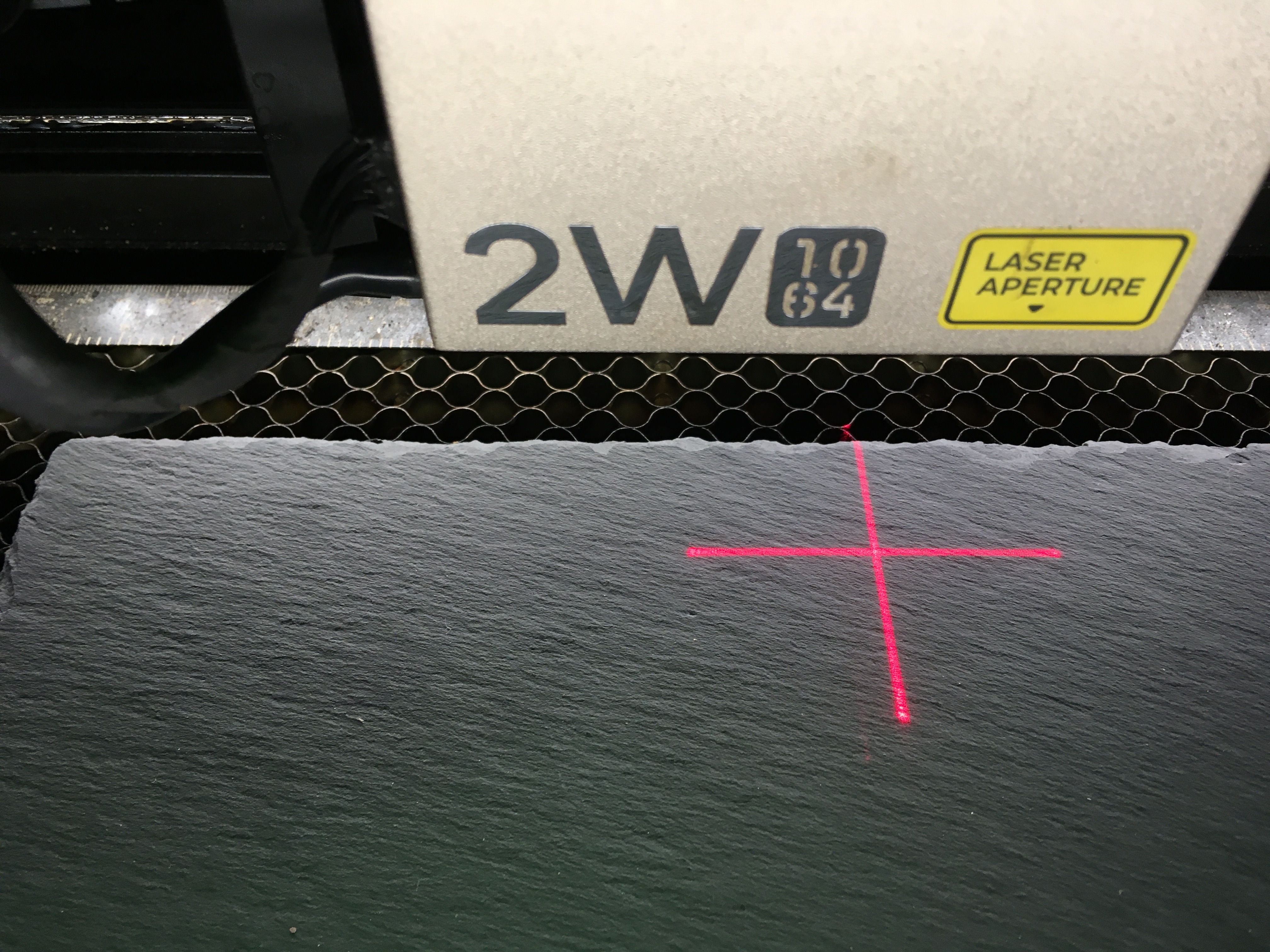
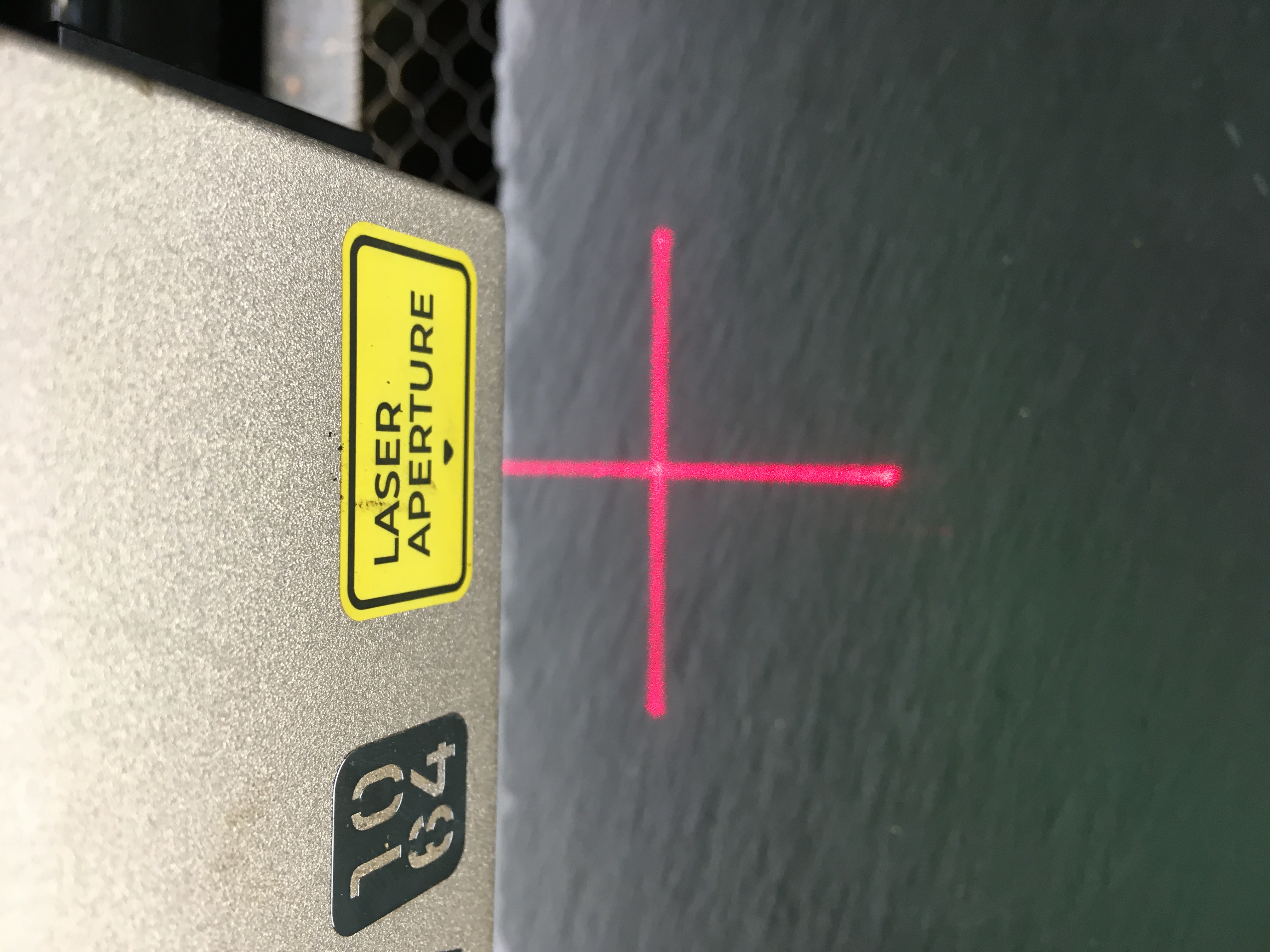
6
Step6: Check Parameters
Check parameters - I used the predefined parameters by selecting Rock Coaster.
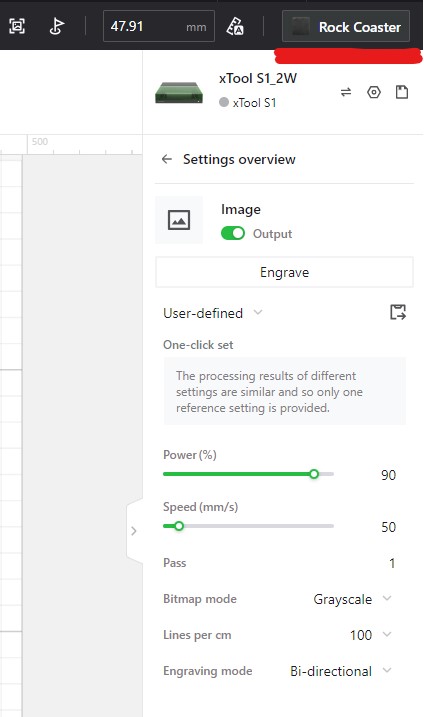
7
Step7: Start Engraving
Start Engraving
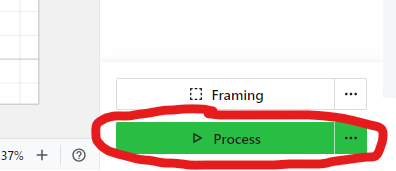
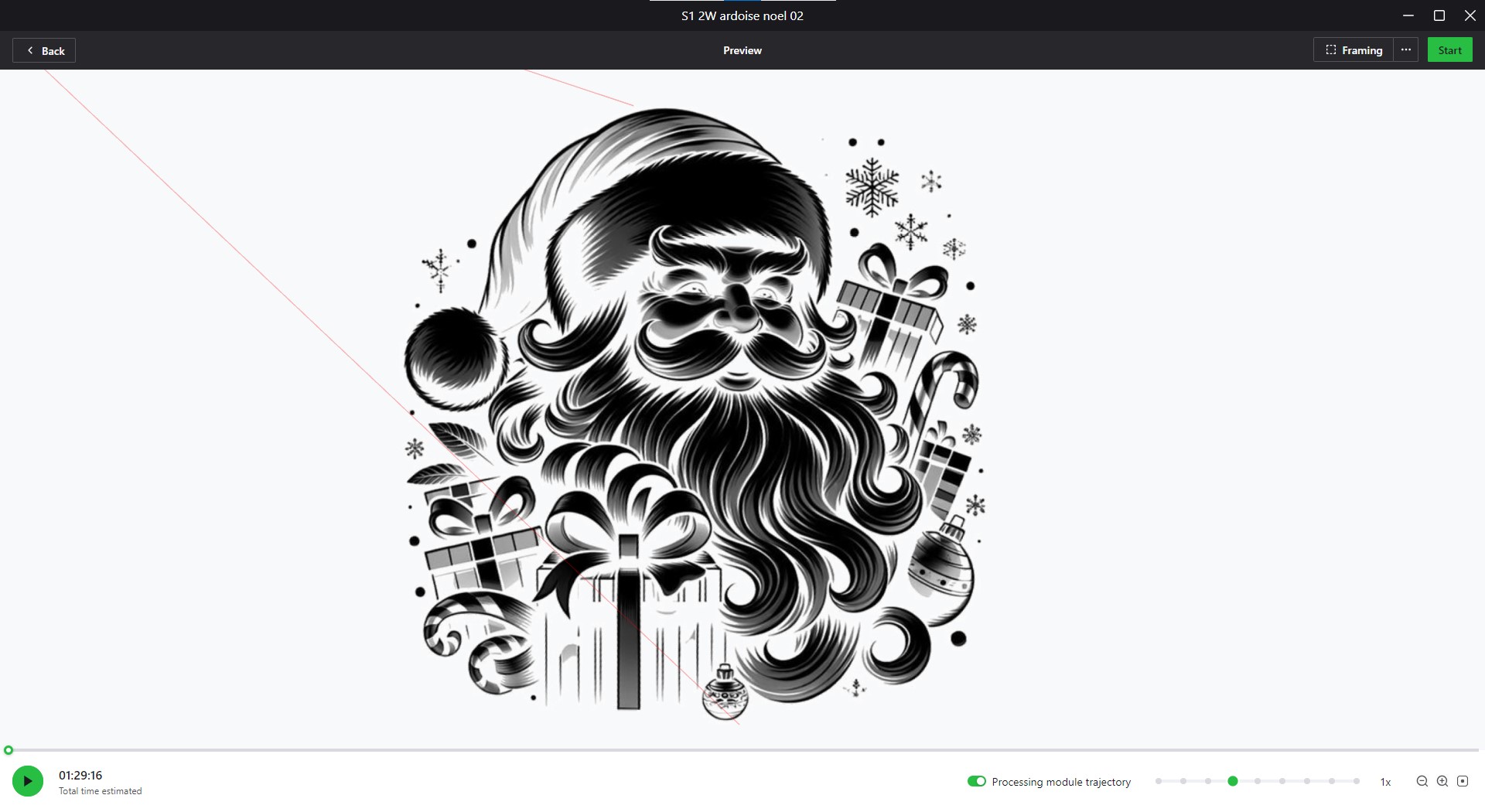
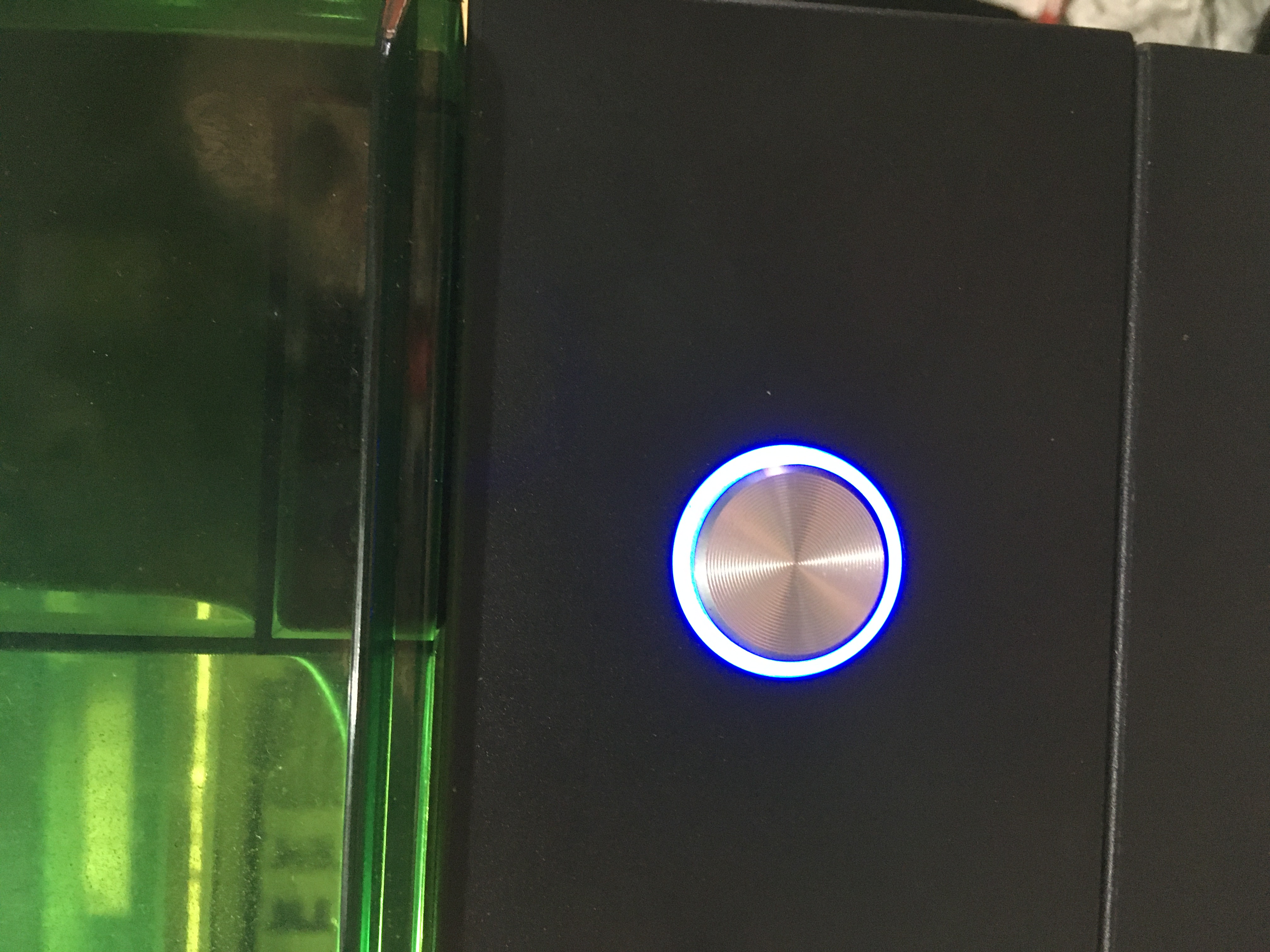
8
Step8: remove from machine
remove from machine.
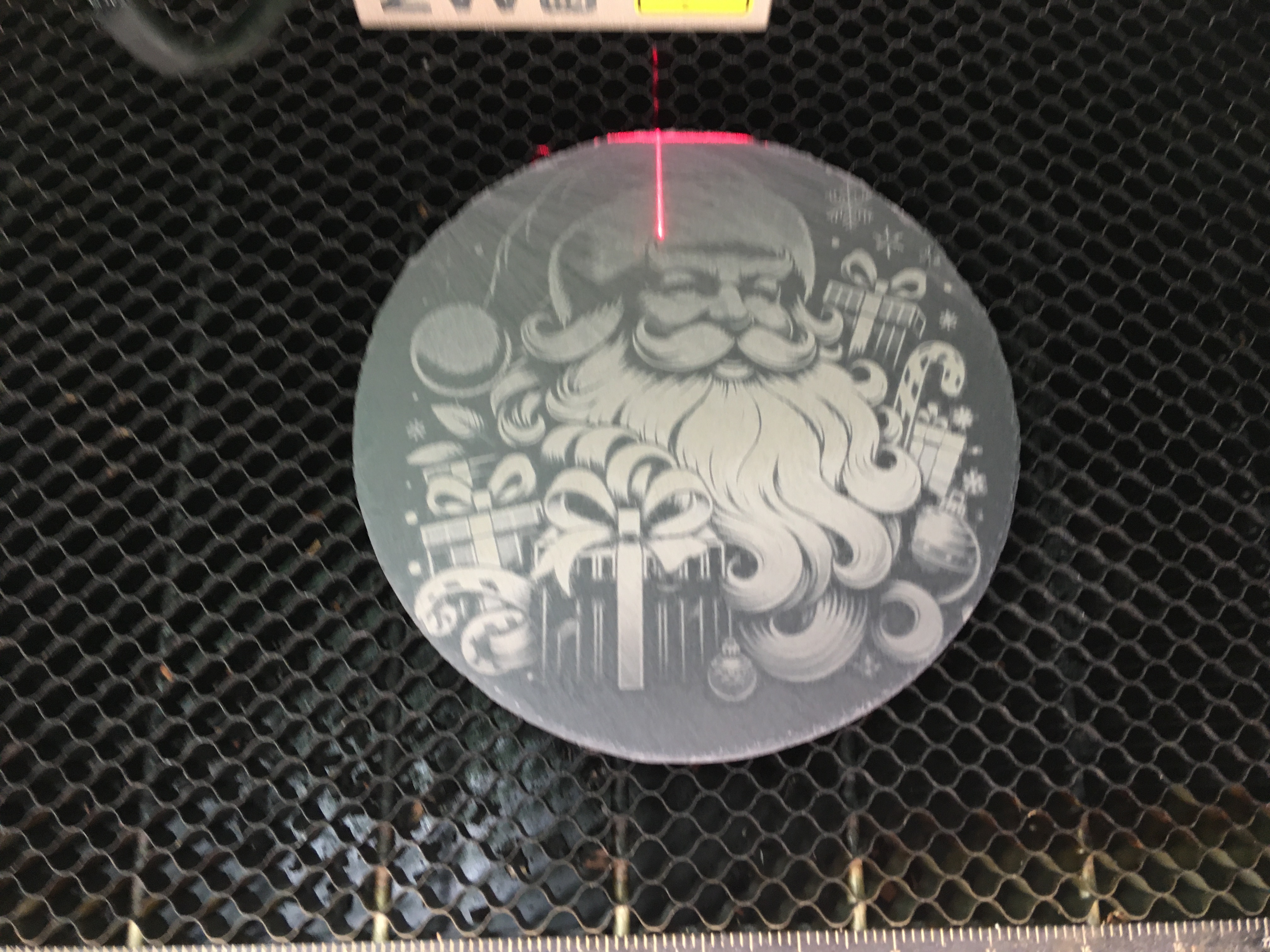
Comments
Remixes



You may also like

Santa Claus Fighting Zombies Artwork on Stone Slate

35
157

Christmas themed engraved coasters with festive designs

734
3115

Santa Wooden Coasters

82
301

CHRISTMAS: Lets be Naughty & Save Santa the Trip Stone Coaster

67
262

Snowflake Coaster with epoxy

20
88

Laser Engraved Santa Claus and Grim Reaper Slate Coaster

2
23

Slate coaster Santa clause skull engraving

63
20

Text Santa Coaster

9
26

$1.98
$1.98
Credits198
24 Xmas Coasters V with personalisation ( laminated parquet panels)

10

Let's Get Naughty Slate Coaster with Festive Decorations

99
468

Vintage Christmas illustration with Santa, reindeer, and snowy village
75
370

santa coaster

5
3

Santa and Mrs. Claus in the workshop embossed slate coaster or brass coin
19
111

Laser Engraved Wooden Santa Claus Christmas Coaster

8
37

Slate Coasters with 'It's Five O'Clock Somewhere'

27
128

Cork Coaster with Santa entering a chimney

1
39

Laser Engraved Wooden Coaster with Santa and Humorous Quote

10
53

Christmas Themed Coasters
211
783