


Description
Key Features
Shape library: Choose from 30 shapes (gift, angel, pram, teddy, teapot, paw, and more).
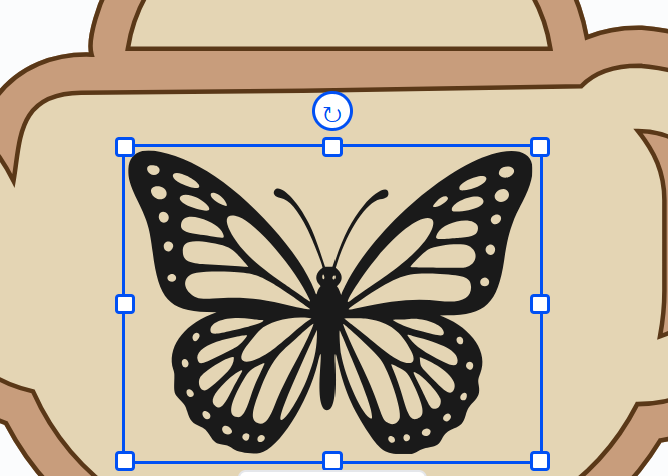
Add your own image: Add image for engraving on the back layer.
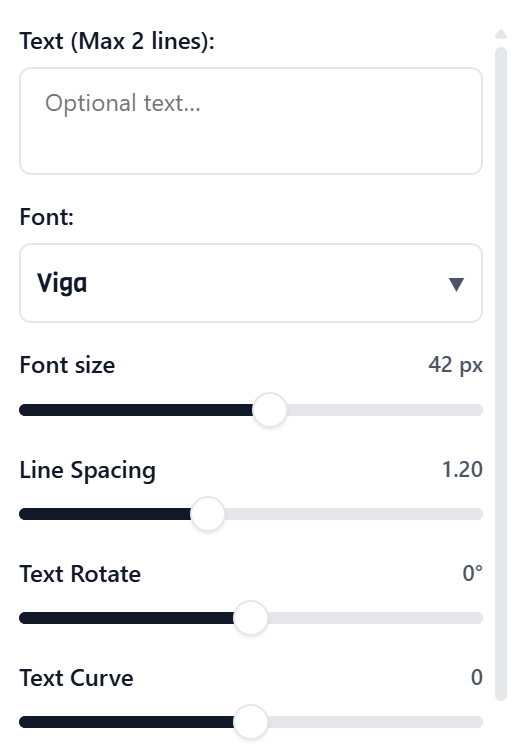
Add text: Enter up to 2 lines - ideal for names & short messages
Text rotation & curve: Rotate and/or curve the text.
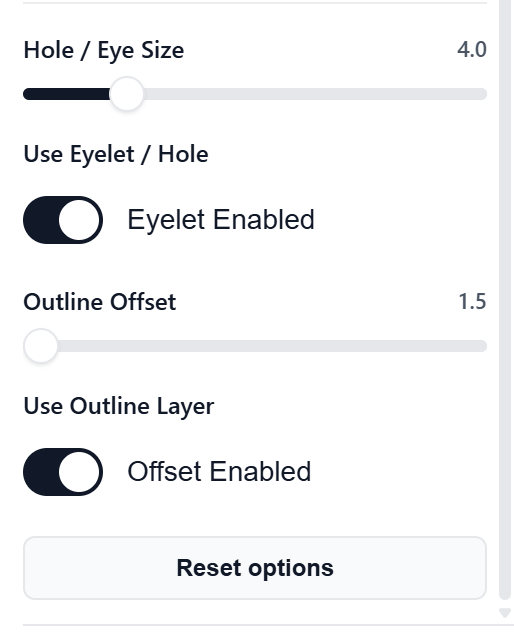
Outline offset: Adjust offset size or toggle the offset from the back layer on or off.
Dual modes: Switch between Visual (realistic preview) and SVG (cut & engrave ready).
Live preview: Zoom, pan and see every change instantly.
SVG export: Download the design or open it directly in xTool Studio.
How to use
Shape and image:
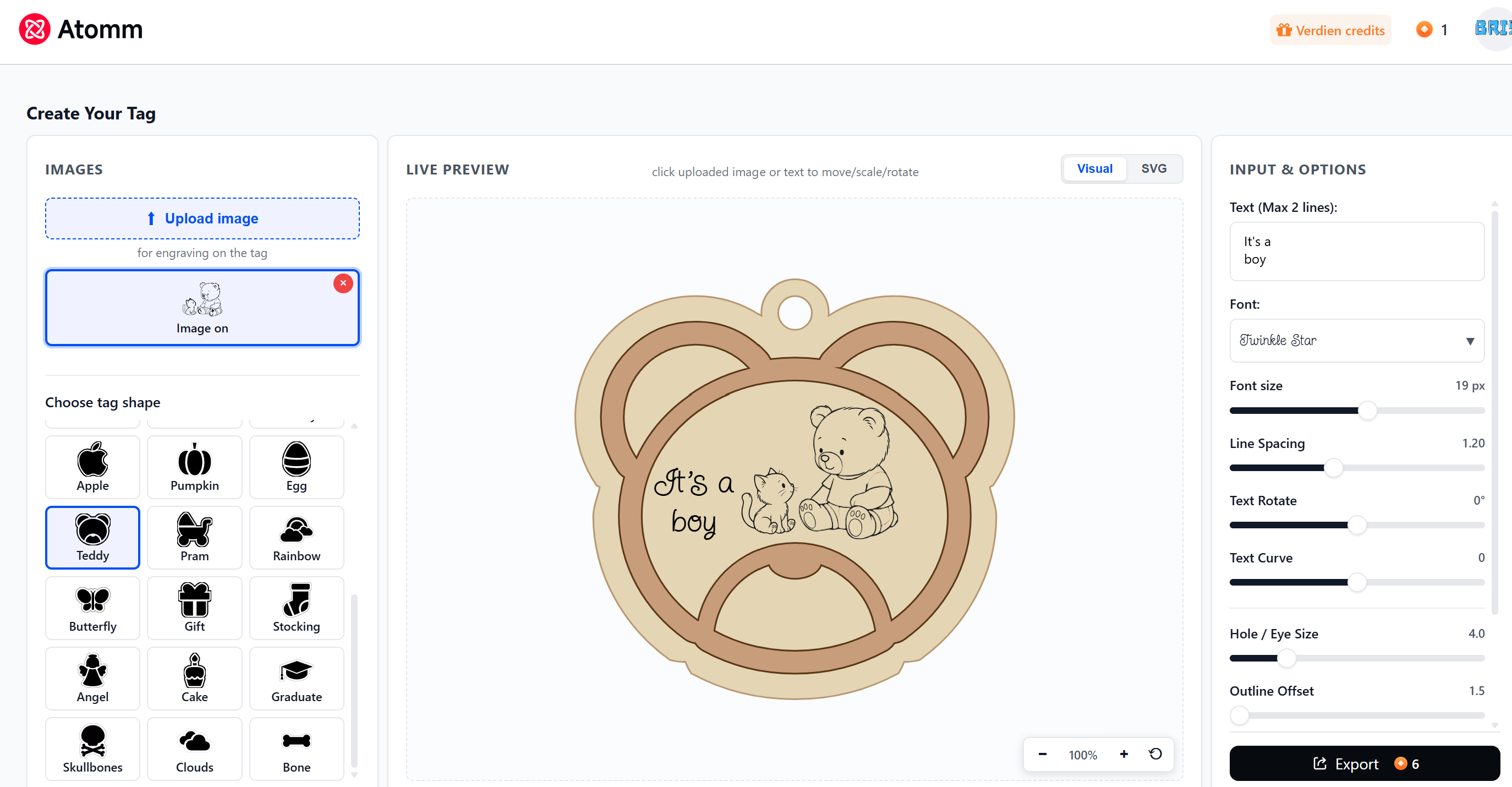
Choose a shape in the left panel.
Optional image upload add to the design for engraving.
Text, eyelet and offset options:
Click Export → Choose Download or Open in Studio.
Open in xTool Studio:
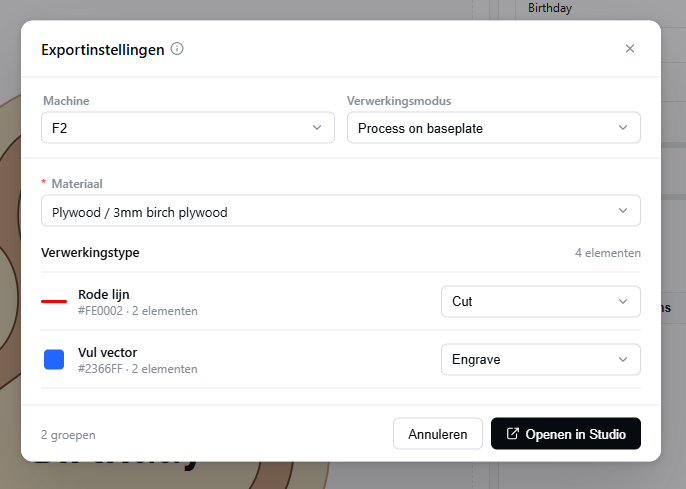
Choose your machine and material and click for Open in Studio
.
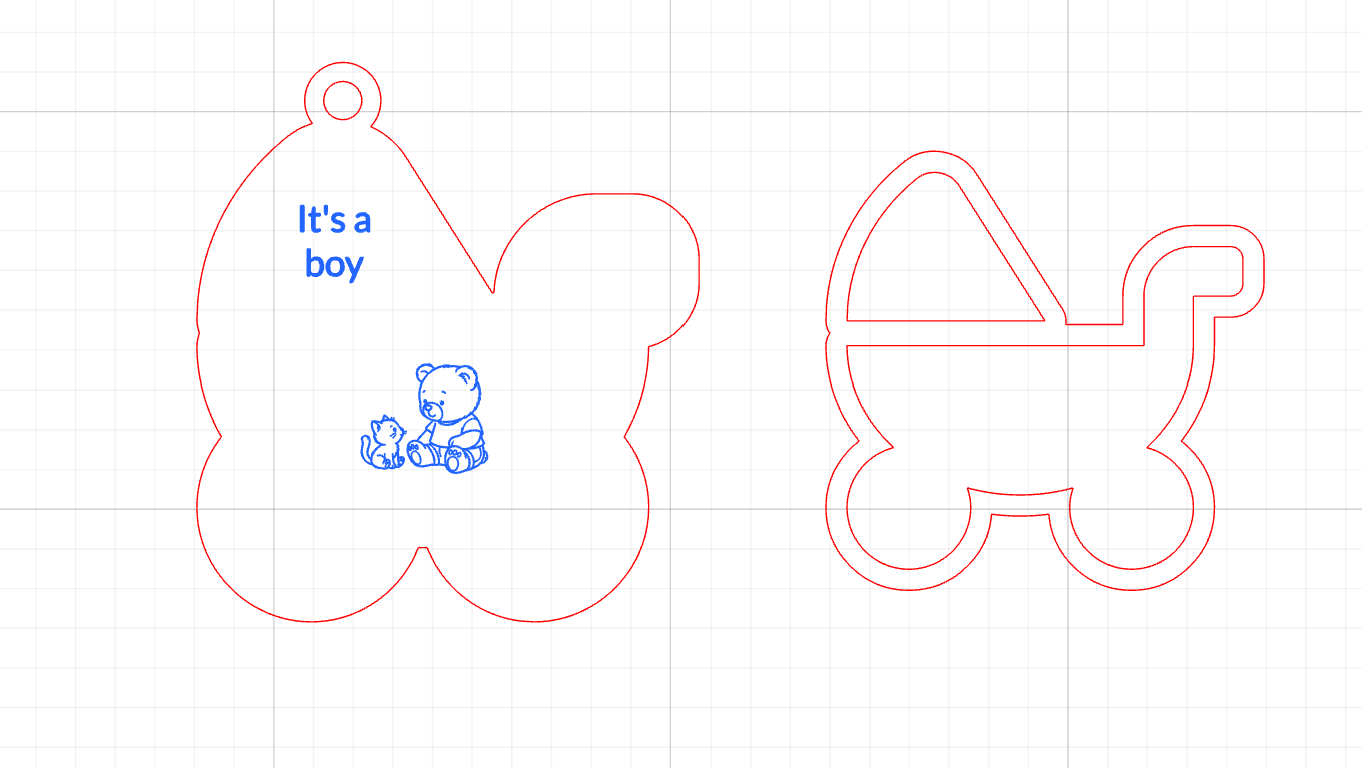
How to process in xTool Studio
The settings are already filled in, adjust if you have your own settings.
Frame (optional) and send the job to your xTool machine.


