
Report
![[Laser cut and engrave] How to mark a power adapter ABS plastic](https://image-res.atomm.com/ali-res/community/making/c04b1a20-3403-491e-8d1c-bd6deabe5961/IMG_7869.JPG?x-oss-process=image/resize,w_1200,h_900,limit_0/interlace,1/format,webp/auto-orient,1)
![[Laser cut and engrave] How to mark a power adapter ABS plastic](data:image/png;base64,iVBORw0KGgoAAAANSUhEUgAAAAoAAAAKCAYAAACNMs+9AAAAAXNSR0IArs4c6QAAABdJREFUKFNjZCASMBKpjmFUId6QIjp4AAppAAuXjCs4AAAAAElFTkSuQmCC)
![[Laser cut and engrave] How to mark a power adapter ABS plastic](https://image-res.atomm.com/ali-res/community/making/c04b1a20-3403-491e-8d1c-bd6deabe5961/IMG_7869.JPG?x-oss-process=image/resize,w_200,h_150,limit_0/interlace,1/format,webp/auto-orient,1)
![[Laser cut and engrave] How to mark a power adapter ABS plastic](https://image-res.atomm.com/ali-res/community/making/cb7e2dbf-0884-4c7f-b8c7-0c783655f1f3/IMG_7869.JPG?x-oss-process=image/resize,w_200,h_150,limit_0/interlace,1/format,webp/auto-orient,1)
How to mark a power adapter ABS plastic
 Instruction
Fairy clock
.jpg
Application scenario
Laser (10min)
Machine & module

xTool D1 Pro
2WMaterial used

PU HTV Vinyl
Plastic

63
3070
Information
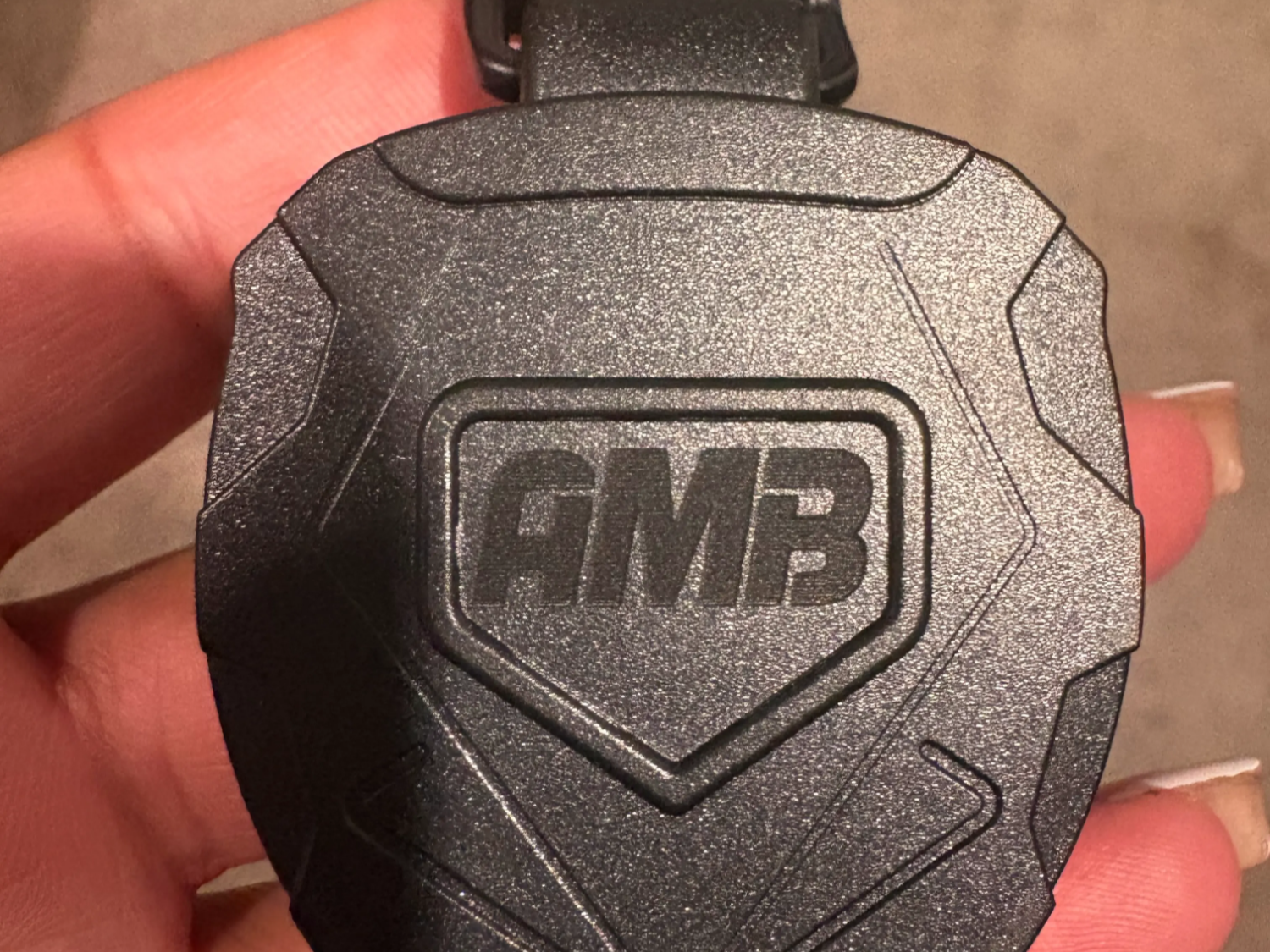
A simple way to mark ABS plastic eg. white adaptor connector, airpod casing includes mac power brick using ir module.
Instruction
1
Step1: From prep to finish in 6 simple steps.
Step 1. Drag the file on XCS canvas. You may edit or resize it.
Step 2. Settings used 80%, 80mm/s and 2 passes.
Step 3.Change the regular diode laser module to ir module.
Step 4. Place the object of laser bed and mode the ir module over the object. Pull down the kick stand to focus(make sure the kick stand in contact with the surface of your object).
Step 5. On the framing screen you may hit the origin to the center and place the laser module ir light over the center of the object. And hit framing make sure its within the object while framing.
Step 6. Hit start and in 10 minutes you are done.
Comments
Remixes


You may also like

white plastic (black making paper)

0
6

Engraving Airpods with F1
58
433

Labeled Charger

2
17

Thanksgivng Plate

6
23
Plastic Badge Holder

0
1

Volume Dial

7
25

Tool Marking

19
42

Personalised Baby Pacifier

73
223

Laser Engraved Charger Adapters with Cartoon Designs

21
152

White case, material like case like iPods

33
441

$0.99
$0.99
Credits99
Laser Engraved Ice and chips Cream Tokens Green Plastic Coins

0

mark your outlet plug

1
0

3D printed parts marking

0
0

Custom Laser Engraved White USB Charger Adapter
7
77

learning how to do pictures with paint.
48
96

Speaker cone cover waveform pattern
7
18

AA battery to C battery adapter

24
56
Low Power

0
2