
Report
![[Laser cut and engrave] Circular maze puzzle on a stand](https://image-res.xtool.com/resource/xtool/community/attachment/xtool-community/be935648-ca31-4414-825a-d89dbdbffca8?x-oss-process=image/resize,w_1200,h_900,limit_0/interlace,1/format,webp/auto-orient,1)
Circular maze puzzle with stand
 Instruction
Maze
.xcs
Application scenario
Laser processing
Machine & module

xTool S1
40WMaterial used

1/8"(3mm) Basswood Plywood

1/4"(6mm) Cherry Plywood

1/8"(3mm) Black Acrylic

1/8"(3mm) Black Translucent Acrylic

1/8"(3mm) Walnut Plywood
.png?x-oss-process=image/resize,m_mfit,w_32,h_32,limit_0/interlace,1/format,webp/auto-orient,1)
1/8"(3mm) Blood Red Acrylic

1/8"(3mm) Blue Mirror Acrylic

1/8"(3mm) Blue Glitter Acrylic

1/8"(3mm) Blue Translucent Acrylic

1/8"(3mm) Blue Turquoise Glow in the Dark Acrylic

1/8"(3mm) Blush Pink Acrylic

1/8"(3mm) Cherry Plywood

1/8"(3mm) Chrome Yellow Acrylic

1/8"(3mm) Dark Green MDF Board

1/8"(3mm) Faux Ebony MDF Board

1/8"(3mm) Fluorescent Blue Translucent Acrylic

1/8"(3mm) Fluorescent Green Translucent Acrylic

1/8"(3mm) Pine Ponderosa Plywood

1/8"(3mm) Red Glitter Translucent Acrylic

220
1242
Information
I made a circular maze puzzle with a stand. Its a fun design, and great gift. in addition its easy , and fast to make.
Instruction
1
Step1: How to make it

Preview
To make these, follow these steps:
- First open the files with the download button.
- Next put your material in your machine, try basswood, or any color of acrylic. Tip: try doing different colors of acrylic for a multicolor design, or paint wood sheets to make for more color in your design. Either way, the result will turn out amazing.
- Now set the design to cut on the material.
- Set your parameters for your machine. acrylic usually takes about ½ the speed of wood, and an extra two passes.
- Cut out the material
- Glue together the multiple layers of the maze, and push them tightly together, or stack some books on the project while the glue dries.
- The design is now made, try experimenting with it. try solving the maze with a marble inside.
Comments
Remixes



You may also like

Pikachu Wooden Bookmark Pokemon

112
1329

Luminous decorative lamp with world cup pattern 2026

3
30

Wooden board game Les Petits Chevaux with board and pawns

38
181

FIFA World Cup trophy wooden keychain

21
296
'/%3e%3cdefs%3e%3clinearGradient%20id='paint0_linear_1433_15752'%20x1='12.5'%20y1='5'%20x2='12.5'%20y2='19.2596'%20gradientUnits='userSpaceOnUse'%3e%3cstop%20stop-color='%232F7FFF'/%3e%3cstop%20offset='1'%20stop-color='%232661F1'/%3e%3c/linearGradient%3e%3c/defs%3e%3c/svg%3e)
Floral Bloom Earrings Set with Leaf and Flower Designs
115
1102
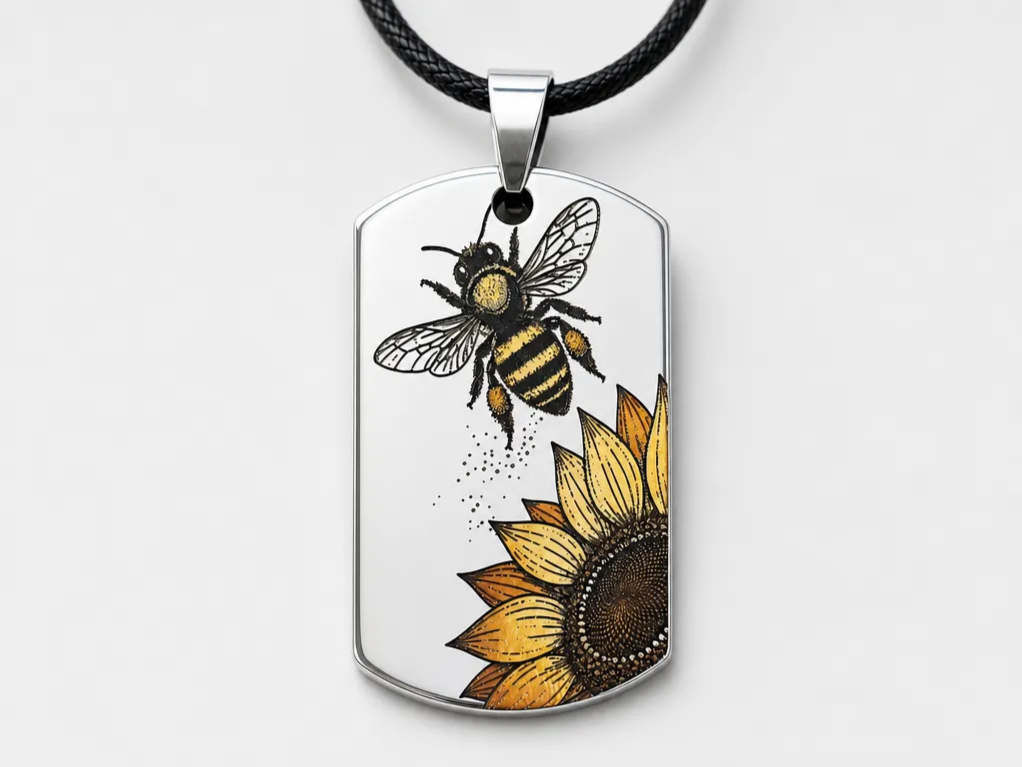
Bee and Sunflower Stainless Steel Dog Tag Pedant Color Engraving Necklace

32
104

Spherical wooden tiered candle holders for tealights

21
105

Wooden Book Lamp with Reading Lights the Way to Endless Adventures Quote
39
158

Ousmane Dembélé Figurine PoP Box with World Cup Trophy
30
139

Memory box
30
76

Raichu Pokemon Wooden Bookmark with Lightning Motif
10
77

Wooden tealight candle holders in the shape of animals

6
37

Tree of Life Circular Hanging Ornament Version 2
.jpg?x-oss-process=image/resize,m_fill,w_240,h_240,limit_0/interlace,1/format,webp/auto-orient,1)
32
234

Illuminated Deer and Forest Scene Shadow Box Lantern for 3mm Material

48
186

Notepad and pencil holder for desk

27
86

Wooden memory game with illustrated cards of farm animals
67
457

Bulbasaur wooden bookmark with floral motif
50
502

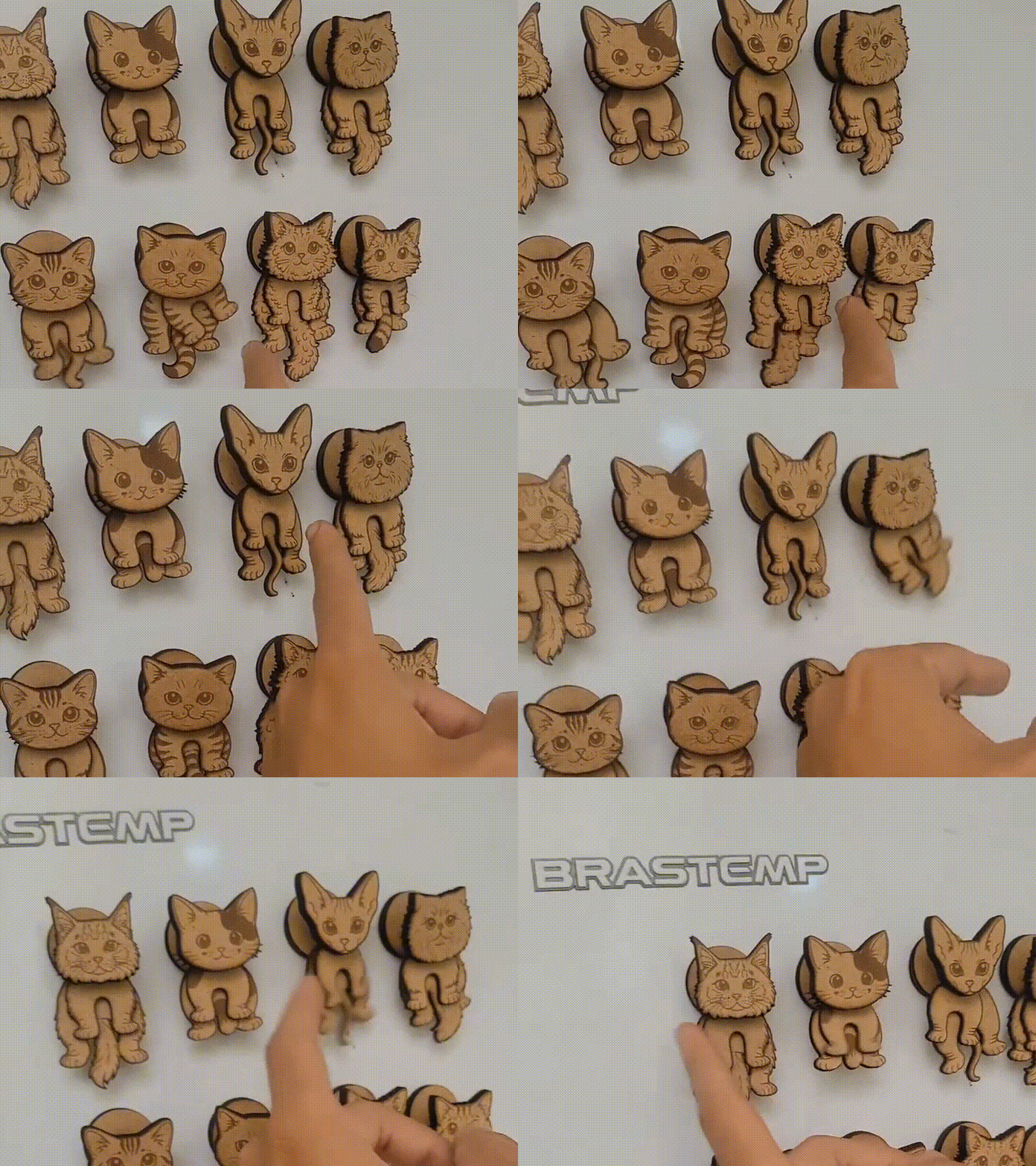
GIF
Magnets Cat With Moving Parts

193
1725