Chrome Text Generator

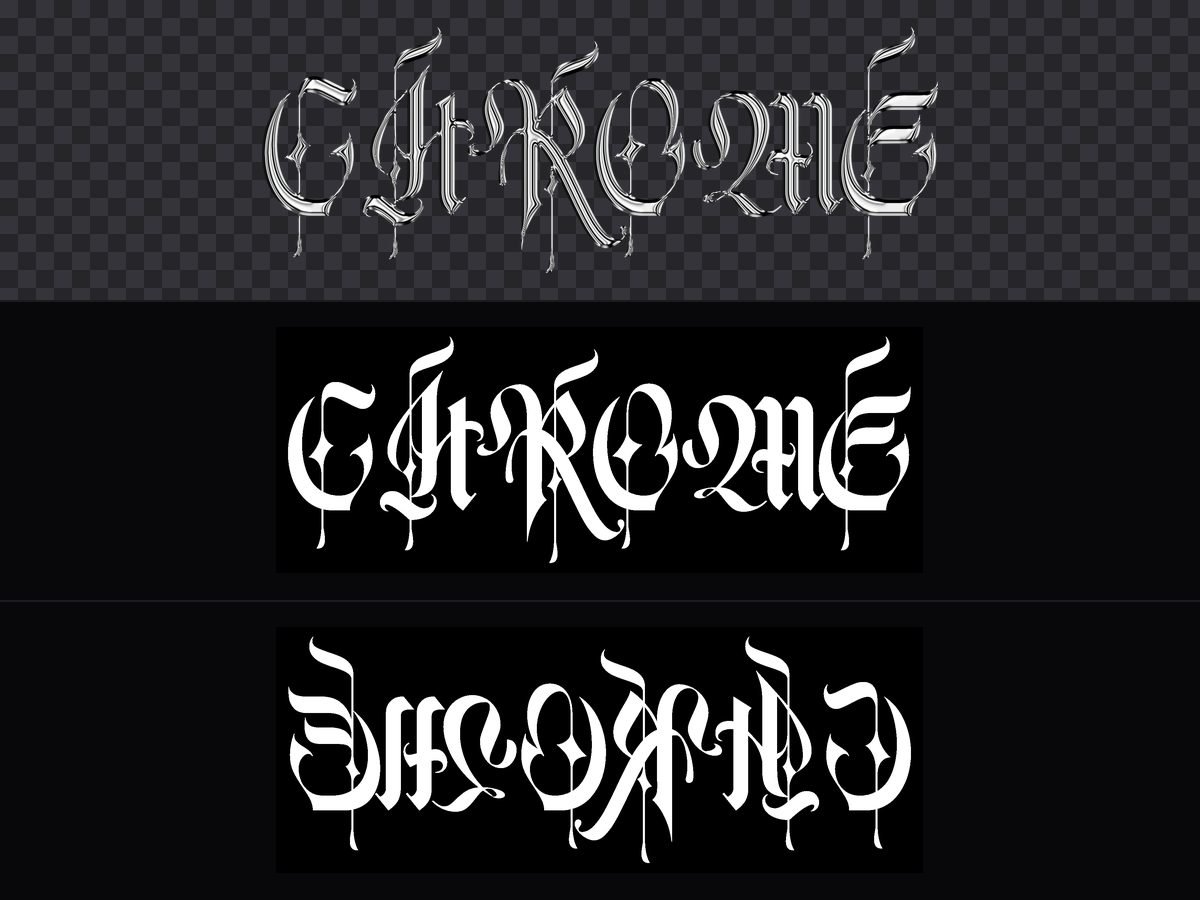
Make chrome text in seconds — 15 metal finishes, 10 display typefaces, and a 300 DPI transparent PNG plus a 16-bit depth map for relief engraving.

gift
6

Description

Type a word, pick a finish, and get real chrome lettering — rendered live with a studio HDRI and a physically based metal shader, not a filter stack. Every export is sized in millimetres, so what you see is what comes off the machine.

What you get

  • Artwork PNG at 300 DPI — transparent background by default, ready for DTF/DTG on garments or UV print on metal and wood.
  • 16-bit grayscale depth map — optional, for 3D relief engraving.
  • A mirrored copy of the depth map — for the back face, so a two-sided carve lines up without flipping the file yourself.

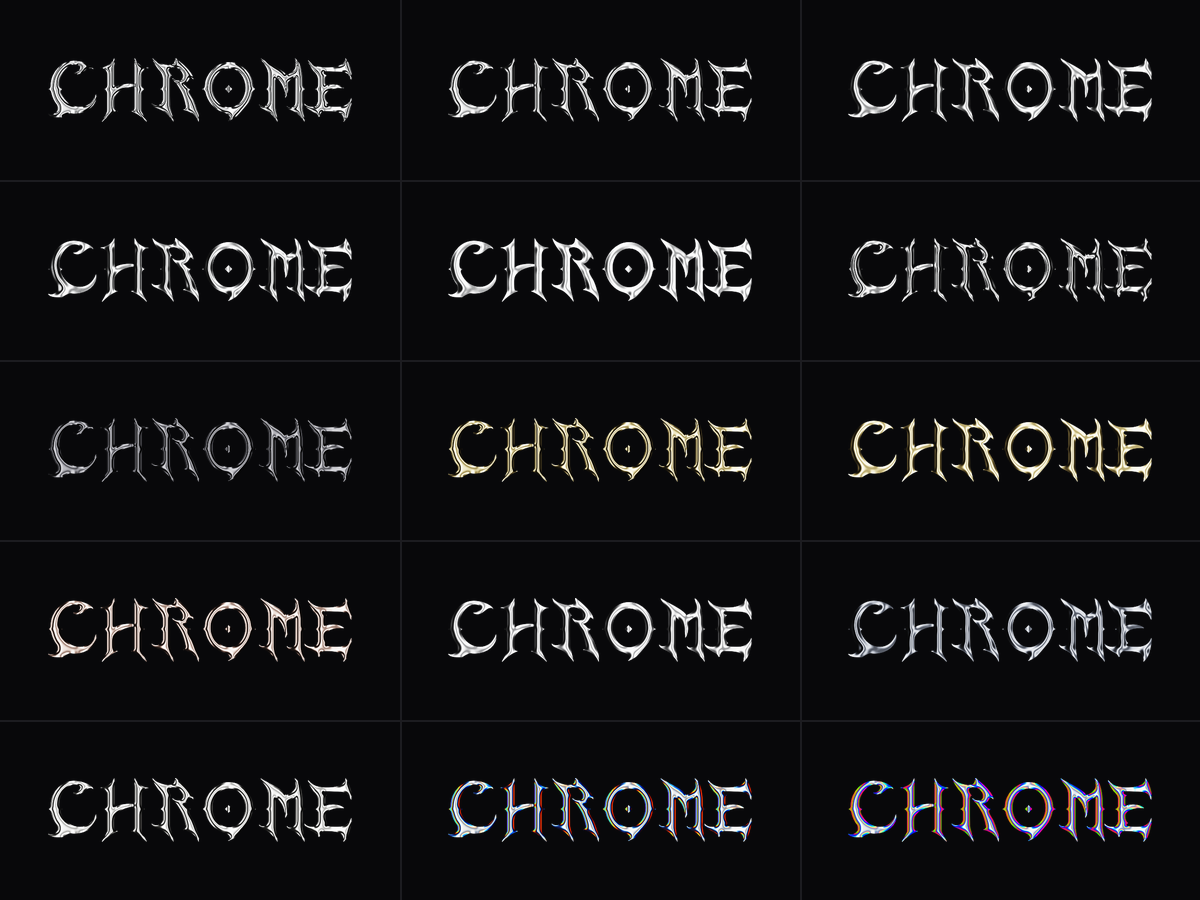
15 finishes

Liquid chrome · Polished chrome · Plate mirror · Sharp chrome · Soft chrome · Deep emboss · Black chrome · Molten gold · Satin gold · Aged copper · Brushed steel · Gunmetal · Bright silver · Rainbow edge · Holo iridescent

Each one is a real material — base colour, roughness and exposure — not a recoloured preset, so they stay distinct on any typeface.

10 display typefaces

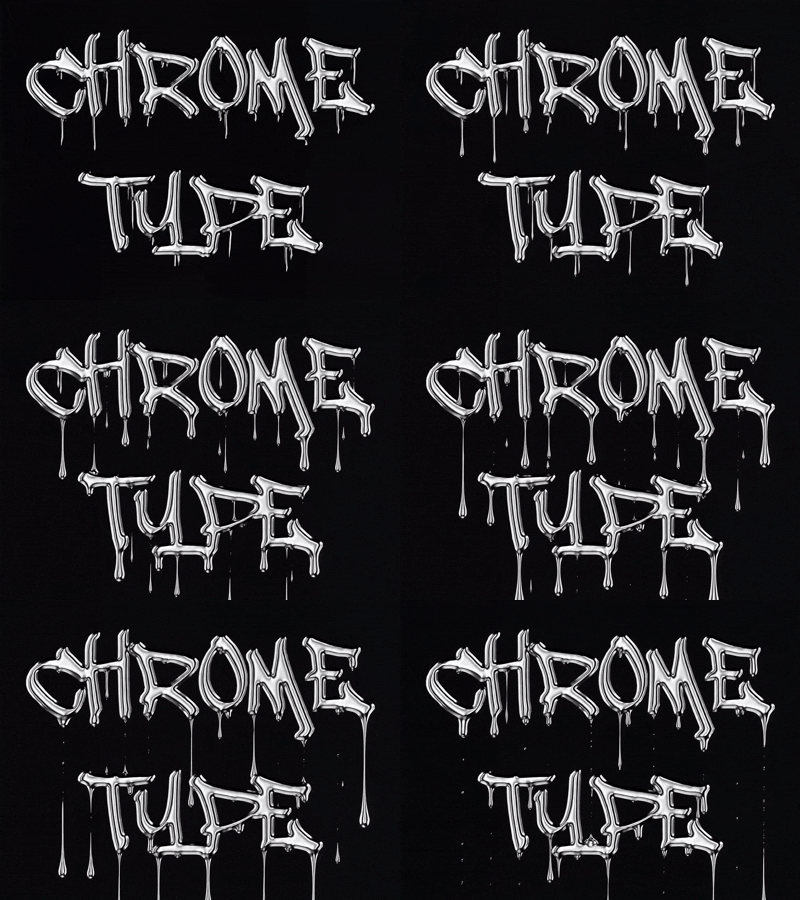
Blackletter Sharp · Blackletter Bold · Spiked Gothic · Wide Display · Vintage Gothic · Plate Serif · Thin Elegant · Street Bold · Drip · Liquid Sans

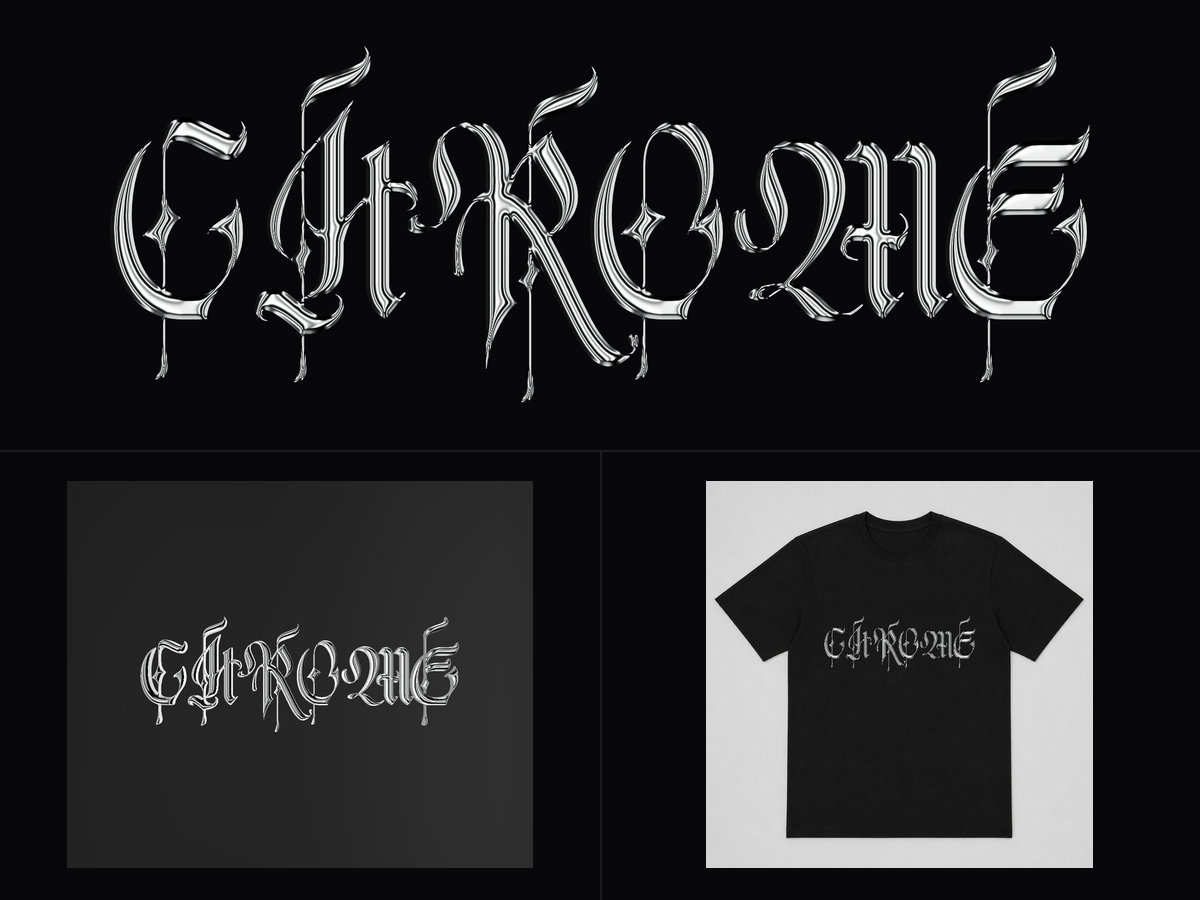
Three previews

  1. Flat — the artwork itself, zoomable, at export resolution.
  2. 3D relief — the depth map as a solid carved piece, carved on both faces. Drag to rotate, right-drag to pan.
  3. On a product — your lettering at true physical scale on a T-shirt, a metal plate or a wood plaque. 280 mm of text on a 560 mm tee looks like 280 mm, so you can judge the size before you print.

How to use it

  1. Type your text. Set cap height in millimetres — this is the real finished size, not a preview scale.
  2. Pick a finish on the left, a typeface underneath it.
  3. Fine-tune the bevel (6 profiles, from a rolled dome to a carved scoop), the lighting and the reflection.
  4. Switch to On a product to check the size against the real thing.
  5. Export.

Notes

  • Text is set in capitals by default — several of the display faces are caps-only, and small caps in a heavy chrome bevel are unreadable anyway.
  • The depth map's grey range is deliberately narrow. A full 0–255 map assumes the material ablates across its whole power range, which is exactly why full-range depth maps engrave flat.
  • No vector cut path is exported — this tool makes surface artwork, not cut lines.


Comments