
Key Takeaways
- WEBP to SVG converts a WEBP image — Google's modern web format — into a scalable vector by tracing it into SVG paths.
- You'll often have a WEBP because you saved it from a website; converting it to SVG makes it editable and resizable.
- A browser vectorizer handles WEBP directly — upload, trace, and download the SVG for free.
- As with any conversion, simple logos and graphics convert best; photos don't.
WEBP is Google's modern image format — it packs great quality into a small file, which is why so many websites now serve WEBP. The downside shows up the moment you download one and try to reuse it: like PNG and JPG, a WEBP is made of pixels, so it can't scale up without blurring, and some older design tools won't even open it.
Converting a WEBP to SVG solves both problems at once — it turns the image into universal, math-based vector paths that stay sharp at any size and open anywhere. That makes a WEBP logo or icon editable, future-proof, and ready for cutting and engraving. Below we explain what converts well, what you need, and five ways to convert a WEBP to SVG, starting with Atomm's free browser vectorizer.
Why Do We Need to Convert WEBP to SVG?
Converting isn't about the file for its own sake — it's about what a vector lets you do that a WEBP can't:
- Scale without blur — the SVG stays razor-sharp at any size.
- Universal compatibility — an SVG opens in any browser and design tool, unlike WEBP in some older software.
- Cut and engrave — vector paths are what a machine reads for laser engraving and vinyl work.
- Editable and tiny — for flat graphics, the vector is small and fully editable.
What Do We Need to Convert WEBP to SVG?
You only need a few free things:
- A source WEBP — a flat logo, icon, or graphic converts best.
- A vectorizer — an online tracer that accepts WEBP, or a desktop tool; compare the best image vectorizers here.
- Optional: a cutting machine — the SVG feeds straight into laser or vinyl software.
Method 1: How to Convert WEBP to SVG with Atomm Image Vectorizer
Atomm's Image Vectorizer is a free, browser-based tracer that turns a WEBP into a clean SVG with no signup and no watermark. It offers Standard tracing for fast, high-contrast results and Advanced tracing for fine detail.
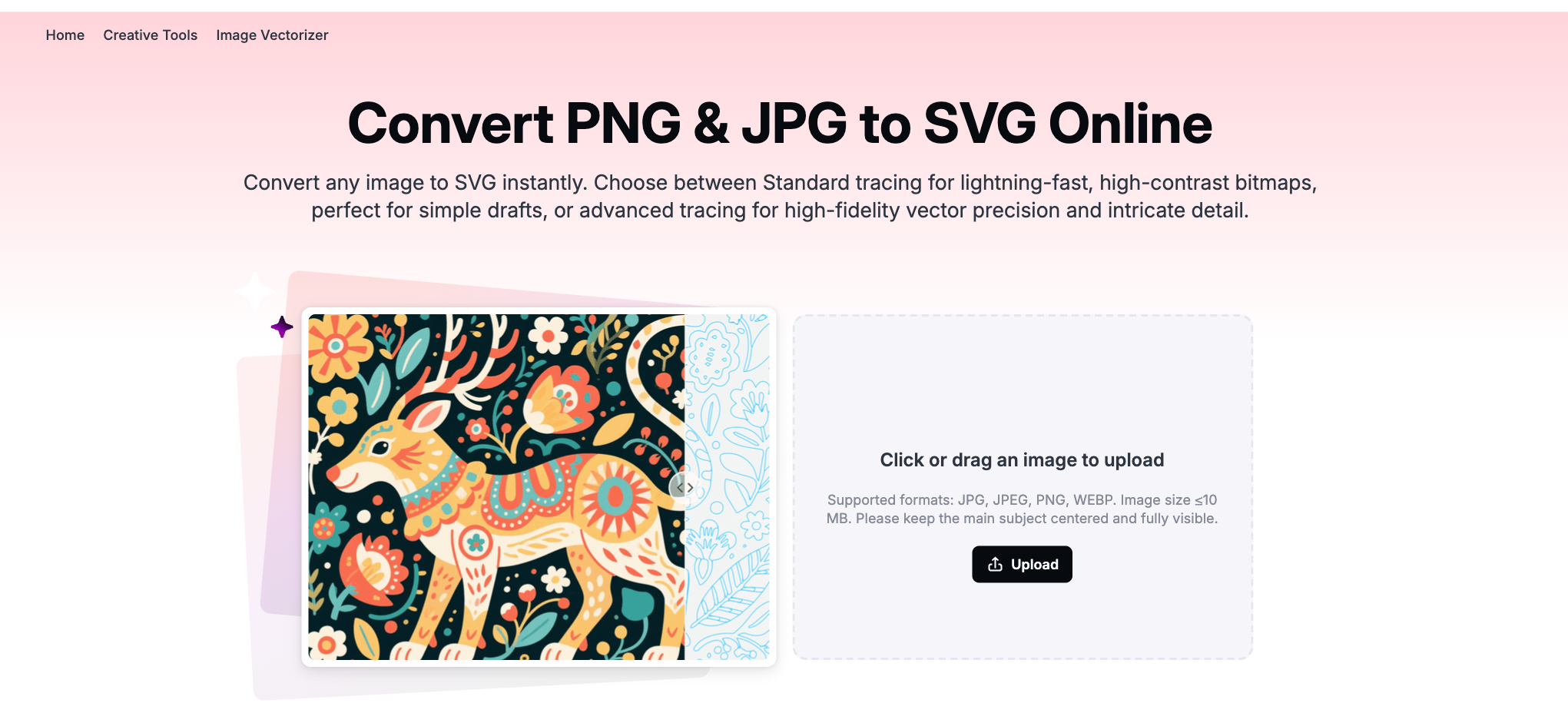
- Open Atomm Image Vectorizer and drag in your WEBP.
- Choose Standard tracing for flat logos or Advanced for detailed art.
- Run the conversion and check the edges at a large zoom.
- Download the SVG — ready for design software, the web, or a cutting machine.
Method 2: How to Convert WEBP to SVG with Vectorizer.AI
Vectorizer.AI is a dedicated AI tracer that outputs clean SVG, PDF, EPS, and DXF — a strong pick when you want the highest-fidelity trace of a WEBP.

- Open Vectorizer.AI and upload your WEBP.
- Let it auto-trace, then adjust the detail and color settings.
- Preview the vector result.
- Download as SVG (or DXF for cutting).
Method 3: How to Convert WEBP to SVG with Vector Magic
Vector Magic is known for clean, full-color auto-tracing with a simple guided workflow, so it handles a WEBP with a few colors well.

- Open Vector Magic and upload your WEBP to the online tool.
- Choose automatic or step-by-step tracing.
- Review and fine-tune the vector preview.
- Download as SVG, EPS, or PDF.
Method 4: How to Convert WEBP to SVG with SVGcode
SVGcode is a free, open-source browser app that vectorizes a WEBP with adjustable color, speckle, and threshold controls — nothing to install.

- Open SVGcode and drop in your WEBP.
- Adjust color mode, speckle suppression, and threshold.
- Preview until the outline is clean.
- Save the SVG.
Method 5: How to Convert WEBP to SVG with Recraft
Recraft is an AI design tool with vectorization built in, so you can turn a WEBP into a vector and keep refining it in the same workspace.

- Open Recraft and import your WEBP.
- Use its vectorize / image-to-SVG option.
- Adjust the result and colors.
- Export the vector.
Tips for the cleanest result
- Start with the highest-quality WEBP you have — more detail gives the tracer sharper edges to follow.
- Flat colors beat gradients — simple, solid-color art vectorizes most cleanly.
- Skip photographs — continuous-tone photos posterize; vectorizing is for logos, icons, and line art.
- Zoom in before you download — check the paths are smooth and closed, especially if you'll cut the file.
Converting a different file? See PNG to SVG, JPG to SVG, or the general image-to-SVG walkthrough.
Convert your WEBP to SVG, freeUpload a WEBP and Atomm's AI Image Vectorizer traces it into a clean, scalable SVG in seconds — no signup, no watermark.Try the Image VectorizerFrequently asked questions
How do I convert a WEBP to SVG?
Upload the WEBP to a vectorizer that supports it, such as Atomm's Image Vectorizer, choose a tracing mode, and download the SVG. It's free and works in the browser. Because the tool reads WEBP directly, you don't need to convert the file to PNG or JPG first.
Do I need to convert WEBP to PNG before making an SVG?
No, not with a modern vectorizer. Tools like Atomm's Image Vectorizer accept WEBP alongside JPG and PNG, so you can trace it to SVG in one step. Converting to PNG first is only necessary with older tools that don't recognize WEBP.
Why would I have a WEBP file?
WEBP is a modern image format from Google that many websites now use because it's smaller than JPG or PNG at similar quality. If you save an image from a web page, it often downloads as a WEBP. Converting it to SVG makes it editable and scalable for design or cutting.
Does WEBP to SVG work on photos?
Only as a stylized effect. Vectorizing turns flat graphics and line art into clean paths, so a photographic WEBP becomes a simplified, posterized image rather than a detailed copy. For logos, icons, and simple graphics saved as WEBP, the conversion works well.
Is WEBP to SVG conversion free?
Yes. Browser-based vectorizers such as Atomm's convert WEBP to SVG for free with no signup, and free desktop tools can handle it after a quick format step. Paid tools add higher-fidelity tracing for complex images if you need it.
In short: converting a WEBP to SVG turns a modern, compact web image into an editable, scalable vector — and a good vectorizer reads WEBP directly, so it's a one-step job. Ideal when you've saved a logo or icon from a site and need it in your design or cutting software.
