
Key Takeaways
- A laser machine uses a focused laser beam to cut, engrave, mark, or weld a material.
- By function, the types are cutters, engravers, markers, and welders.
- By laser source, the types are diode, CO2, fiber, and UV.
- Uses run from personal DIY and signage to industrial sheet-metal and medical work.
- To choose, start with your main job: metal → fiber, thick cuts → CO2, wood detail → diode.
A laser machine is a tool that focuses a laser beam onto a material to cut it, engrave it, or mark it. You load a digital design, the laser follows the path, and the beam removes or changes the surface. Makers use them to produce signs, jewelry, models, and personalized gifts from wood, acrylic, leather, and metal.
What is a laser machine?
A laser machine turns a digital design into a physical result. Software sends your file to the machine. A laser head moves across the material and fires a concentrated beam of light. That beam heats a tiny spot, so the surface either vaporizes, melts, or changes color — following your design exactly.
The term "laser machine" covers the whole family: hobby desktop units, professional systems, and everything between. What they share is the core idea — precise, contactless work driven by software instead of blades or bits.
Laser machines by function
The clearest way to sort laser machines is by the job they're built for. Many desktop models cover more than one, but each function has a specialist.
- Laser cutters slice all the way through a sheet with high power and slower speed. They're the choice for making parts from wood, acrylic, and metal. See our guide to the laser cutter.
- Laser engravers use lower power to mark the surface with art, text, or photos, without cutting through. They're about detail and customization. See our guide to the laser engraver.
- Laser markers create permanent identifiers on metal and plastic — serial numbers, barcodes, logos — often by changing the surface color rather than removing material. They're common in manufacturing.
- Laser welders fuse metal parts together with a focused beam instead of a filler rod. They're an industrial tool for fast, clean joins.
Because one machine can often cut, engrave, and mark, a laser is among the most flexible tools a maker can own. You prep the file — a tool like Atomm's Laser Prep helps — then let the settings decide the job.
Laser machines by laser source
Machines are also grouped by their laser source. The source decides what you can work with and how much you'll spend.
Diode laser
Affordable and compact, diode machines are the most popular home choice. They engrave and cut wood, leather, and acrylic, but can't mark bare metal without help. A great, low-cost entry point.

CO2 laser
A CO2 laser uses a gas tube and is the workhorse for cutting. It powers through thick wood and acrylic, and works on glass, fabric, and paper too. Not for bare metal.

Fiber laser
Fiber machines are built for metal. A fiber laser marks and cuts steel, aluminum, and brass with fine detail. It isn't suited to thick wood or acrylic.

UV laser
A UV laser is a "cold" laser for ultra-fine work on glass, plastic, and delicate surfaces, with almost no burning. It's the specialist for premium detail.

From DIY to industry: what laser machines are used for
The same core technology scales across very different worlds:
- Personal and DIY — desktop diode and CO2 machines make gifts, home decor, models, and craft projects from wood, acrylic, and leather.
- Small business and signage — makers run short production batches: custom signs, engraved tumblers, jewelry, and personalized products.
- Industrial manufacturing — high-power fiber and CO2 systems handle sheet-metal fabrication, part marking, medical-device engraving, and electronics — where speed, repeatability, and traceability matter.
Materials span wood, acrylic, leather, glass, slate, paper, fabric, and — with a fiber or UV laser — metal. Match the machine to the materials and volume you work with most.
How to choose a laser machine
The first step is to start with your job, not the machine. Decide what you'll make most, and the right laser type follows. This table maps common goals to the laser type and an example machine:
| Your main job | Best laser type | Example machine |
|---|---|---|
| Engrave & cut wood, acrylic, leather | Diode | xTool S1 |
| Cut thick wood & acrylic fast | CO2 | xTool P2 |
| Mark & cut metal | Fiber | xTool F1 Ultra |
| Color-mark stainless steel | MOPA fiber | xTool F2 Ultra |
| Ultra-fine detail on glass & plastic | UV | xTool F2 Ultra UV |
After the laser type, weigh three more things: work area (are your parts big?), enclosure and filtration (safer, cleaner at home), and budget (diodes start low; CO2 and fiber cost more). Here are three xTool machines that cover the most common needs. For a wider, multi-brand comparison, see our roundup of the best laser machines.
xTool S1
Best all-rounder
The xTool S1 is a fully enclosed diode laser — one of the safest, most versatile ways to start. The cover, class-1 safety rating, and auto-focus keep setup simple.
It cuts and engraves wood, acrylic, and leather, and an optional infrared module adds metal marking. A great first machine that grows with you.
xTool S1: the do-it-all diode pick that grows with your skills.
xTool P2
Best for cutting
The xTool P2 is a 55W CO2 machine built for power. It cuts acrylic up to 20 mm and black walnut up to 18 mm, with fast, polished edges.
A large bed and dual 16MP cameras make placement and batch work easy. For serious cutting of wood and acrylic, it's the desktop benchmark.
xTool P2: the desktop CO2 benchmark for fast, clean cuts.
xTool F1 Ultra
Best for metal
The xTool F1 Ultra pairs a 20W fiber laser with a 20W diode laser. The fiber side handles metal; the diode side covers everyday materials, so one machine does both.
At speeds up to 10,000 mm/s, it's fast and portable — a favorite for jewelry, tags, and small metal parts.
xTool F1 Ultra: the dual-laser pick for metal plus wood and acrylic.
Laser machine project ideas to try
Here's a taste of what makers create with laser machines — each Atomm community project comes with a free, ready-to-make file.
Wooden dragon hair stick
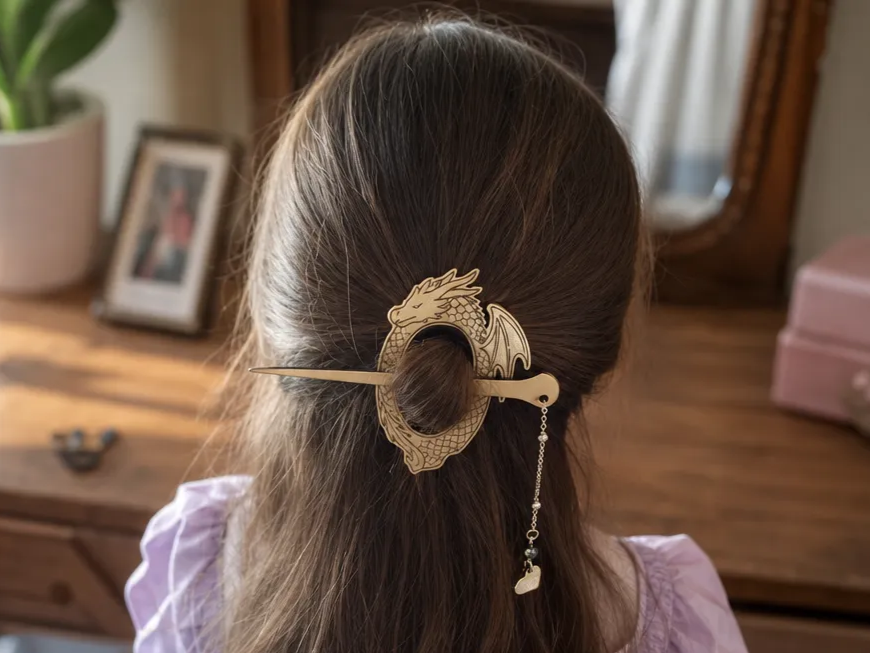
This fantasy dragon hair holder shows off fine cut detail on thin wood. Delicate, curvy shapes are exactly where a laser beats a blade. Cut it, sand lightly, and finish with oil for a wearable piece in two sizes.
Get this design free →3D tropical LED lightbox
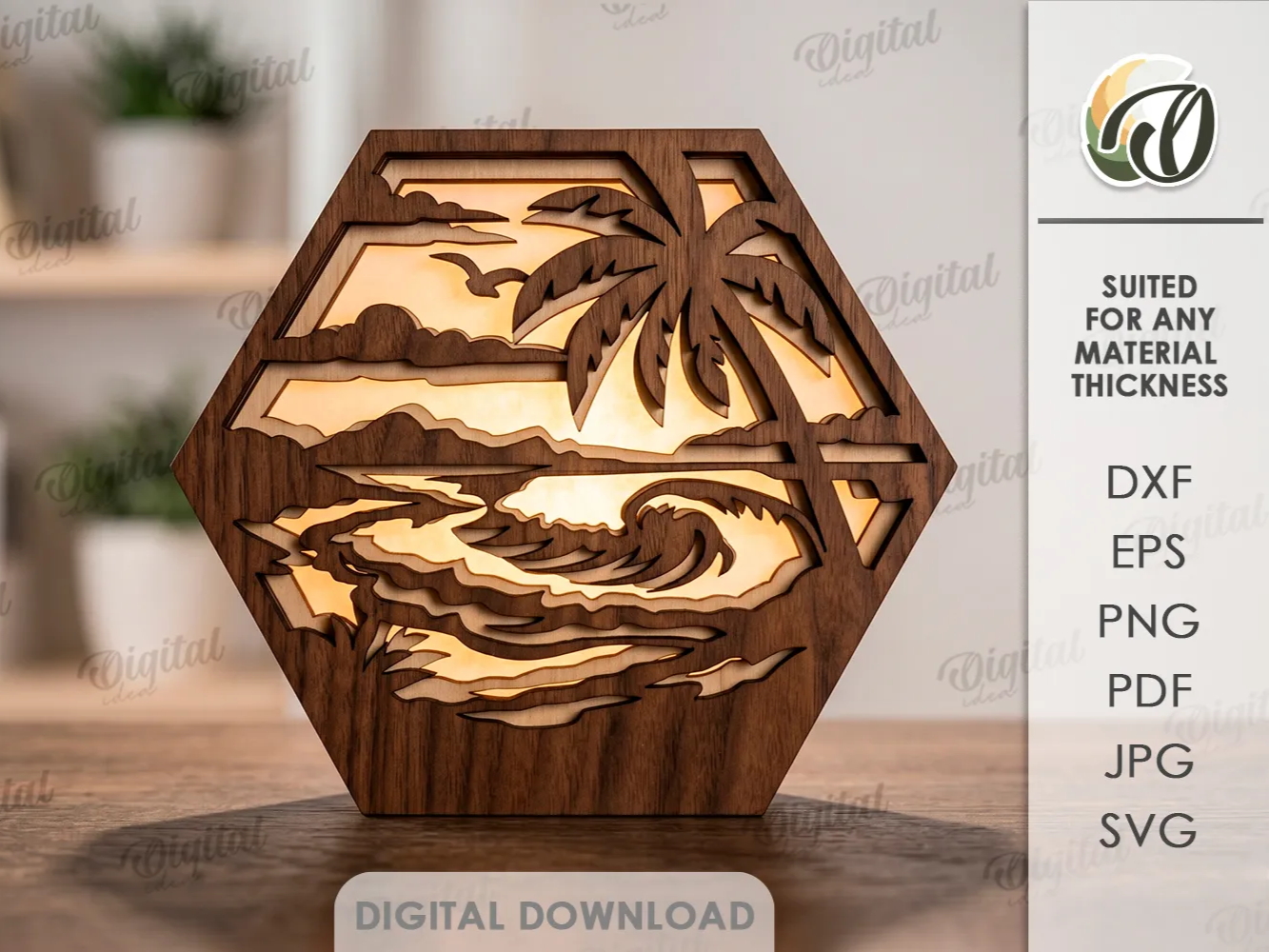
Layered cut panels build a tropical scene that glows when lit. It combines cutting and layering — a fun way to see depth from flat sheets. A CO2 machine makes quick work of the many nested parts.
Get this design free →Acoustic guitar earrings
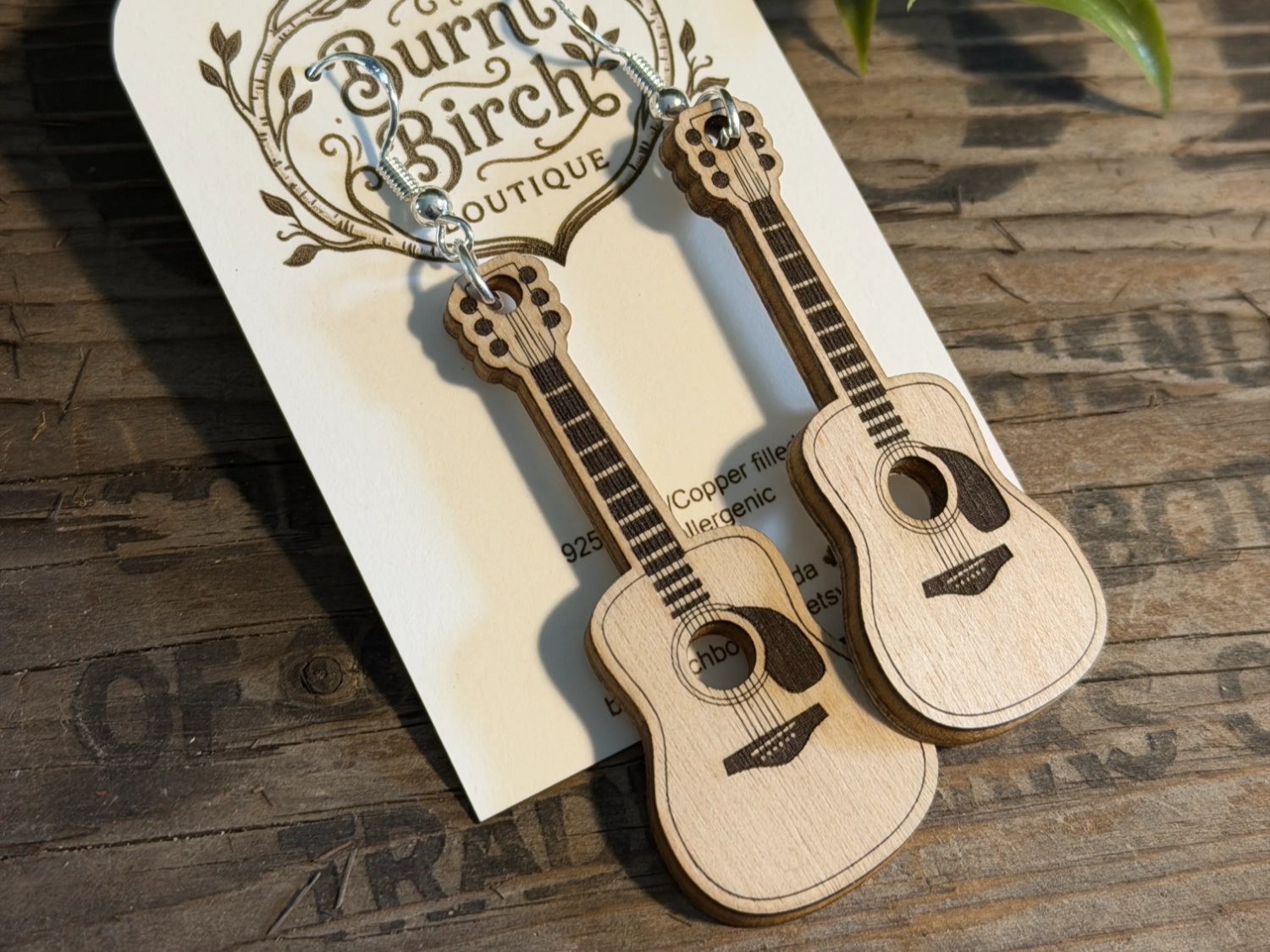
Tiny acrylic guitars highlight how precise a laser gets on small parts. Clean edges and accurate holes matter for jewelry findings. Cut a batch in minutes and mix colors for a quick, sellable set.
Get this design free →Safari animals learning puzzle
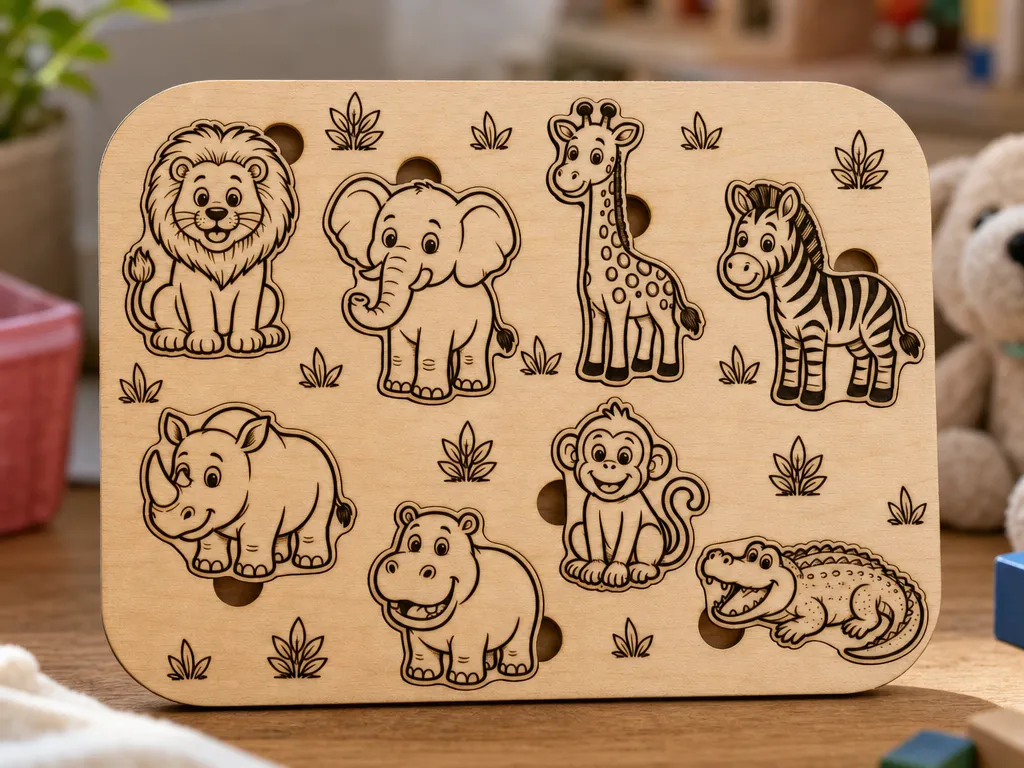
This eight-piece safari puzzle turns a laser into a toy maker. Interlocking wooden pieces need tight, repeatable cuts so they fit just right. Add engraved names and it doubles as an early-learning toy.
Get this design free →The bottom line
A laser machine is a versatile tool that cuts, engraves, and marks — all from one software-driven head. Choose the laser type that matches your materials: diode or CO2 for wood and acrylic, fiber or UV for metal and fine detail. Start with a design file and you can make almost anything. Ready to try? Grab a free, ready-to-make design and start creating.
Frequently asked questions about laser machines
What is the difference between a laser cutter and a laser engraver?
They're usually the same machine. Cutting uses more power to slice through; engraving uses less power to mark the surface. You switch between them in the software.
What types of laser machines are there?
The main types are diode, CO2, fiber, and UV. Diode and CO2 suit wood and acrylic; fiber and UV suit metal and ultra-fine detail.
Can a laser machine work on metal?
A fiber or UV laser marks and cuts metal. Diode and CO2 machines handle wood, acrylic, and other non-metals, but not bare metal on their own.
Is a laser machine safe to use at home?
Yes, with the right setup. Choose an enclosed machine, wear the safety glasses provided, and vent or filter the fumes. Enclosed desktop models are made for home use.
How much does a laser machine cost?
Entry-level diode machines are the most affordable. Enclosed all-in-one and CO2 machines cost more, and professional fiber or MOPA systems sit at the top.
Ready to make something?
Explore hundreds of free, ready-to-make laser designs — or generate your own artwork in seconds.