
Report
![[Laser cut and engrave] Wooden needle holder with sewing tools and accessories](https://image-res.atomm.com/resource/xtool/community/attachment/xtool-community/5ef6bf6c-be87-4df5-ad91-ca66c60fa2bb.png?x-oss-process=image/resize,w_1200,h_900,limit_0/interlace,1/format,webp/auto-orient,1)
Needle holder
 Instruction
needleholder
.xcs
Application scenario
Laser processing
Machine & module

xTool P2
55WCompatible xTool Machine
New
M2
10W, 20WF2 Ultra UV
5WF2
15WP3
80WF2 Ultra
40WF1 Ultra
20WM1
5W, 10WD1
5W, 10W, 20WD1 Pro
5W, 10W, 20W, 40WF1
10WS1
10W, 20W, 40WM1 Ultra
10W, 20WP2S
55WMaterial used

1/8"(3mm) Cherry Plywood

73
1402
Instruction
1
Step1: Step 1

Preview
To start, place the material onto the laser bed.
Use the camera to line up the deign onto the material.
Check that the settings are correct for how you want to process the design.
Hit process
2
Step2: Step 2
Once the design has completed,remove form the bed and clean if needed.
3
Step3: Step 3

Preview
Using a small magnet dot attach to the front of the holder. You might want to glue it for extra strength.
Once dry the item is ready to use.
Comments
Remixes
License

Related Project


You may also like

Porta hilos para bordar

6
19

Yarn holder compatible with Skadis Garnhalter für Skadis Lochwand

37
95
$2.25
$2.25
Credits225
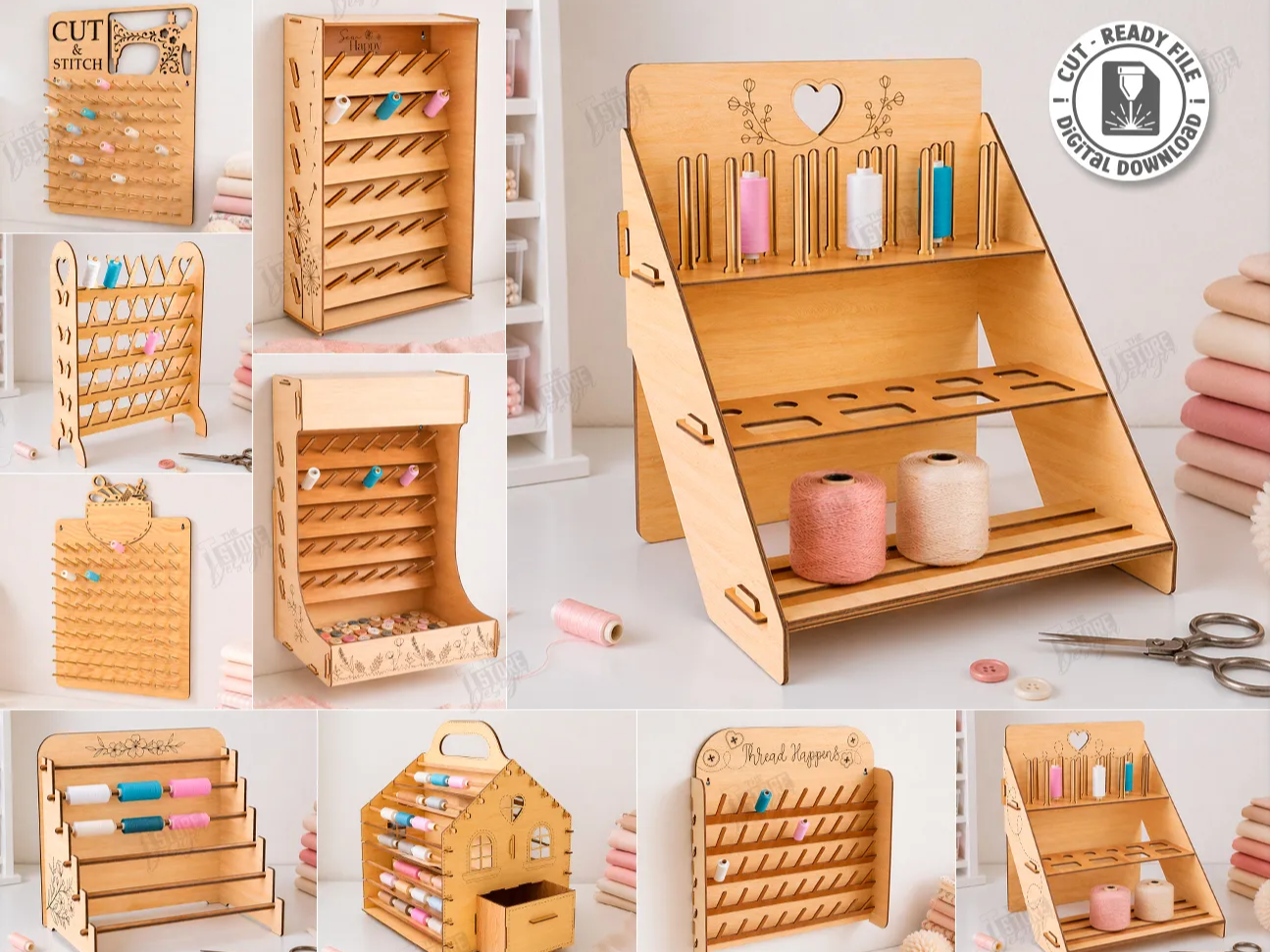
Wooden Thread Spool Rack and Sewing Supply Organizer Stand Laser Cut Bundle. Crafting Room. Storage Rack

0

Amsterdam House Style Sewing Thread Organizer | DIY Laser Wooden Stand

3
3

Mobile holder

32
79

Tabletop Pegboard Display Stand

54
363

Keychain Display

39
184

Phone Holder - Missing Phone?

74
941

Small Card Display

14
129

Keychain Display

474
1793

Laser Cut Leader Holder for Fishing Hooks in Wood MDF Acrylic

11
26

Phone Holder

919
6176

$1.99
$1.99
Credits199
Wooden Cross Stitch Pincushion Holders with Colorful Designs Laser Cut Bundle. Crafring. Decorative Sewing Tool
2

Panda Cell Phone Holder

57
366

easel
27
134

soporte dremel

3
14
![At Hand Stand For Makers [Week 4]](https://image-res.atomm.com/ali-res/community/making/0063038e-250b-46f8-80fe-4de7bc87e733.jpg?x-oss-process=image/resize,m_fill,w_640,h_480,limit_0/interlace,1/format,webp/auto-orient,1)
At Hand Stand For Makers [Week 4]

62
151

Unicorn Phone Holder

15
152