Paper Flower Generator
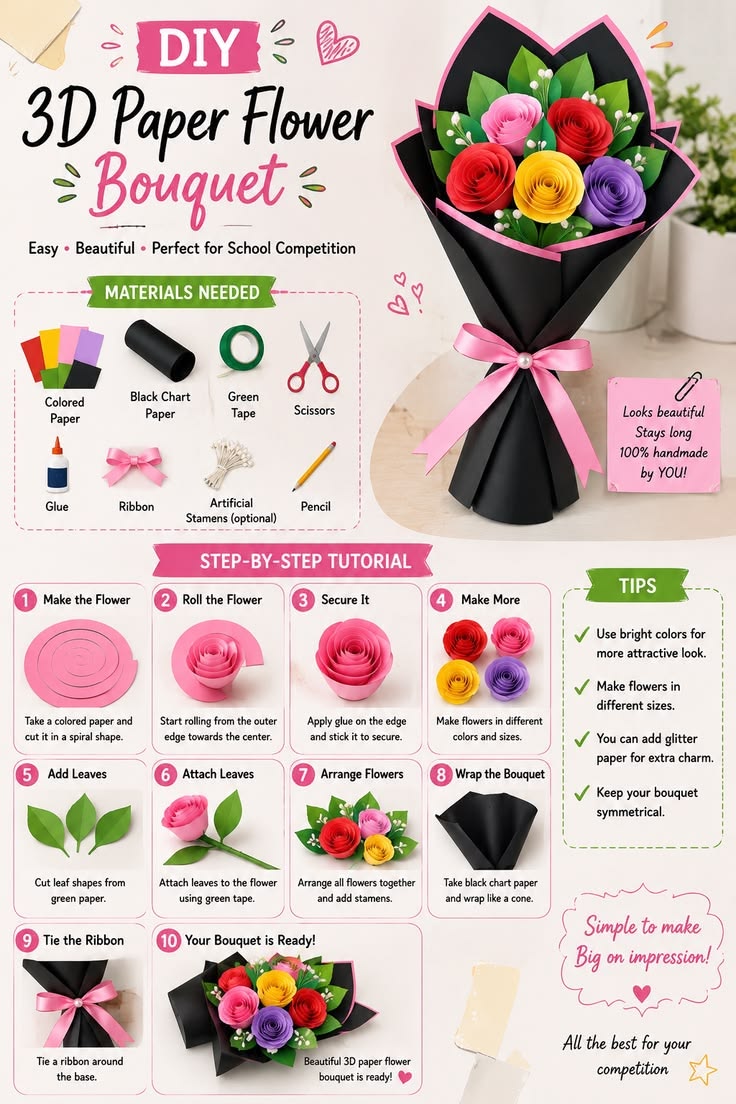
Parametric print-and-cut files for paper flowers. 47 ready-made blooms, leaves, sprigs and stamen centres — drag a few sliders to get the size and shape you want, preview the assembled flower in 3D, then export 1:1 SVG cut paths and print artwork straight into xTool Studio.

Description
Pick a flower, get files ready for the machine.
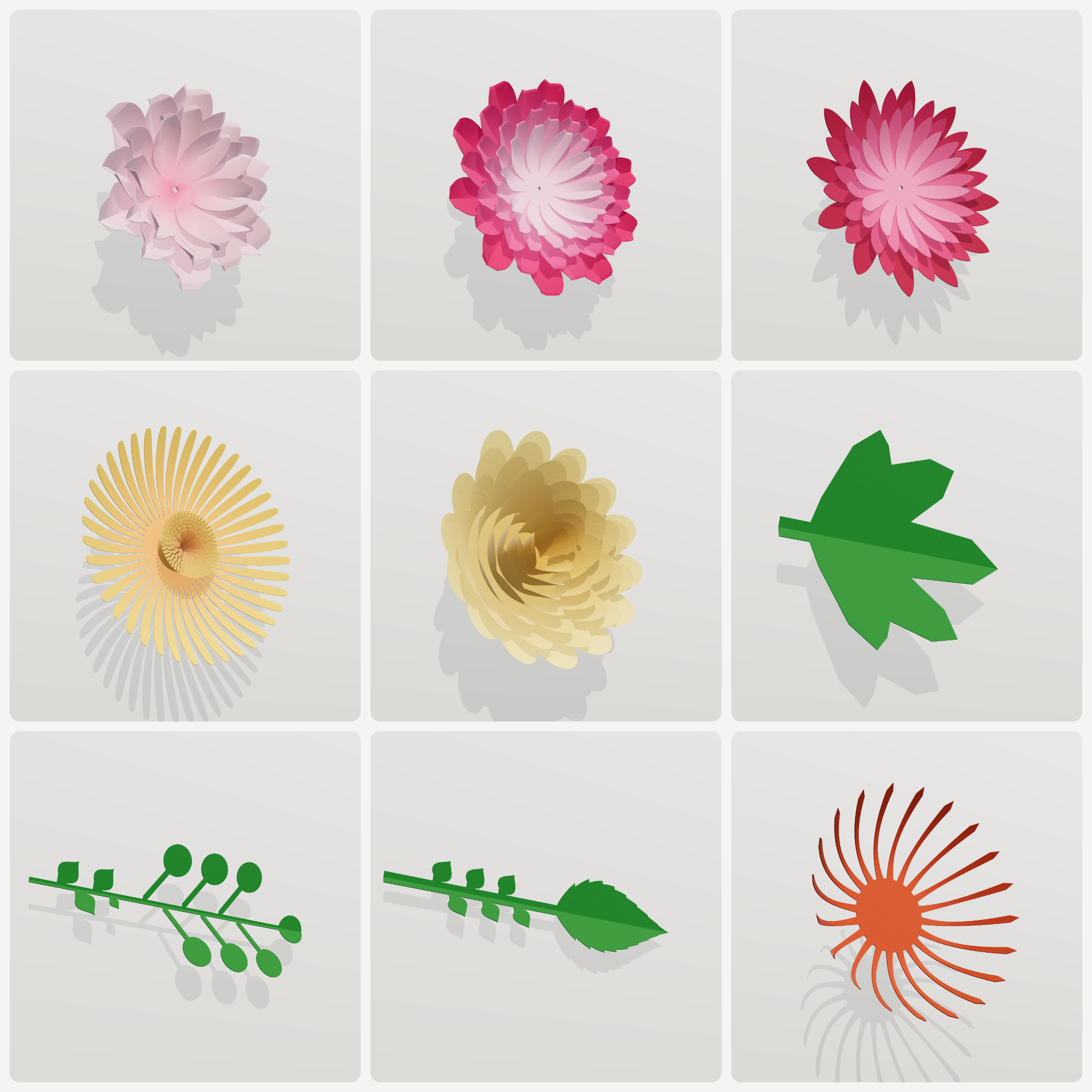
47 starting points across four libraries — 12 flowers, 8 leaves, 16 sprigs, 11 accessories
(4 calyx bases + 7 stamen centres). Click to switch shape, tune it on the right. Every entry
arrives with sizes and colours already dialled in.
Ask for 90 mm and you get 90 mm.
Parameters solve for the finished piece, not the drawing. Rolled roses work out the number of
turns from your paper thickness; fringed centres work out the strip length from the target
diameter — 300 gsm and 120 gsm need different turn counts, and that maths is done for you.
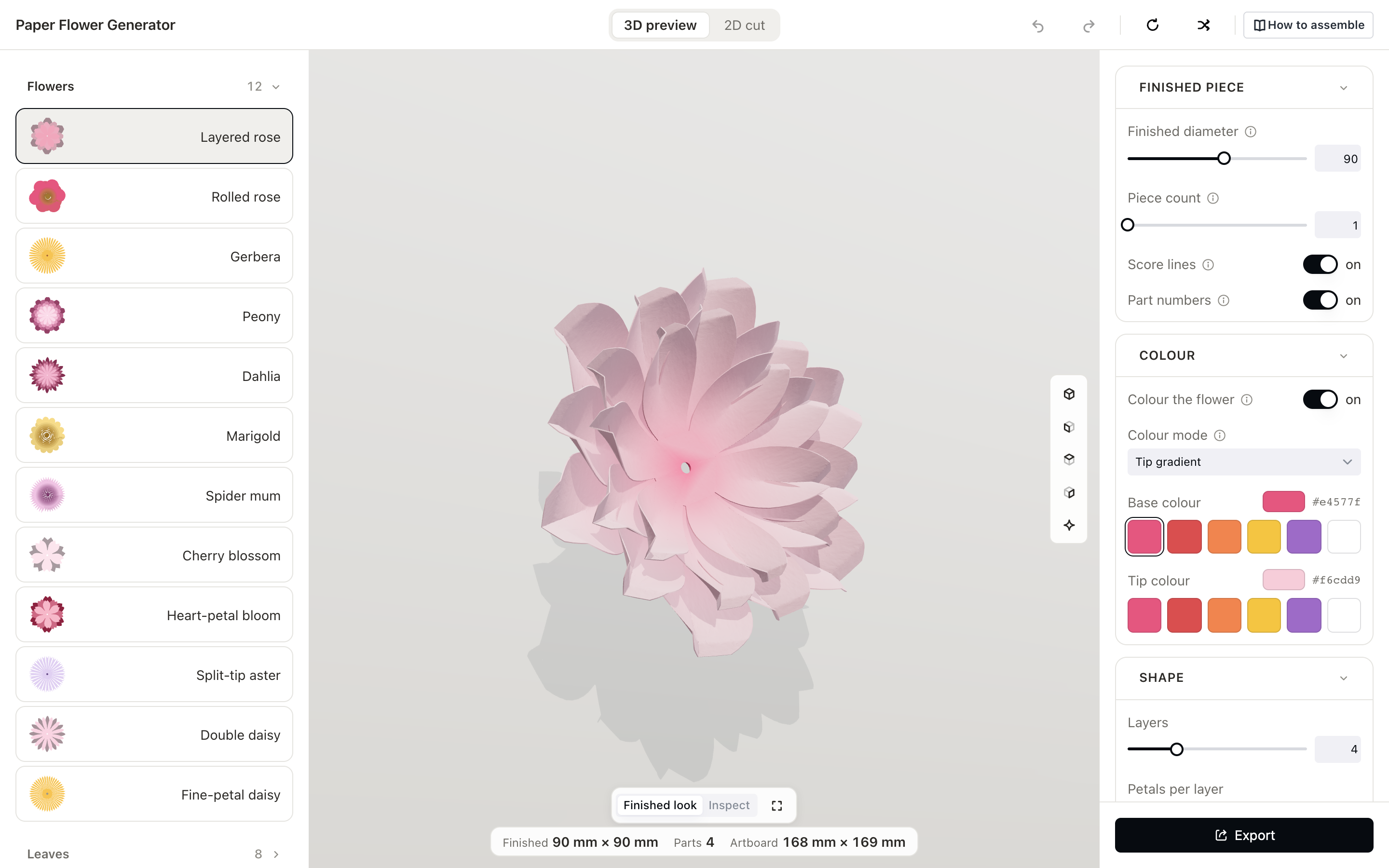
The 3D preview shows the assembled flower.
Petals cup, fringe rolls into a pompom, filaments stand up, leaves fold along the midrib — and
every move it makes has a matching score line on the paper. Treat it as a guide to shape and
proportion: how tightly you roll and curl varies from hand to hand, as does the stiffness of
your card. The cut paths are the precise part — those are 1:1.
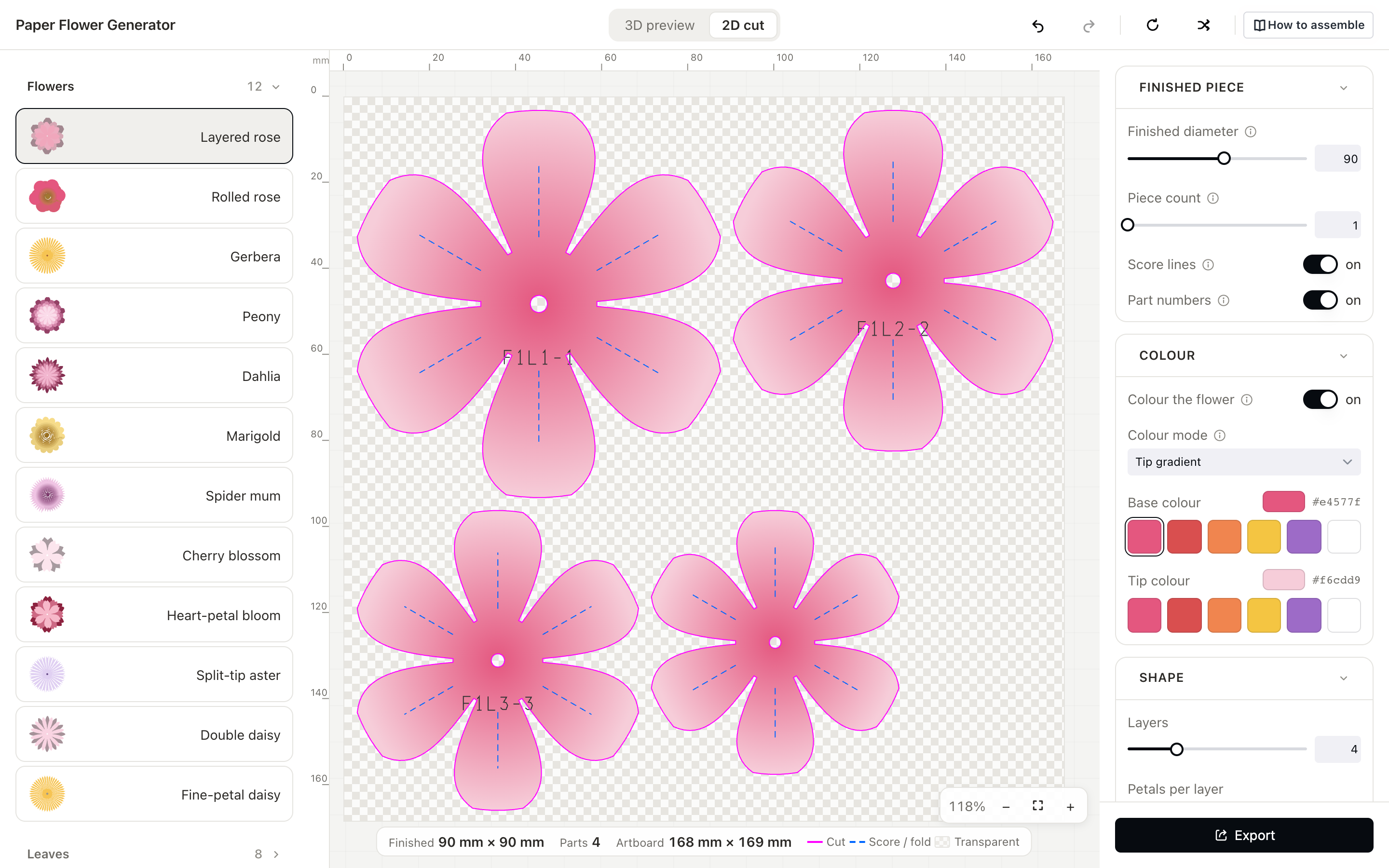
Checked before you cut.
Blade spacing, minimum slit width and minimum inner corner radius are preflighted. When a target
size isn't reachable, it tells you what it actually achieved instead of quietly giving you
something else.
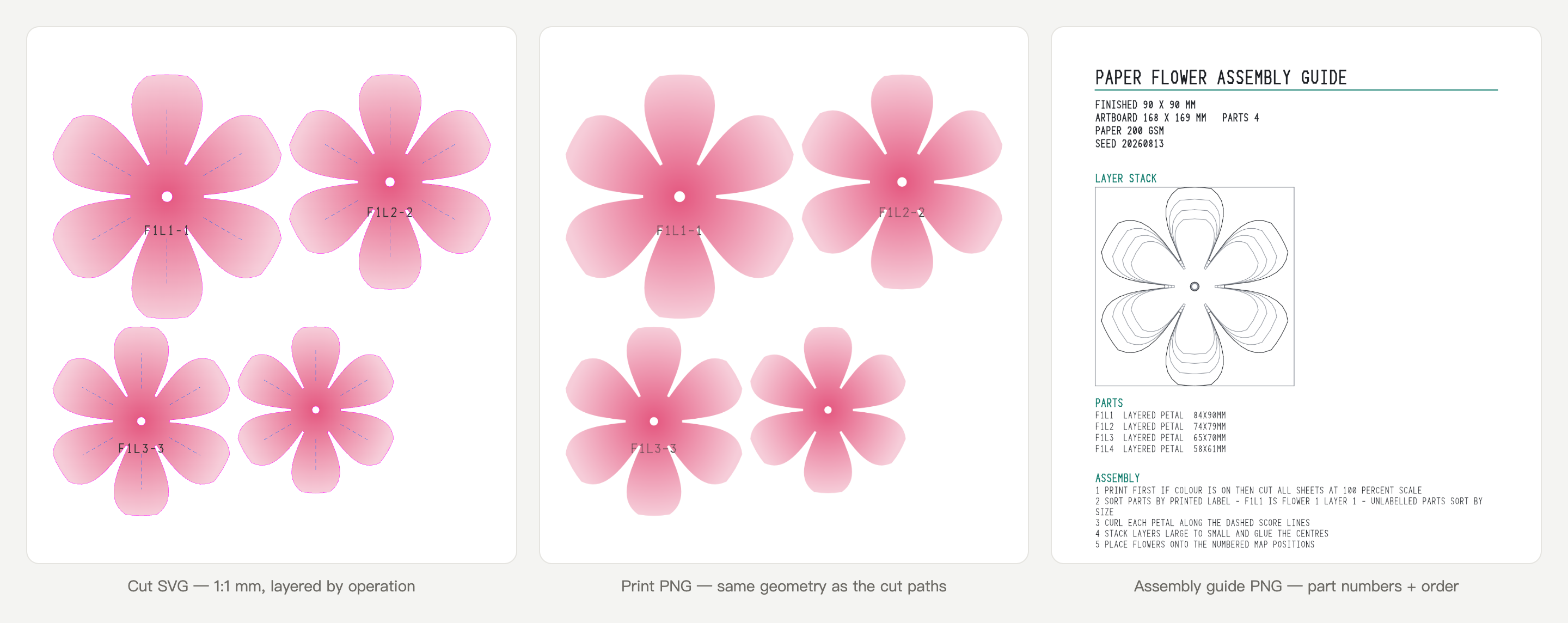
Assembly steps for the part you're actually making.
"How to assemble" carries a video plus written steps — roll the spiral from the outer end, offset
each layer by half a petal, keep the fringe spine at the bottom. Each step matches what the cut
file gives you.