


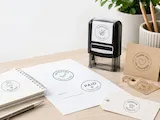


Açıklama
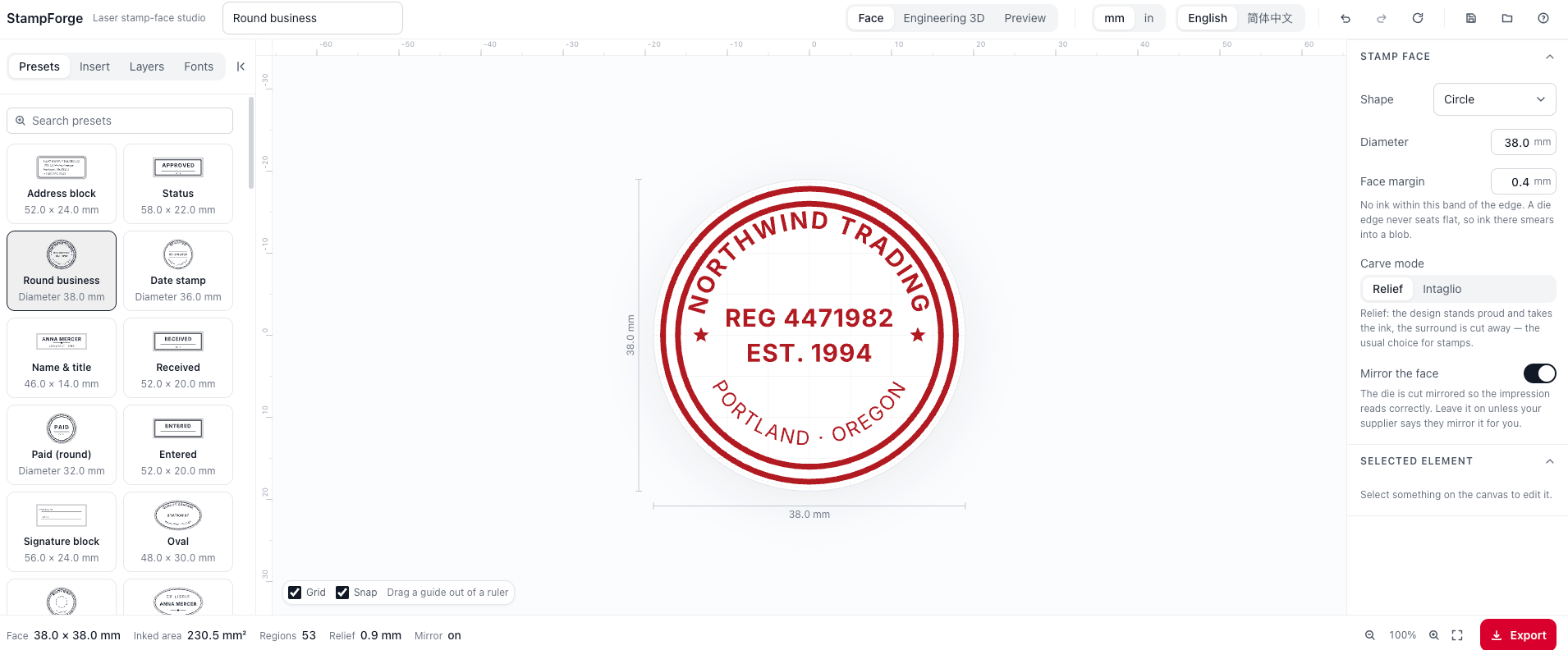
Design a stamp face you can actually cut
StampForge is a browser-based generator for custom stamps: rubber stamps, wax seals, self‑inking daters, bookplates and packaging marks. You lay out the face, watch it press onto paper in 3D, and export files that go straight to a laser cutter — at 1:1 millimetres, already mirrored.
No account, no install, no upload of your design to anyone. It runs entirely in the browser.
Why it is different from “just draw it in a vector editor”
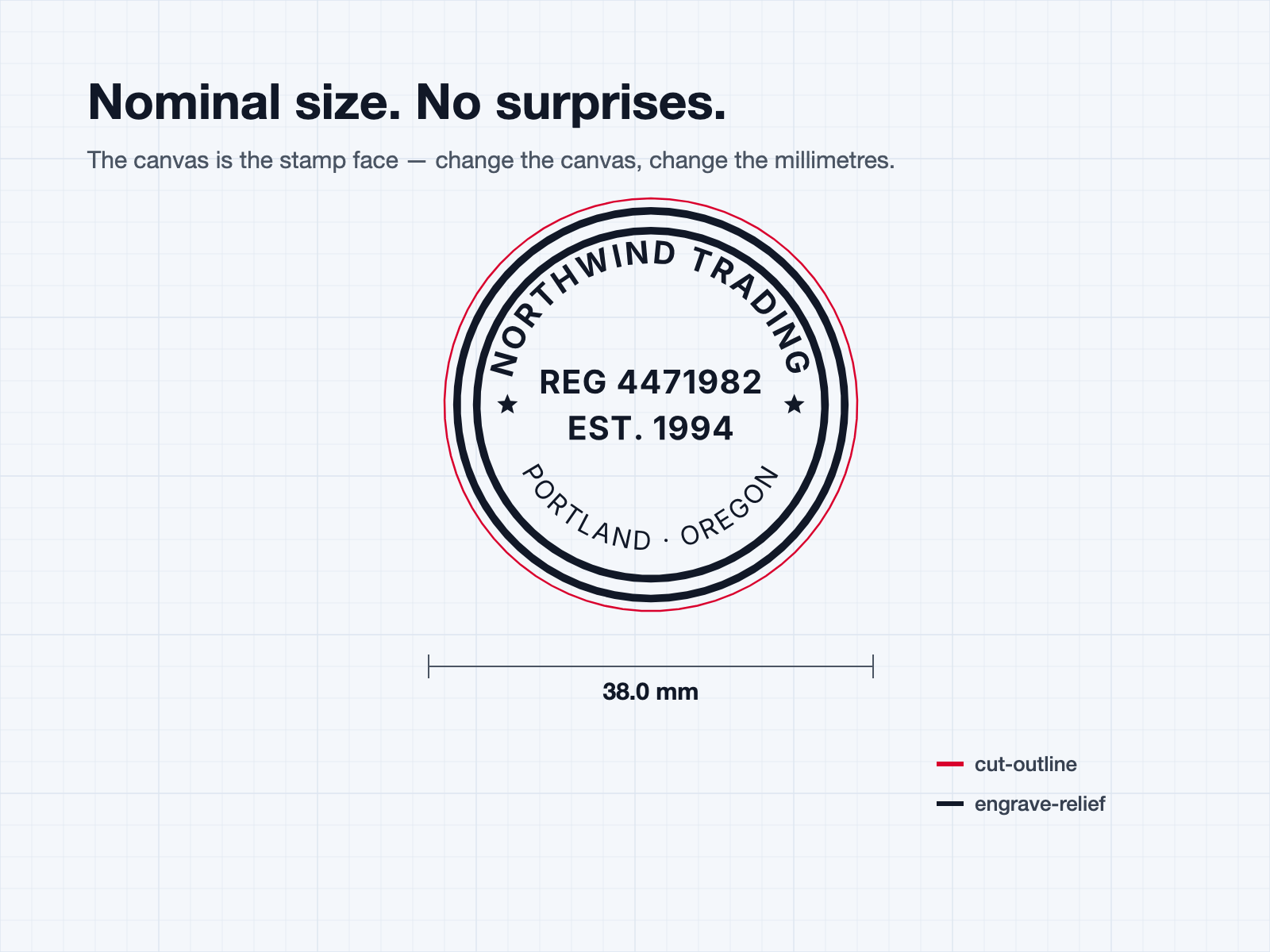
The canvas is the stamp face. Change the canvas to 38 mm and you have changed the physical size of the stamp. There is no page, no artboard, no scaling step where the millimetres get lost.
It is mirrored for you. You read your text the right way round while you work. The exported die comes out reversed, so the impression on paper reads correctly. Forgetting this is the classic way to ruin a sheet of rubber.
It tells you when something will not make it into the file. If a font fails to load, or a line of text runs past the edge of the face, the app says so — with the element named — before you download. Both of those failures are otherwise completely silent.
What you get
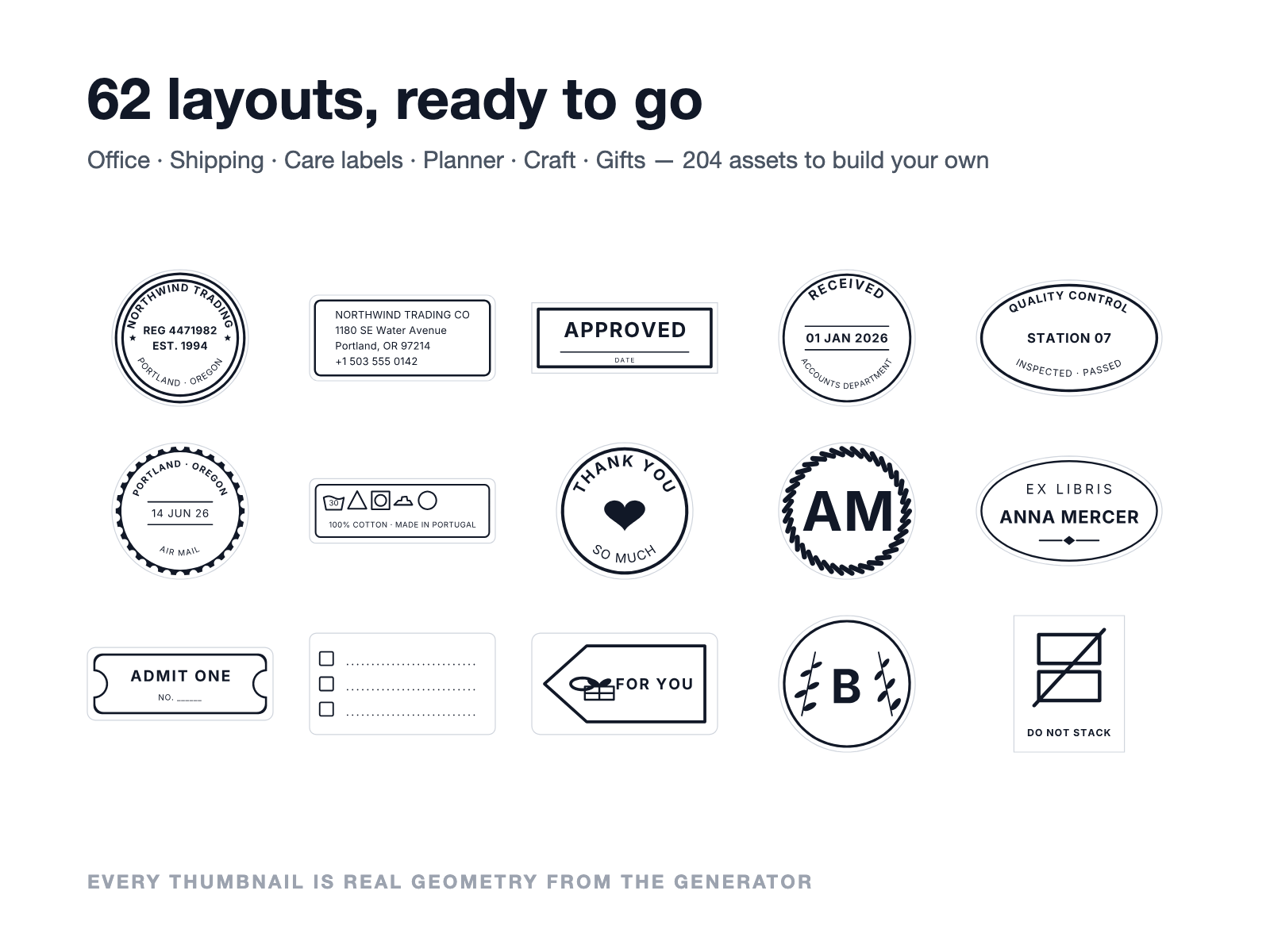
62 ready‑made layouts
Every one of them is something people genuinely make for themselves:
| Category | Examples |
|---|---|
| Office & bookkeeping | Address block, Received, Paid, Entered, Filing, Date stamp, Signature block, Inspected |
| Approval & marking | Approved, Void, Confidential, Copy, Original, Draft, Urgent, Sample |
| Shipping (ISO 780) | Fragile, This way up, Keep dry, Do not stack, Stacking limit, Temperature limits, Centre of gravity, Sling & clamp |
| Textile care (ISO 3758) | Care label, Drying methods |
| Planner & journal | Weekly planner grid, Habit tracker, Reading log, Mood row, Dot patch, Checklist |
| Craft & small shop | Handmade, Baked fresh, Thank you, Gift tag, Botanical monogram, Bookplate, Postmark, Faux postage |
| Personal & gifts | Wedding, Birthday, Monogram, Wax seal, Laurel award, Pet tag, Crown reward, Teacher praise |
Pick one, retype the words, change the size — done. Or start from a blank face.
204 assets to build your own
- 89 procedural shapes — rings, rope and scallop borders, guilloche, rosettes, star bands, tally grids, dot grids, week grids, hearts, hang tags, leaf sprigs, paw prints, crowns
- ISO 3758 care symbols and ISO 780 handling symbols, drawn to the standards rather than eyeballed
- 95 icons organised by scenario — address & contact, planner, office, logistics, quality, food, garden, textile, craft, travel, nature
- 20 decorative borders that size themselves to whatever face you are on
- Your own artwork — upload an SVG; strokes must be outlined first
- Your own fonts — upload a TTF/OTF, or load system fonts on Chromium desktop
Text that behaves like stamp text
Straight lines, or text that truly follows an arc — including ellipses, where the letters ride the actual ellipse instead of a circle pretending to be one. Per‑element tracking, alignment actions (centre on the face, snap to the top or bottom arc), guides you drag out of the rulers, snapping you can suspend with Alt.
A 3D view that answers a real question
Switch to Engineering 3D for the die and body with dimensions. Switch to Preview to ink the stamp on a pad and press it onto paper — the impression carries ink coverage, wear and pressure, so you can see how the design reads when it is actually stamped rather than when it is a crisp vector.
Bodies: knob handle, straight handle, self‑inking housing. Materials: wood, plastic, acrylic.
Files you can hand to a machine
| File | For | Notes |
|---|---|---|
| SVG | The main laser format | Two layers: cut-outline and engrave-relief |
| DXF | Fallback | Some engraving software reads DXF more reliably than SVG |
| 1:1 PDF | Print and measure | A4 or Letter, with a 50 mm reference bar |
| 600 dpi PNG | Show a client | The impression as it lands on paper, transparent background |
One thing you must do in your laser software: turn on invert fill (the option is usually called Invert or Negative). The filled area in the export is the raised printing surface; without inverting, you engrave the design away and leave the background standing. The app says this next to the download, and it is written into the SVG’s own <desc> so whoever opens the file sees it too.
Geometry is nominal size with no kerf compensation — kerf belongs in the machine step, where it depends on your power, speed, focus and material batch.
Hardware that pairs with this
StampForge produces the artwork. Here is the kit that turns it into a stamp.
Wax Seal Stamp DIY Set — 32 pcs
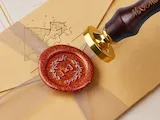
A complete starting point for wax seals: heads, handle, wax and a melting spoon in one box. Pair it with the Monogram, Botanical monogram or Wax seal presets — design a single initial inside a rope or laurel ring, cut the head, and you are sealing envelopes the same afternoon.
Wax Seal Stamp Head Set
Just the heads, for when you already have handles and wax and want more designs. This is the one to buy if you plan to cut a series — a monogram per family member, a seasonal mark, one per product line. Every head is another face you design here.
Self-Inking Flash Stamp Set
Flash (photopolymer) stamps for high‑volume work: address blocks, Received, Paid, teacher marks. Use the Address block, Received, Entered or Signature block presets and switch the body to self‑inking in the 3D view to see the housing you are actually building for.
Laser Engraving Rubber Stamp Set
Laser rubber sheet plus mounts — the classic route, and the one this generator is tuned for. The engrave-relief layer is the raised face, the cut-outline layer trims the sheet, and the relief height slider matches the thickness you are cutting into.
How to Make a Stamp — step‑by‑step guide
Worth reading before your first cut: material choice, power and speed, mounting, and inking. It covers the machine side; this generator covers the artwork side. Between the two there are no gaps.
Good to know
- Runs offline after first load. Your design never leaves the browser. Work in progress is auto‑saved locally, and you can save/open a project file.
- Undo/redo, layers, drag‑to‑reorder, lock and hide, keyboard shortcuts for everything (press the ? button for the list).
- mm or inches, switchable at any time — every number in the interface follows.
- English and 简体中文, and it follows the platform’s language when it can.
- No government, notary or bank seal templates. Those would be tools for forging official credentials, so they are deliberately absent. Everything shipped is a neutral commercial or personal mark.
- Care symbols are ISO 3758 shapes. In most countries those symbols are registered trademarks of GINETEX; commercial garment labelling may require a licence. The app provides the geometry, not the licence — it says so where you pick them.
Start here
- Open the Presets tab and pick something close to what you want.
- Double‑click the text on the canvas and type your own words.
- Set the size in Stamp face — that is the real millimetre size of the stamp.
- Switch to Preview and press it onto paper to check how it reads.
- Hit Export, download, and remember to invert the fill in your laser software.