











































Report
![[Laser cut and engrave] Grandma's Kitchen Cutting Board](https://storage-us.atomm.com/resource/xtool/community/attachment/xtool-community/43581061-4bf0-47b7-8901-81aec2684ae6.png?x-oss-process=image/resize,w_1200,h_900,limit_0/interlace,1/format,webp/auto-orient,1)
![[Laser cut and engrave] Grandma's Kitchen Cutting Board](data:image/png;base64,iVBORw0KGgoAAAANSUhEUgAAAAoAAAAKCAYAAACNMs+9AAAAAXNSR0IArs4c6QAAABdJREFUKFNjZCASMBKpjmFUId6QIjp4AAppAAuXjCs4AAAAAElFTkSuQmCC)
![[Laser cut and engrave] Grandma's Kitchen Cutting Board](https://storage-us.atomm.com/resource/xtool/community/attachment/xtool-community/43581061-4bf0-47b7-8901-81aec2684ae6.png?x-oss-process=image/resize,w_200,h_150,limit_0/interlace,1/format,webp/auto-orient,1)
![[Laser cut and engrave] Grandma's Kitchen Cutting Board](https://storage-us.atomm.com/resource/xtool/community/attachment/xtool-community/26560e93-101d-4c77-8c0c-6241fe6485ab.png?x-oss-process=image/resize,w_200,h_150,limit_0/interlace,1/format,webp/auto-orient,1)
Grandma's Kitchen Cutting Board
 Instruction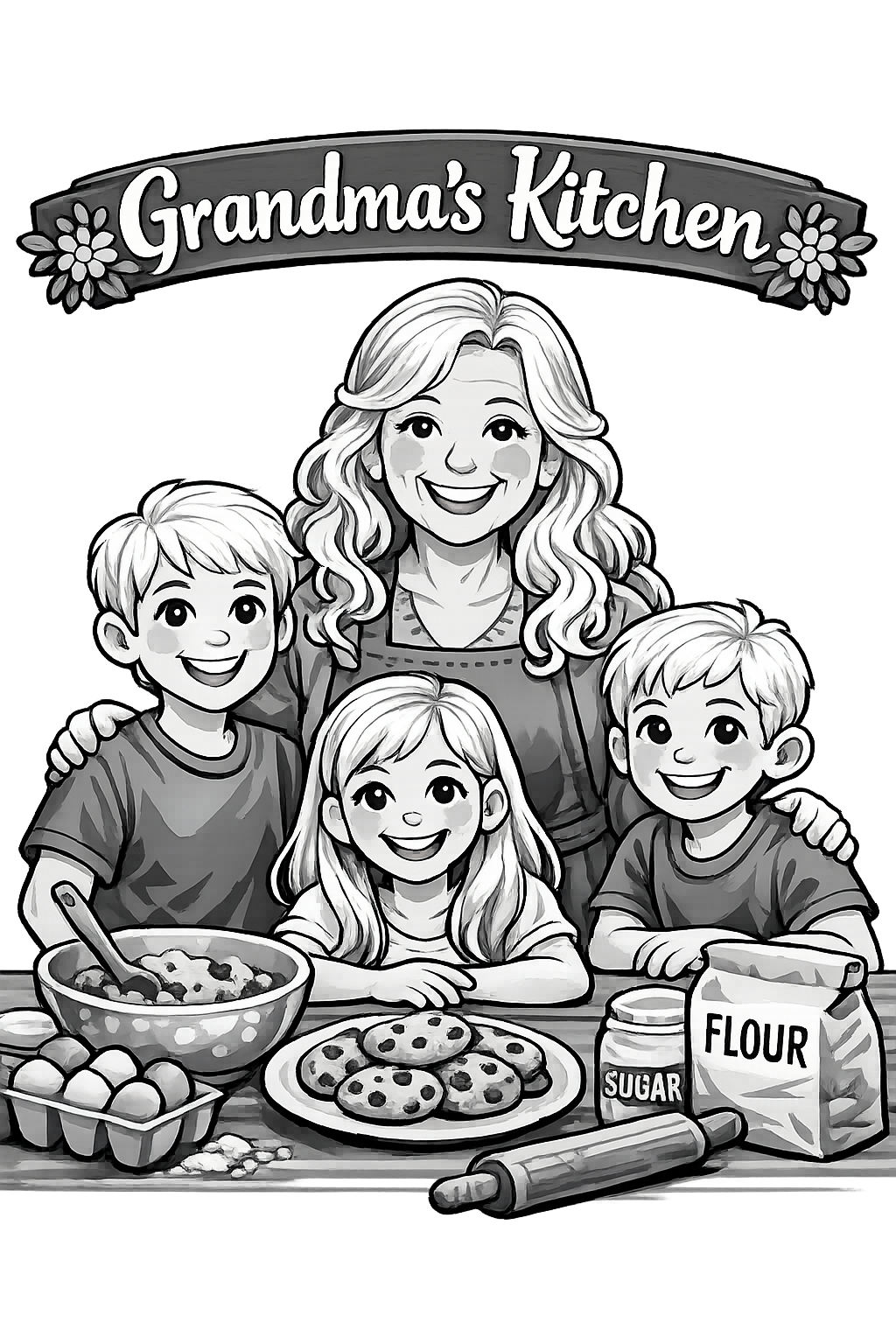
Moma and kids
.png
Application scenario
Laser processing
Machine & module

xTool S1
40WMaterial used

Edible Oil Coated Acacia Wood
5
239
Information
This cutting board is a gift to my mom and inspired by her countless hours in the kitchen with her grandkids. Messes and memories are always made in your grandmother's kitchen.
Instruction
1
Step1
I used a Acacia Cutting board from hobby lobby.
Use the smart framing by selecting circle and measure your cutting board. Mine was 9" by 9" so please ensure you adjust picture size for your cutting board.
Center your image into the outlined circle and run it.
2
Step2
I used 67% Power, 85 speed, 100 sharpness, 120 lines per cm, Grayscale Bitmap
Comments
Remixes
xTool Supplies Used in This Project


Related collections


Related tags
License

This work contains AI-generated content.