
![[Laser cut and engrave] Hand-cranked TV set](https://image-res.atomm.com/resource/xtool/community/attachment/xtool-community/216bdf90-9047-4c1f-8243-d4a93fc60701?x-oss-process=image/resize,m_fill,w_1280,h_960,limit_0/interlace,1/format,webp/auto-orient,1)
![[Laser cut and engrave] Hand-cranked TV set](data:image/png;base64,iVBORw0KGgoAAAANSUhEUgAAAAoAAAAKCAYAAACNMs+9AAAAAXNSR0IArs4c6QAAABdJREFUKFNjZCASMBKpjmFUId6QIjp4AAppAAuXjCs4AAAAAElFTkSuQmCC)
![[Laser cut and engrave] Hand-cranked TV set](https://image-res.atomm.com/resource/xtool/community/attachment/xtool-community/216bdf90-9047-4c1f-8243-d4a93fc60701?x-oss-process=image/resize,m_fill,w_160,h_120,limit_0/interlace,1/format,webp/auto-orient,1)
![[Laser cut and engrave] Hand-cranked TV set](https://image-res.atomm.com/resource/xtool/community/attachment/xtool-community/822270af-8335-4b54-98ae-2257592d1ec4.jpg?x-oss-process=image/resize,m_fill,w_160,h_120,limit_0/interlace,1/format,webp/auto-orient,1)
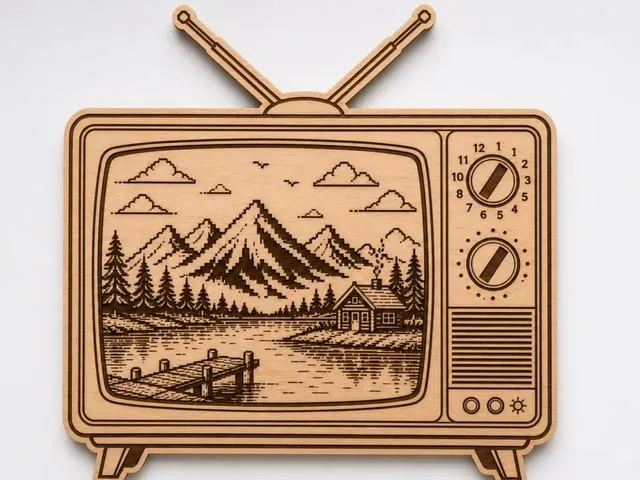
Hand-cranked TV set
 Instruction


Instruction
Step1: Import the XCS file
Import the XCS file into the software and confirm the dimensions, processing position, and processing mode. Note: The file in this case uses 3mm basswood plywood and A4 printing paper. If the type and thickness of the material you choose are different, please adjust the laser processing parameters and file size according to the actual material.
Step2: Process
Place the 3-mm basswood plywood into the P2 processing area, and make sure the material is flat. Then select the honeycomb panel processing mode, and perform fill carving and line cutting operations in sequence with different parameters. Arrange the layout for processing according to the actual situation of the material. Note: The processing parameters marked here are the officially recommended parameters for 3-mm basswood plywood. If you prefer different effects, please adjust them manually.
Step3: Assemble
Use wood glue to assemble the parts made of 3mm basswood plywood. Use double-sided tape to stick all the A4 papers together, then roll them up around a straw and put them into the assembled TV set.
Remixes




You may also like

Wooden phone holder in the shape of a lion for children

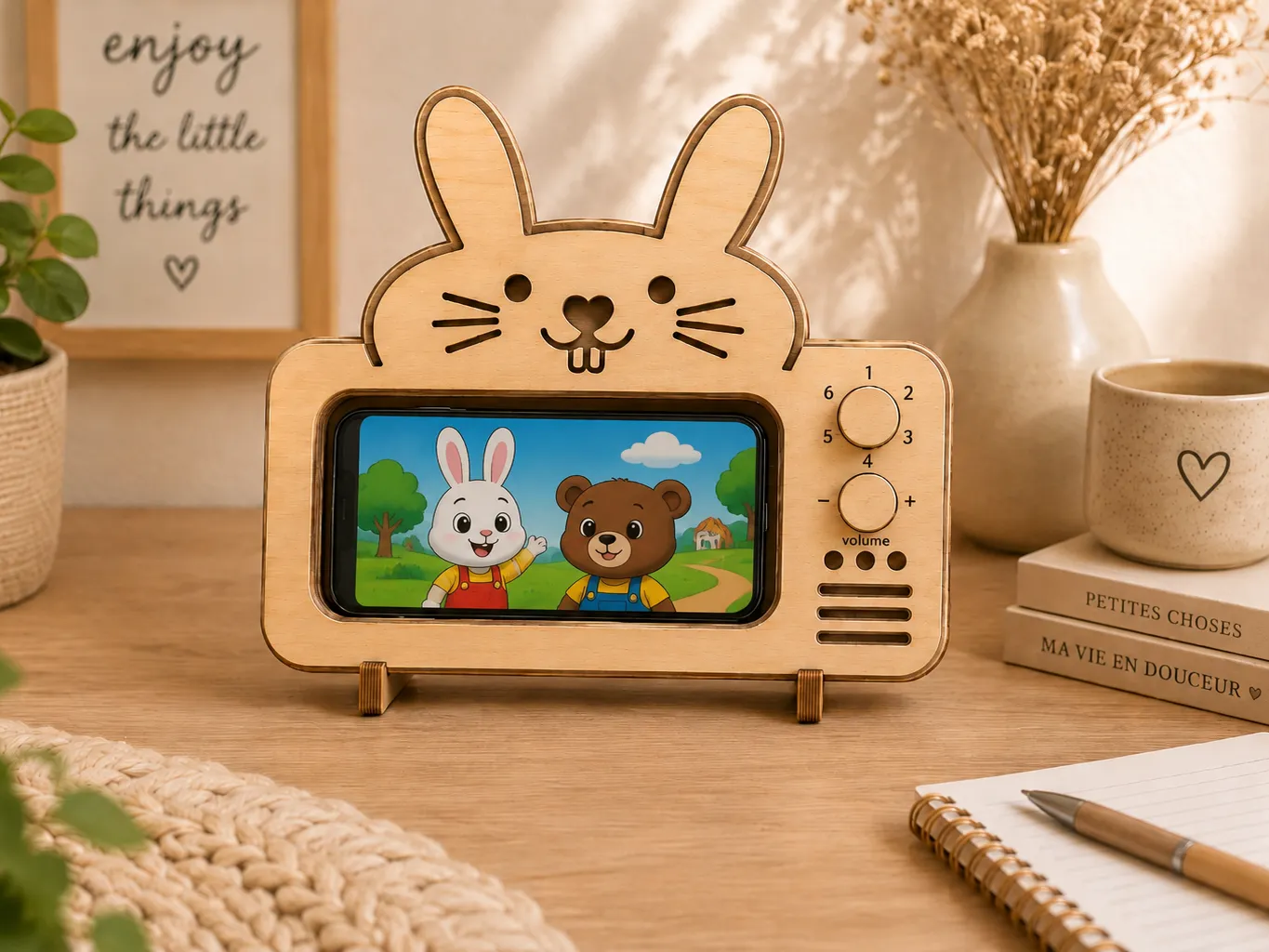
Wooden Phone Holder in the Shape of a Rabbit TV

Koala-shaped wooden phone holder for kids

Vintage TV with colorful screen wooden decoration


Mechanical Diorama Featuring a Boy Flying a Kite in a Field


Mini TV Podium


Back to School Theater - 3D Wooden Laser File with Moving School Bus | Back to School Decoration

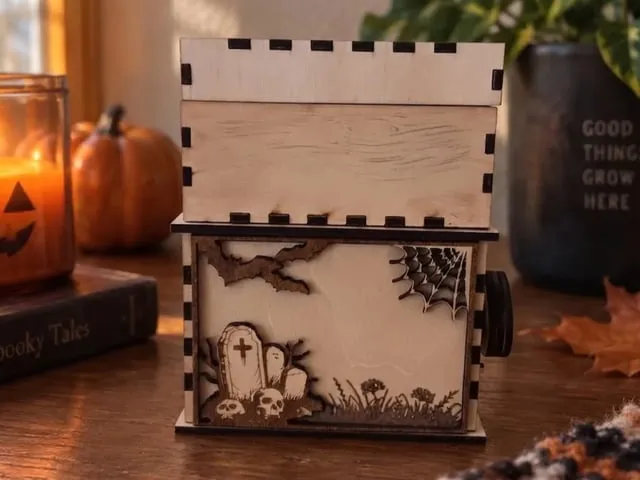
Le Cercueil à Mécanisme sur le thème d'Halloween avec chauve-souris et tombe


Wooden Square Keepsake Box with Hinged Lid

Flip - top Jewelry Box


Pet Feeding Box


Wooden Hand Crank Turning Mini Panda Toy


Gears strongbox


Caja con forma de zorro


Laser Cut Mini Retro TV Gift Card/Money Holder Magnet


Wooden Combination Lock Money Box Piggy Bank


Wooden automata mechanical box with Easter bunny rabbit and carrot decoration


Miniature doll kitchen with bunny figures as baker with lighting and rotation
