
![[Laser cut and engrave] Bottle tag](https://image-res.atomm.com/resource/xtool/community/attachment/xtool-community/10f71991-28da-4a9e-bc45-a7e6c3d32005?x-oss-process=image/resize,w_1200,h_900,limit_0/interlace,1/format,webp/auto-orient,1)
![[Laser cut and engrave] Bottle tag](data:image/png;base64,iVBORw0KGgoAAAANSUhEUgAAAAoAAAAKCAYAAACNMs+9AAAAAXNSR0IArs4c6QAAABdJREFUKFNjZCASMBKpjmFUId6QIjp4AAppAAuXjCs4AAAAAElFTkSuQmCC)
![[Laser cut and engrave] Bottle tag](https://image-res.atomm.com/resource/xtool/community/attachment/xtool-community/10f71991-28da-4a9e-bc45-a7e6c3d32005?x-oss-process=image/resize,w_200,h_150,limit_0/interlace,1/format,webp/auto-orient,1)
![[Laser cut and engrave] Bottle tag](https://image-res.atomm.com/resource/xtool/community/attachment/xtool-community/97c1c65a-323e-4d8c-96fa-d4525192b240/20240719_125227.jpg?x-oss-process=image/resize,w_200,h_150,limit_0/interlace,1/format,webp/auto-orient,1)
![[Laser cut and engrave] Bottle tag](https://image-res.atomm.com/resource/xtool/community/attachment/xtool-community/425c83db-dc3f-4b02-a25f-a3567ac42215/20240719_125332.jpg?x-oss-process=image/resize,w_200,h_150,limit_0/interlace,1/format,webp/auto-orient,1)
![[Laser cut and engrave] Bottle tag](https://image-res.atomm.com/resource/xtool/community/attachment/xtool-community/665b375d-f736-44ee-b3f3-7e02845a68e8/20240719_125342.jpg?x-oss-process=image/resize,w_200,h_150,limit_0/interlace,1/format,webp/auto-orient,1)
Bottle tag
 Instruction


Information
A bottle tag for birthday or first year parents
Instruction
Step1: Border
add different borders
and choose which ones you want
here we have to remove the thin line at the border otherwise the laser would cut it out as well
for this we click on “release compound vector”
then the border splits into 3 layers and we simply delete them and that's it
Step2: Text
find the text you want
i have created a separate text layer for the st and th so that i can make them smaller - superscripted
Step3: Glass symbol
then we add the glass bottle symbol
we don't need the bottle and delete it with edit node
then we create an outline with -0.5 mm so that it is inside
with edit node we delete the lower area
then we select the glass again with edit node and add 2 anchor points
drag them up and down to create the effect of a wave in the glass
rotate the glass by 20° copy it and mirror it
then we create 2 lines for the bling effect :)
Step4: Heart symbol
add 3 hearts
the middle one is large and the two side ones are smaller and rotated 20°
each small heart has an outline of 0.5mm and we subtract this outline from the big heart
Remixes
License

Related Project


You may also like

Birthday boy tag with race car


Happy Birthday Personalized Wooden Wine Bottle Tag


Etiquetas cumpleaños


36 Classic and Festive Christmas Gift Tag Designs


Gift Tag Gnome

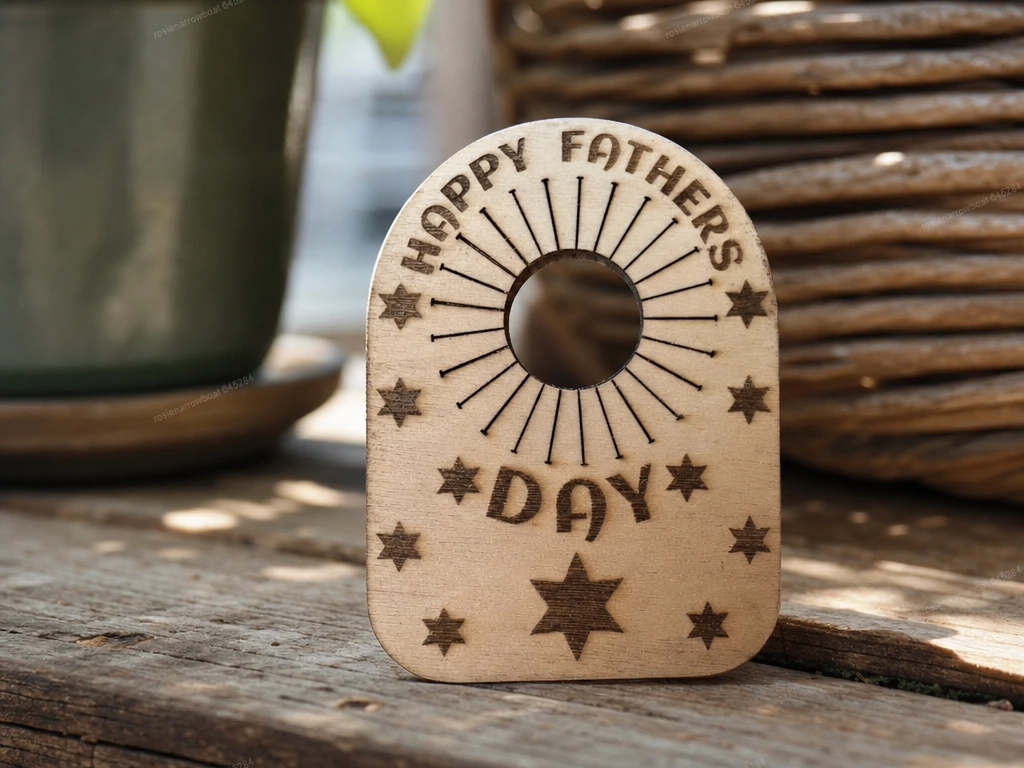
Happy Fathers Day Wooden Bottle Neck Tag


Birthday tag


Il primo anno di vita


gift with name in puzzle pieces

Christmas Present Tags with XTool Colored MDF


Birthday boy tag with train
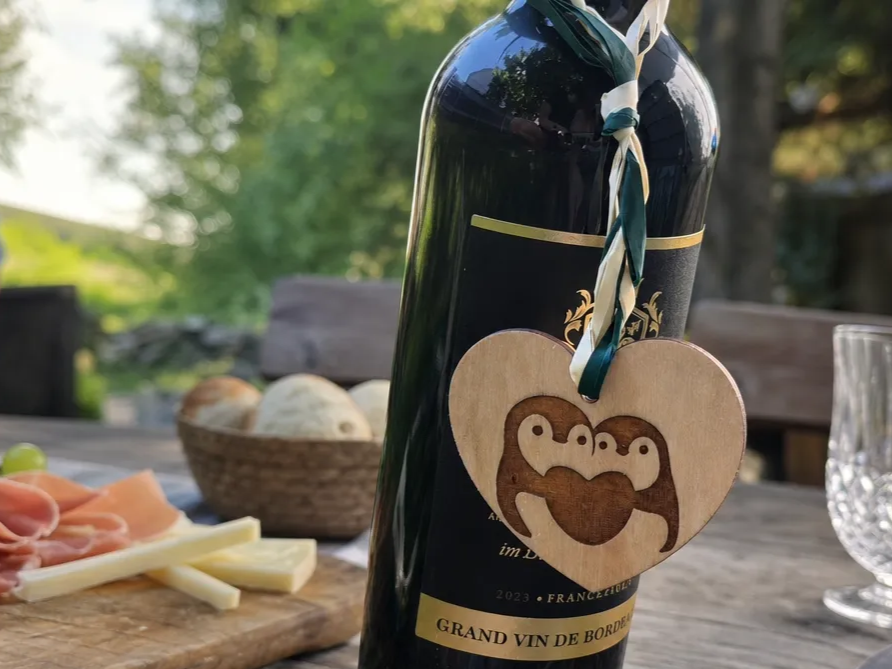
Heart-shaped bottle pendant with penguin motif


Recordatorio bautizo

Happy Birthday Cupcake Shaped Mini Liquor Bottle Holder


Simple Christmas tags with festive designs

Snowflake Gift Tags


Wooden Mother's Day Gift Tag

How to make Birthday Fridge Magnets
