
The xTool S1 is a fully enclosed diode laser cutter and engraver that comes in 20W and 40W versions. Launched by xTool as the world’s first 40W enclosed diode laser, it pairs a large 498 × 319 mm work area with intelligent autofocus, curved-surface engraving, and Class 1 safety so you can run jobs with the lid closed.
This guide covers what the S1 is, what it costs, what it can cut and engrave, and how to set it up and use it.
Key Takeaways
- The xTool S1 is a fully enclosed 20W/40W diode laser, Class 1 safety certified.
- The 40W model cuts up to 18 mm cherry wood and 15 mm dark acrylic in one pass.
- It engraves at up to 600 mm/s with multi-point autofocus and curved-surface engraving.
- It runs on XCS and LightBurn and starts around $1,699 (20W).

What is the xTool S1?
The xTool S1 is a compact, fully enclosed diode laser cutter and engraver first released in October 2023. It was the first diode laser to reach a true 40W optical output in an enclosed desktop body, achieved by combining several diode modules into a single high-power beam.
A 20W version is also available for makers who need a bit less cutting power at a lower price.
What sets the S1 apart from open-frame diode lasers is the combination of a sealed enclosure, a large 498 × 319 mm work area, intelligent multi-point autofocus, and curved-surface engraving that adjusts focus in real time so you can engrave rounded objects like tumblers and helmets.
Because it is fully enclosed and Class 1 safety certified, the machine automatically stops if the lid is opened or the base is removed, making it one of the safer diode lasers for a home or classroom.
| Spec | xTool S1 |
|---|---|
| Released | October 2023 |
| Laser type | Enclosed diode — 20W or 40W optical power |
| Work area | 498 × 319 mm (approx. 19.6 × 12.6 in) |
| Max engraving speed | Up to 600 mm/s |
| Autofocus | Intelligent multi-point autofocus + curved-surface engraving |
| Max cut (40W, one pass) | 18 mm cherry wood, 15 mm dark acrylic |
| Safety | Fully enclosed, Class 1 certified (auto-stop on lid open) |
| Software | xTool Creative Space (XCS) + LightBurn support |
What is the pricing of the xTool S1?
Pricing moves with xTool’s regular promotions and bundle choices, so treat these as a guide and confirm the live figure on the official xTool S1 page. Prices are in USD as of July 2026 and shift with seasonal sales.
| Configuration | What you get | Price (approx.) |
|---|---|---|
| xTool S1 20W | The enclosed 20W diode machine, cuts up to 10 mm wood | ~$1,699 |
| xTool S1 40W | The flagship 40W diode, cuts up to 18 mm wood | ~$1,999 |
| S1 bundles | Machine plus air assist, honeycomb, RA2 rotary, riser, or material packs | bundle pricing on xtool.com |
xTool runs frequent seasonal sales (mid-year, Black Friday, new year), so the S1 and its bundles are often available below list. Check the official page for current deals.
What can the xTool S1 engrave and cut?
As a diode laser, the S1 is strongest on organic materials and cutting, with solid engraving on coated and some bare metals:
- Cutting (40W, one pass): up to 18 mm cherry wood, 15 mm dark opaque acrylic, and thin (0.1 mm) stainless steel — thicker stock is possible in multiple passes. The 20W cuts up to about 10 mm wood and 8 mm acrylic.
- Engraving: wood, MDF, bamboo, leather, paper, slate, glass, acrylic, and coated metals such as anodized aluminum and stainless steel.
- Curved-surface engraving: the intelligent autofocus tracks height across the object, so you can engrave rounded items like tumblers, bottles, and helmets.
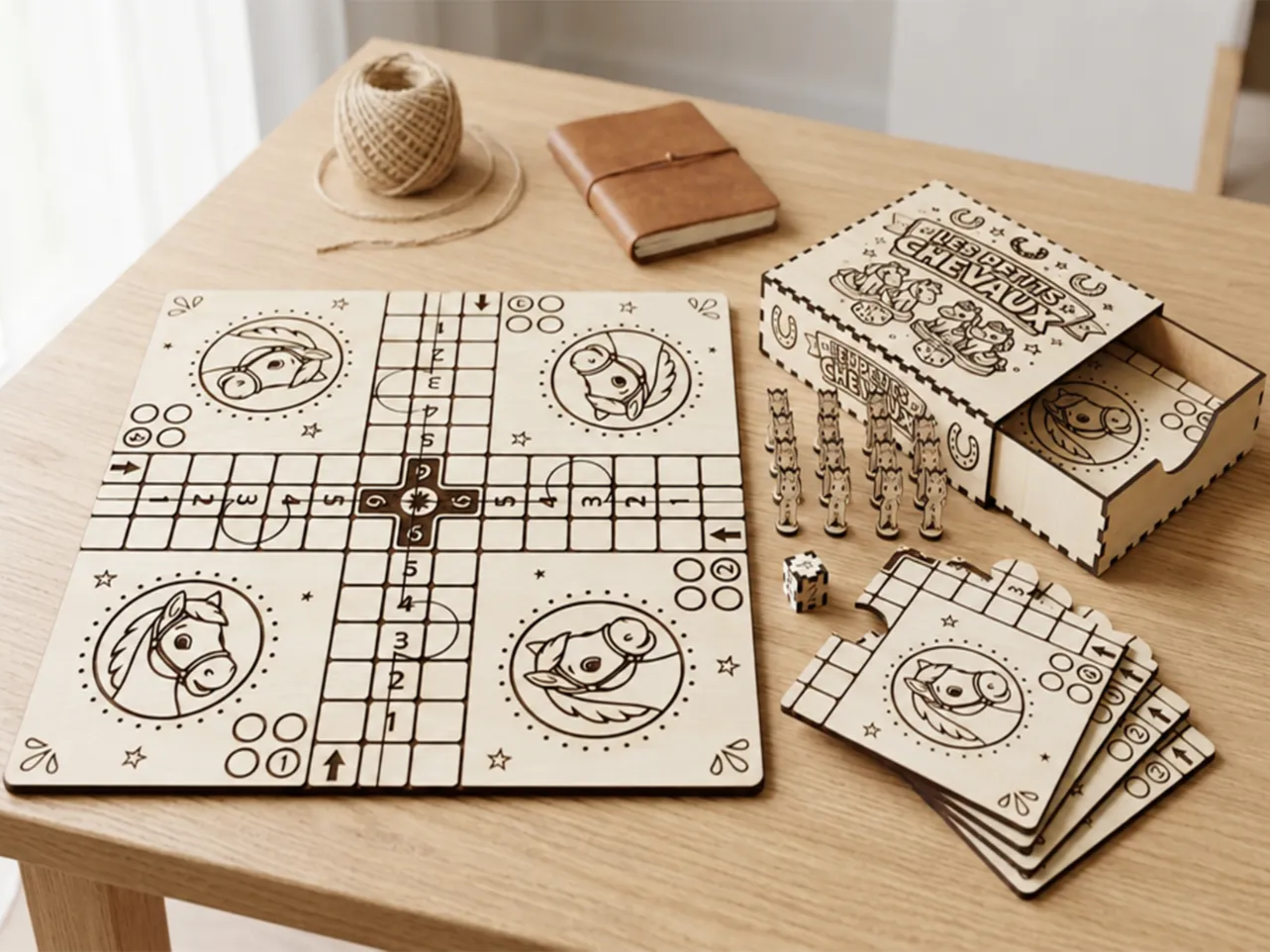
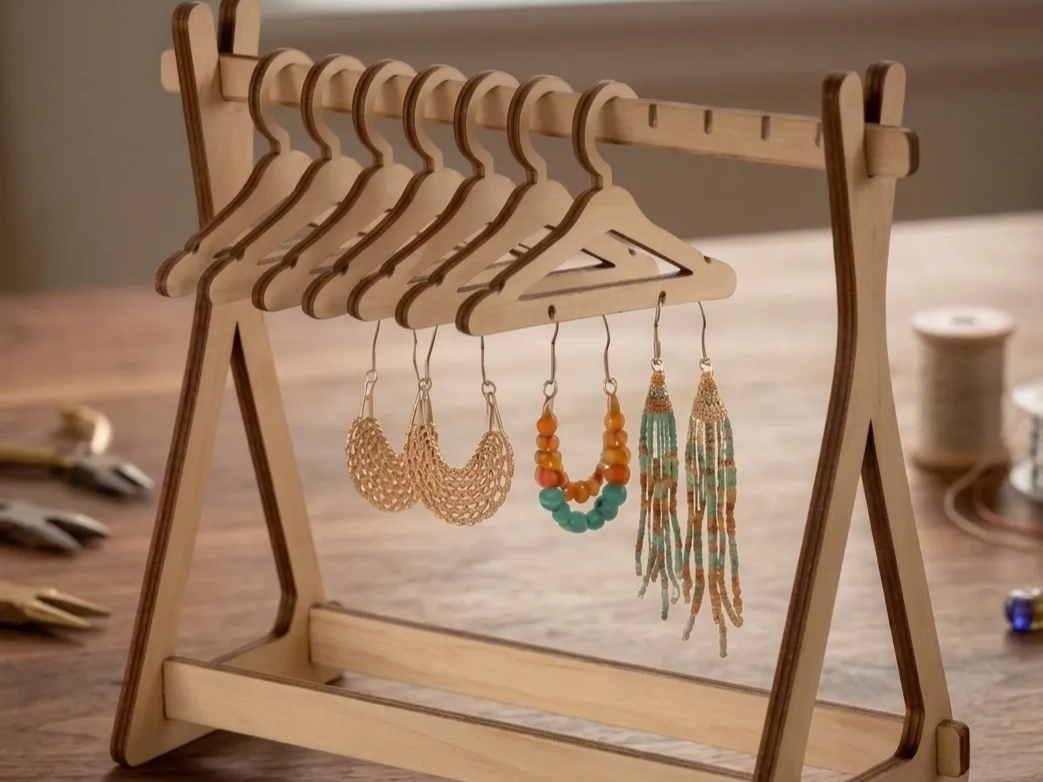
That range makes the S1 popular for signage, home decor, jewelry, layered wall art, personalized gifts, and small-batch product lines. Browse real results in the S1 project gallery.
Where can you buy the xTool S1?
- xTool official store (xtool.com) — newest bundles, warranty, and sale pricing.
- Amazon — the S1 20W and 40W bundles (basic, rotary, and air-assist kits) are listed for fast shipping.
- Authorized resellers — specialty maker and craft retailers such as Swing Design and Micro-Mark carry the S1 and its accessories.
Real projects people make with the xTool S1
Here are a few community projects made on the S1 — they show off its clean cutting and fine engraving on wood — from the xTool S1 project gallery:
1. Tree-of-Life Wooden Dangle Earrings

Delicate tree-of-life dangle earrings cut from thin natural wood. The intricate open branches show how precisely the S1 diode laser handles small, detailed cuts — exactly the kind of lightweight jewelry that sells well at craft markets.
Get this design →2. Hummingbird & Hibiscus Wooden Wall Art
A layered wooden wall panel combining an engraved hummingbird and hibiscus with a cut outline. It highlights how the S1 pairs deep, detailed engraving with clean edge cutting on a single sheet for finished home decor.
Get this design →3. U.S. 250th Anniversary Commemorative Emblem
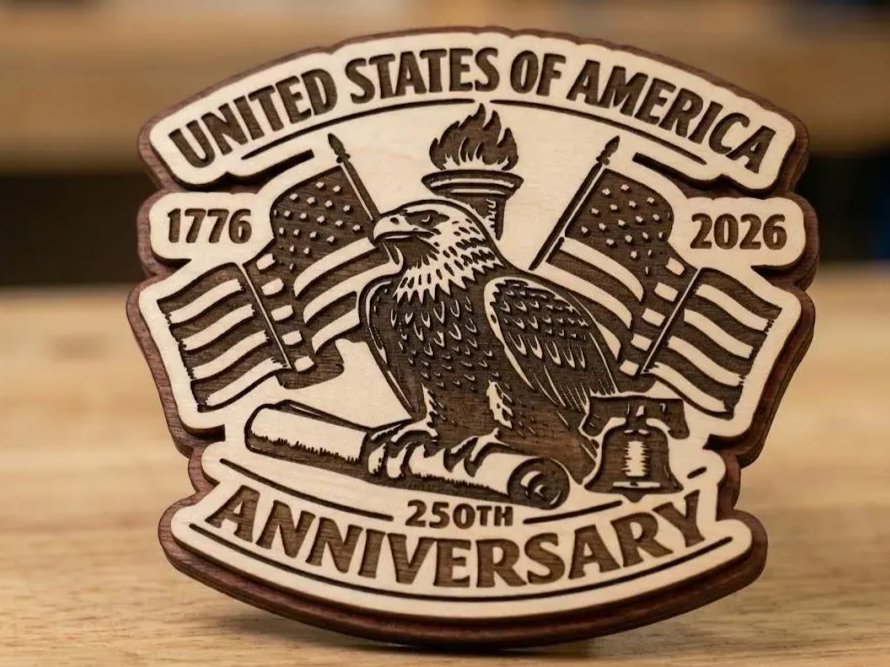
A patriotic emblem featuring an eagle and American flags, built from cut and engraved wooden layers. The dimensional relief here shows the S1 producing display-quality signage rather than flat, single-pass work.
Get this design →4. Route 66 Desert Highway Magnet
A Route 66 desert-scene fridge magnet, cut to a shaped outline and engraved with fine detail. Small giftable magnets like this are quick to batch, making them an easy first product for a new S1 owner.
Get this design →5. The Last Supper Engraved Wall Panel
A finely engraved rendition of The Last Supper cut into a wooden panel. The dense shading and small figures demonstrate the tonal range the S1 can capture, turning a photo-style image into a keepsake wall piece.
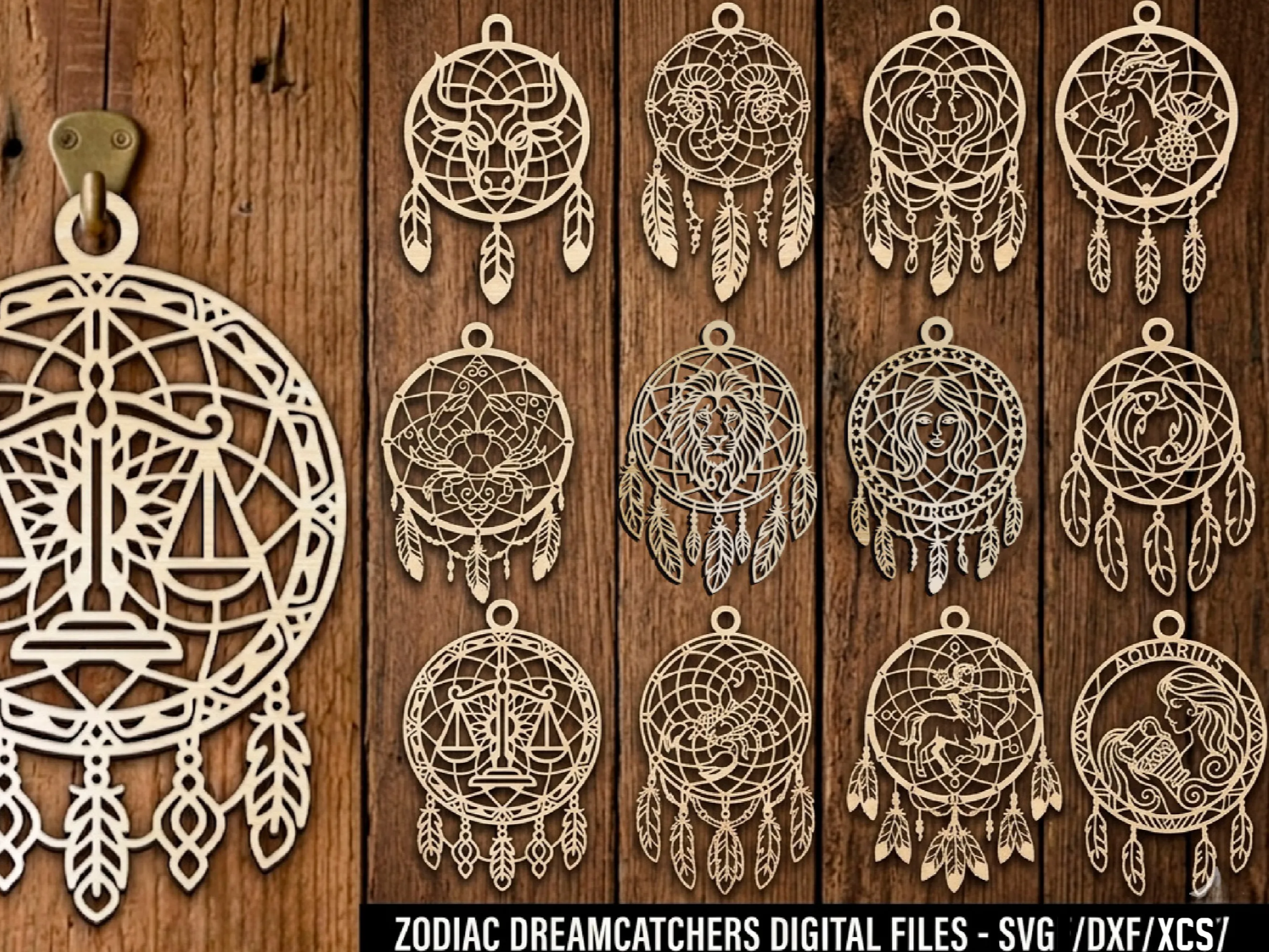
Get this design →6. Zodiac Dreamcatcher Wall Hanging
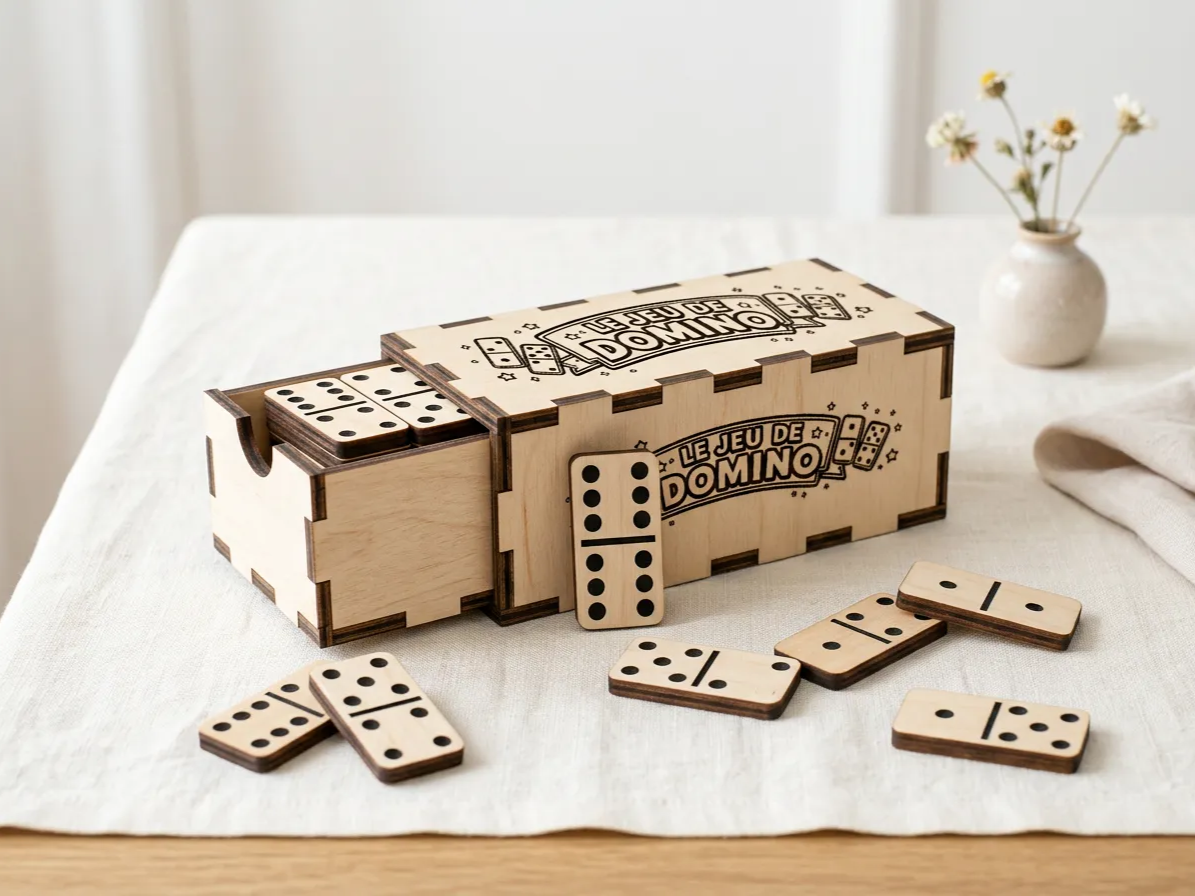
A circular dreamcatcher wall hanging with an engraved zodiac sign and intricate cut latticework. It is a great example of the decorative, detail-heavy ornaments the S1 makes easy to produce in a series.
Get this design →How to set up the xTool S1
- Unbox and check the machine, power cable, USB cable, honeycomb panel, air-assist parts, exhaust hose, and test materials.
- Place it on a flat, stable surface with clearance around the vent, near a window or the smoke purifier for exhaust.
- Connect power, then link the S1 to your computer via USB or to your Wi-Fi network.
- Install xTool Creative Space (XCS) — or set up LightBurn — open it, let it detect the S1, and apply any firmware update.
- Attach the air assist and exhaust, and fit the honeycomb panel or riser base depending on your material and height.
- Run the autofocus so the machine measures material height, and attach the RA2 rotary if you are engraving a curved item.
How to use the xTool S1
- Design or import artwork in XCS — text, SVG, image, or DXF — and arrange multiple pieces for batch runs.
- Position the design: use the on-screen preview and framing to place your artwork exactly on the material.
- Choose the operation: engrave, score, or cut, and pick the S1 material preset or set power, speed, and passes manually.
- Confirm focus, letting the autofocus set the Z height (or enabling curved-surface mode for rounded objects), then run a frame preview.
- Close the lid and run; the enclosure, air assist, and exhaust contain light and smoke while it works. Unload and repeat for the next piece.
What materials does the xTool S1 support?
As a diode laser, the S1 excels at wood and organic materials and cutting, and engraves coated and some bare metals. A quick reference:
| Category | Examples | Cut or engrave |
|---|---|---|
| Wood & paper | Basswood, plywood, cherry, MDF, bamboo, cardstock | Cut + engrave |
| Acrylic | Dark and opaque acrylic (avoid clear acrylic with diode) | Cut + engrave |
| Leather & fabric | Genuine & faux leather, felt, canvas, denim | Cut + engrave |
| Metal | Stainless steel (thin cut), anodized aluminum, coated metal | Engrave / thin cut |
| Stone & glass | Slate, marble, ceramic tile, coated glass | Engrave |
| Curved objects | Tumblers, bottles, helmets (with autofocus / rotary) | Engrave |
Always test on scrap first and follow xTool’s material settings; never laser PVC, vinyl, or unknown coated plastics.
xTool S1 alternatives
The S1 isn’t the only enclosed diode laser to consider. Here are five alternatives and where each fits.
xTool F1
Portable option
A compact portable engraver that also marks metal. Choose it over the S1 if you want portability and IR metal marking rather than the S1’s bigger enclosed diode bed.
xTool P2
CO2 step-up
A CO2 machine that cuts thicker wood and acrylic far faster and cleaner than any diode. Step up to it when the S1’s diode is too slow for heavy cutting.
Glowforge Aura
Simplest diode
A very beginner-friendly enclosed diode with a simple app. Easier to start than the S1, but lower-powered and reliant on a subscription for some cloud features.
Ortur Laser Master 3
Budget open-frame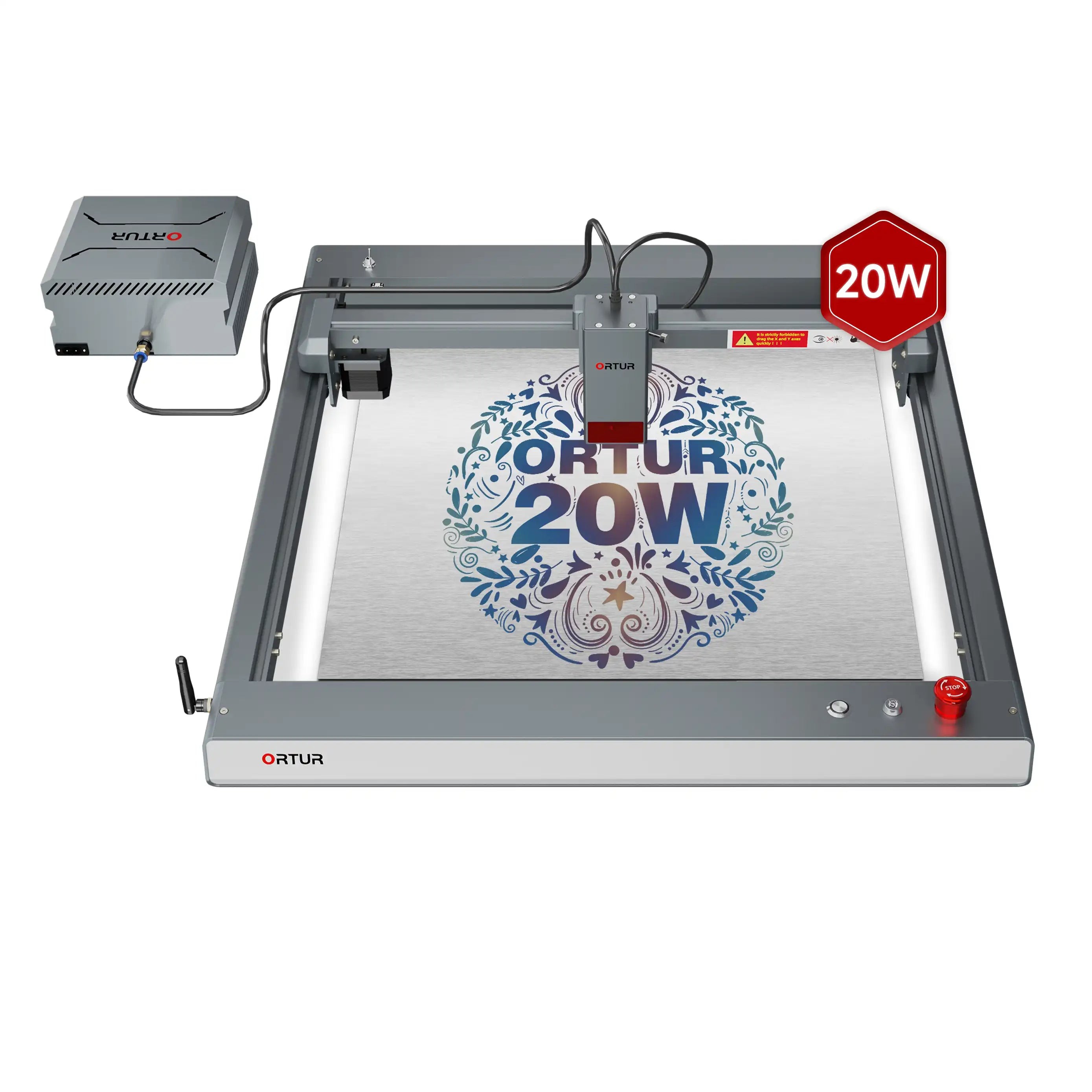
A much cheaper open-frame diode. It saves money up front but is open (less safe), smaller, and lacks the S1’s enclosure, camera, and tested-material workflow.
LaserPecker 4
Portable dual
A portable dual-laser that also marks metal. A different trade-off from the S1 — smaller and travel-friendly, but with a smaller bed and ecosystem.
How to choose a diode laser engraver
Weigh these against your projects and budget:
| Priority | What to check | Points to |
|---|---|---|
| Enclosure & safety | Fully enclosed vs open-frame | S1, Glowforge Aura (enclosed) |
| Cutting power | Diode wattage & bed size | S1 (20–40W); CO2 (P2) for thick stock |
| Metal marking | IR/fiber capability | xTool F1, LaserPecker 4 |
| Budget | All-in cost | Ortur (cheapest), S1 (mid) |
The xTool S1 is a strong enclosed diode — safe, camera-assisted, and powerful for wood, acrylic, and leather. Step up to a P2 for fast CO2 cutting, or the F1 for portability plus metal marking.
A Glowforge Aura is the simplest beginner enclosed diode, while an Ortur is the budget open-frame pick if safety and refinement matter less.
Final thoughts
The xTool S1 brought fully enclosed, high-power diode cutting to the desktop: a large 498 × 319 mm bed, up to 40W of cutting power, curved-surface engraving, and Class 1 safety so you can work with the lid closed.
For makers who want to cut thick wood and acrylic and engrave a wide range of materials — without the footprint or fumes of an open frame — it is one of the most capable diode lasers in its class.
See real builds in the S1 project gallery, then check current pricing on the official xTool S1 page. If you need a larger bed and CO2 cutting power instead, compare the xTool P2.
Frequently asked questions about the xTool S1
What is the difference between the xTool S1 20W and 40W?
Both are the same enclosed machine; the difference is laser power. The 40W cuts thicker material in one pass (up to about 18 mm cherry wood and 15 mm dark acrylic), while the 20W cuts up to roughly 10 mm wood and 8 mm acrylic. The 40W is faster on thick cuts; the 20W costs less.
Can the xTool S1 cut metal?
It can engrave coated and some bare metals such as anodized aluminum and stainless steel, and cut very thin stainless (around 0.1 mm with the 40W). For cutting thicker metal you need a fiber or CO2 laser, not a diode.
Is the xTool S1 safe to use at home?
Yes — it is fully enclosed and Class 1 safety certified, and it automatically stops if you open the lid or remove the base. You still need proper exhaust or a smoke purifier for fumes.
Does the xTool S1 work with LightBurn?
Yes. The S1 runs on xTool Creative Space (XCS) across desktop, tablet, and mobile, and it also supports LightBurn for users who prefer it.
Can the xTool S1 engrave curved objects like tumblers?
Yes. Its intelligent autofocus supports curved-surface engraving, and with the RA2 rotary attachment it can engrave cylindrical items such as tumblers and bottles.
