Atomm AIAtomm AICreative ToolsCreative ToolsMy WorkspaceMy Workspace
ProjectsProjectsTemplatesTemplatesDesignsDesignsMaterials LabMaterials LabMy FollowingMy FollowingHubsHubs
HomeCreative ToolsHalftone

Halftone Maker

Create professional halftone and dotwork textures from your images in seconds with live preview. Tweak size, spacing, and style, then export crisp PNG from this fast, browser‑based generator.

Graphic Design Templates for Print

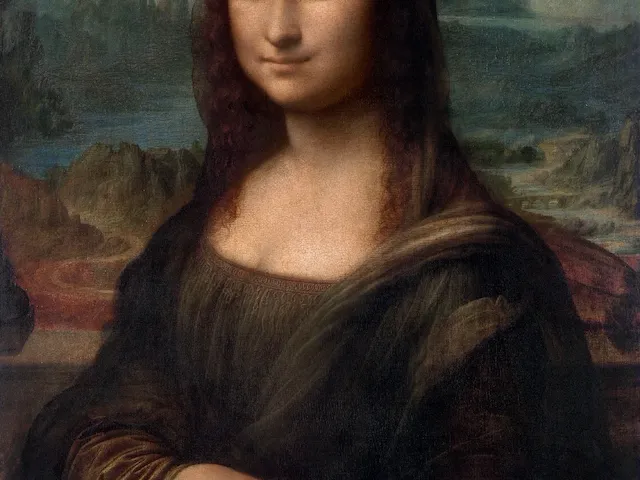
Leonardo da Vinci's Portrait of Mona Lisa del Giocondo (1503–1506)
Atomm Featured
Designs

Leonardo da Vinci's Portrait of Mona Lisa del Giocondo (1503–1506)

Atomm
Atomm
5
48
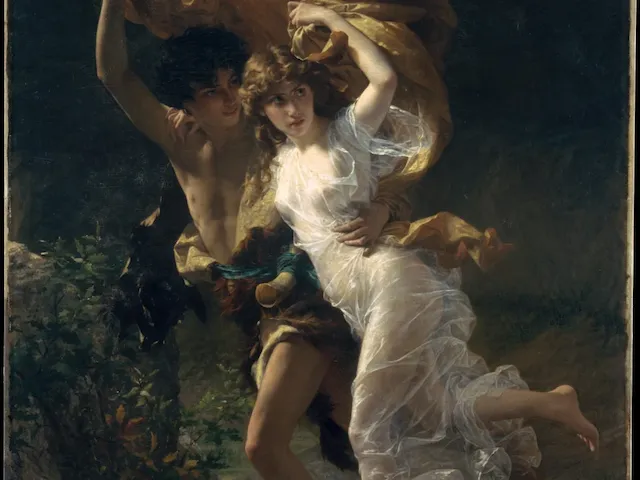
Pierre-Auguste_Cot-The_Storm-87.15.134
Designs

Pierre-Auguste_Cot-The_Storm-87.15.134

Atomm
Atomm
1
5
Freshly Brewed Daily Coffee Badge
Designs

Freshly Brewed Daily Coffee Badge

Atomm
Atomm
2
41
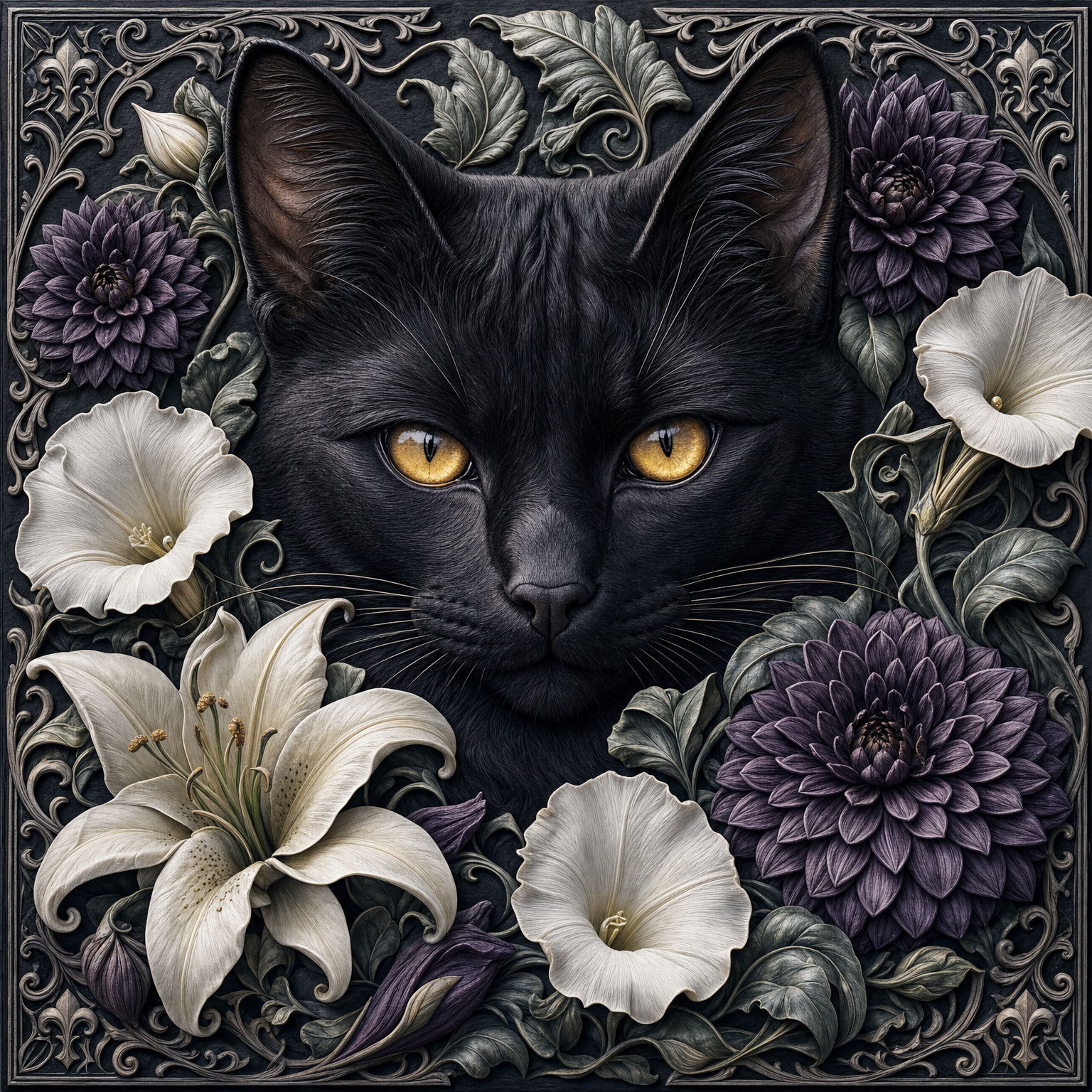
black-cat-lilies-nightflowers
Designs

black-cat-lilies-nightflowers

Atomm
Atomm
6
18
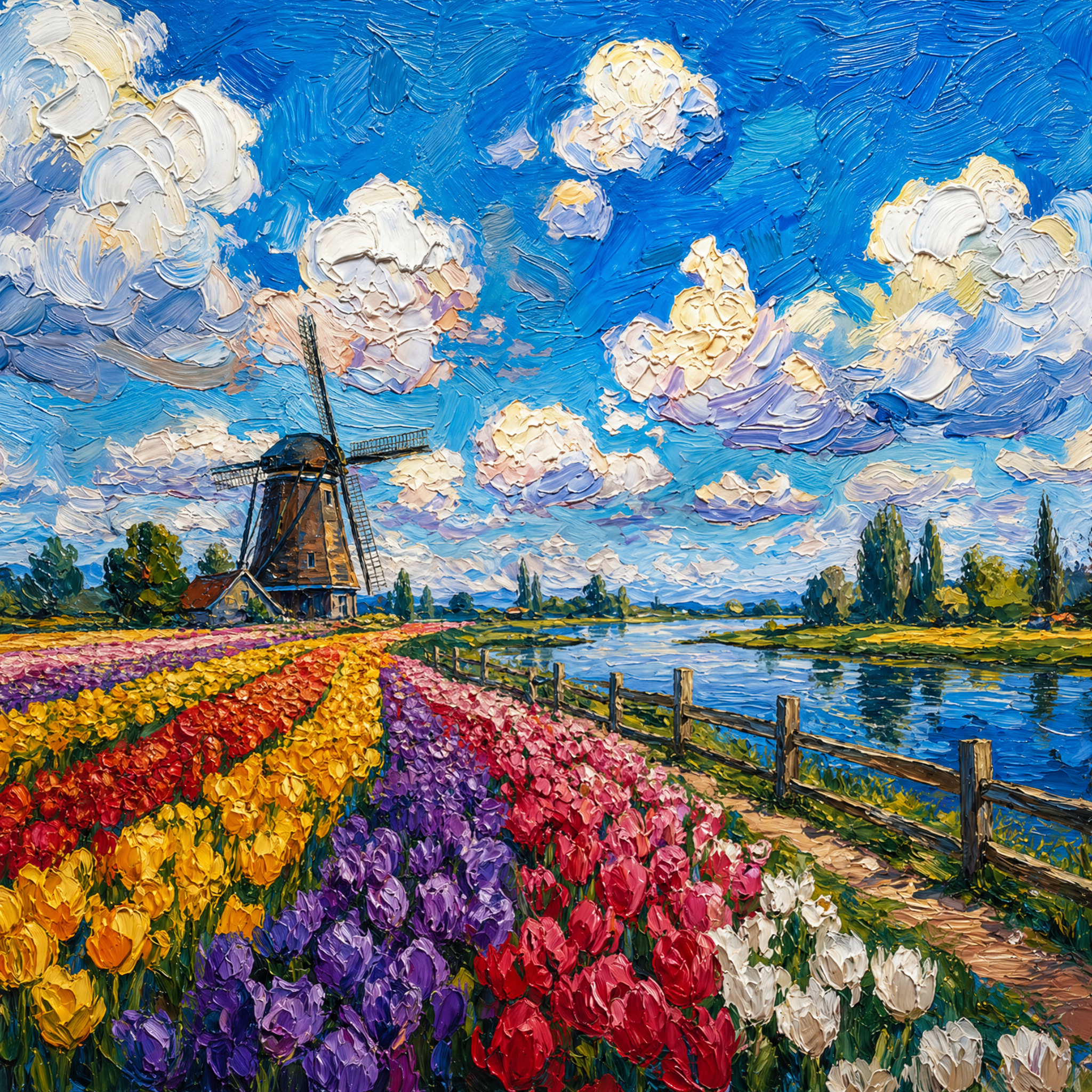
Tulip field landscape
Designs

Tulip field landscape

Atomm
Atomm
3
7
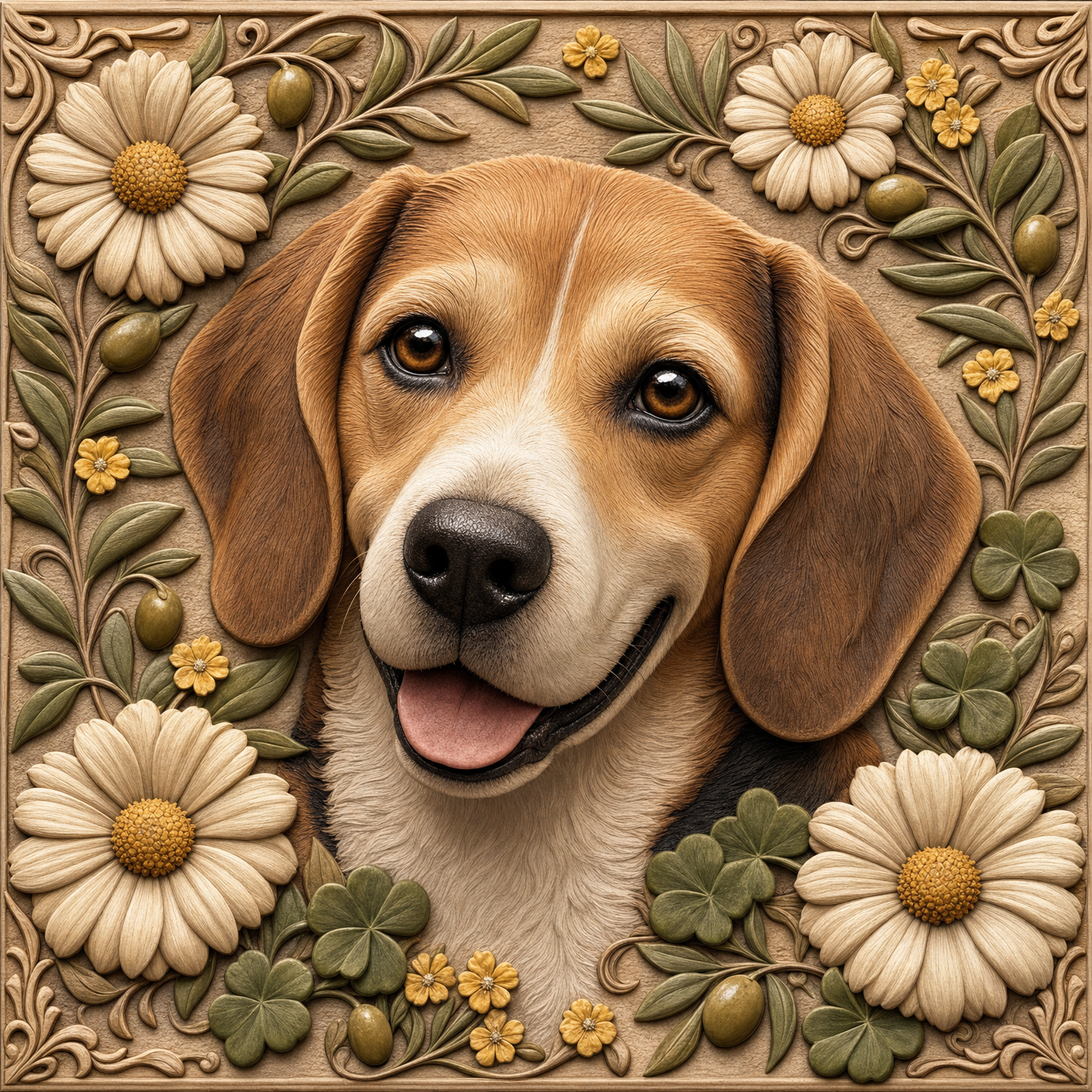
beagle-daisy-olive
Designs

beagle-daisy-olive

Atomm
Atomm
2
12
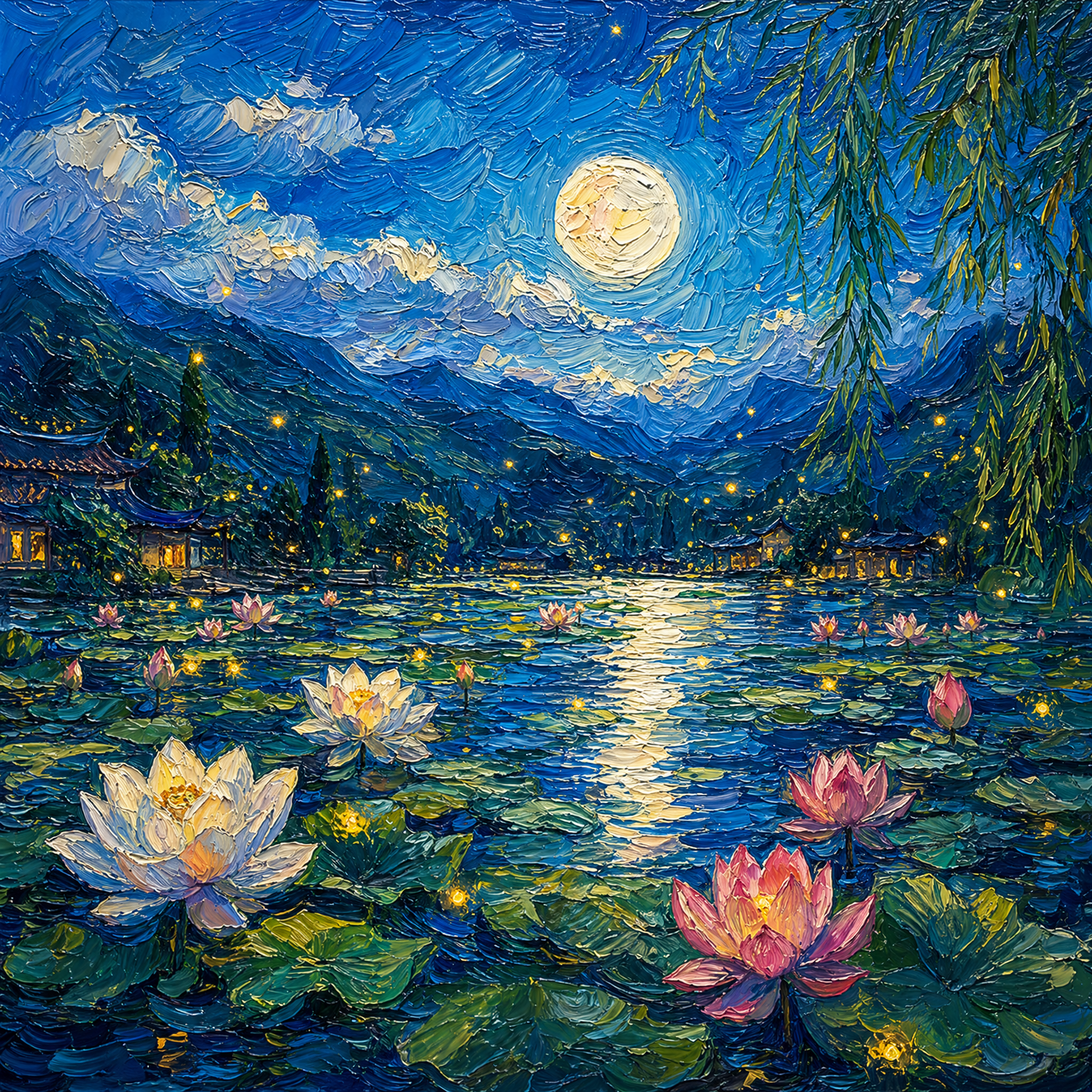
Moonlit lotus pond landscape
Designs

Moonlit lotus pond landscape

Atomm
Atomm
3
11
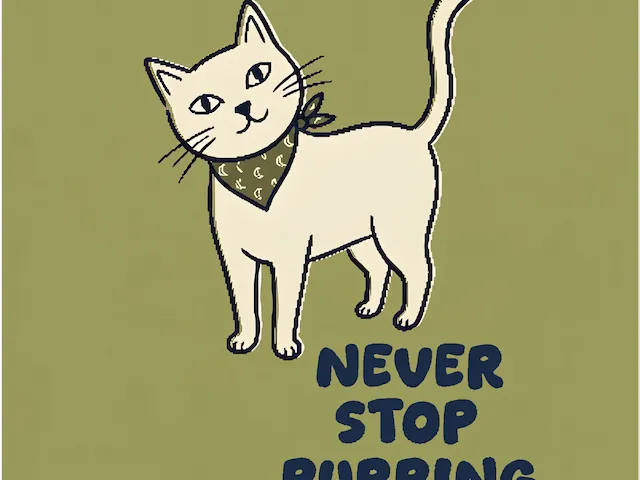
Cat With Bandana Illustration
Designs

Cat With Bandana Illustration

Atomm
Atomm
1
9
Red Panda With Bamboo Wreath
Atomm Featured
Designs

Red Panda With Bamboo Wreath

Atomm
Atomm
1
3
maine-coon-magnolia
Designs

maine-coon-magnolia

Atomm
Atomm
2
23
Michelangelo Buonarroti's The Creation of Adam (circa 1511)
Atomm Featured
Designs

Michelangelo Buonarroti's The Creation of Adam (circa 1511)

Atomm
Atomm
2
9
A Sunday on La Grande Jatte — 1884
Designs

A Sunday on La Grande Jatte — 1884

Atomm
Atomm
1
1
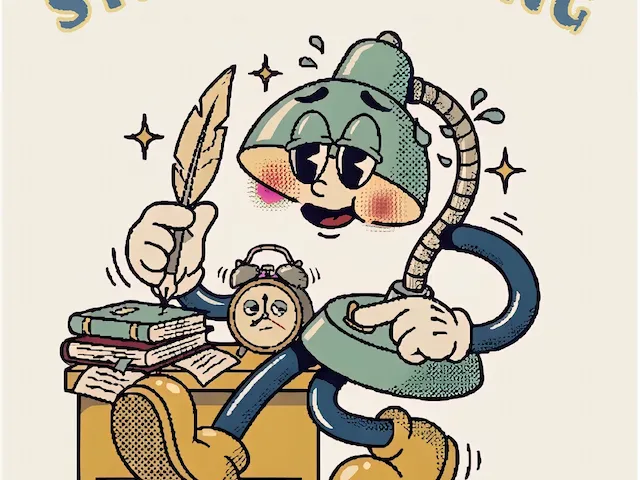
Still Working Desk Lamp Illustration
Designs

Still Working Desk Lamp Illustration

Atomm
Atomm
1
6
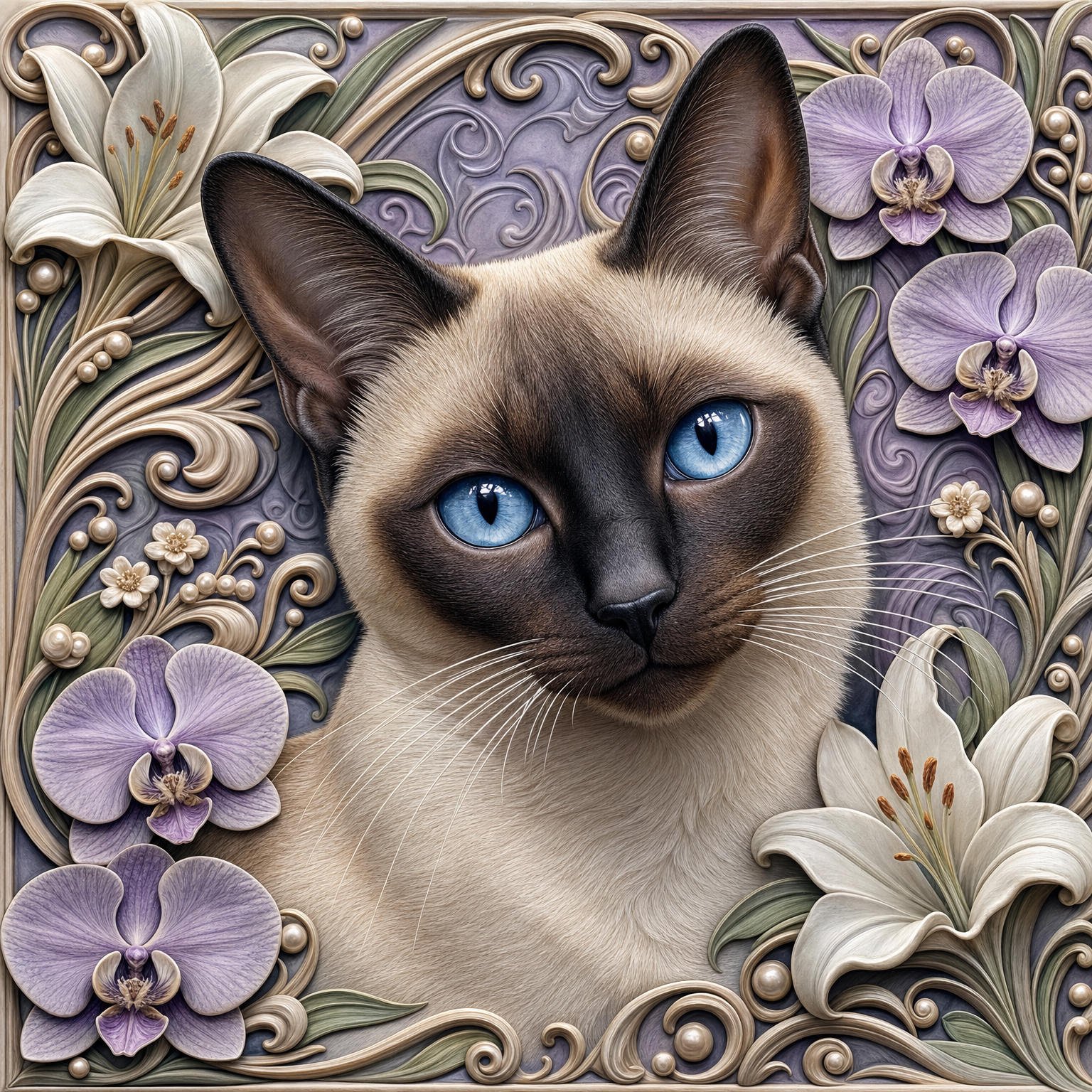
siamese-orchid-lily
Designs

siamese-orchid-lily

Atomm
Atomm
2
10
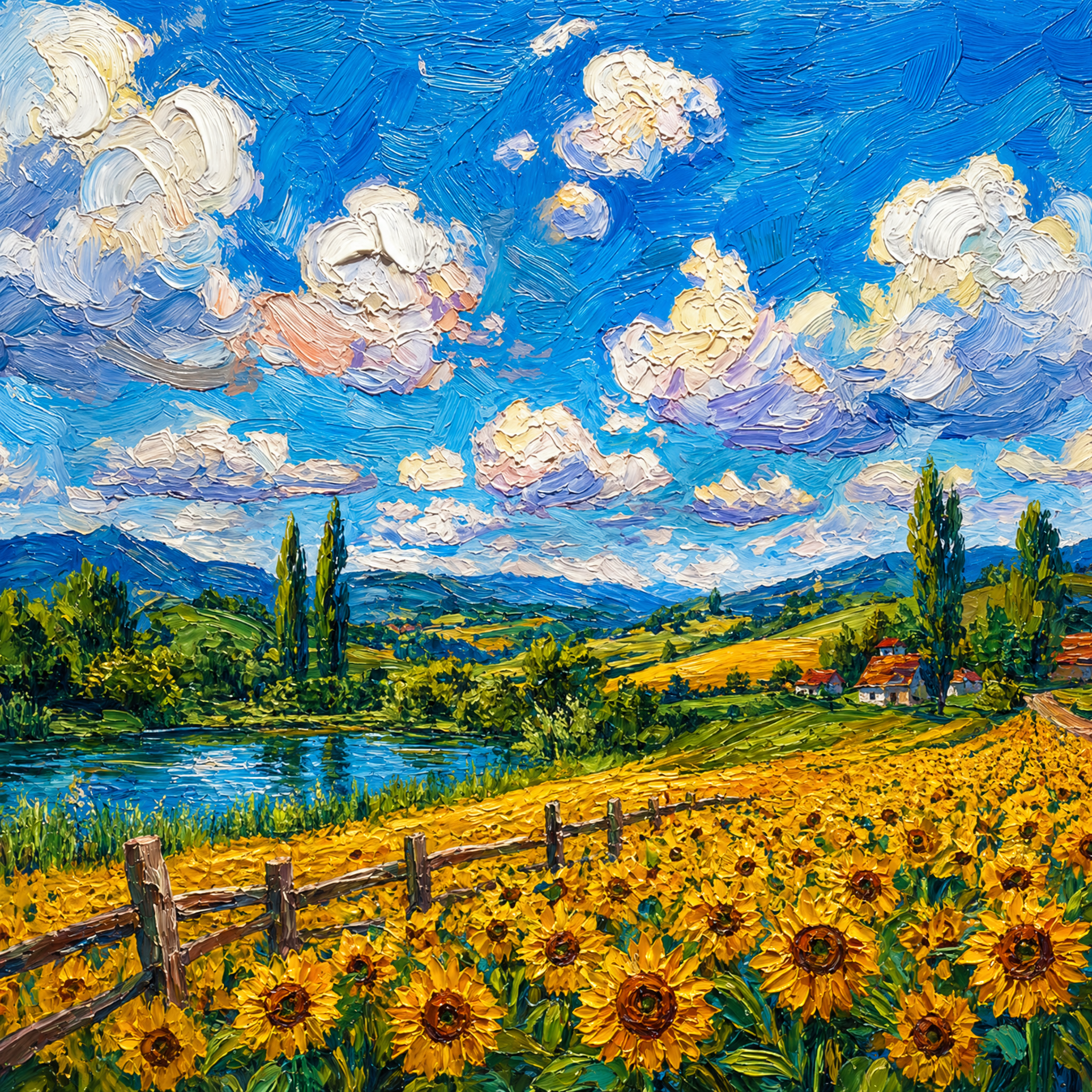
Sunflower field landscape
Designs

Sunflower field landscape

Atomm
Atomm
0
5
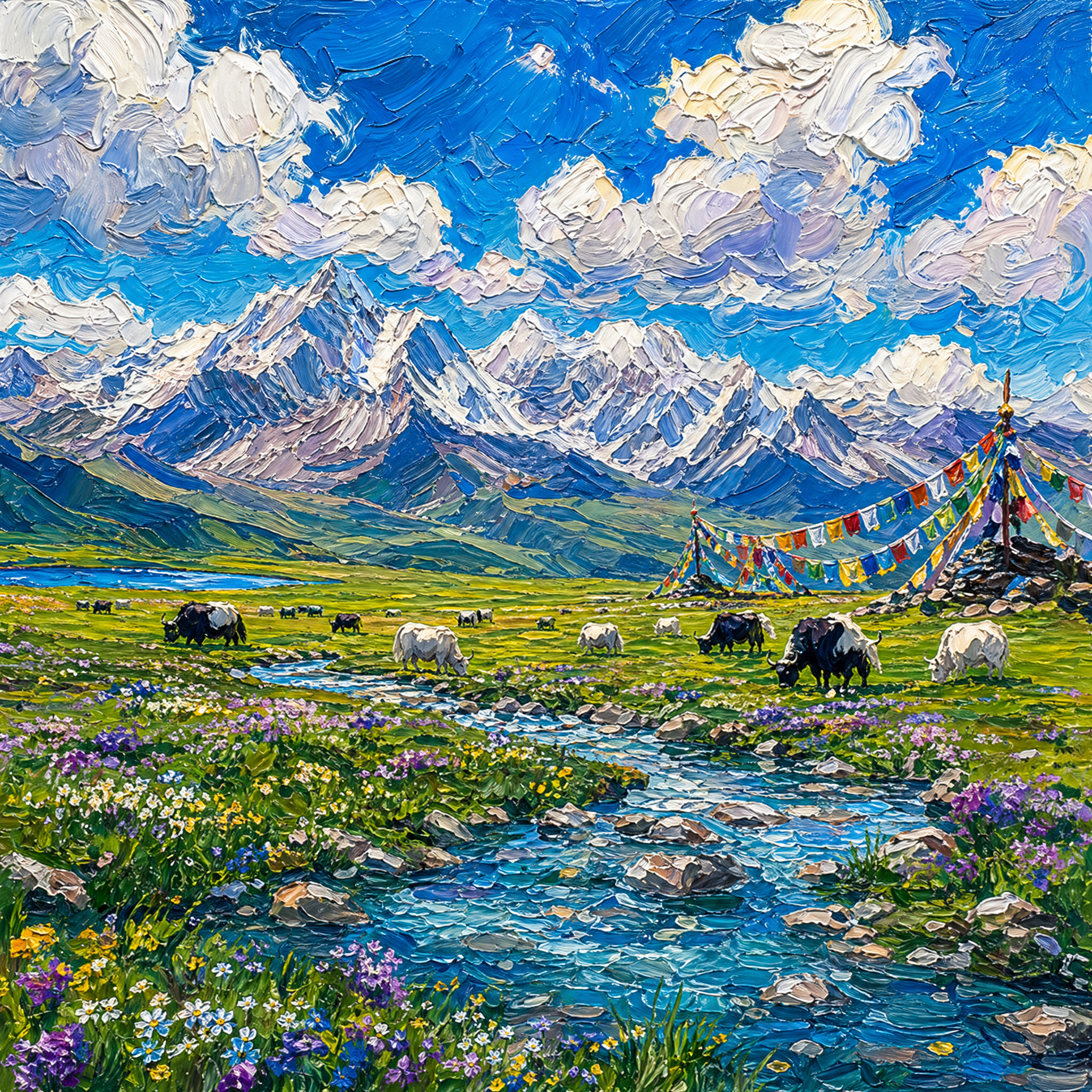
Snow mountain grassland landscape
Designs

Snow mountain grassland landscape

Atomm
Atomm
2
2
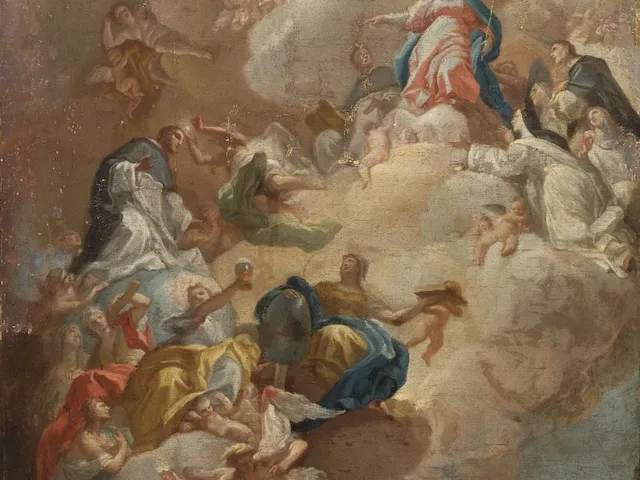
The Glorification of Saint Dominic (1710 - 1785) by Francesco Solimena
Designs

The Glorification of Saint Dominic (1710 - 1785) by Francesco Solimena

Atomm
Atomm
0
2
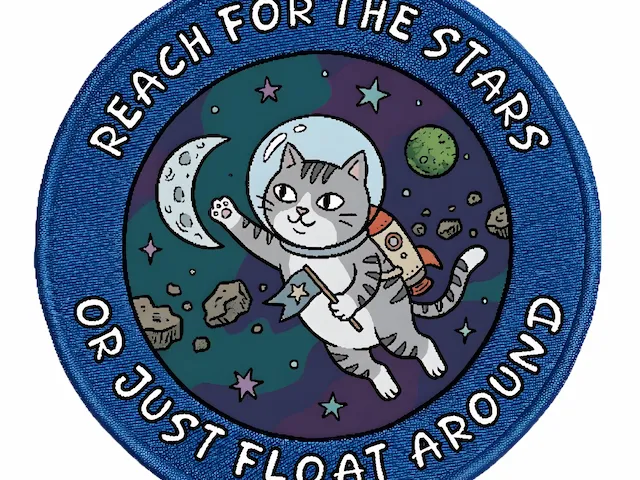
Astronaut Cat Floating In Space
Designs

Astronaut Cat Floating In Space

Atomm
Atomm
1
11
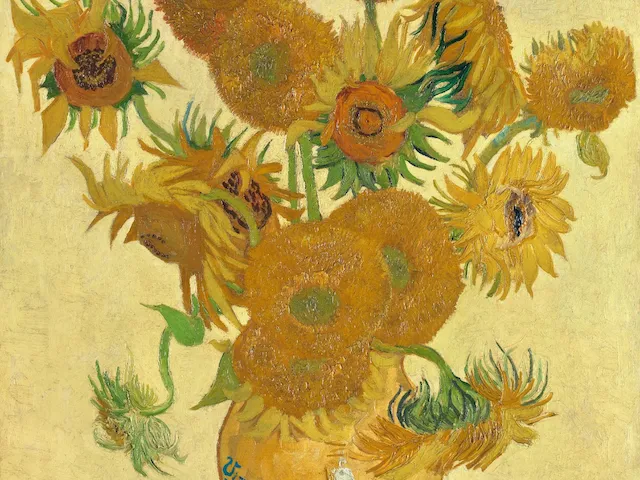
Vincent van Gogh's Sunflowers (1888)
Designs

Vincent van Gogh's Sunflowers (1888)

Atomm
Atomm
0
4
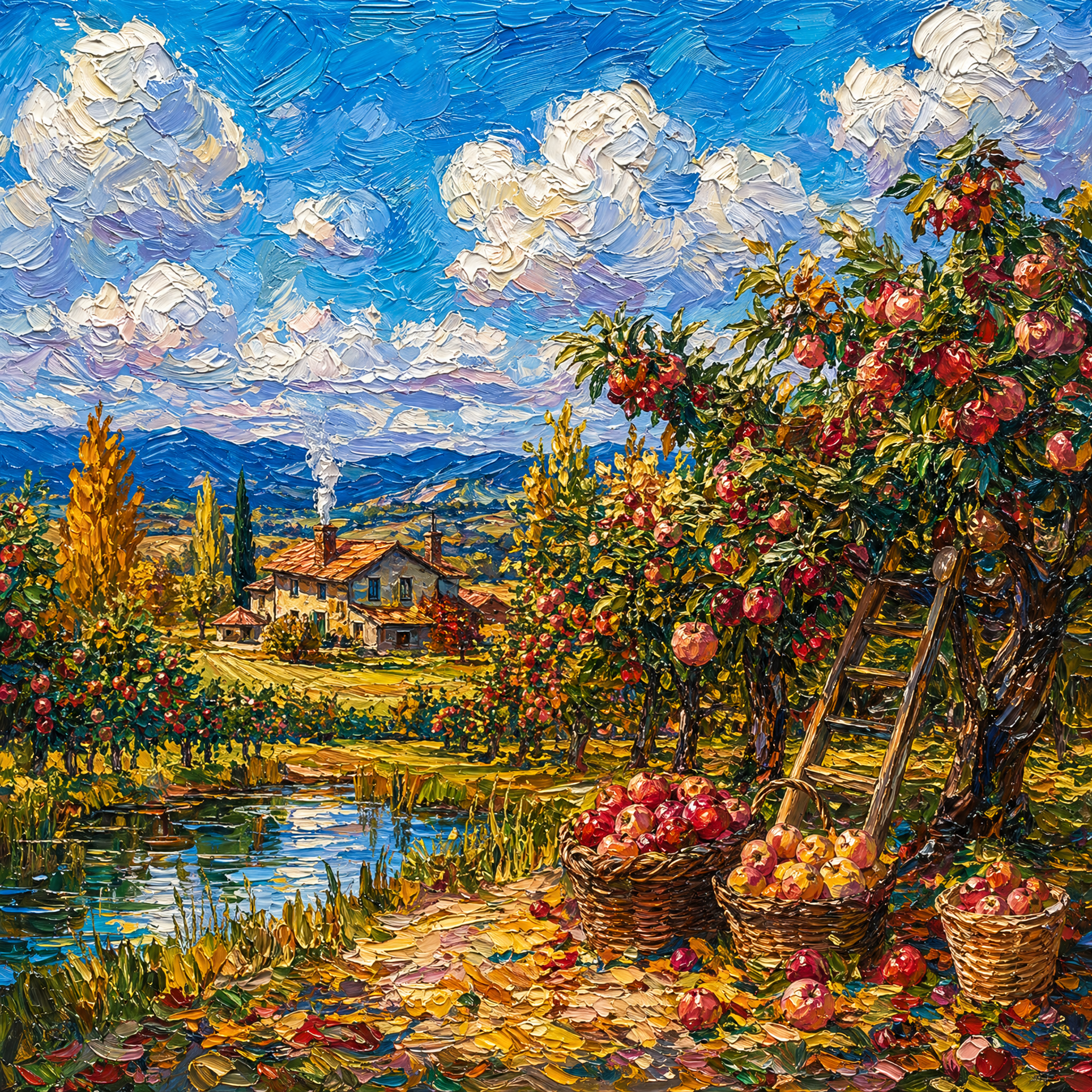
Orchard harvest landscape
Designs

Orchard harvest landscape

Atomm
Atomm
0
1
Explore More

How to Turn an Image into a Halftone

Upload a photo, shape the halftone pattern in the live preview, and export a PNG at the size your project needs.

01

Upload Your Image

Choose a JPG, JPEG, PNG, or WEBP image with a clear subject and visible contrast. Open the preview to see how its highlights, shadows, edges, and background translate into a halftone pattern.

02

Choose and Refine the Pattern

Select merged dots, round dots, ellipses, diamonds, squares, lines, or a solid treatment. Adjust LPI and dot angle while the preview updates, then set the artwork and background colors.

03

Set the Output Size and Export

Enter the intended print width, choose 300, 450, or 600 DPI, and inspect the result in Preview or Mask. Export the finished artwork as a PNG for your next design or print workflow.

Convert Images into Dotted Halftone Effects

Turn portraits, products, pets, illustrations, and photographs into dotted halftone artwork while preserving the light and shadow that make the subject recognizable. The preview translates darker areas into stronger marks and lighter areas into more open detail.

Compare the result with the original before exporting, so the final halftone effect stays clear at the size and contrast your project needs.

Try It Free
Color Knockout & Background Control

Choose the Right Halftone Dot Shape

Change the visual character of the image with merged dots, round dots, ellipses, diamonds, squares, or lines. Choose None when you want a solid two-color treatment without a repeated halftone pattern.

Each shape responds differently to curves, facial detail, gradients, and backgrounds, making it easy to move from a classic newspaper texture to geometric, linear, or graphic artwork.

Try It Free
Next‑Level Halftone Editing for Creators

Control Halftone Detail with LPI and Dot Angle

Use LPI to control how coarse or fine the repeated pattern appears. Lower values create larger, more visible marks; higher values create smaller, denser marks that retain more photographic detail. Dot angle rotates the pattern across the image.

Every adjustment appears in the preview, helping you balance subject clarity, visible texture, and the direction of dots or lines before export.

Try It Free
Halftone Real-Time Interactive Design

Customize Colors and Export a Print-Sized PNG

Set the knockout color and background color independently to create classic black and white, white on black, or a custom two-color combination. Use the Mask view to inspect positive and negative areas before finishing the design.

Enter the intended print width and choose 300, 450, or 600 DPI, then export a PNG prepared around the dimensions of your apparel graphic, poster, transfer, or art print.

Try It Free
Printing‑Ready PNG & DTF Output

Popular Ways to Use Halftone Effects

Use halftone texture to give photos and graphics a print-focused look across apparel, editorial design, art, and monochrome projects.

Apparel and Screen Prints

Translate portraits and illustrations into controlled dot patterns for shirts, hoodies, totes, and other printed goods.

Posters, Zines, and Editorial Graphics

Add newspaper, comic, and retro-print texture to covers, posters, layouts, and social graphics.

Dot Art and Portrait Effects

Turn faces, pets, objects, and scenes into graphic artwork built from visible repeated marks.

Black-and-White Artwork

Create bold monochrome images or solid two-color treatments for prints, signs, and design references.

Explore More Halftone Tools

Start with the halftone workflow that matches your image, visual style, or production goal.

Explore More Halftone Tools Screen Print Halftone Generator

Screen Print Halftone Generator

Prepare one-color halftones with LPI, angle, print-width, and DPI controls.

Explore More Halftone Tools Dot Art Generator

Dot Art Generator

Turn photos into stippled artwork with round, ellipse, diamond, square, or line patterns.

Explore More Halftone Tools Black and White Image Converter

Black and White Image Converter

Create solid monochrome or patterned two-color artwork from a photo.

Choosing the Right Material for Your Project

More

Halftone & Printing Guides

What halftone dots actually do, and how to set them up for DTF, screen printing and film output.

What Is Halftone? The Dot Effect Explained (2026)

What is halftone? How the classic dot pattern turns photos into printable art — halftone printing, the halftone effect in design, and how to make one free.

2026/07/142868

How to Make Halftone Effect for Printing in Craft Lab

Learn how to make halftone effects for printing with Atomm's Halftone Maker: image prep, dot size and angle, then export PNG for screen printing or DTF.

2026/03/0410172

What Is Screen Printing? Process, Costs and When to Use It

Screen printing explained: how ink is pushed through a stencil, why cost per shirt is highest at one and lowest at 500, and how it compares to HTV, DTF and DTG.

2026/08/111365

What Is a DTF Printer? DTF Printing Explained

What is a DTF printer? Learn how Direct-to-Film printing works, what it can print, how it compares to DTG and screen printing, and what it costs.

2026/10/121064

DTF vs Screen Printing: Where the Cost Curves Cross

DTF vs screen printing decided by quantity: why screens are expensive once and free afterwards, why DTF costs the same every time, and where the two curves cross.

2026/08/27962

DTG vs DTF: Which Printing Method Should You Choose?

DTG vs DTF compared on fabrics, hand feel, durability, artwork and real entry costs — plus which one to choose for cotton, polyester or a small apparel business.

2026/08/172453

Bring Your Halftone Designs to Life with Apparel Printer

xTool Apparel Printer Banner
Explore the Machine
bgImg

Start Designing with Atomm AI

Atomm AI is your AI crafting agent that helps turn inspiration into real creations with ease.

Get Started

FAQs about Halftone Images

What is a halftone generator and how does it work?

A halftone generator recreates the light and shadow in a continuous-tone image with repeated dots, lines, or related marks. Darker areas use stronger or denser marks, while lighter areas leave more open space. Atomm lets you preview the conversion, choose the pattern, adjust LPI and angle, set two colors, and export a PNG.

How do I turn an image into a halftone online?

Which halftone dot shapes can I use?

What do LPI and dot angle change?

Can I create a colored halftone instead of black and white?

Is this halftone generator suitable for screen printing?

Does the halftone generator export SVG or PNG?

What image formats can I upload?

Invite friends to register and both of you get credits.