Create Your Tag

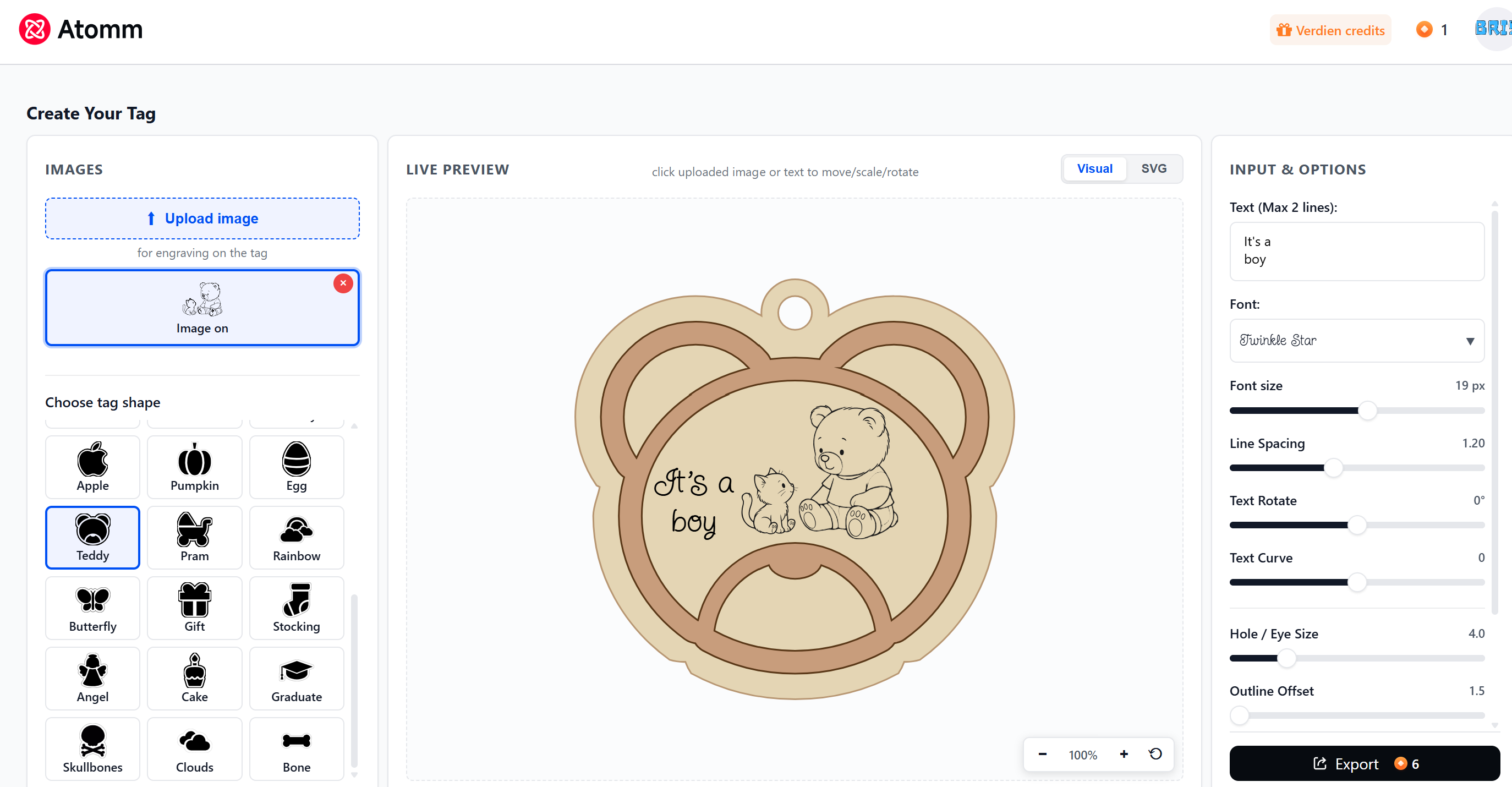
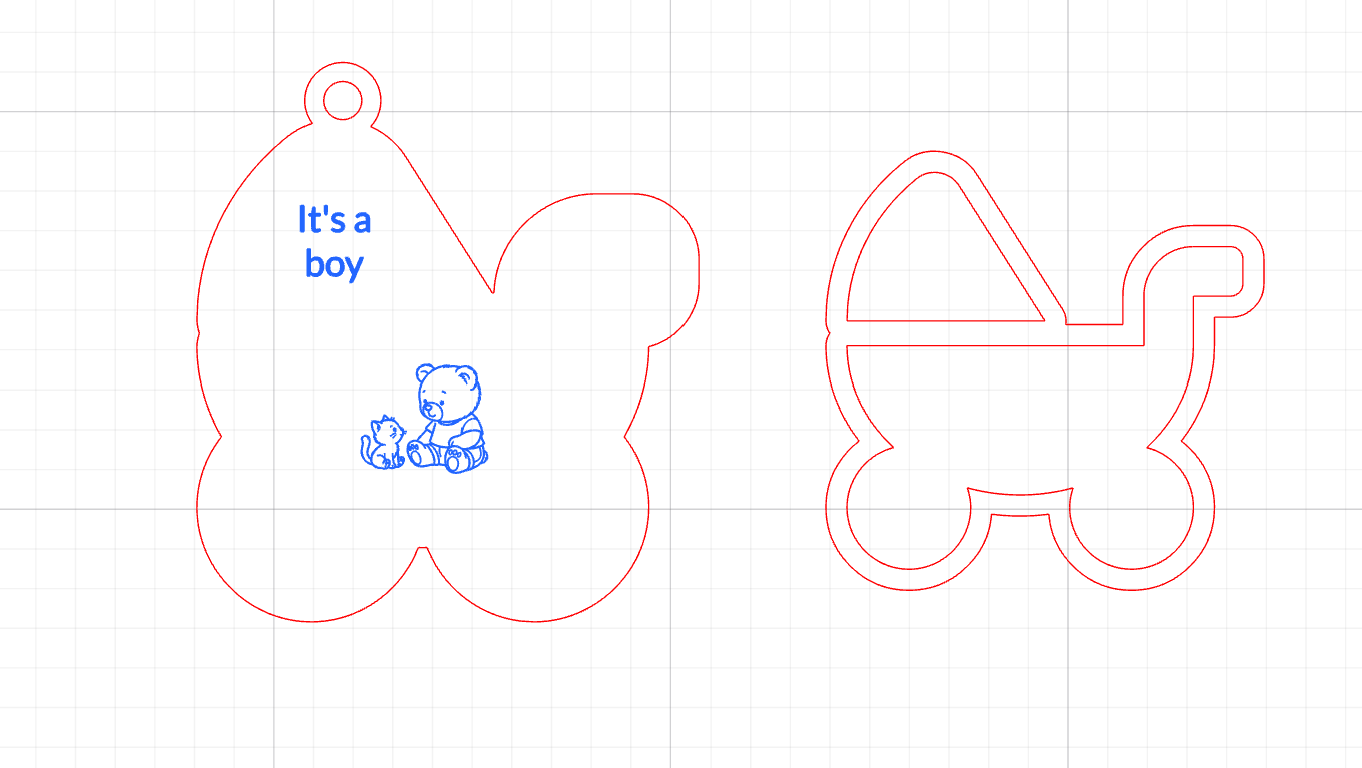
Create Your Tag lets you design personalized two-layer tags and ornaments.

gift
48

Description

Key Features

Shape library: Choose from 30 shapes (gift, angel, pram, teddy, teapot, paw, and more).

Add your own image: Add image for engraving on the back layer. 

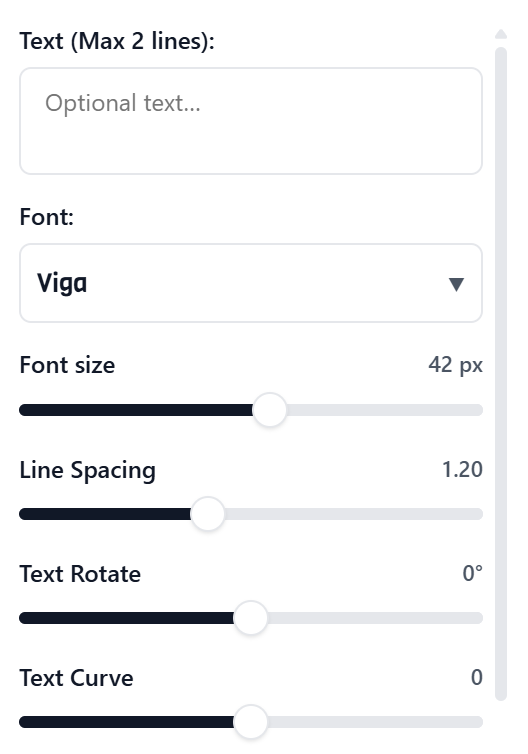
Add text: Enter up to 2 lines - ideal for names & short messages

Text rotation & curve: Rotate and/or curve the text.

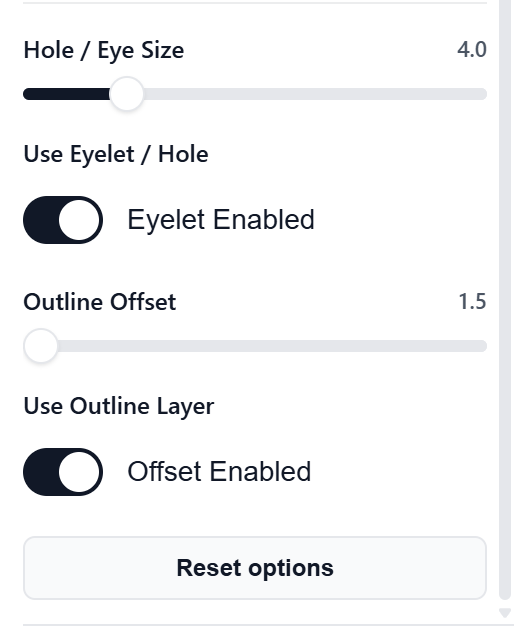
Outline offset: Adjust offset size or toggle the offset from the back layer on or off.

Dual modes: Switch between Visual (realistic preview) and SVG (cut & engrave ready).

Live preview: Zoom, pan and see every change instantly.

SVG export: Download the design or open it directly in xTool Studio.


How to use


Shape and image:

Choose a shape in the left panel.

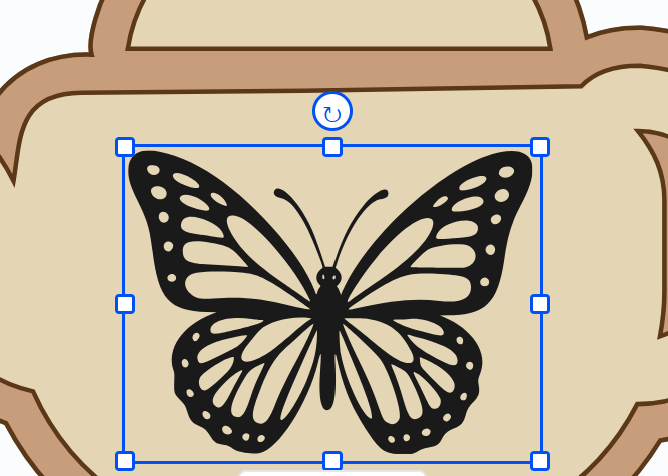
Optional image upload  add to the design for engraving.

click your image to scale, rotate and move

Text, eyelet and offset options:

Choose font and adjust font size, spacing, rotation & curve 


Click Export → Choose Download or Open in Studio.  


Open in xTool Studio:

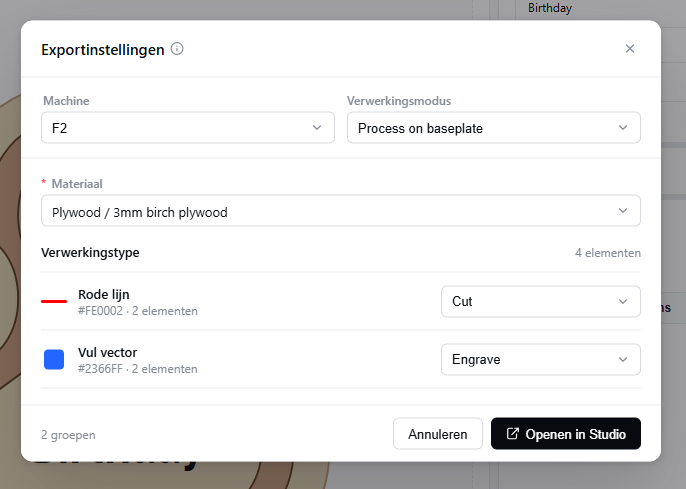
Choose your machine and material and click for Open in Studio

The system recognizes the red and blue as cut and engrave!

.


How to process in xTool Studio

The settings are already filled in, adjust if you have your own settings.

Frame (optional) and send the job to your xTool machine.


Comments