


Optical Illusion Generator
Generate 75 math-based optical illusion, fractal, mandala, Voronoi, and spiral patterns instantly — no design skills needed. Drag sliders for live parametric control, preview on wood, t-shirts, totes, and coasters, then export print-ready PNG for sublimation, DTF, and UV printing. Every pattern is unique, royalty-free generative art built from real formulas. Perfect for print-on-demand sellers, laser makers, and gift shops needing endless original designs, fast.

Description
Optical Illusion Generator
75 base parametric patterns. One tool. Every surface you print, cut, or engrave.
From classic optical illusions to fractals, impossible geometry, cellular structures, and hand-drawn curve machines — generate, preview, and export production-ready artwork without leaving your browser.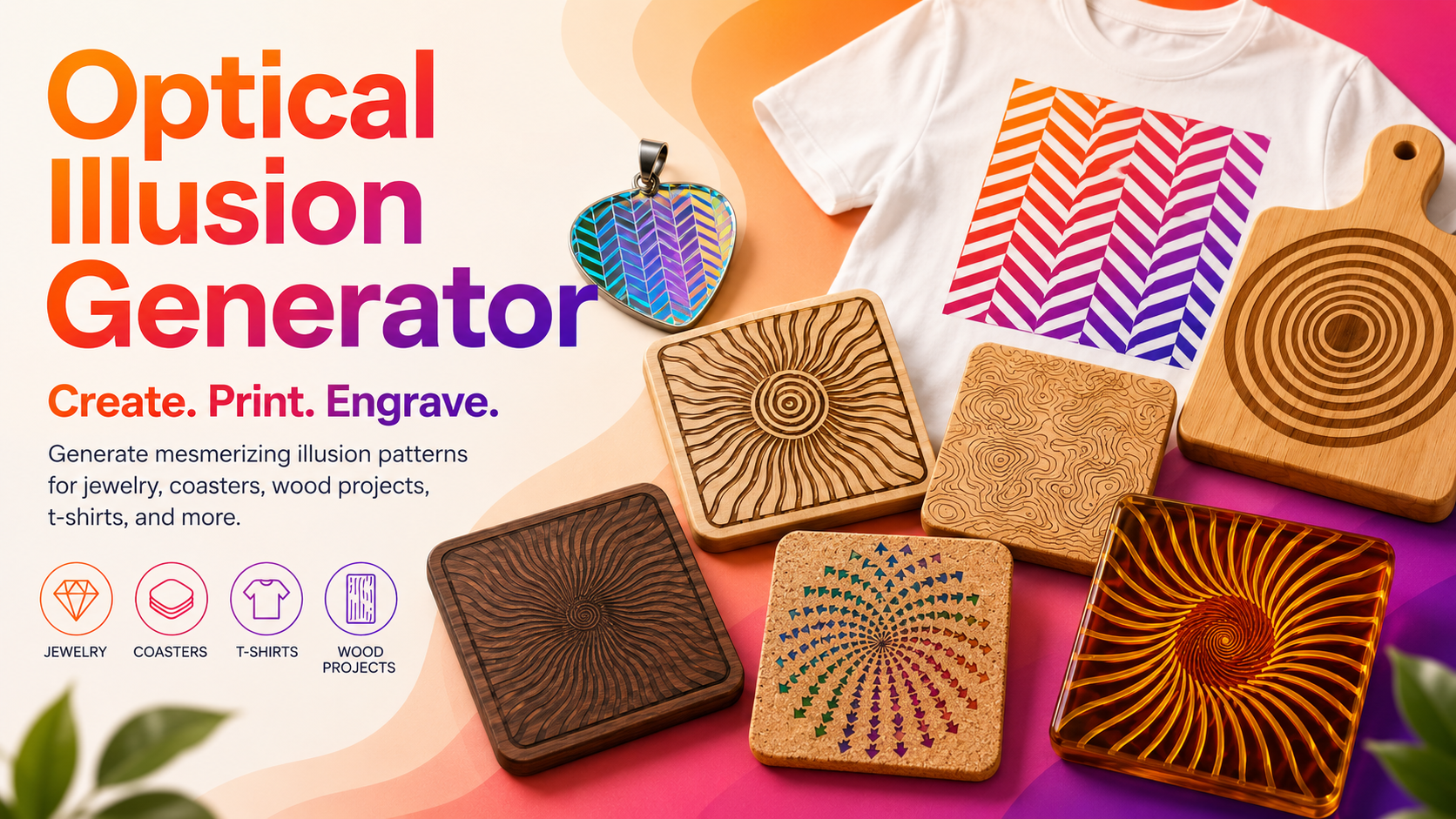
What it is
Optical Illusion Generator is a pattern laboratory built directly into Atomm. Pick from 75 generative patterns across nine families, adjust every parameter with live visual feedback, preview the result on a real product mockup, and export a print-ready file — all in one continuous workflow, with nothing to install and nothing to configure.
It's not a fixed clip-art library. Every pattern is built from math, not pixels — which means every slider you touch produces a genuinely new, unique design. Two people using the same pattern will rarely land on the same result twice.
75 patterns across 9 families
Tilt Illusions — Café Wall, Zöllner, Hering, Wundt, Poggendorff, Herringbone, Orbison, Ponzo, Müller-Lyer Field. The classic "this can't actually be straight" grid and line illusions.
Interference Patterns — Moiré, Barber Pole, Zone Plate, Radial Moiré, Concentric Moiré, Crosshatch Moiré. Overlapping line and ring sets that create motion and depth from nothing but geometry.
Contrast & Perception — Ouchi, Hermann Grid, Scintillating Grid, Kanizsa Contour, Ehrenstein, Checkerboard, Twisted Vortex, Ebbinghaus Field, Delboeuf Field, Bulging Grid. The illusions that make identical shapes look different sizes, or flat grids look like they bulge in 3D.
Depth & Impossible Geometry — Warped Grid, Impossible Cubes, Halftone Radial, Cloud Halftone, Penrose Triangle, Penrose Stairs, Necker Cube Lattice. Escher-style impossible objects and depth-ambiguous wireframes.
Curved & Spiral — Fraser Spiral, Droste Spiral, Vortex Spiral, Rippled Rings, Sunburst Rays, Wave Chain, Tidal Wave, Wave Stack, Fermat Spiral, Logarithmic Spiral, Rose Curve. Flowing, organic line work built from real spiral mathematics — including the golden spiral.
Fractals — Koch Snowflake, Sierpinski Triangle, Fractal Tree, Sierpinski Carpet, Dragon Curve, Hilbert Curve. Infinitely self-similar structures, from a single recursive rule to a fully rendered design.
Organic & Topographic — Topographic Contours, Concentric Hexagons, Flow Field, Metaball Isolines, Cellular Contours, Voronoi Diagram, Circle Packing, Relaxed Voronoi, Weighted Voronoi, Delaunay Triangulation, Poisson-Disk Stippling, Domain-Warped Contours. Cell structures, terrain contours, and packed forms that look grown rather than drawn.
Radial Motifs — Mandala Burst, Spiral Cluster, Phyllotaxis, Nested Star Polygons, Rose Window, Radial Kaleidoscope. Symmetric, meditative designs built around a center point — mandalas, sunflower-seed spirals, and cathedral-window tracery.
Curves & Harmonographs — Lissajous, Harmonograph, Maurer Rose, Trochoid, Guilloché, Butterfly Curve, Involute Spiral, Superformula. The elegant curves drawn by physical pendulum machines and banknote engraving — plus the Superformula, a single equation that can produce stars, flowers, and polygons depending on how you tune it.
How to Make Coasters with Topographic Patterns
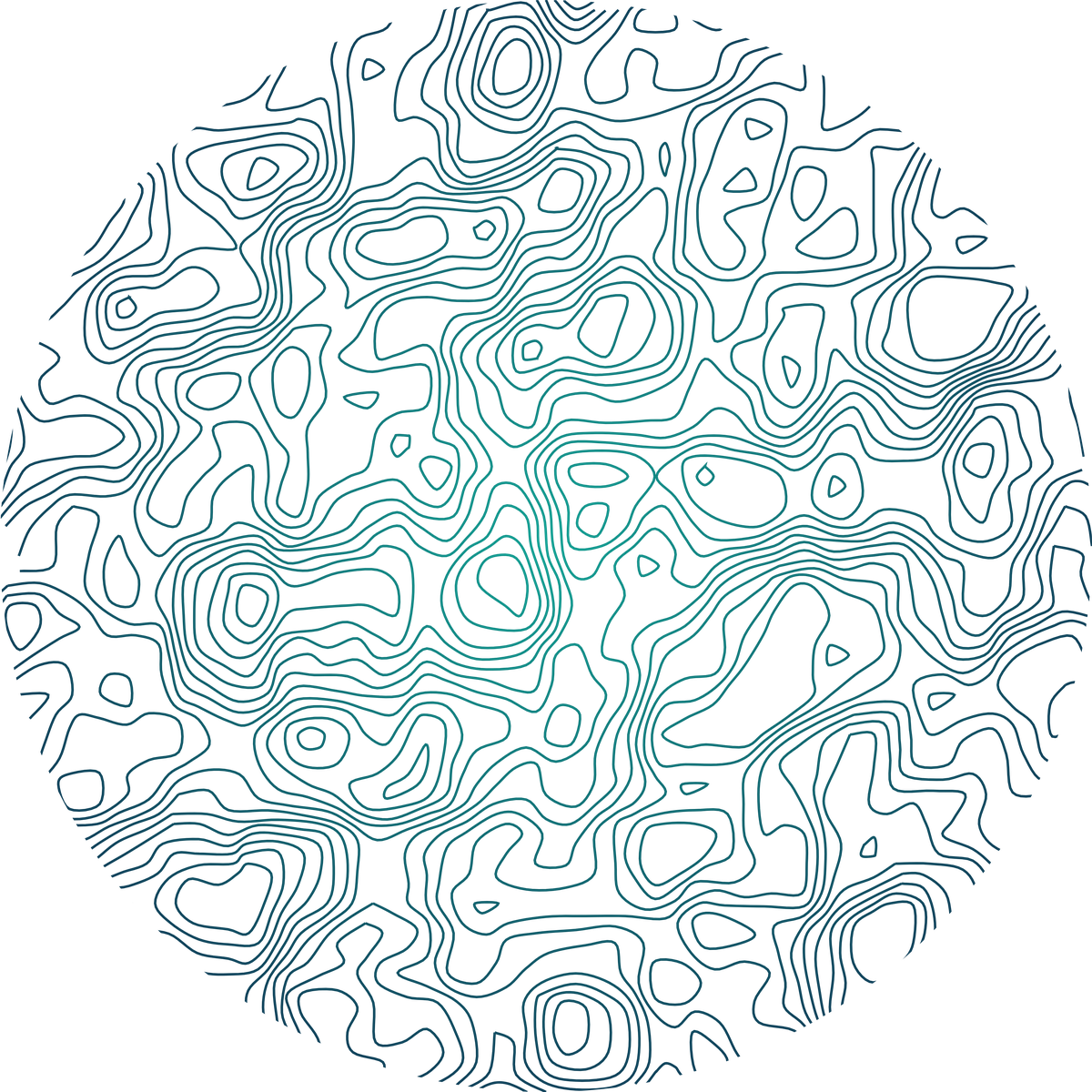 Contour lines — the kind you'd see on a hiking map or a nautical chart — make some of the most naturally elegant coaster designs in the whole library. Here's the complete workflow: picking a topographic pattern, shaping it into a coaster, and coloring it with a gradient that suits the theme.
Step 1 — Pick a topographic pattern
Click Pattern in the left rail and search for Topographic Contours, in the Organic & Topographic family: noise-based isolines that read like elevation rings on a map.
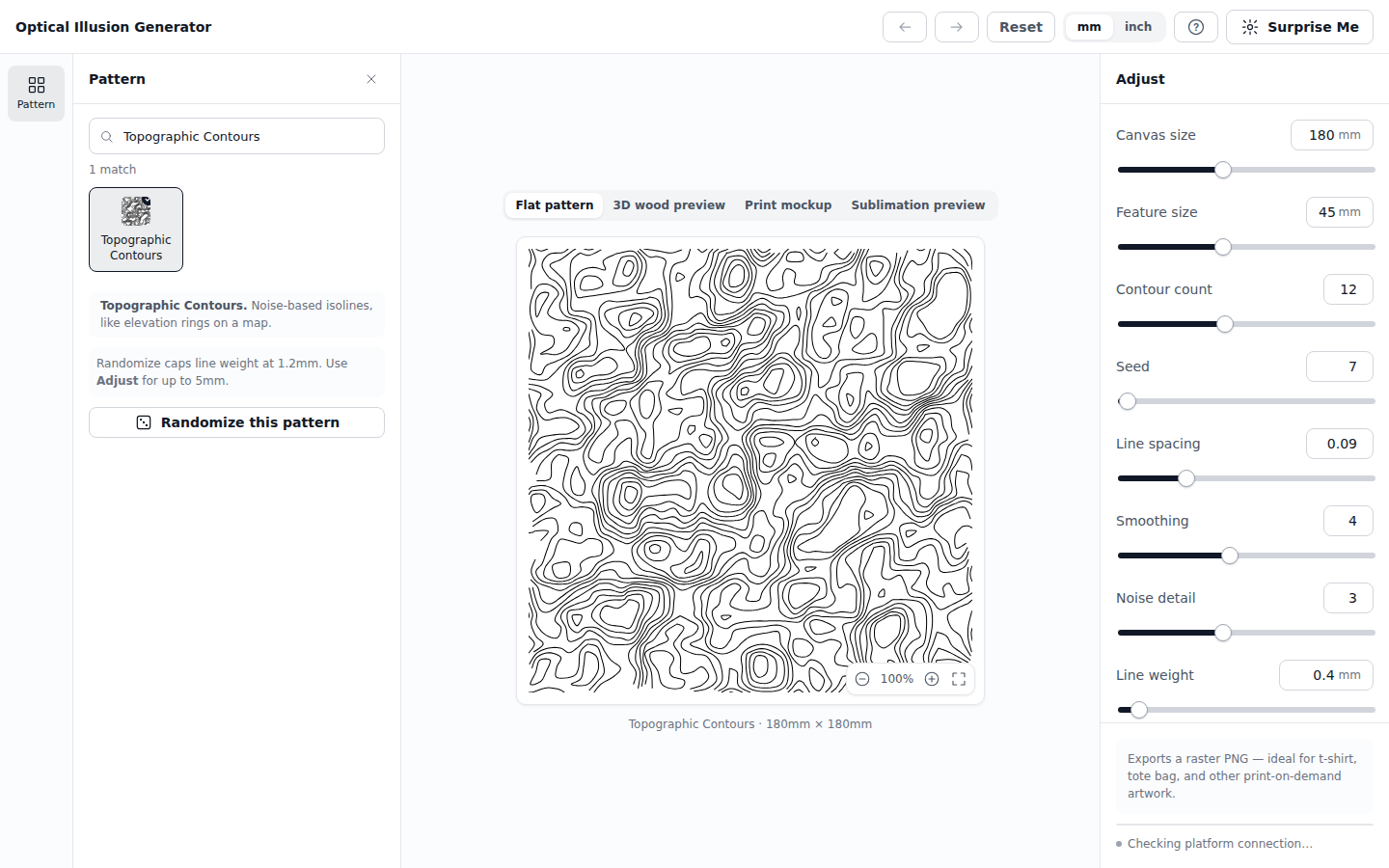
The Organic & Topographic category has several patterns built from the same underlying idea if you want to explore variations later — Domain-Warped Contours gives a more swirled, marbled version of the same concept, for example.
Step 2 — Adjust the contours
The Adjust panel shows Topographic Contours' own controls: feature size, contour count, line spacing, smoothing, noise detail, and seed.
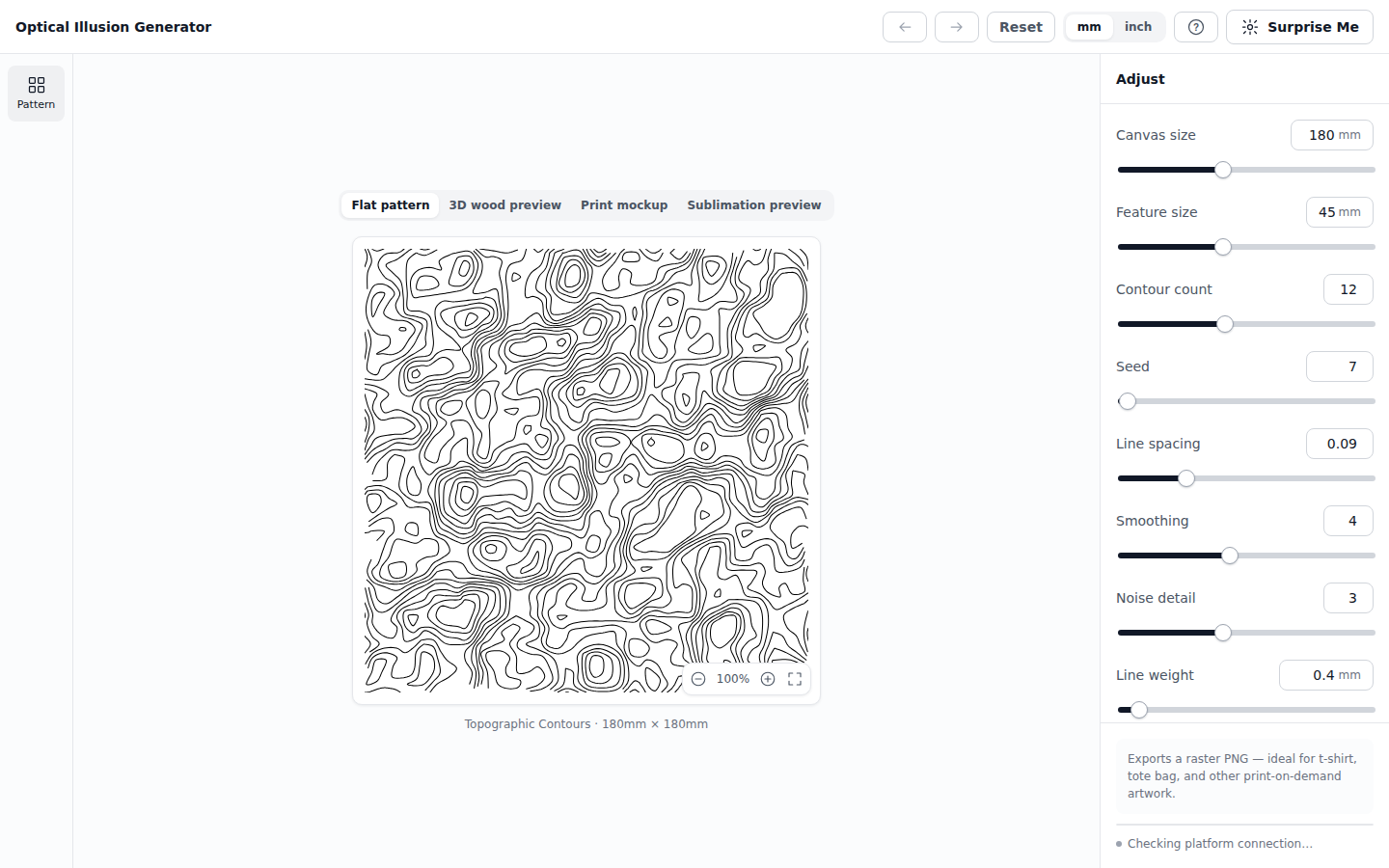
Contour count is the one to reach for first — fewer, further-apart lines read like a simple elevation map; more, tighter lines start to look like a topographic survey or a fingerprint. Seed gives you a completely different "terrain" from the same settings, so it's worth trying a few before settling on one.
Step 3 — Shape it for a coaster
Coasters are round, so switch the canvas to a circular shape. Click Sublimation preview above the canvas — this is the tab built specifically for ceramic coaster mockups — then set Coaster shape to Circular underneath it.
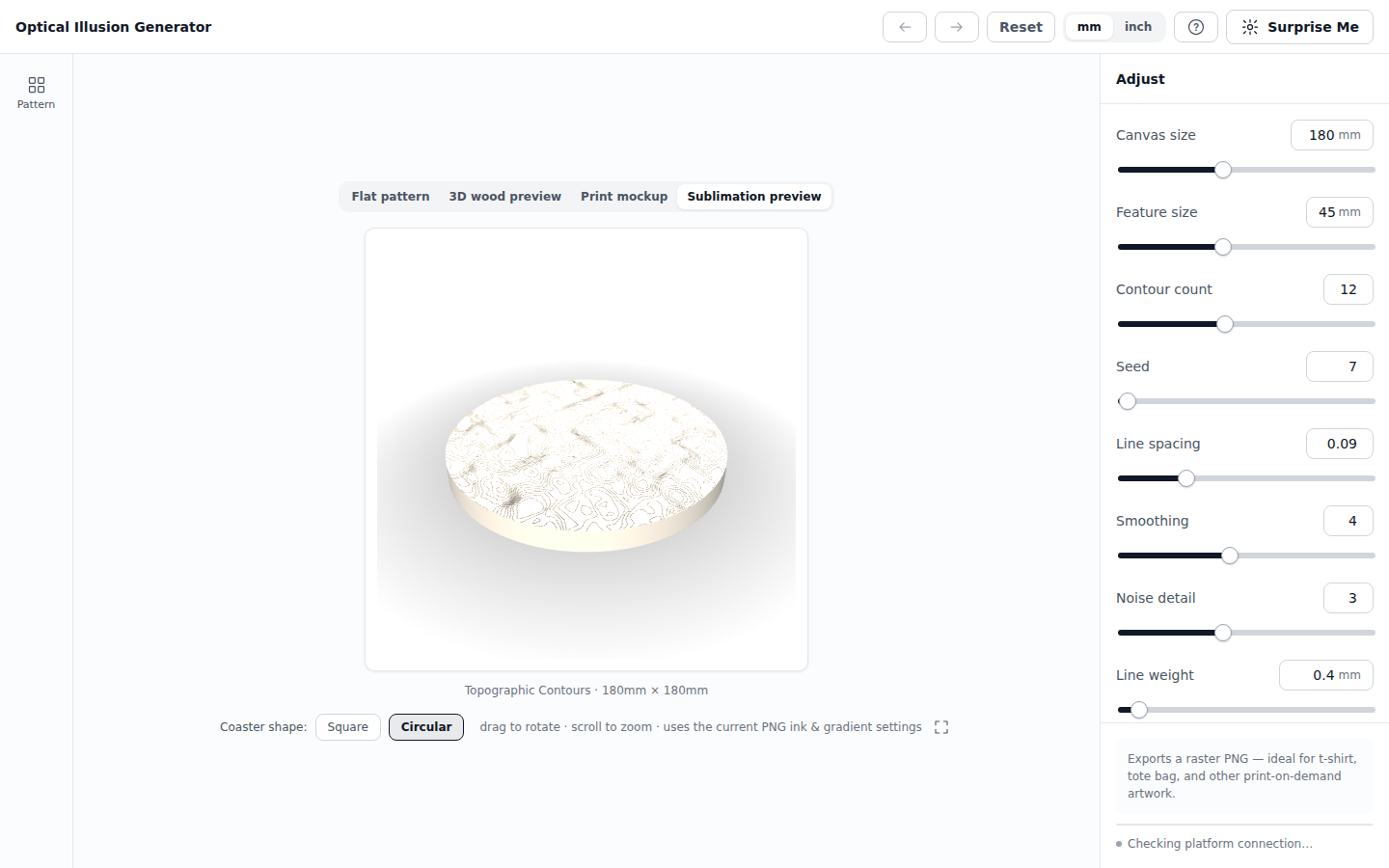
You're looking at a live 3D mockup here, not a flat preview — drag to rotate it, scroll to zoom in, and see exactly how the pattern sits on the coaster's actual surface before you commit to anything.
Step 4 — Color it with a radial gradient
Scroll down to Export → Ink and switch from Solid to Gradient. For a circular design like a coaster, Radial is usually the better choice over Linear — it blooms outward from the center instead of sweeping across at an angle, which follows the coaster's own round shape rather than cutting across it.
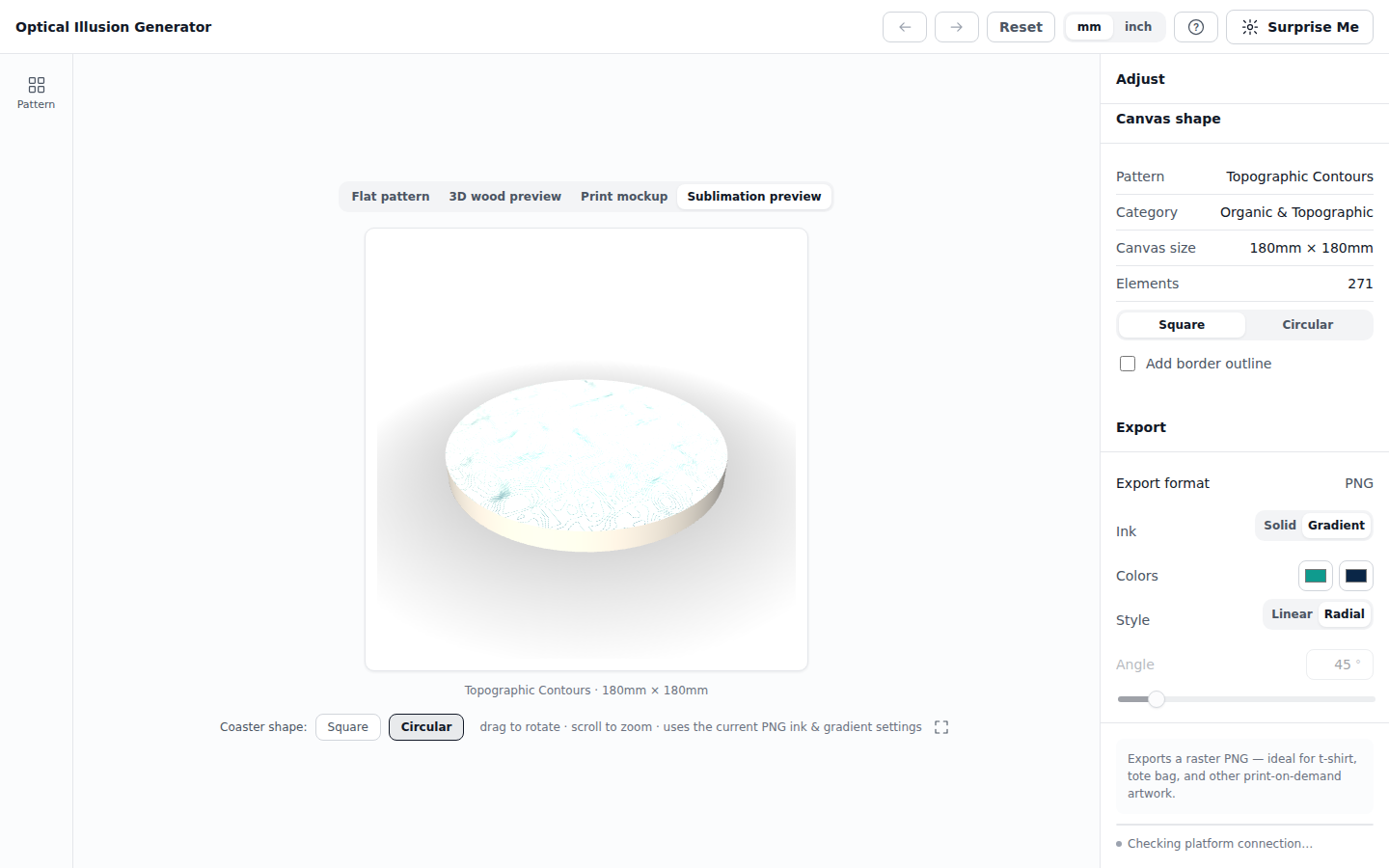
Notice the Angle field grays out the moment you pick Radial — it only applies to Linear gradients, so the app hides it rather than leave a control that wouldn't do anything.
We used a teal-to-navy pair here — it reads like a bathymetric chart, which fits contour lines about as well as any color choice could. The moment both colors are set, the coaster updates live:
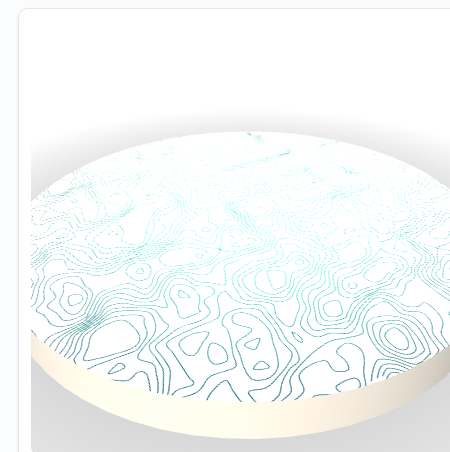
The gradient's center follows wherever the pattern's own center is, so on a circular canvas it naturally lines up with the coaster's middle — exactly the effect you see above, brightest at the center and deepening toward the rim.
Step 5 — Export
Hit Export in the platform toolbar for a full-resolution PNG at up to 600 DPI, solid or transparent background, ready for sublimation printing straight onto a ceramic coaster blank.
Try the same workflow with a full coaster set — export a few seeds of the same pattern, or try Domain-Warped Contours alongside Topographic Contours, and you've got a matching set with a shared color story instead of four unrelated designs.
Built to explore, not just to configure
Every pattern is fully parametric. Drag a slider for quick exploration, or click into any value and type an exact number — press Enter and it applies immediately. Full undo/redo history covers every change you make.
Surprise Me jumps to a random pattern with randomized settings in one click. It's the fastest way to discover a pattern family you didn't know you wanted — click it as many times as you like, with no two results ever the same.
Randomize stays within the current pattern, giving you fresh variations without switching designs. Line weight is deliberately kept moderate during randomization so results stay clean by default — head to the full controls anytime you want a bolder, thicker line by hand.
Search or browse. Jump straight to a pattern by name, or explore by category — nine families, each showing just its own patterns, so you're never scrolling through all 75 at once.
Switch units anytime. Every dimension — canvas size, line weight, border thickness — works in millimeters or inches, and the whole app switches with one click.
See it before you make it
Every pattern renders in four live preview modes, so you know exactly what you're producing before you commit:
- Flat pattern — the working view for fine-tuning your design
- 3D wood preview — see it engraved into Pine, Walnut, or Birch, fully rotatable
- Print mockup — see it on a real t-shirt or tote bag template, with adjustable print size and placement
- Sublimation preview — see it in full color on a ceramic coaster
Shape it for your canvas
Every pattern can be clipped to a square or circular canvas, with an optional border outline — adjustable thickness, and rounded corners for the square option. What you design is exactly what exports.
Export ready for your process
PNG export, tuned for how you'll actually use it:
- Solid or gradient ink color
- Transparent or solid background
- 150, 300, or 600 DPI
Ideal for sublimation, DTF transfer, and UV printing — t-shirts, tote bags, mugs, coasters, and anything else that starts with a full-color raster file.
No install. No learning curve.
Optical Illusion Generator runs entirely inside Atomm — no separate software, no file format to learn, no account beyond the one you already have. Open it, pick a pattern, adjust it, export it. The interface stays out of your way: a clean, single-screen workspace with no page scrolling, and no forced tutorial standing between you and your first design — a soft highlight nudges you toward Surprise Me on your very first visit, and a few small, dismissible tips appear only the first time you open each panel, never again after that.
Who it's for
- Print-on-demand sellers who need a constant stream of original, royalty-free patterns for t-shirts, totes, and accessories
- Sublimation and DTF print shops who want production-ready, full-color pattern files without opening a separate design tool
- Gift and personalization businesses looking for an endless supply of backgrounds and motifs that never repeat
- Woodworkers and makers previewing how a pattern will look engraved into Pine, Walnut, or Birch before committing to a workpiece
- Anyone who likes math-made-visible — generative artists, puzzle and illusion enthusiasts, and people who just want to watch a Superformula turn into a flower