


Door Corner Maker
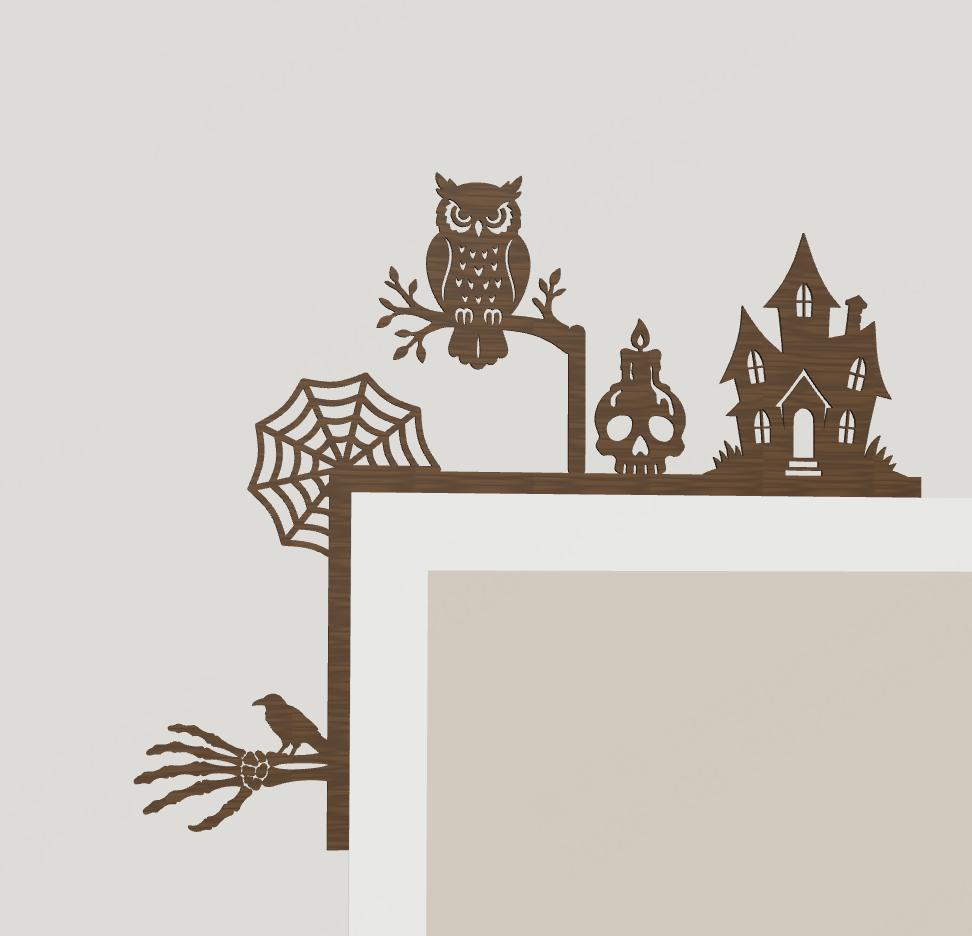
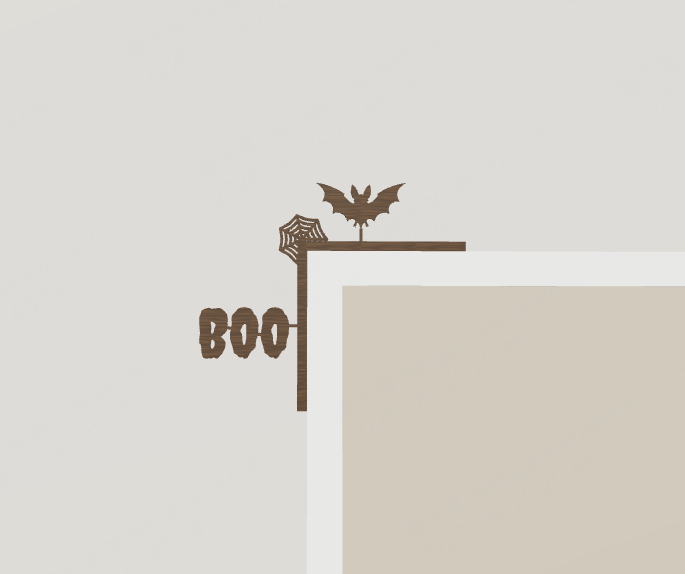
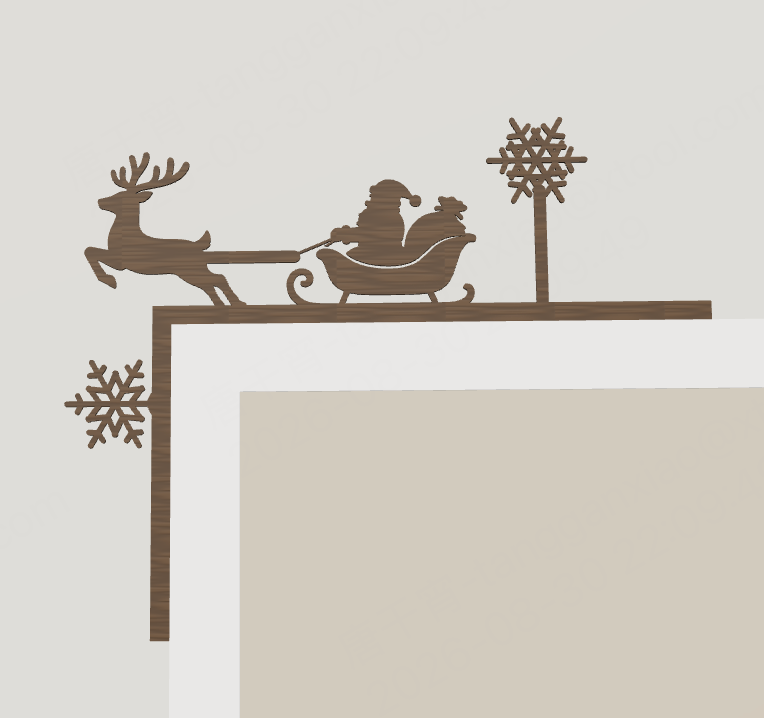
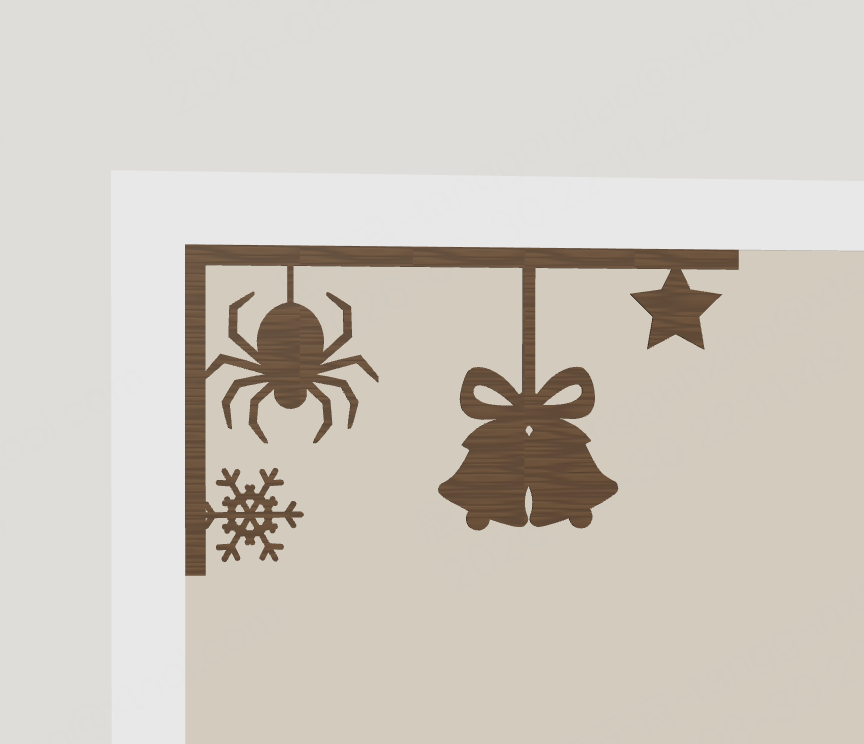
You can make an L-shaped corner decoration to stick on the door frame in just one minute.

279
Description
What is this?
This is a corner generator.
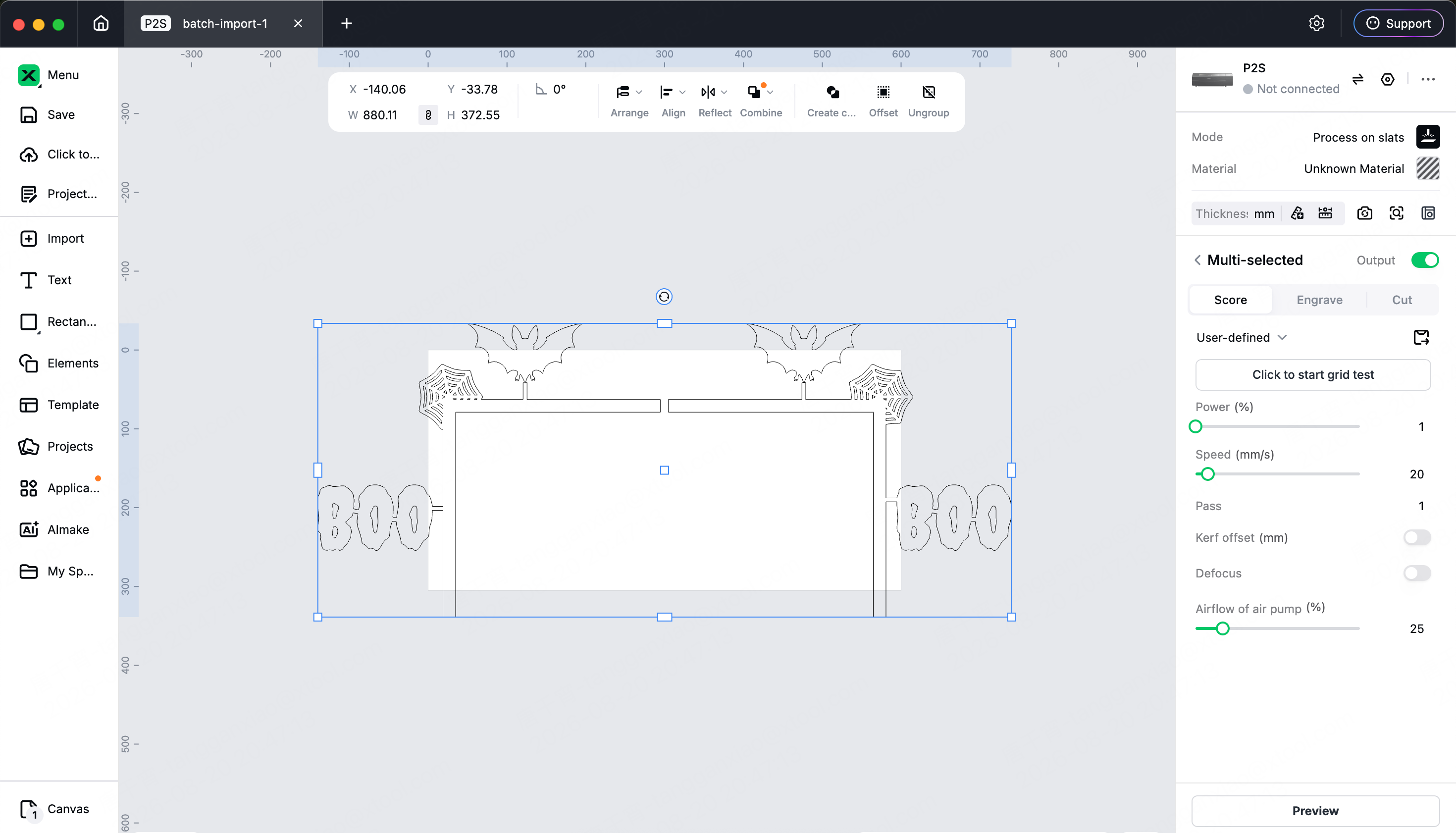
It does one thing: generates L-shaped wooden decorative pieces that stick to the corners of door frames, exporting 1:1 real-size laser cutting drawings. Once cut, they can be directly attached to the door frame, with no small parts to assemble and no measurement tolerances required.
How to use
1. Choose installation mode: the outer side of the door frame (with a notch that grips the corner of the door frame, decoration spread towards the wall) or the inner side of the door frame (corner support type, decoration extending towards the door opening).
2. Select from the material library: you can choose patterns, shapes, or add a segment of English text to compose what you want.
3. Drag to adjust position and size, use the right column to adjust door frame dimensions, frame width, rounded corners, and connection bridges.
4. The bottom bar will turn all green for export; the bottom left corner can switch to a 3D physical preview to see how it looks on the door frame.
It does these three things right for you
1. Cuts without falling apart: materials are stacked together to perform a Boolean union, detecting connected components, and automatically supplementing connection bridges where disconnected. Bridges are visible, adjustable, and can also be turned off.
2. Fine details cannot be cut out: with the same silhouette placed at 40mm and 90mm, the absolute width difference at the thinnest part is more than double, so materials are automatically thickened to the minimum cut width according to the placement size; if there are still overly fine details, the pre-check will block the export and clarify which part it is, where it is fine, and what percentage it occupies.
3. The dimensions are real: the drawing uses millimeter viewBox, 1:1 actual size, and two items are exported as mirror images of each other.
 |  |
 |  |
Change Log
v1.0.1:
- Added multiple holiday materials, new horizontal and vertical rod shapes for easier pattern connections;
- Fixed the issue of multiple languages not following the Atomm main site switch;
- Language icon in the upper right corner, supporting 18 languages;
Projects Made with This

'/%3e%3c/g%3e%3cdefs%3e%3clinearGradient%20id='paint0_linear_1737_57170'%20x1='16.5097'%20y1='8.87061'%20x2='16.5097'%20y2='23.3945'%20gradientUnits='userSpaceOnUse'%3e%3cstop%20stop-color='%232E9AFF'/%3e%3cstop%20offset='1'%20stop-color='%233378FF'/%3e%3c/linearGradient%3e%3c/defs%3e%3c/svg%3e)


Comments