How to Design a Laser Cut Wind Spinner
From a blank canvas to a spinning, cut-ready file in three steps — no vector editing required.
Rings and Spine Locked to Your Material Thickness
Every parameter in the Structure and Hanger panels is constrained by the Material thickness you set, so the generator will never hand you a ring pattern it can't actually cut. Set the thickness you're actually cutting and the spine width, hub radius, and hole borders stay inside what that stock can hold — the live readout even shows the web thickness left between rings, so you know before you cut whether a ring is sturdy or too thin to survive being handled.

See It Spin Before You Cut a Single Ring
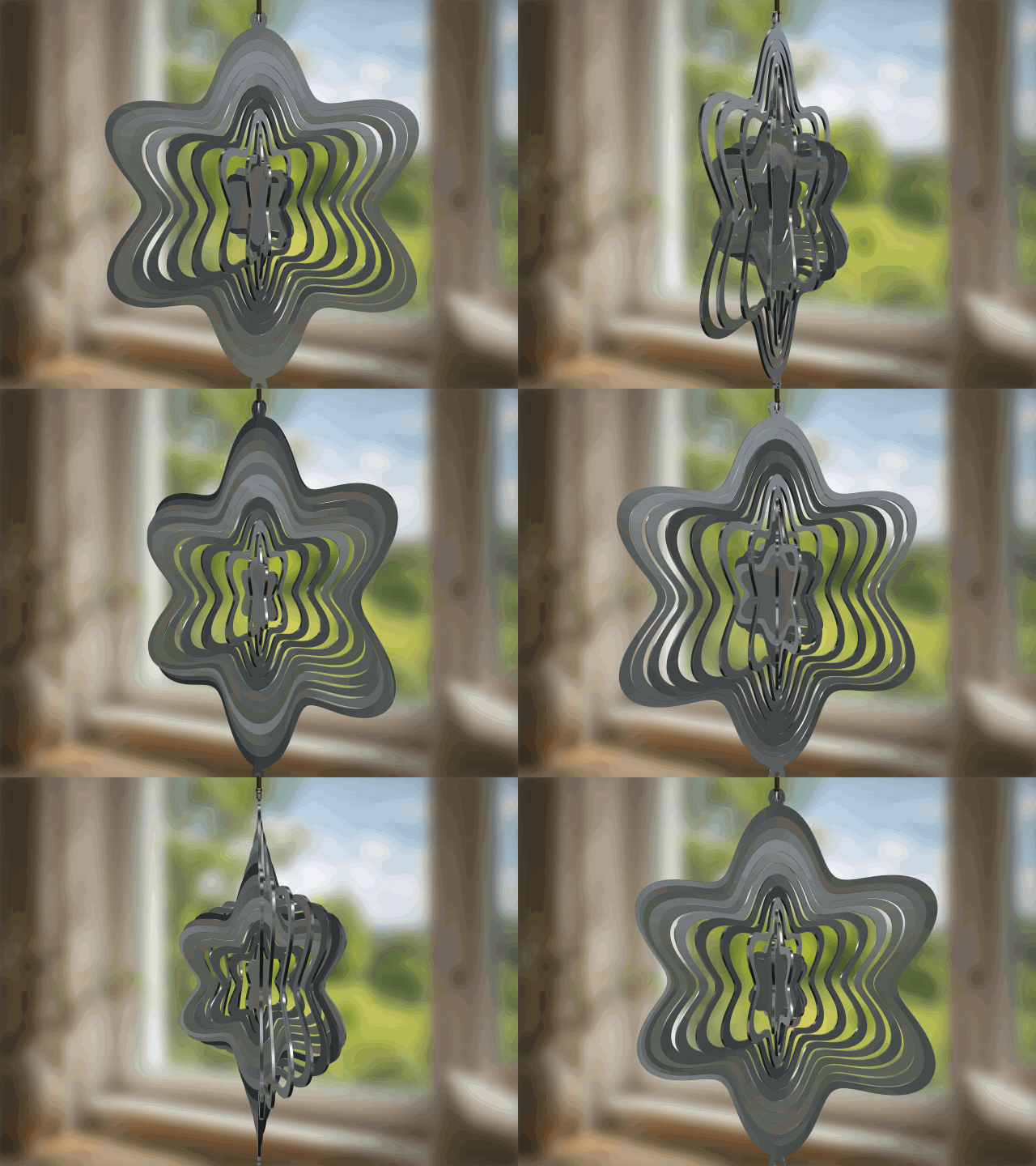
Switch to the 3D preview and the rings swing open exactly the way they will once the piece is hanging outside and catching the wind. Rotate it, watch how each ring separates from the one below, and adjust the Rotation and Outer radius settings until the motion looks right — all before committing a single sheet of material to the laser. No more cutting a flat pattern and hoping it comes alive once it's strung up.

6 Outline Shapes and 10 Presets, One Wind Chime Line
Instead of buying one static SVG that cuts exactly one design, start from a circle, hexagon, star, petal, or one of six outline shapes, then layer on a style preset — Classic Mandala, Fine Lines, Diamond Drop, Square Tile, and more. Mix shape and preset combinations to build an entire seasonal lineup or fill custom orders without hunting down a new file for every request, all from inside the same generator.

Custom Wind Chimes Without the Minimum Order
Personalizing a name and date on a wind chime usually means finding a blank-engraving supplier with a 20-piece minimum and a setup fee, or paying $30 to $100 for someone else's finished piece. Export is free and there's no order minimum, so a single memorial, wedding, or housewarming piece is just as easy to produce as a full porch display — the design is ready the moment you're done adjusting it.

Where This Wind Spinner Earns Its Keep
From market booths to memorial gifts, the same generator adapts to whoever you're making it for.
3D Wind Chime Guides & Articles
How to Turn an Image into a 3D Model for Engraving
Learn how to convert an image to 3D model for engraving using AI. This guide explains how to turn image into 3D model, key settings, and tips for getting clean, engraving-ready depth.
What Is an STL File? The 3D Printing Format Explained
What is an STL file? Learn how this 3D printing format works, why it's a mesh of triangles, how it differs from SVG and DXF, and how to create or open one.
What Is a 3D Laser Engraving Machine? Three Different Things
3D laser engraving means three different processes: inside crystal, carved relief, or around a curved object. Which machine each needs, and which one you actually want.
What Is the eufyMake E1? Anker's 3D-Texture UV Printer
The eufyMake E1 is Anker's 3D-texture UV printer, from the brand once called AnkerMake. How it works, what it prints on, both bundle prices and its real limits.
What Is a 3D Printer? How It Works, Types & Best Models
A 3D printer builds objects layer by layer. Learn how it works, FDM vs. resin, how to choose, the best 2026 models, and how it differs from a laser cutter.
Best 3D Laser Engraving Machines of 2026 (Crystal & Glass)
The best 3D laser engraving machines of 2026 for internal crystal and glass — machines from ComMarker, RSD, HeatSign and xTool compared, with pros, cons and advice.

Get Started with Atomm Craft Lab Today
The easiest way to turn your ideas into stunning, ready-to-make designs