
Key Takeaways
- Laser software both designs your file and controls the machine — the right one depends on your laser and OS.
- LightBurn is the paid all-in-one standard; xTool Creative Space is free for xTool owners.
- LaserGRBL is a free Windows option for GRBL diode machines; EZCAD runs fiber and UV galvo systems.
- Check platform (Windows-only vs Mac/Linux) and whether it supports your laser type before buying.
- Many makers pair a free design app like Inkscape with a control app like LightBurn.
Every laser engraver needs software to turn your artwork into machine instructions, and the program matters as much as the hardware. Beginners want something simple; power users want fine control over layers, power, and speed; fiber owners need galvo support. The best choice depends on your machine, your operating system, and your budget.
Below we compare the four programs most makers actually use — free and paid — with what each supports, pros and cons, and clear advice on which fits your setup.
The best laser engraver software at a glance
We ranked these on capability, hardware support, ease, and value. Pricing is current but can change, so confirm before buying.
LightBurn
Best overall
LightBurn is the program most serious makers settle on. It combines vector design, image processing, and machine control in one cross-platform app, and it supports a huge range of diode, CO2, and (with Pro) fiber and galvo machines.
It's paid, and staying current has a renewal fee, but the depth of control and broad hardware support make it the benchmark. Beginners grow into it; pros rarely leave it.
Pros
- Design and control in one app
- Broadest hardware support
- Runs on Windows, Mac, and Linux
Cons
- Paid, with a renewal fee
- Fiber/galvo needs pricier Pro
- More features than beginners need
LightBurn: the all-in-one standard for laser engraving software.
xTool Creative Space (XCS)
Best free for xTool
xTool Creative Space is the free, beginner-friendly app for xTool machines. It integrates tightly with xTool's cameras and auto-focus, so placing and running a job is nearly effortless, and a mobile app lets you work from a phone.
It only runs xTool hardware and has fewer advanced controls than LightBurn, but for xTool owners it's a capable, no-cost default that covers most projects.
Pros
- Free and beginner-friendly
- Tight camera/auto-focus integration
- Desktop and mobile apps
Cons
- xTool hardware only
- Fewer advanced controls
- Account/cloud-tied
xTool Creative Space (XCS): the free, easy default for xTool owners.
LaserGRBL
Best free for diode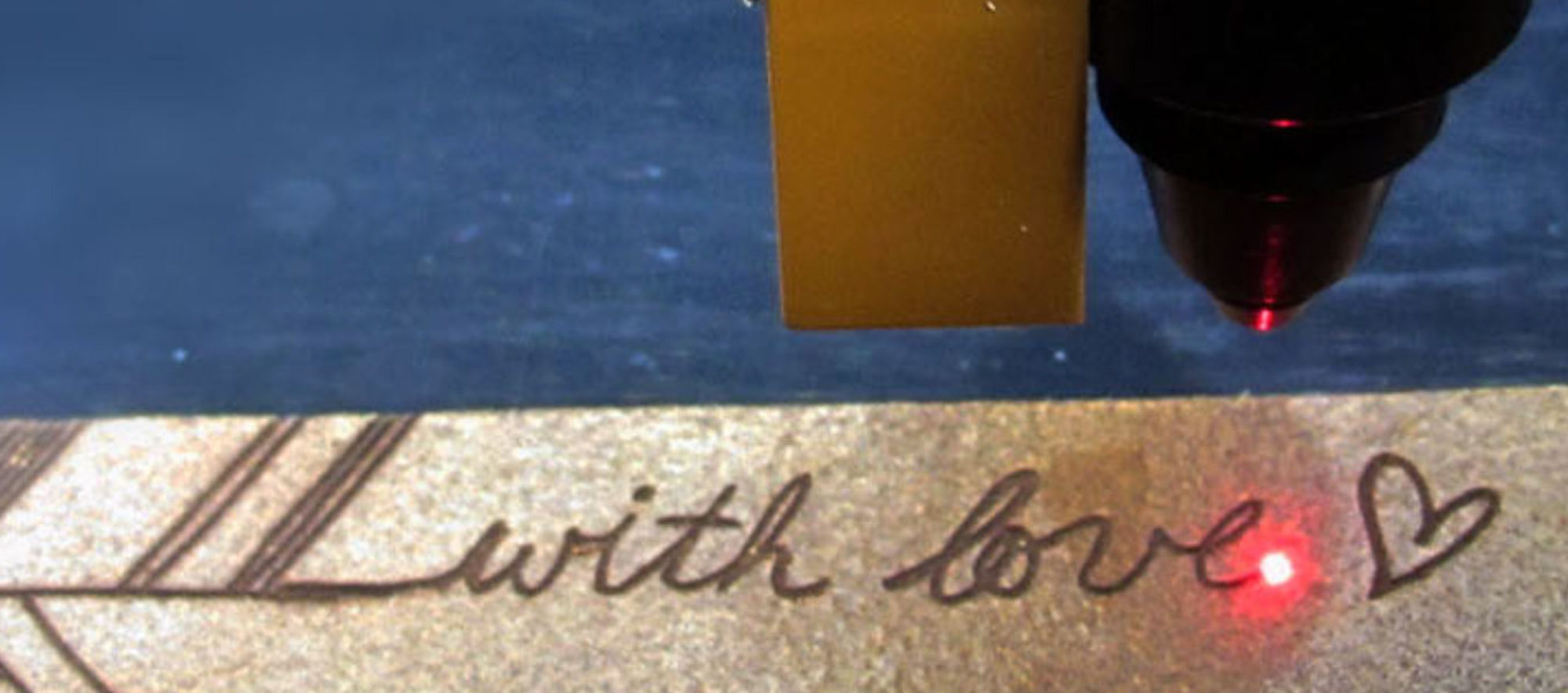
LaserGRBL is a free, lightweight controller for GRBL-firmware diode machines like Atomstack, Ortur, and Sculpfun. Its raster and photo-dithering tools are surprisingly good, and a crowd-sourced material library speeds up setup.
It's Windows-only with weak vector design tools and no fiber or galvo support, so pair it with a design app. But for free diode engraving, it's a favorite.
Pros
- Completely free
- Great photo/raster dithering
- Lightweight and simple
Cons
- Windows only
- Diode/GRBL only
- Weak vector design tools
LaserGRBL: the free go-to for GRBL diode engravers.
EZCAD
Best for fiber & UV
EZCAD is the industry standard for galvo machines — the software behind most fiber and UV markers. It handles metal engraving, barcodes, and cold marking, and EZCAD3 adds 3D marking and 4-axis control.
The interface is dated and Windows-only, and it's tied to the JCZ controller, but if you run a fiber or UV galvo laser, EZCAD is what drives it.
Pros
- Standard for fiber/UV galvo
- Free with the controller
- EZCAD3 adds 3D and 4-axis
Cons
- Dated, steep interface
- Windows only
- Controller-locked
EZCAD: the standard software for fiber and UV galvo lasers.
How to choose laser engraver software
We compared every program in this guide on the same factors — hardware support, operating system, design vs. control features, ease of use, and value — and here's what each means for matching software to your machine and workflow:
- Your laser type. Diode/CO2 → LightBurn or LaserGRBL. Fiber/UV galvo → EZCAD (or LightBurn Pro). xTool machine → XCS or LightBurn.
- Your OS. LaserGRBL and EZCAD are Windows-only; LightBurn runs on Mac and Linux too.
- Free vs paid. LaserGRBL, EZCAD, and XCS are free; LightBurn is paid but far more capable.
- Design vs control. Some apps do both; others control only. A free vector editor like Inkscape pairs well with a control app for design-heavy work.
- Ease vs depth. XCS and LaserGRBL are simplest; LightBurn offers the most control as you grow.
Here's how they compare:
| Software | Price | Platform | Supports | Best for |
|---|---|---|---|---|
| LightBurn | $99–$199 | Win/Mac/Linux | Diode, CO2, fiber (Pro) | All-in-one standard |
| xTool Creative Space | Free | Win/Mac/iOS/Android | xTool only | xTool owners |
| LaserGRBL | Free | Windows | GRBL diode | Budget diode/photo |
| EZCAD | Free | Windows | Fiber, UV, CO2 galvo | Fiber/UV galvo |
Our buying advice
- Most people: LightBurn — the most capable all-in-one, and the only major option on Mac and Linux.
- xTool owners on a budget: xTool Creative Space, free and tightly integrated.
- Budget diode users: LaserGRBL, free and great for photo engraving.
- Fiber or UV galvo: EZCAD (or LightBurn Pro if you want one app for everything).
If you're still choosing hardware, our best laser engraver guide pairs well with this one — match the software to the machine you buy. And if you do a lot of original design, pair a free vector editor like Inkscape with your control app for the best of both.
Frequently asked questions about laser engraver software
What is the best laser engraving software?
LightBurn is the most capable all-in-one for most makers, combining design and machine control with the broadest hardware support. Free options like LaserGRBL and xTool Creative Space suit budget and xTool users. If cutting rather than engraving is your focus, see our best laser cutter software guide.
Is there free laser engraver software?
Yes. LaserGRBL (GRBL diode machines), EZCAD (fiber/UV galvo), and xTool Creative Space (xTool machines) are all free. Inkscape is a free vector design app to pair with a control program.
Does LightBurn work on a Mac?
Yes. LightBurn runs on Windows, macOS, and Linux — one of the few laser programs that does. LaserGRBL and EZCAD are Windows-only.
What software do fiber laser engravers use?
Most fiber and UV galvo machines run EZCAD, the industry-standard galvo software. LightBurn Pro also supports many fiber/galvo machines if you prefer one app for all your lasers.
Do I need to buy software with my laser engraver?
Not always. Many machines include free software (XCS for xTool, EZCAD for galvo, LaserGRBL for diode). LightBurn is a paid upgrade many makers choose for its extra control.
Ready to prep a design?
Clean up any image for laser engraving in seconds — or generate your own artwork to run.
