![[Laser cut and engrave,Inkjet printing] Steampunk Goat Bookmark with Intricate Filigree and Tassel](https://storage-public.atomm.com/xtool/community/attachment/xtool-community/844f9ec4-85f8-4e9c-a3ca-33d18b498263.jpg?x-oss-process=image/resize,m_fill,w_1280,h_960,limit_0/interlace,1/format,webp/auto-orient,1)
![[Laser cut and engrave,Inkjet printing] Steampunk Goat Bookmark with Intricate Filigree and Tassel](data:image/png;base64,iVBORw0KGgoAAAANSUhEUgAAAAoAAAAKCAYAAACNMs+9AAAAAXNSR0IArs4c6QAAABdJREFUKFNjZCASMBKpjmFUId6QIjp4AAppAAuXjCs4AAAAAElFTkSuQmCC)
![[Laser cut and engrave,Inkjet printing] Steampunk Goat Bookmark with Intricate Filigree and Tassel](https://storage-public.atomm.com/xtool/community/attachment/xtool-community/844f9ec4-85f8-4e9c-a3ca-33d18b498263.jpg?x-oss-process=image/resize,m_fill,w_160,h_120,limit_0/interlace,1/format,webp/auto-orient,1)
![[Laser cut and engrave,Inkjet printing] Steampunk Goat Bookmark with Intricate Filigree and Tassel](https://storage-public.atomm.com/xtool/community/attachment/xtool-community/5fa19921-0c1e-42e6-ac74-130cf413aef5.jpg?x-oss-process=image/resize,m_fill,w_160,h_120,limit_0/interlace,1/format,webp/auto-orient,1)
山羊蒸汽龐克書籤 2 版本
'/%3e%3cpath%20d='M7.99985%2010.6665L4.6665%206.6665H6.6665L7.99985%209.33317L9.33317%206.6665H11.3332L7.99985%2010.6665Z'%20fill='white'/%3e%3cdefs%3e%3clinearGradient%20id='paint0_linear_2869_78399'%20x1='8'%20y1='1.3335'%20x2='8'%20y2='14.6668'%20gradientUnits='userSpaceOnUse'%3e%3cstop%20stop-color='%23FFA15F'/%3e%3cstop%20offset='1'%20stop-color='%23E37C32'/%3e%3c/linearGradient%3e%3c/defs%3e%3c/svg%3e) Atomm 專屬
Atomm 專屬 教程
教程
Goat SP
.xs
應用場景
激光加工、噴墨列印
機器與模組

xTool M2
20W兼容的 xTool 機器
P3
F2
F2 Ultra UV
F2 Ultra(Single)
F2 Ultra
F1 Ultra
F1
F1 Lite
S1
P2S
P2
M1 Ultra
M1
D1 Pro 2.0
D1 Pro
D1
Laserbox
X1
使用的材料

3mm椴木膠合板

DURA 可列印防水光面不乾膠

4
135
教程
1
步驟1
我會先在平板上列印圖形,然後選擇輸出按鈕,這樣它會忽略圖形,然後在高架床上切割。別忘了輸入你的設定。我用100功率和8速,搭配20W二極體,在3mm膠合板上做乾淨的第一輪切割。別忘了輸入參數,並用輸出按鈕忽略不同階段的檔案。用墨水輔助處理木材或使用貼紙紙來獲得漂亮的色彩
評論
二創
許可證

本作品包含人工智能生成的內容。


您可能還喜歡

'/%3e%3cpath%20d='M15.9997%2019.3335L11.833%2014.3335H14.333L15.9997%2017.6668L17.6663%2014.3335H20.1663L15.9997%2019.3335Z'%20fill='white'/%3e%3c/g%3e%3cdefs%3e%3clinearGradient%20id='paint0_linear_1412_57140'%20x1='16'%20y1='7.6665'%20x2='16'%20y2='24.3332'%20gradientUnits='userSpaceOnUse'%3e%3cstop%20stop-color='%23FFA15F'/%3e%3cstop%20offset='1'%20stop-color='%23E37C32'/%3e%3c/linearGradient%3e%3c/defs%3e%3c/svg%3e)
雞雞蒸汽龐克書籤 2 版本

4
5

福斯蒸汽龐克書籤 2 版本
2
11

小馬/馬蒸汽龐克書籤2版本
4
4

高地牛蒸氣龐克書籤2版本
3
4

拉布拉多犬蒸汽龐克書籤2版本
2
7

松貂蒸汽龐克書籤 2 版本
2
8
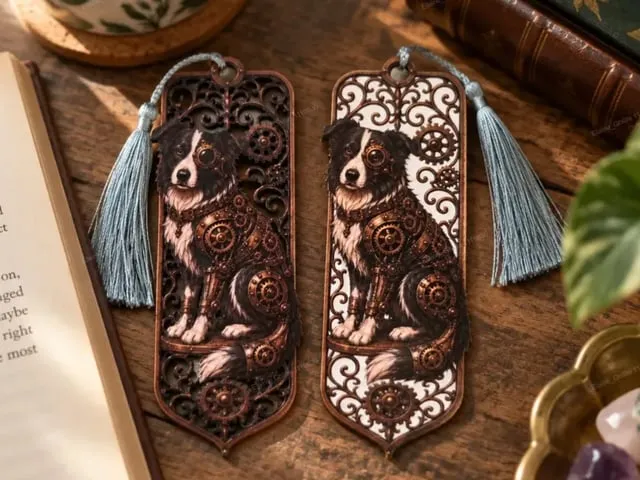
邊境牧羊犬蒸汽龐克書籤 2 版本
1
4

Spaniel Dog 蒸汽龐克書籤 2 版本
2
4
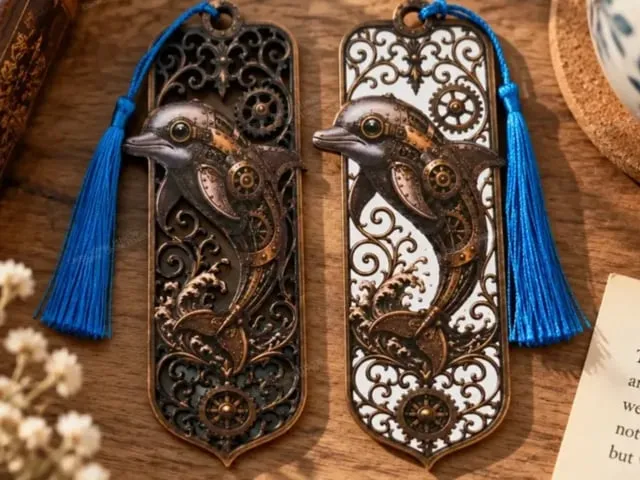
海豚蒸汽龐克書籤2版本包含
2
5

帶有公牛與馬匹圖案的木製書籤

0
5

木製書籤,附有聖誕風景插圖

1
10

$1.50
$1.50
积分150
花卉圖案木製書籤,帶有精緻的剪裁細節

1

木製書籤,上面有貓頭鷹圖案和一疊書
5
27

'/%3e%3c/g%3e%3cdefs%3e%3clinearGradient%20id='paint0_linear_1737_57170'%20x1='16.5097'%20y1='8.87061'%20x2='16.5097'%20y2='23.3945'%20gradientUnits='userSpaceOnUse'%3e%3cstop%20stop-color='%232E9AFF'/%3e%3cstop%20offset='1'%20stop-color='%233378FF'/%3e%3c/linearGradient%3e%3c/defs%3e%3c/svg%3e)
帶有天體與花卉圖案的木製書籤

2
8

$1.50
$1.50
积分150
海洋主題木製書籤,配有海洋生物剪紙

4

木製書籤,繪有獨角獸與仙子城堡的插圖
2
21

船長的日誌海盜主題木製書籤

4
28

11 華麗的山羊與公羊設計

0
5