
8K is a serious ask: 7680 pixels across, four times the area of 4K, thirty-three megapixels minimum. At that scale you're not making a wallpaper - you're making a trade-show backdrop, a wall-sized print, or future-proof archive masters. Only a handful of enhancers genuinely operate up there.
The short answer:
- Direct 8K-plus output targets — Pixelcut and Krea.
- The raw output ceilings — Nero and Deep-Image.
- Best detail fidelity at big sizes — Topaz.
An honest note up front: at 8K from small sources, a growing share of what you see is AI reconstruction - start from the largest original you can find. (For most jobs, 4K output is already plenty — check there first.)

1. Pixelcut
Best direct 8K/16K output.

Pixelcut lets you select 8K (or 16K) as an explicit output target - no multiplier arithmetic - and its commerce-editor surroundings handle the cropping and cleanup around it. The most straightforward "make it 8K" button on the web.
Best for: Choosing 8K output directly in a browser.
Pricing: Free tier; Pro from about $4.99/mo.
2. Krea AI
Best creative 8K enhancer.
Krea reaches 8K on standard paid plans and up to 22K on Max, with multiple enhancement engines to choose from. For concept art and hero visuals headed to large formats, it pairs resolution with creative control.
Best for: Artistic output at 8K and beyond.
Pricing: Free daily credits; 8K+ on paid tiers.
3. Nero AI
Best output ceiling.

With outputs up to roughly 16,000 x 16,000 pixels - 268 megapixels - Nero clears 8K with room to spare, on web and desktop alike. Batch mode helps when a whole campaign needs ultra-res masters.
Best for: Maximum pixel counts, batched.
Pricing: Free starter credits; paid packs.
4. Topaz Gigapixel
Best 8K fidelity.

Topaz reaches 8K-class sizes from good sources within its 6x single pass, and its detail retention at extreme sizes is the industry benchmark. Local GPU processing means 33-megapixel outputs don't fight an upload cap.
Best for: Print-critical 8K work.
Pricing: Subscription, from about $12/mo annually.
5. Deep-Image.ai
Best 8K via API.

A 300-megapixel output ceiling and 16x scaling through a REST API make Deep-Image the pick when 8K masters need to be minted programmatically - real estate panoramas, print pipelines, asset libraries.
Best for: Automated ultra-res pipelines.
Pricing: Trial credits; volume plans.
6. VanceAI
Best extreme-multiplier route.
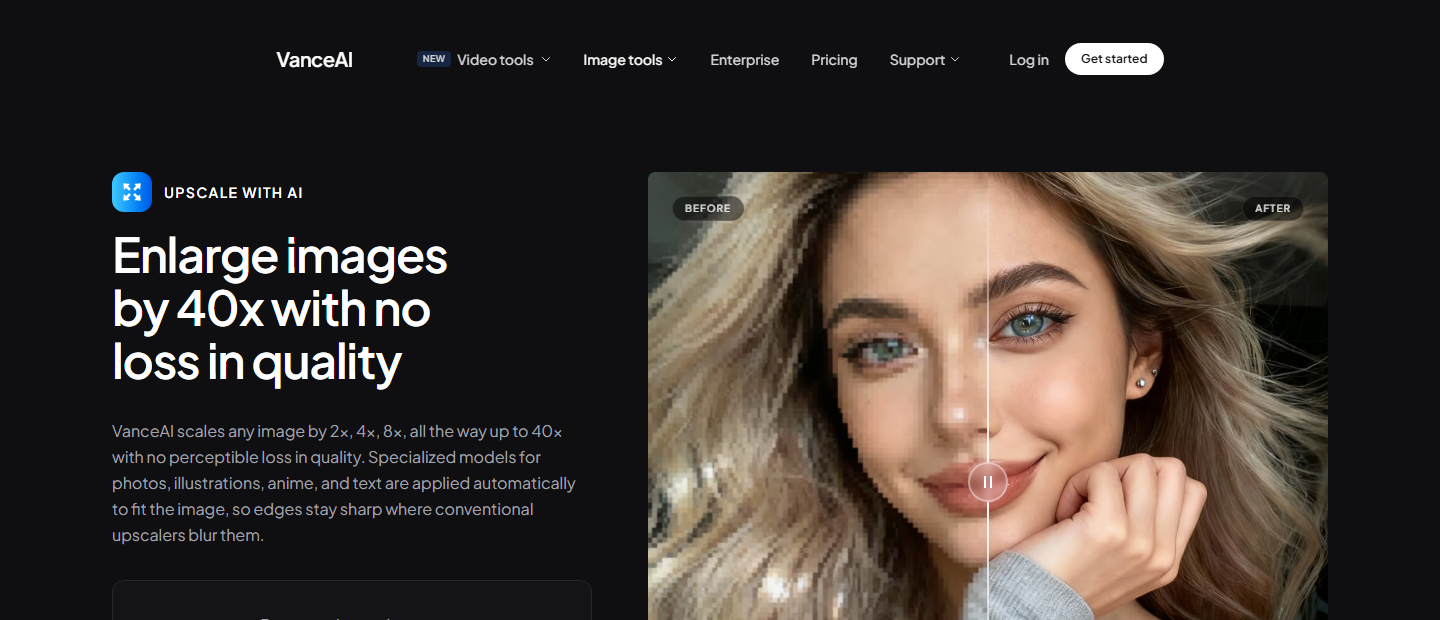
VanceAI's up-to-40x scaling reaches 8K even from small sources - with the honest caveat that a thumbnail inflated to 8K is mostly AI invention. Best used from mid-size originals where the multiplier stays sane.
Best for: Reaching 8K from smaller sources.
Pricing: Free to start; credits for volume.
7. Upscayl
Best free path toward 8K.
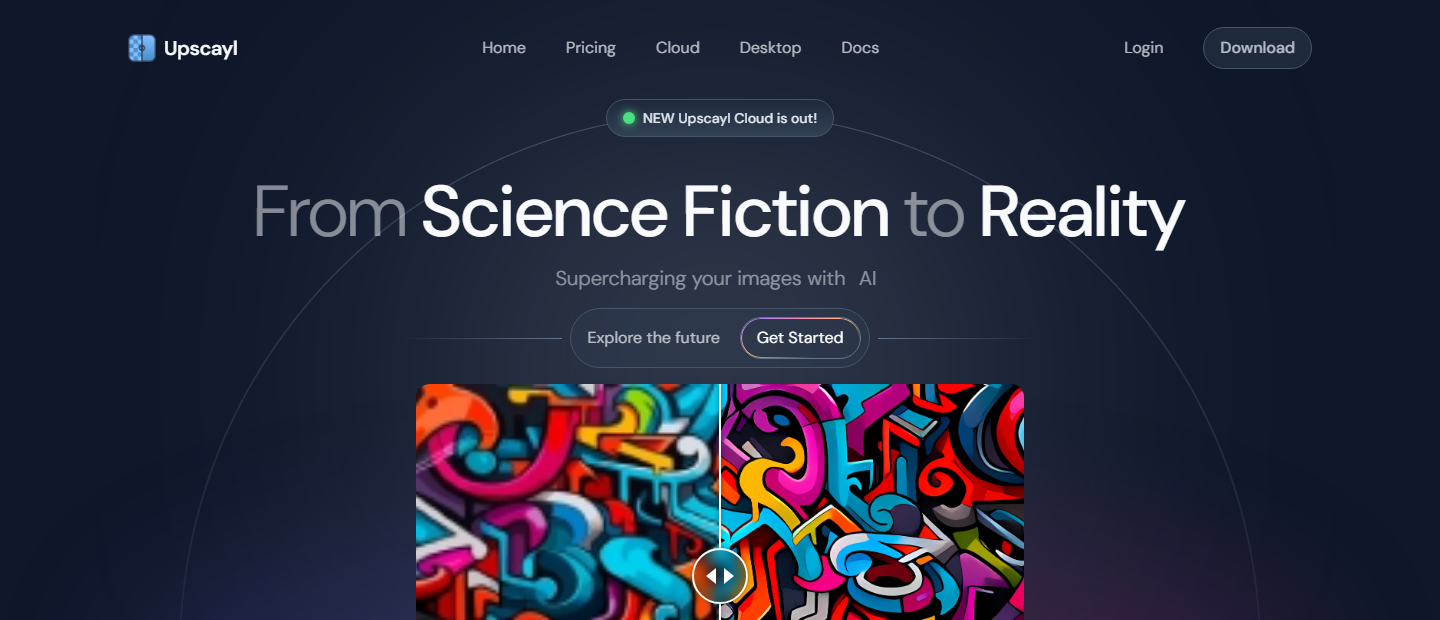
Upscayl's double-pass 16x can take a 1080p image past the 8K line for free, offline, on your own GPU. Expect long render times and soft ultra-fine detail versus paid tools - but the price is unbeatable for experiments.
Best for: Free 8K experiments offline.
Pricing: Free forever.
8. Magnific AI
Best generative 8K-class detail.
Magnific's "reimagine" engine invents plausible texture as it scales to 16x — at 8K sizes that generative detail is what keeps large prints from looking empty. Use Precision mode when the subject must stay unchanged.
Best for: Concept art and hero visuals at very large sizes.
Pricing: No permanent free tier; from ~$39/mo standalone or inside Freepik plans.
9. Let's Enhance
Best clean web route to very large files.
Let's Enhance scales up to 16x while keeping images looking like themselves — no invented texture. Sixteen-times scaling takes ordinary sources past the 8K line while staying faithful — the natural-look counterweight to the generative options here.
Best for: Natural-looking large-format output from a browser.
Pricing: 10 free credits; plans from about $9/mo.
10. AVCLabs Photo Enhancer AI
Best offline route to ultra-high res.
AVCLabs runs entirely on your own GPU and enlarges up to 4K/8K/16K with chainable AI models — no upload caps, no cloud queue, and nothing leaves your machine. The desktop answer when files are huge or private.
Best for: Private, offline ultra-res batches.
Pricing: Free trial (watermarked); paid license.
11. Canva Image Upscaler
Best enhancer inside a design tool.
If your image is headed into a poster, deck, or social post anyway, Canva's Magic Studio upscaler saves the round-trip: enhance up to 16x and drop the result straight into the design. Pro's 16x ceiling technically clears 8K — handy when the file already lives in a Canva project.
Best for: People already designing in Canva.
Pricing: Basic edits free; AI upscaling needs Canva Pro (~$15/mo).
12. Bigjpg
Best for anime and illustration.
Bigjpg's neural network is tuned for line art and flat color, where generic photo enhancers smear. For manga and line art headed to large prints, its 16x paid tier reaches 8K with lines intact.
Best for: Illustrations, manga, and stickers.
Pricing: Free (4x, 5 MB cap, queue); ~$9/mo unlocks 16x and speed.
How do they compare?
| Tool | 8K route | Max output | Free option |
|---|---|---|---|
| Pixelcut | Pick "8K/16K" | 16K | Limited |
| Krea | Paid tiers | 22K | Credits (2K) |
| Nero | Mode presets | ~16000px | Credits |
| Topaz | 6x pass | Source-limited | Trial |
| Deep-Image | API param | 300 MP | Trial |
| VanceAI | Up to 40x | Extreme | Starter |
| Upscayl | 16x double | 8K+ | Free |
| Magnific | 16x generative | 16x | Trial only |
| Let's Enhance | 16x | 16x | 10 credits |
| AVCLabs | Local GPU | 16K | Trial |
| Canva | Pro 16x | 16x | Pro only |
| Bigjpg | 16x paid | 16x | 4x free |
Tip: Before chasing 8K, do the math: 8K printing at typical densities covers a poster over 60 cm wide. If your final print is smaller, 4K-class output already exceeds what the eye can resolve - save the render time. New to the mechanics? How upscaling works covers the basics.
Frequently Asked Questions
How do I upscale a photo to 8K?
Use a tool with an 8K-capable ceiling: pick 8K directly in Pixelcut or Krea, or apply a 4x-8x scale in Topaz, Nero, or Upscayl depending on your source size. Start from the largest original available - 8K output is 33+ megapixels.
Is 8K upscaling worth it?
Only for large-format use: wall prints, backdrops, signage, or archival masters. For screens and normal prints, 4K-class output is visually indistinguishable and far faster to produce.
Can I get 8K enhancement for free?
Upscayl can exceed 8K for free using double-pass upscaling on your own GPU. Browser tools generally reserve 8K+ output for paid tiers because of the compute cost.
The bottom line
Not sure you need 8K? Start with a free enhancement pass in the Atomm AI Image Upscaler and check the result at 100% - then scale up only if the format truly demands it.