Change Background of Photo
Replace an existing background with a new scene described in a prompt.
用Atomm的AI图片替换工具,即刻编辑照片——用AI快速去除或替换任意物体。几秒内重塑任意图片。
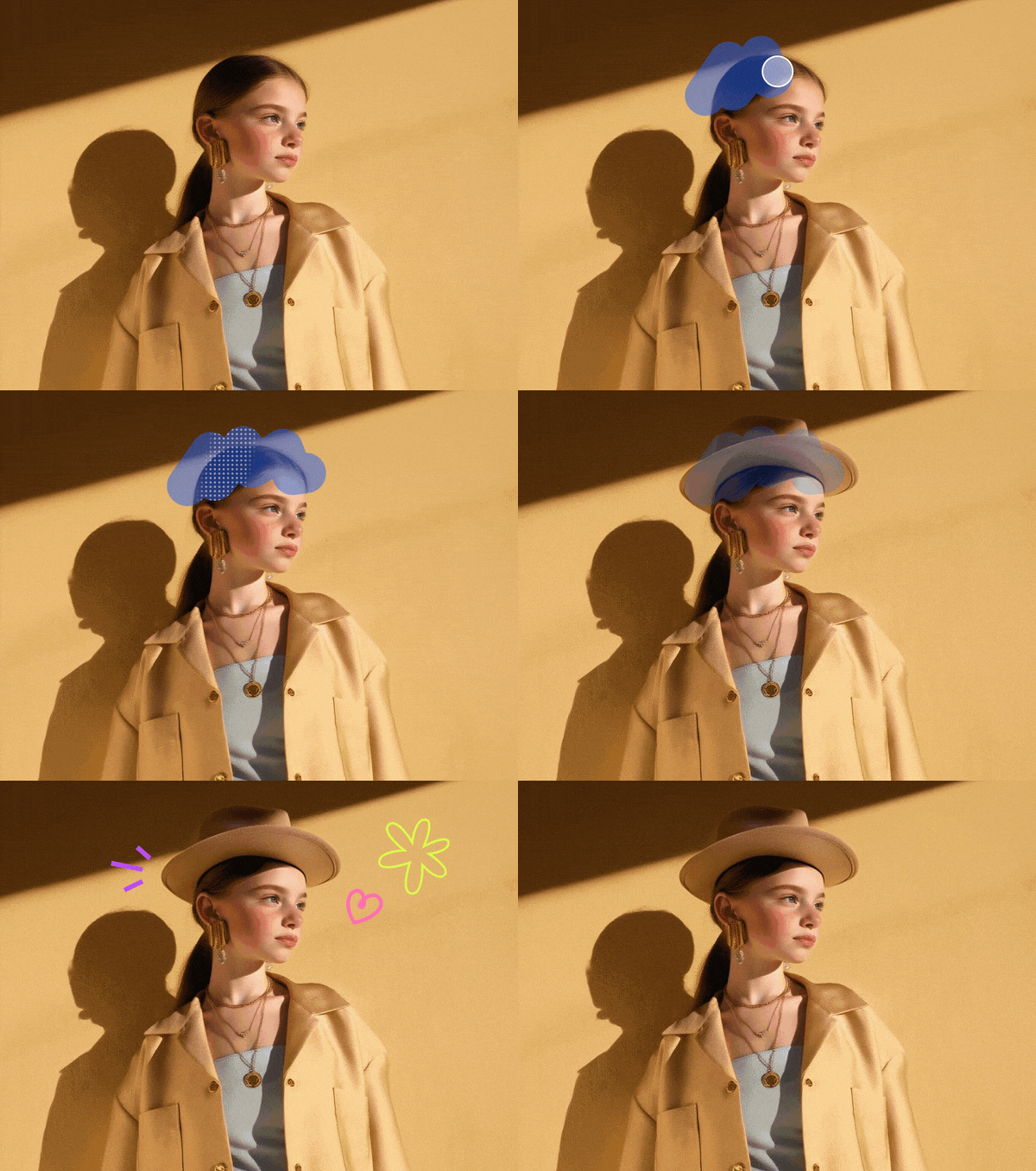
支持的格式:JPG、JPEG、PNG、WEBP。图片大小 ≤10 MB。请保持主体居中并完全可见。
Select the exact elements or area you want to change, then guide the edit with a prompt.
Atomm的AI替换工具能轻松将照片中的任意物体替换为逼真效果。凭借先进AI技术,自动匹配光影与透视,让每次编辑都自然专业。无论要替换产品、背景还是物体,我们的AI物体替换功能都能保证每次都得到干净、高质量的结果。轻松编辑,几秒内创作出令人惊艳的图片。

用智能AI图片替换技术,几秒内更换照片背景。可以切换为纯白背景、任意纯色,或上传符合你风格的自定义图片。无论是人像、产品图还是创意项目,这项AI替换功能都能帮你以最少的操作获得干净专业的效果。快速简单,在线焕新你的照片。

用智能AI图片替换技术,为照片带来全新元素。只需上传图片、圈出区域,AI就能帮你添加想要的物体,从日常小物到创意细节都能实现。AI会自动匹配光线和透视,让一切自然融入照片。无论是产品视觉、生活方式照片还是创意编辑,Atomm的AI物体替换功能都能让添加物体变得快速、简单又逼真。

Mark or brush over the background and describe the setting you want instead. Rework product shots, portraits, and creative scenes while keeping the main subject recognizable inside the new surroundings.

Use the surrounding image as context for a more cohesive edit. Replaced areas can follow the visible lighting direction, perspective, shadows, and texture so the result feels connected to the original composition.

Open a focused page for changing backgrounds, replacing or recoloring objects, and adding new elements—or continue with related image editing tools.

Replace an existing background with a new scene described in a prompt.

Swap a selected object while keeping the surrounding photo in context.

Recolor products, clothes, furniture, or accessories and try new materials.

Select where a new object should appear and add it with a prompt.

Remove photo backgrounds instantly for clean, high‑quality cutouts in seconds.

Clean up photos in seconds by removing objects, people, and watermarks.

Extend your image beyond its original borders.

Generate quick, high-quality AI variations that keep your style.

Transform a reference image with a prompt while keeping the parts you want.

Edit text in any image online.
Learn practical ways to replace, add, recolor, and remove selected content from photos.
2026年12款最佳AI照片增强工具实测对比:从免费浏览器工具,到Magnific、Krea等生成式放大工具,全面比较效果、价格与最佳适用场景。
扩展图片选AI还是纯色填充,关键在于新增区域是否允许被编造出来。本文对比五款AI扩图工具的官网定价,以及完全免费、效果更可靠的非AI填充方案。
学习如何给图片添加文字,或修改照片中已有的文字内容。教程覆盖多款免费在线工具的详细步骤,并介绍如何用AI智能编辑器一键修改图片文字,无需重新设计。
JPG图片里的文字早已烙印进像素,根本没有文字图层可以点击选中。本文讲解三种真正能让JPG文字变得可编辑的方法,并教你如何避免反复保存造成的压缩画质损伤。
对比2026年最佳图片加字与编辑工具:Atomm、Canva、Photoshop、Photopea等,逐一比较功能与价格,帮你快速选对工具。
来自Atomm社区的45款定制照片钥匙扣创意合集:木材与金属激光雕刻人像、宠物照片钥匙扣、情侣水晶LED款与纪念款钥匙扣设计灵感,附原始设计素材参考。

Atomm AI是你的AI创作助手,助你轻松将灵感变为真实作品。