Denunciar
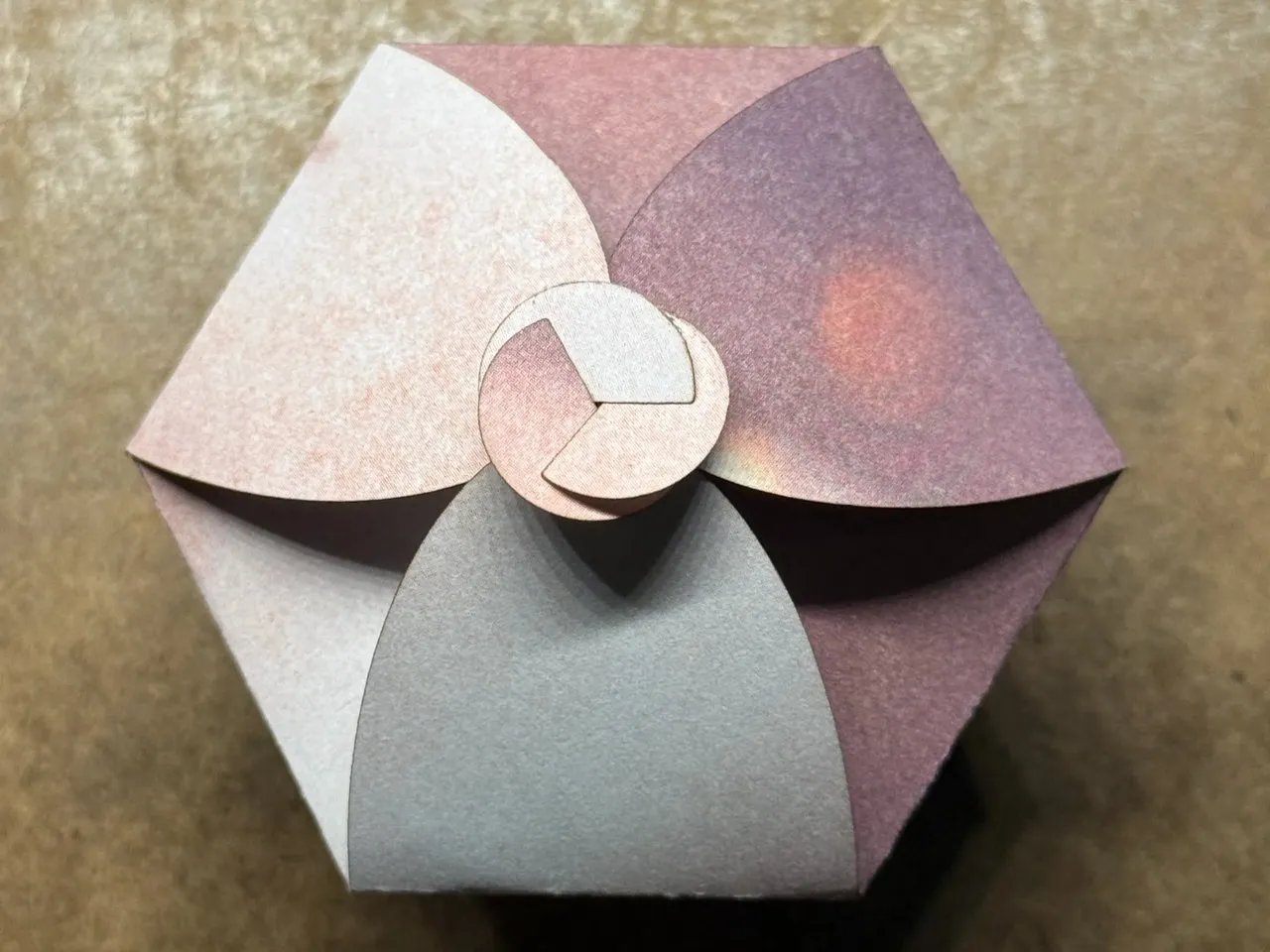
Button Box
ID 156715
 Instrução
Arquivos

Arquivos originais
AutorF1 · xThings-Colored Cardstock-4.7oz(160g), Silver Glitter Cardstock-7oz(250g), White Shimmer Cardstock-7oz(250g), Yellow Cardstock-9oz(300g)
1

Adicionar Perfil de Fabricação
Mesmo design, máquina, material ou qualquer melhoria diferente · Ganhe 100 Créditos
Dicas para criar um ótimo Perfil de Fabricação →
25
950
Instrução
1
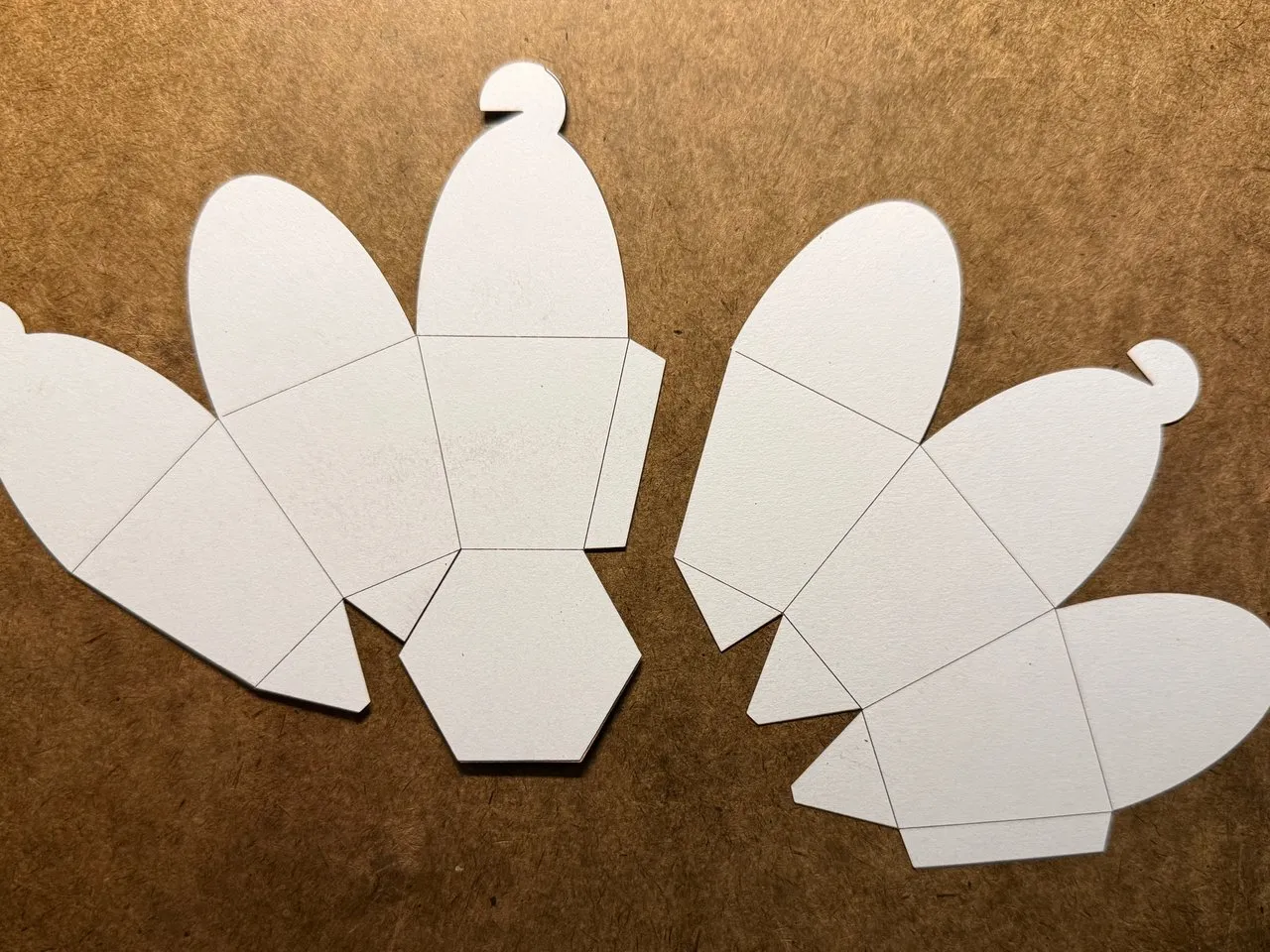
Etapa1: Print out the box.
Pré-visualização
Print out the box on your preferred card stock. TEST YOUR DESIGN FIRST ON SIMILAR OR EXACT MATERIAL IF THIS IS YOUR FIRST TIME PRINTING ON CHOSEN MATERIAL. Make sure die-lines are light and do not go all the way through.
2
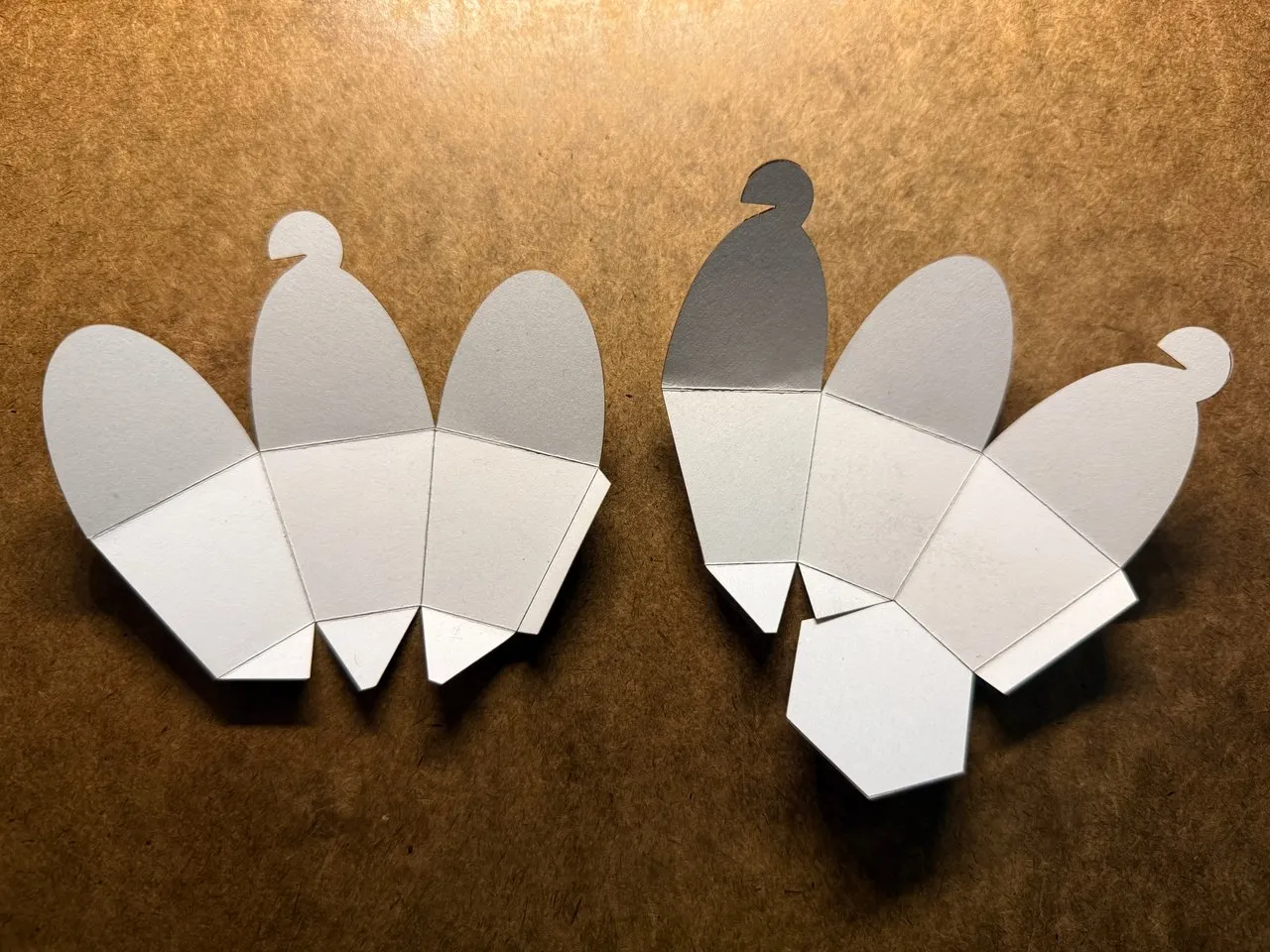
Etapa2: Fold die-lines
Pré-visualização
Fold the box along the die-lines.
3
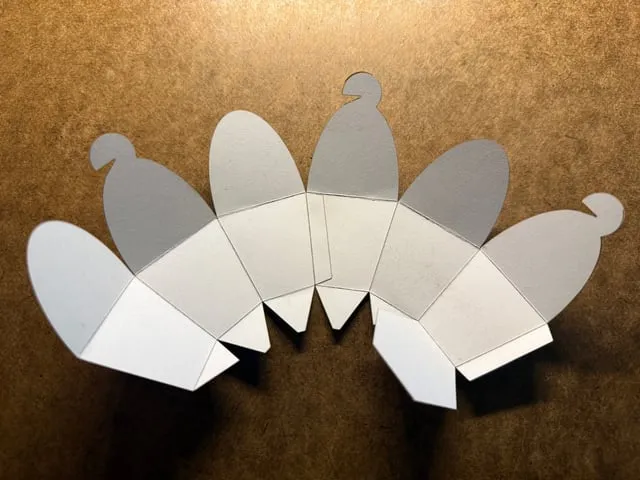
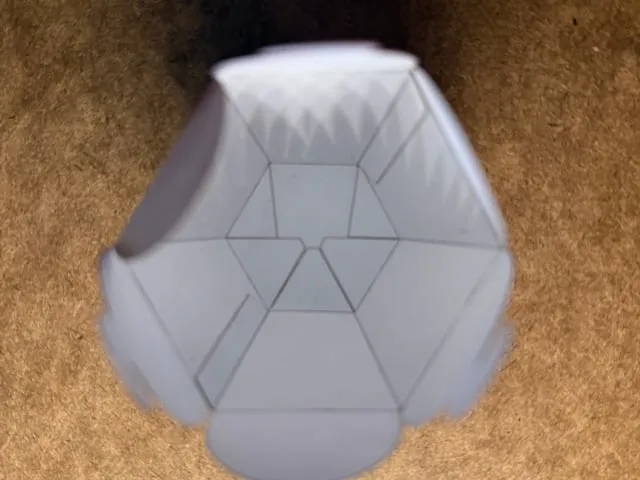
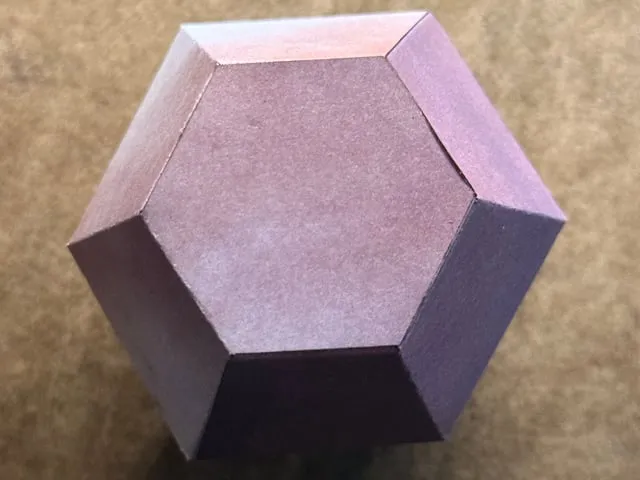
Etapa3: Glue the side tabs
Pré-visualização
Pré-visualização
Pré-visualização
Glue the side tabs. Let dry completely.
4
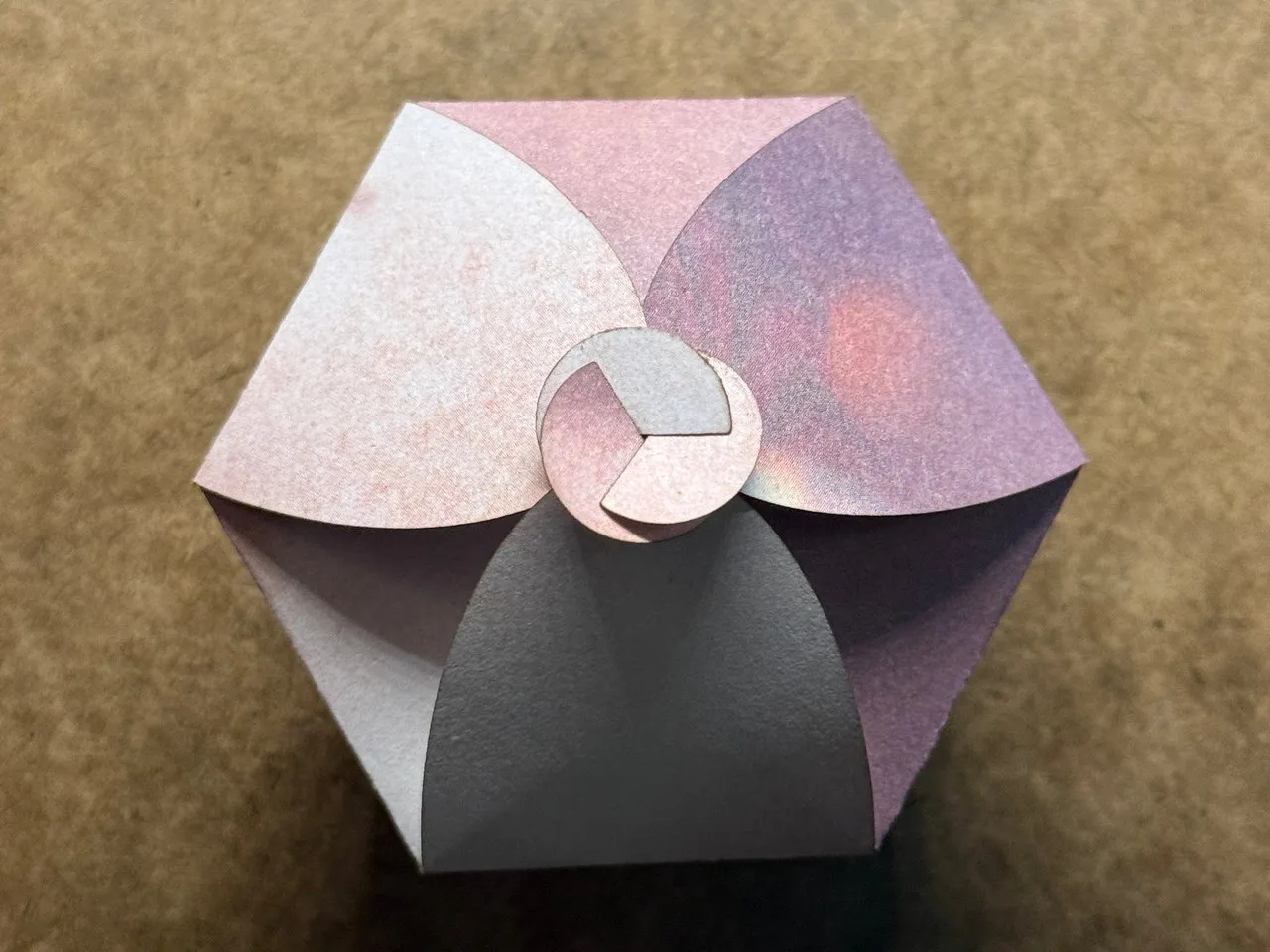
Etapa4: Close box
Pré-visualização
Fold over the tab to close the box.
Comentários
Licença

Projeto relacionado


Você também pode gostar

Wonton Box

12
45

Triangle Embossed Box
3
8


Angle Arched Favor Bag
1
0

Textured Tall Gift Box
3
4

tangram circulaire

1
7

Favor Box with Gable Top
0
3

Floral Origami Sleeve - Birthday & Invitations card

20
82

Geschenkbox

0
1

Animal tree feeder octagon table templet

0
13

$6.64
$6.64
Créditos664
Moire Kinetic Coasters- Hand Spinner

42

Indented Fold Over Gift Box
5
6

Hexagon Icosahedron 3d Box
0
3

Mase V2

31
97

Week 2 Homedecoration - Hexagonal Boxes in XCS

103
359

Swirl Flat Box
0
3

Laser Cut Pink Heart Decorative Gift Box

31
148

Cardstock Tote Bag
0
1

Barn Quilt Design
23
106