![[Laser cut and engrave] Engraved Travel Coffee Tumbler with Pet Dog Quote](https://storage-us.atomm.com/resource/xtool/community/attachment/xtool-community/43bb1061-5225-47e3-826e-0f529affac35.jpeg?x-oss-process=image/resize,w_1200,h_900,limit_0/interlace,1/format,webp/auto-orient,1)
I just want to sip coffee and pet my dog tumbler
 Instruction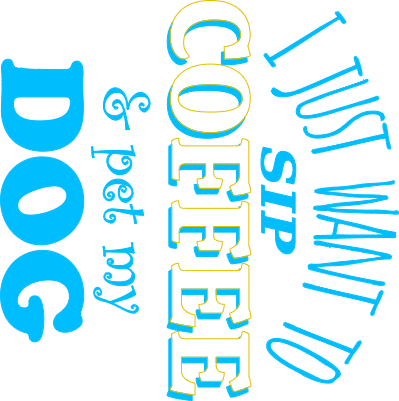


Information
      OutIn.
A company that specializes in bringing the ability to drink coffee anywhere with their gear. Be it outdoors camping, in the office, or even just wanting to be away from it all - they have the items you need to make that great cup of coffee to kickstart your day.
One of their items is the travel tumbler that I used for this project. I love to travel around and this is the perfect size for that perfect cup of coffee. But to be truely relaxed, I also feel that my dog shoud be with me. What better way to tell people that than with this simple quote.
Included with this project is both the XCS Studio and SVG files.
Instruction
Step1: Before you begin
I am an avid coffee drinker. Don't even think about talking to me about anything without first letting me get a cup of that wonderful nectar of the gods in me! Once I have that, they maybe, just maybe, I can start thinking clearly. I couldn't even begin working on this until I had 2 cups in me this morning, lol.
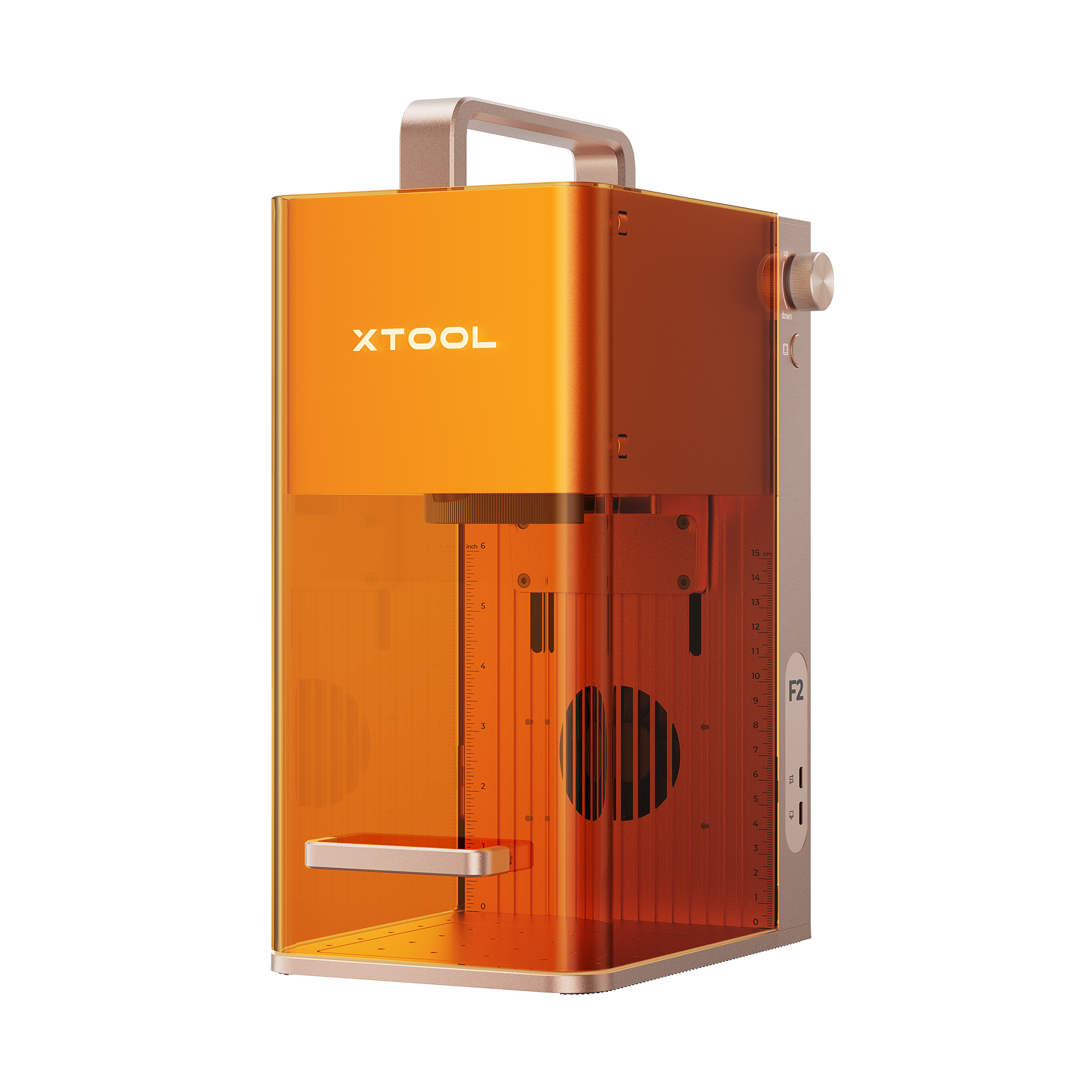
This was done with the F2. If you process this project on a different machine (and/or with a different tumbler) you will need to find your settings by doing testing. I used a similar tumbler for testing and the settings worked when I switched to the OutIn traveler tumbler.
This tumber is solid! It is the perfect size at 12oz and has great weight to it. You can find it here: https://outin.com/products/travel-tumbler?_pos=1&_psq=tumbler&_ss=e&_v=1.0
While you are there, check out their other items such as the portable coffee grinder. I have that and it works great!
Be aware that while I do provide the settings for this, even if you use the F2, your results may vary.
Step2: Engrave
IMPORTANT: READ THIS STEP IN FULL BEFORE PROCESSING
I normally do the two step engrave process. What this means is that I first engrave the tumbler in the Diode spectrum and then again in the IR spectrum for clean up. What that means is that you will want to line up your image on your tumbler so that it fits where you want it to go and then process the image in the Blue Light. Once it has run again, and BEFORE you move your tumbler on the RA, you want to select the image and run it in IR. This will clean up the image and give you a sharp, clean engrave.
I have seen /read about those that do the IR engrave and then just wipe it clean but I find I get better results this way.
Step3: Final thoughts
I hope you like this and if you do and you do this project, post a picture of it in the comments.
If you like this project and want to see others I have done, click the link below to see what other projects I have created. Most are free but I do have a few premium items.
https://www.atomm.com/profile/15190?utm_source=Social_Share
Thanks for taking the time to view my work.
Happy Crafting!