









































Report
![[Laser cut and engrave] Laser Engraved Religious Wall Art He Is Risen John 20:11-18](https://storage-us.atomm.com/resource/xtool/community/attachment/xtool-community/0ce5f0a8-7b2a-4e04-9bbc-b2f02f7e1fe7.jpg?x-oss-process=image/resize,w_1200,h_900,limit_0/interlace,1/format,webp/auto-orient,1)
Laser Engraved Religious Wall Art He Is Risen John 20:11-18
 Instruction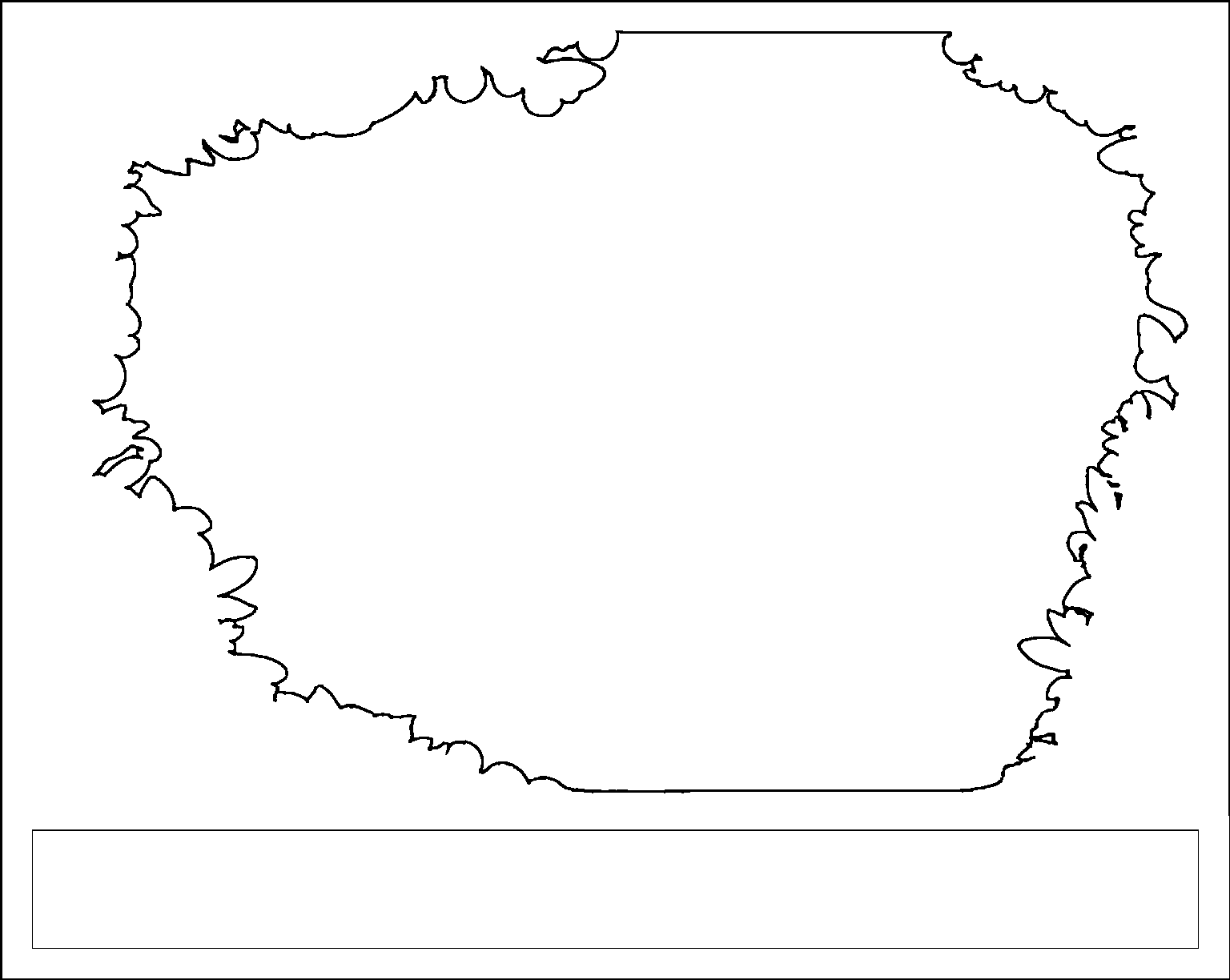
border_cut
.png
Show 11 more
Application scenario
Laser processing (180min)
Machine & module
Creality Falcon 5w
5WMaterial used

2mm Plywood 5 x 5 inch
9
Information
I used chatGPT to make an image of Mary Magdalene meeting Jesus outside of the tomb after He had risen (image included) to give away as an art piece for Easter. I decided to make it into a layered laser engraved and cut art piece and so this is what it ended up being. I hope you like it. I used GIMP and MS Paint to create it. It was a lot of work. I need to make a program or figure out an easier way to make these for sure! Please post an image if you make it! I used LaserGRBL to create each cut file. I glued each layer together - white glue. You'll want an easel to stand it up for viewing somewhere nice. Imagine how excited Mary Magdalene must have been to see the Risen Lord and to have the confirmation of her hope that the Messiah came to take away our sins and rose victorious over sin and death and that we have the full hope of salvation when we put our faith in Jesus to save us! I hope that each of you will have that same excitement as Mary had to have seen the Lord when you get saved and realize how fantastic He is Risen means and what a gift the risen Savior is! Joy to you all! Jesus is the reason for the Resurrection Sunday! This is my first project to submit so please be kind and gentle with your comments.
Instruction
1
Step1: LaserGRBL
I used LaserGRBL to create each cut file. I glued each layer together - white glue. You'll want an easel to stand it up for viewing somewhere nice.
2
Step2: Open Image File
Open file (image file not cut file)
Settings:
Brightness: 64
Contrast: 150
white clip: 5
1bit BW dithering
quality: 8
speed: 2000
max: 700
dpi: 300
size: 130 x 103.6
3
Step3: Append Cut File
Append Cut file (append cut file)
Settings:
brightness: 100
contrast: 61
vectorize
optimize: 0.2
speed: 250
max: 1000
size: 130 x 103.6
4
Step4: Save Gcode File
Do advanced save
Select use LF line endings (Creality Falcon doesn't like CRLF for some reason).
5
Step5: Etch and Cut
Etch and cut each of the 5 layers
Glue them together
Enjoy!
Comments
Remixes
Related collections


Related tags
License

This work contains AI-generated content.