









































Report
![[Laser cut and engrave,Other] Color photo with laser engraver - Pokemon](https://storage-us.atomm.com/resource/xtool/community/attachment/xtool-community/5f212043-5ad8-40f0-b01e-e2a6ff4093e8.JPEG?x-oss-process=image/resize,w_1200,h_900,limit_0/interlace,1/format,webp/auto-orient,1)
Color photo with laser engraver - Pokemon
 Instruction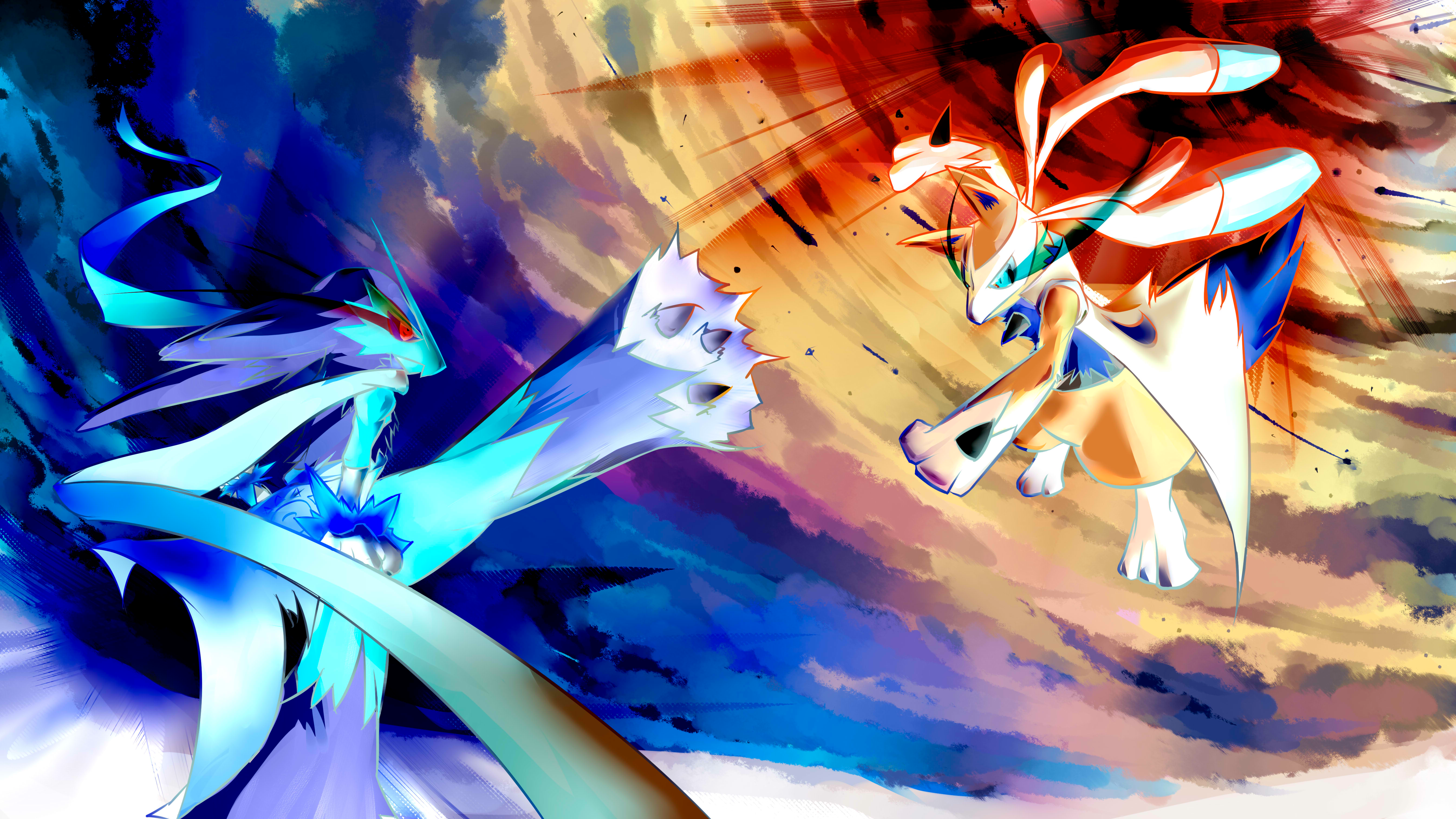
GravueDImageEnCouleur_pokemon_negatif_20240508103409_20240508103410
.png
Application scenario
Laser processing、Other
Machine & module

xTool M1 Ultra
10WMaterial used

1/8"(3mm) MDF Board
14
Information
Instruction
1
Step1
1/ Choose an image and convert it to a negative using GIMP or Photoshop, making sure the file is in .PNG format.
2
Step2
2/ Take a 3mm MDF board the same size as the image or photo you want to engrave.
3
Step3
3/ Spray paint the MDF board as follows: 2 coats of white, 1 coat of color, 2 coats of black. It is important to let the paint dry slightly between coats.
4
Step4
4/ Start the engraving process using the following setting in the Xtool XCS
5
Step5
5/ Wipe the surface of the engraving with a dry absorbent paper to remove any dust.
Comments




