









































Report
![[Laser cut and engrave] 3d Labradoodle in Glass](https://storage-us.atomm.com/resource/xtool/community/attachment/xtool-community/f3a2db14-4199-4b9d-9905-8053f270c986.jpeg?x-oss-process=image/resize,w_1200,h_900,limit_0/interlace,1/format,webp/auto-orient,1)
![[Laser cut and engrave] 3d Labradoodle in Glass](data:image/png;base64,iVBORw0KGgoAAAANSUhEUgAAAAoAAAAKCAYAAACNMs+9AAAAAXNSR0IArs4c6QAAABdJREFUKFNjZCASMBKpjmFUId6QIjp4AAppAAuXjCs4AAAAAElFTkSuQmCC)
![[Laser cut and engrave] 3d Labradoodle in Glass](https://storage-us.atomm.com/resource/xtool/community/attachment/xtool-community/f3a2db14-4199-4b9d-9905-8053f270c986.jpeg?x-oss-process=image/resize,w_200,h_150,limit_0/interlace,1/format,webp/auto-orient,1)
![[Laser cut and engrave] 3d Labradoodle in Glass](https://storage-us.atomm.com/resource/xtool/community/attachment/xtool-community/175e212c-2b69-49c9-add0-d9a4bbb325f7.jpeg?x-oss-process=image/resize,w_200,h_150,limit_0/interlace,1/format,webp/auto-orient,1)
3d Labradoodle in Glass
 Instruction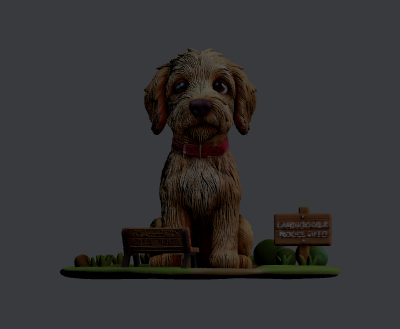
Labradoodle 3D
.xcs
Application scenario
Laser processing
Machine & module

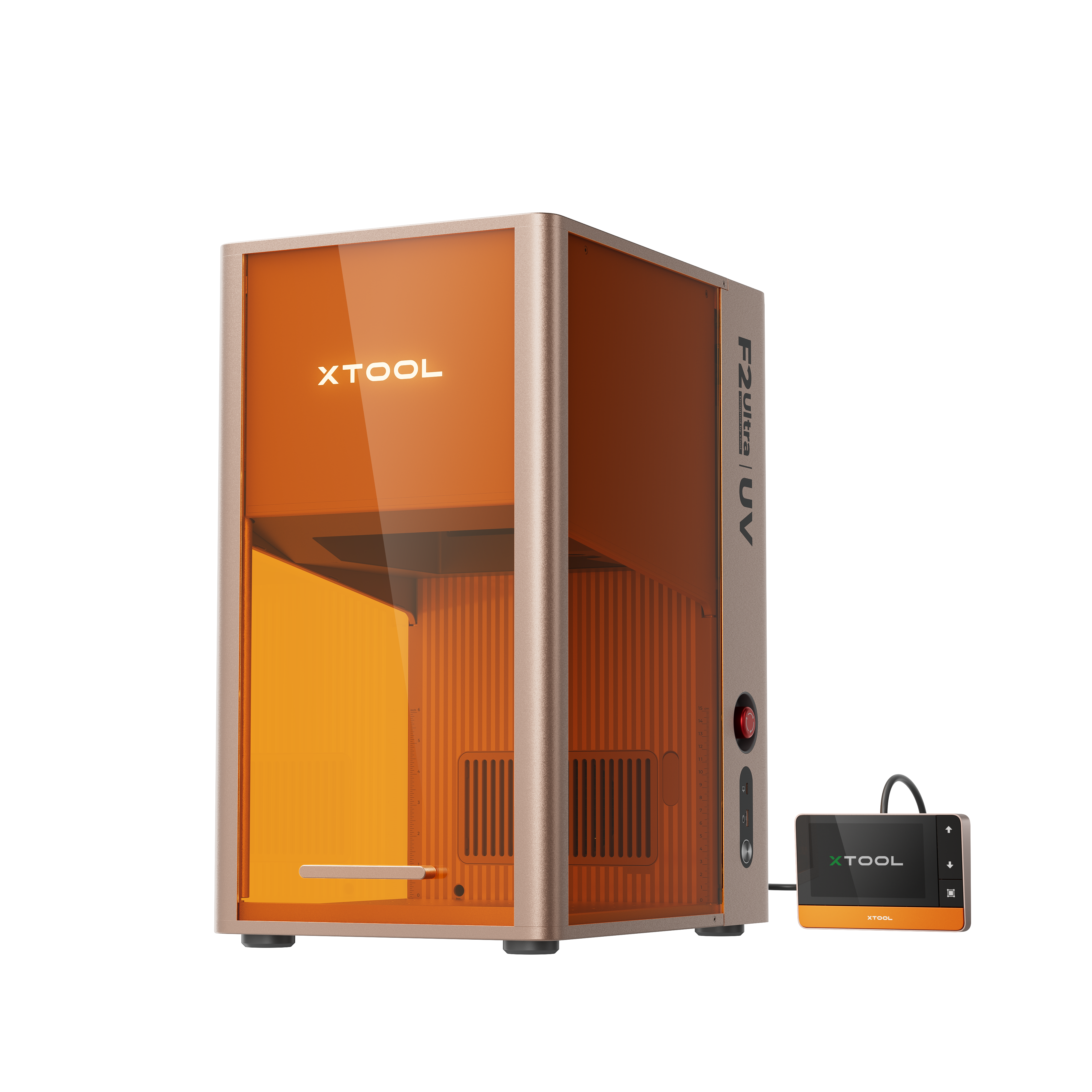
xTool F2 Ultra UV
5WMaterial used

K9 Inner Carved Glass
2
21
Information
A very detailed 3d image of a beloved labradoodle in a dog park setting
Instruction
1
Step1: Prepare the laser for inner engraving
Install the Inner Engraving lens and the riser into the machine
Accurately measure the glass cube you are using and imput the info into the appropriate fields
Clean the glass using alcohol and lint free cloth
Set the cube onto the riser using the guide to be sure it is in the correct position
Step2: Process!
Confirm that the image is in the correct position and size within the canvas preview. Adjust as necessary.
Close the cover.
Press start and enjoy the show!
Comments
Remixes
xTool Supplies Used in This Project
Related collections


Related tags
License

This work contains AI-generated content.