









































Report
![[Laser cut and engrave,Screen printing,Laser welding / cleaning] Christmas Illusion](https://storage-us.atomm.com/resource/xtool/community/attachment/xtool-community/5f4e70f7-1422-4a41-9297-aee22db39749.jpg?x-oss-process=image/resize,w_1200,h_900,limit_0/interlace,1/format,webp/auto-orient,1)
![[Laser cut and engrave,Screen printing,Laser welding / cleaning] Christmas Illusion](data:image/png;base64,iVBORw0KGgoAAAANSUhEUgAAAAoAAAAKCAYAAACNMs+9AAAAAXNSR0IArs4c6QAAABdJREFUKFNjZCASMBKpjmFUId6QIjp4AAppAAuXjCs4AAAAAElFTkSuQmCC)
![[Laser cut and engrave,Screen printing,Laser welding / cleaning] Christmas Illusion](https://storage-us.atomm.com/resource/xtool/community/attachment/xtool-community/5f4e70f7-1422-4a41-9297-aee22db39749.jpg?x-oss-process=image/resize,w_200,h_150,limit_0/interlace,1/format,webp/auto-orient,1)
![[Laser cut and engrave,Screen printing,Laser welding / cleaning] Christmas Illusion](https://storage-us.atomm.com/resource/xtool/community/attachment/xtool-community/f378fed7-c65c-49e1-a235-b05f1baa7412.jpg?x-oss-process=image/resize,w_200,h_150,limit_0/interlace,1/format,webp/auto-orient,1)
![[Laser cut and engrave,Screen printing,Laser welding / cleaning] Christmas Illusion](https://storage-us.atomm.com/resource/xtool/community/attachment/xtool-community/22e7270e-7e1d-4a09-a09a-2de914c88407.jpg?x-oss-process=image/resize,w_200,h_150,limit_0/interlace,1/format,webp/auto-orient,1)
Christmas Illusion
 Instruction
MetalTree
.xcs
Application scenario
Laser processing、Screen printing、Laser welding / cleaning
Machine & module

xTool MetalFab Laser Welder
1200W, 800W
xTool P2
55W
xTool P2S
55W
xTool P3
80W
xTool D1
2W, 5W, 10W, 20W
xTool M1
5W, 10W
xTool S1
2W, 10W, 20W, 40W
xTool D1 Pro
2W, 5W, 10W, 20W, 40W
xTool F1 Ultra
20W
xTool F1
2W, 10W
xTool F2
5W
xTool F2 Ultra
40W, 60W
xTool F2 Ultra (Single)
60W
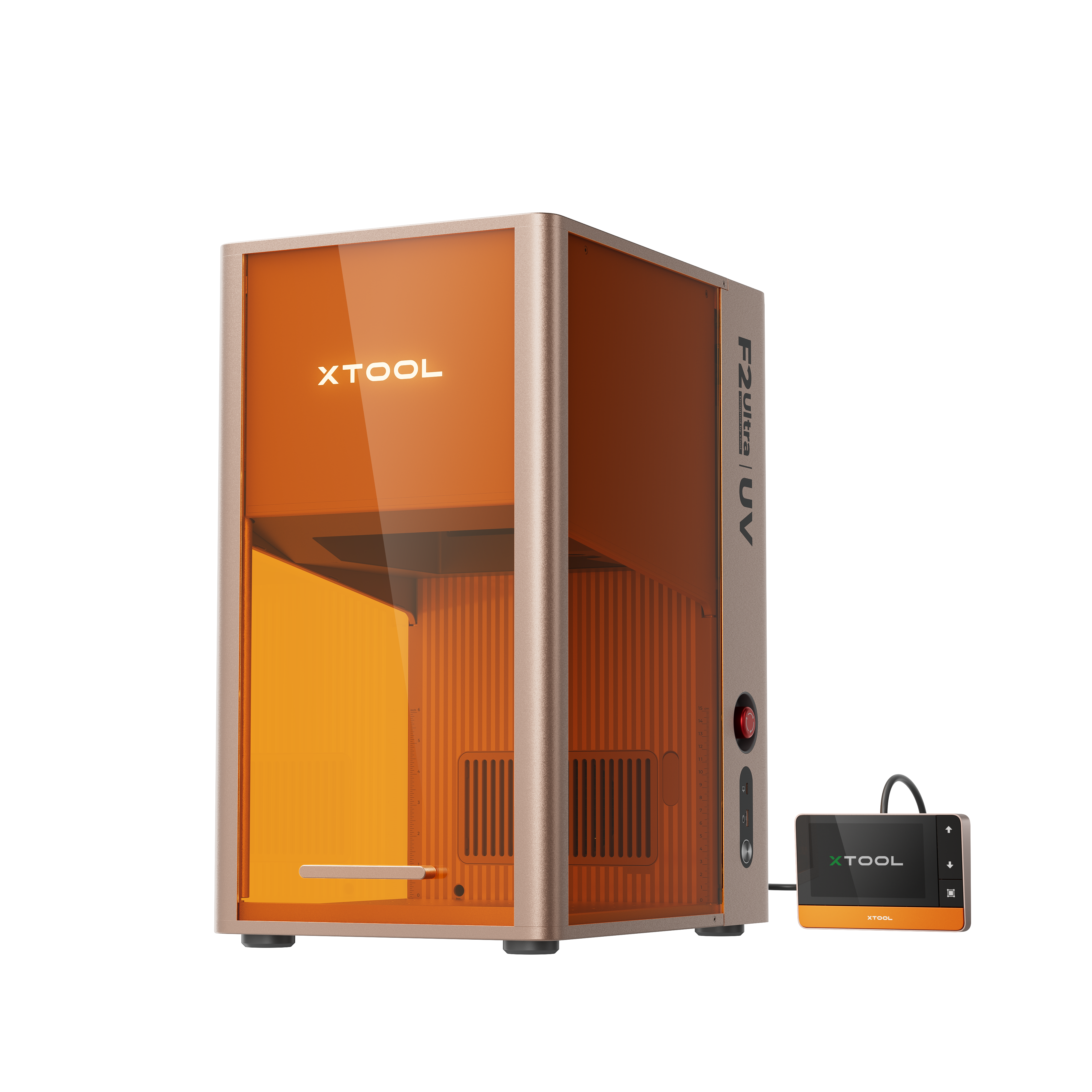
xTool F2 Ultra UV
5WCompatibles · 1
Material used

304 Stainless Steel
157
1711
Information
This is an intricate cut christmas tree ornament. I did cutting this in metal on the Metal Fab, but this should work on other machines and other materials.
Instruction
1
Step1: Cut

Preview
This is a pretty simple design to work with, you just need to pick the material you want to use and the cut settings that are appropriate for that material. I have been able to use the same cut file on several different materials without issue.
Comments
Remixes
xTool Supplies Used in This Project





Related collections


Related tags
License

This work contains AI-generated content.