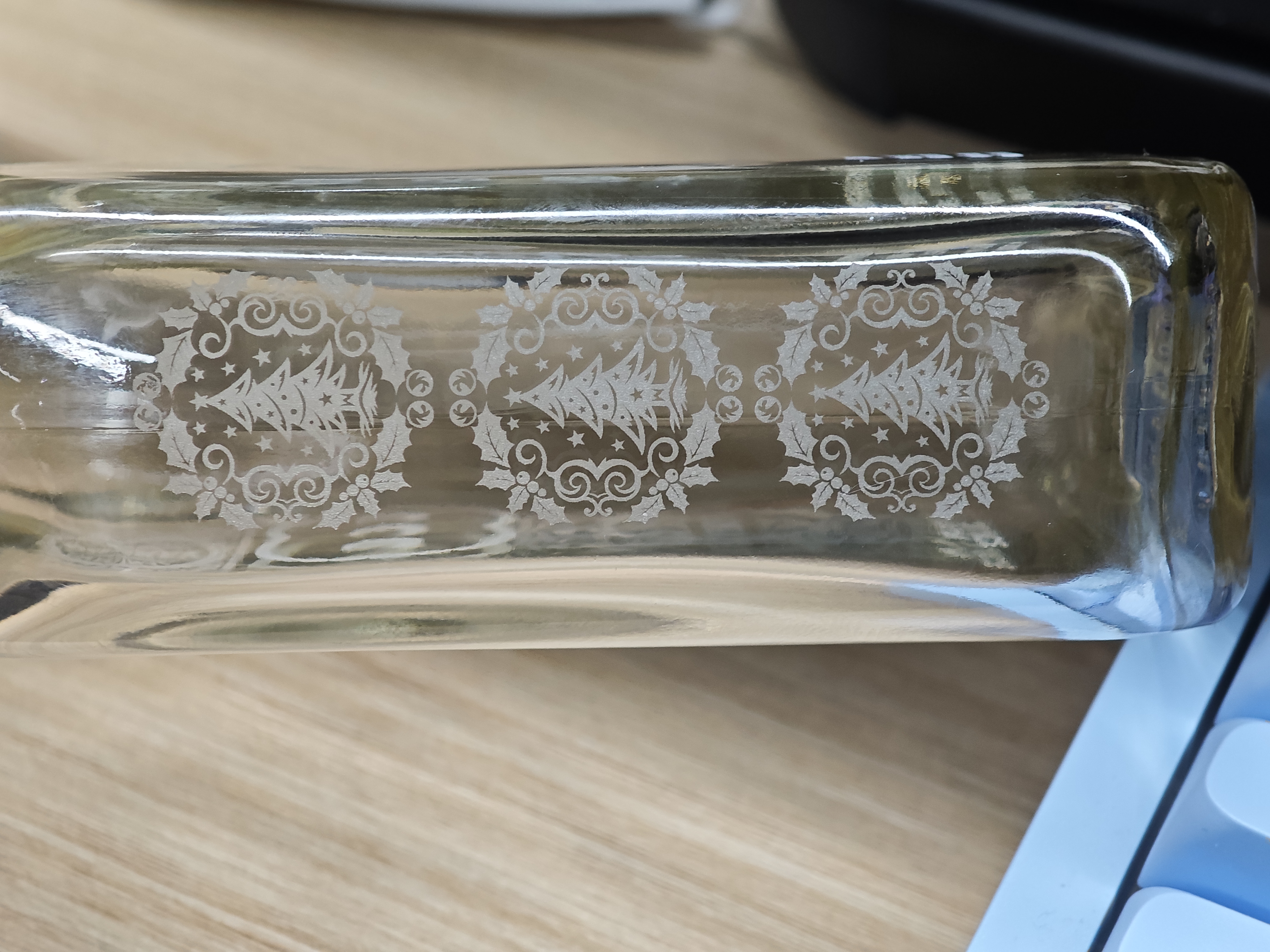
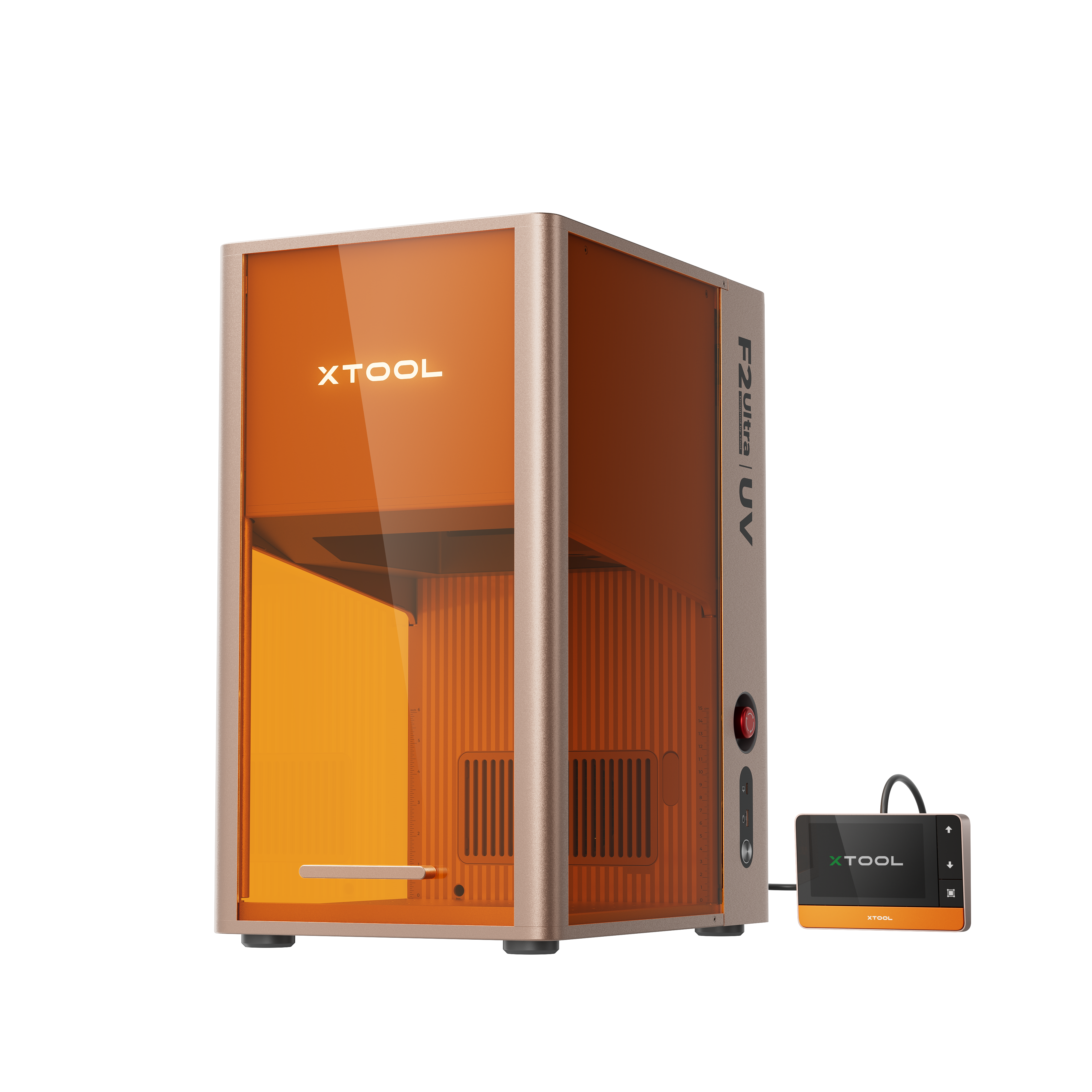
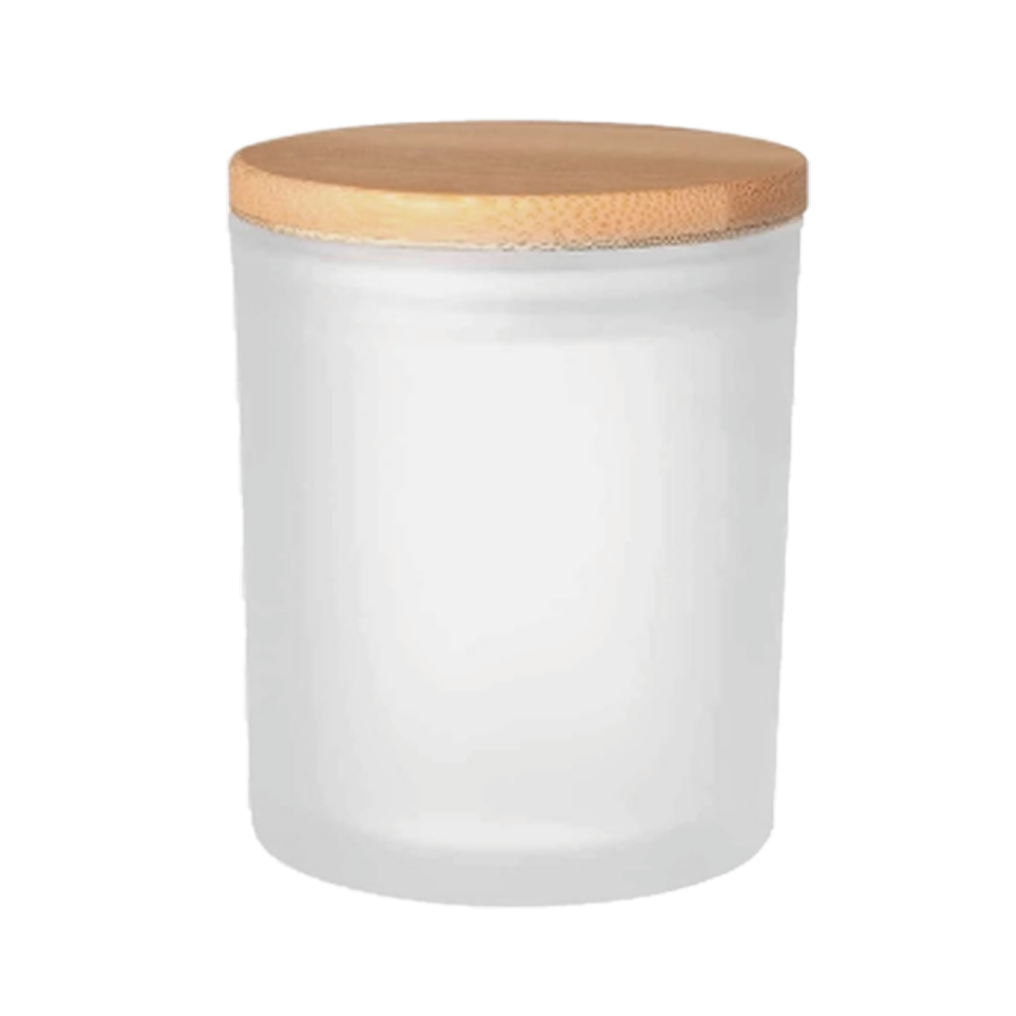
![[Laser cut and engrave] Tutorial: How to Laser Engraved Whiskey Glass Bottle](https://storage-us.atomm.com/resource/xtool/community/attachment/xtool-community/ebf0ee01-0c78-481d-8172-db6cbae630d5.jpg?x-oss-process=image/resize,w_1200,h_900,limit_0/interlace,1/format,webp/auto-orient,1)
Tutorial: How to Laser Engraved Whiskey Glass Bottle
 Instruction


Information
      This is really cool…
From now on, all my wine/whiskey/beer bottles will have exclusive names!
---
📌 Updated 12.6:
Thanks for all you guys loving this project!
To thank you all for your amazing support, I’ve decided to share some little tips and things to note for glass surface engraving! Hope these help you guys ^ ^
Instruction
Step1: Features of glass surface engraving

When engraving glass surfaces with UV lasers, the effective focal depth is relatively shallow, approximately between 2 mm and 3 mm. This is an inherent physical phenomenon and cannot be avoided.
The surface of glass is transparent, and since light passes through it, the auto-focus does not function properly. To perform auto-focus, it is necessary to place a thin, non-transparent object (like paper) on the glass surface.
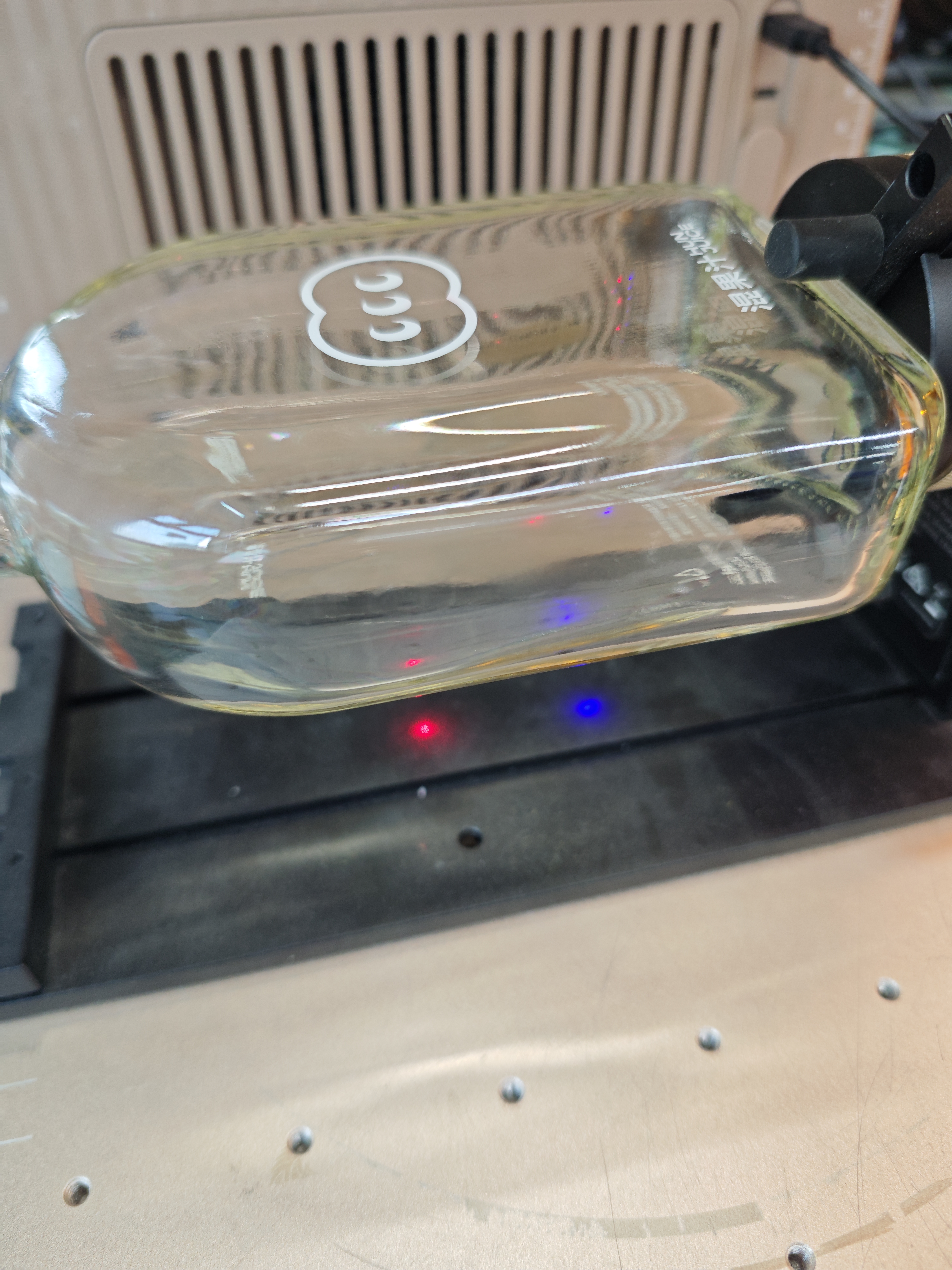
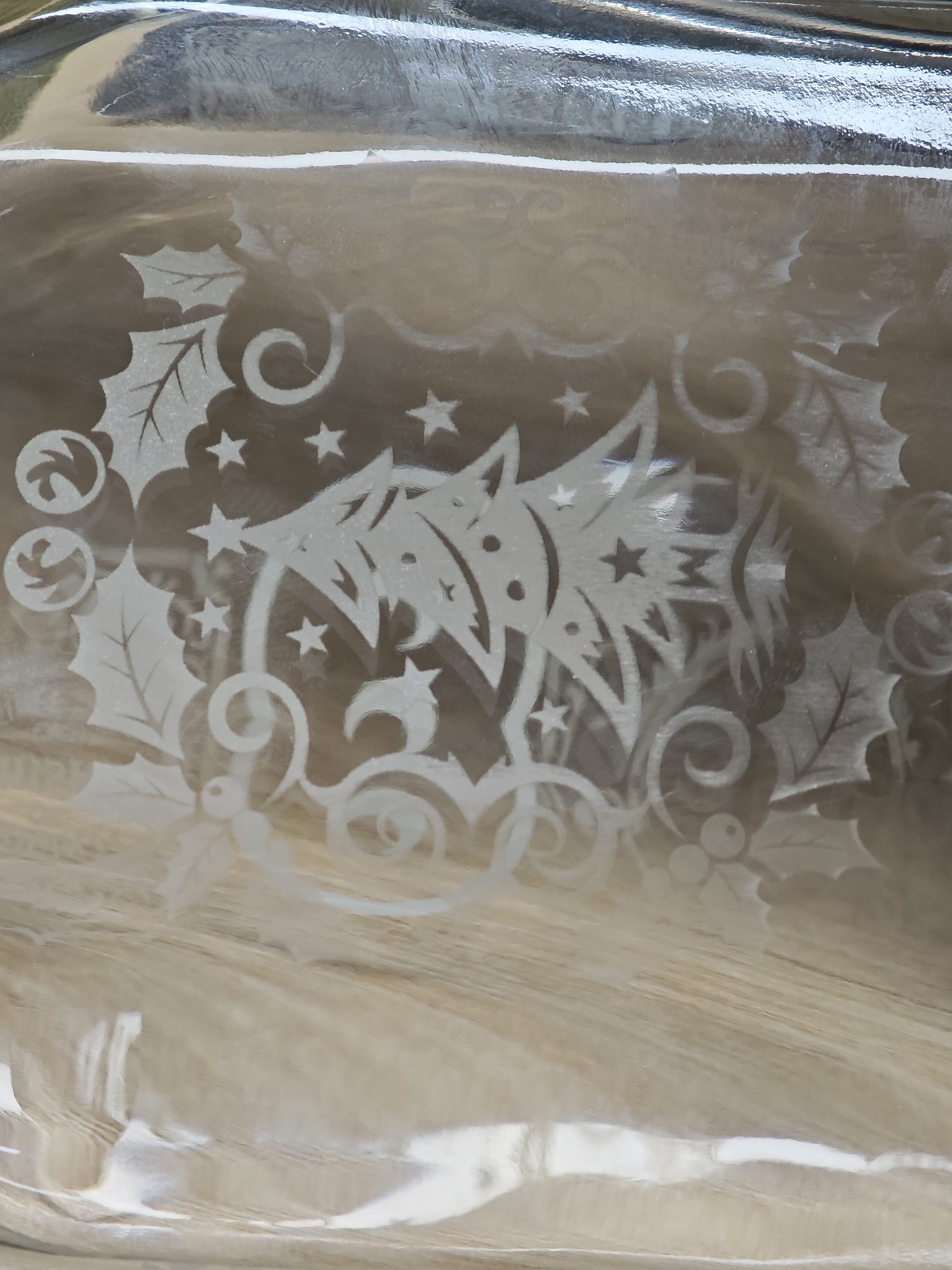
Therefore, focusing a UV laser on glass requires extremely precise control. Otherwise, you will be like my first try... ⬇️ having worked hard for a long time but not getting any pattern 😂
Step2: How to focus?

Method 1:
Auto-focus: Place a thin object, such as paper, over the transparent object to make the measured object no longer transparent, allowing the auto-focus function to work again. Note that you need to subtract the thickness of the thin object after focusing.
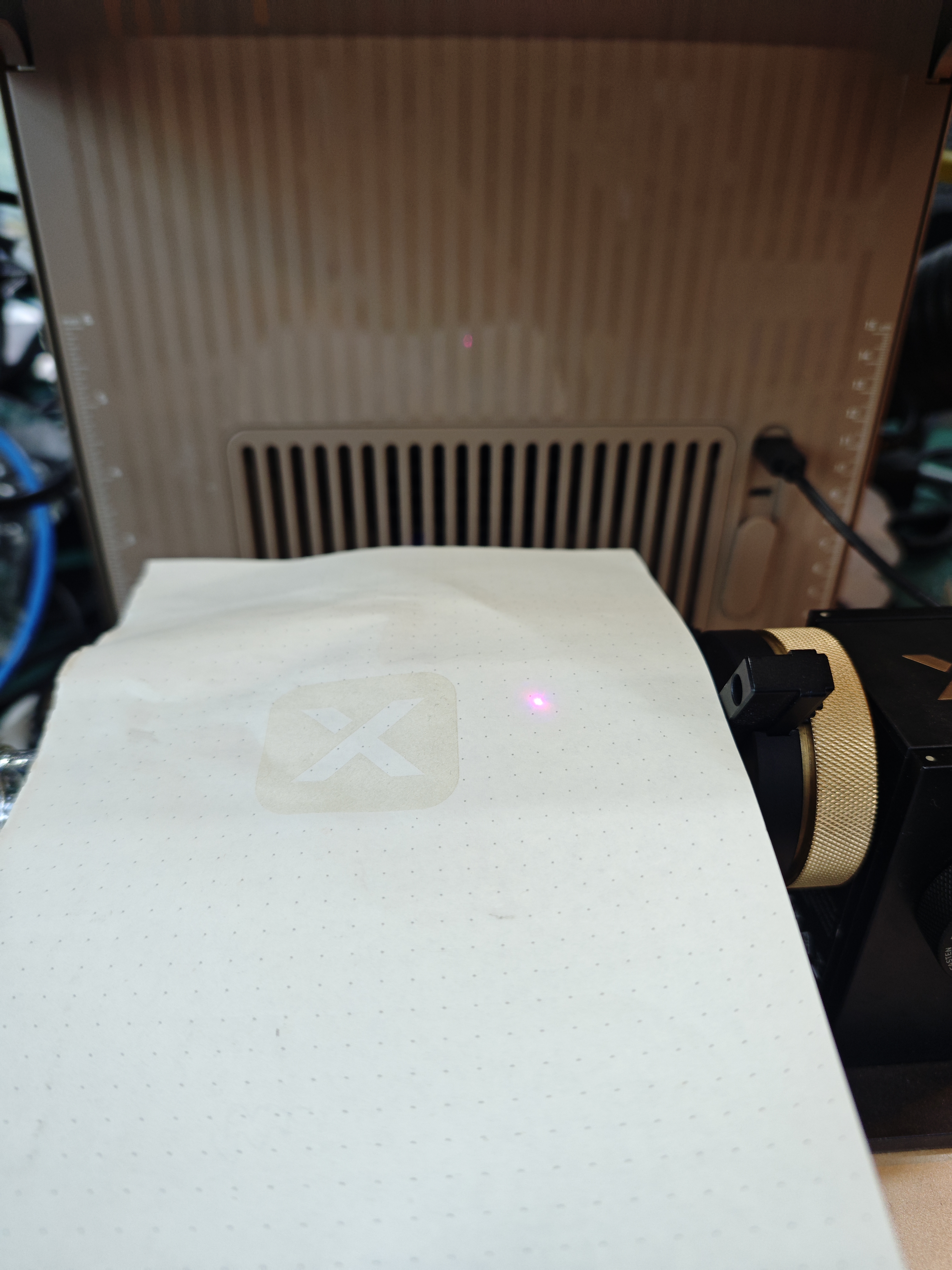
Method 2:
Focusing through measurement: If the thickness of the transparent object is known, directly input the thickness of the transparent object.
If you still can't focus using the methods above, you can check the official instructions: https://support.xtool.com/article/2898
Now you’ll see why I emphasized earlier how important it is for the glass to be level—talk about a real-life demo 😹 Because it will become like this...
Step3: Open xTool Studio
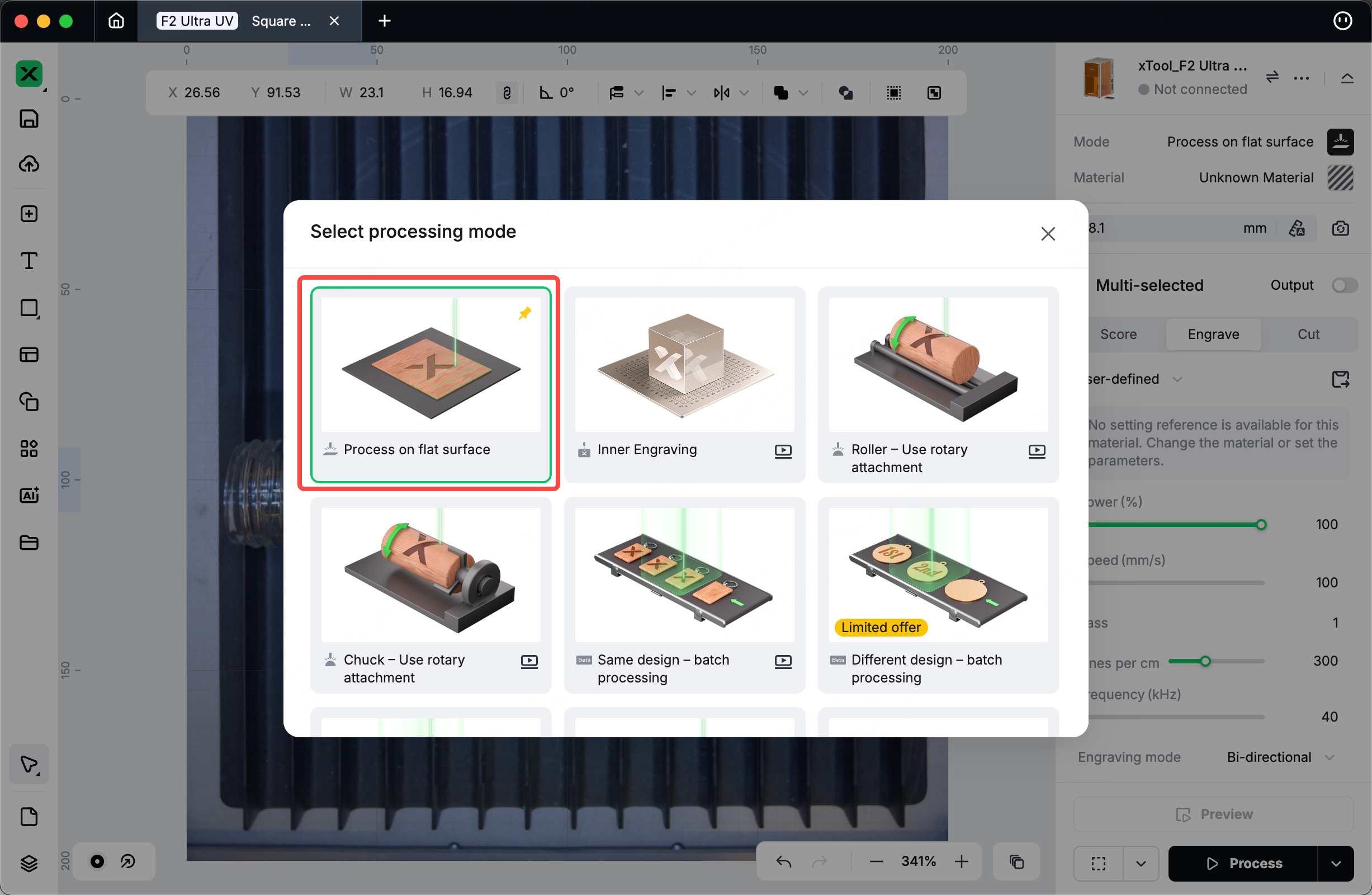
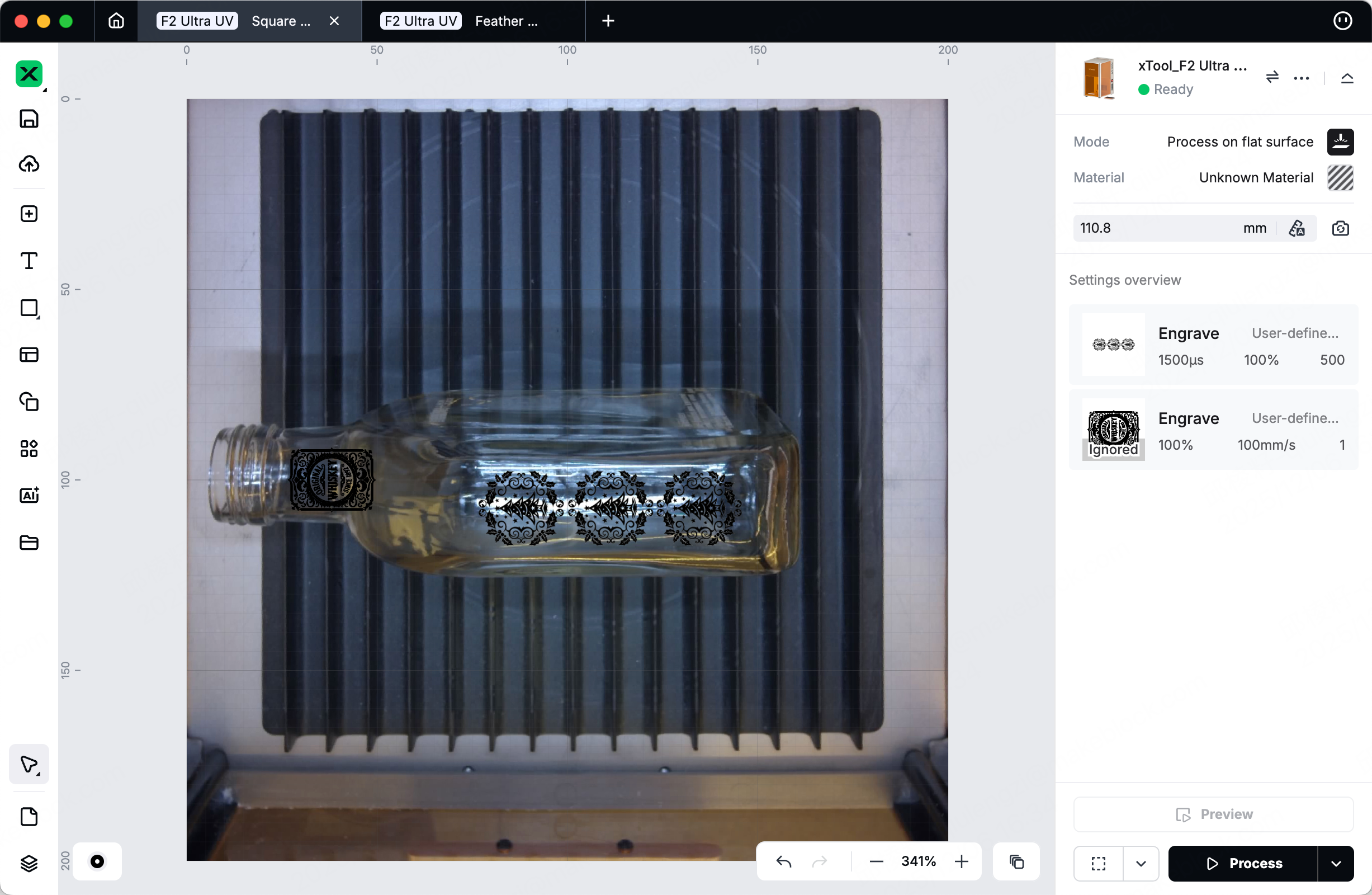
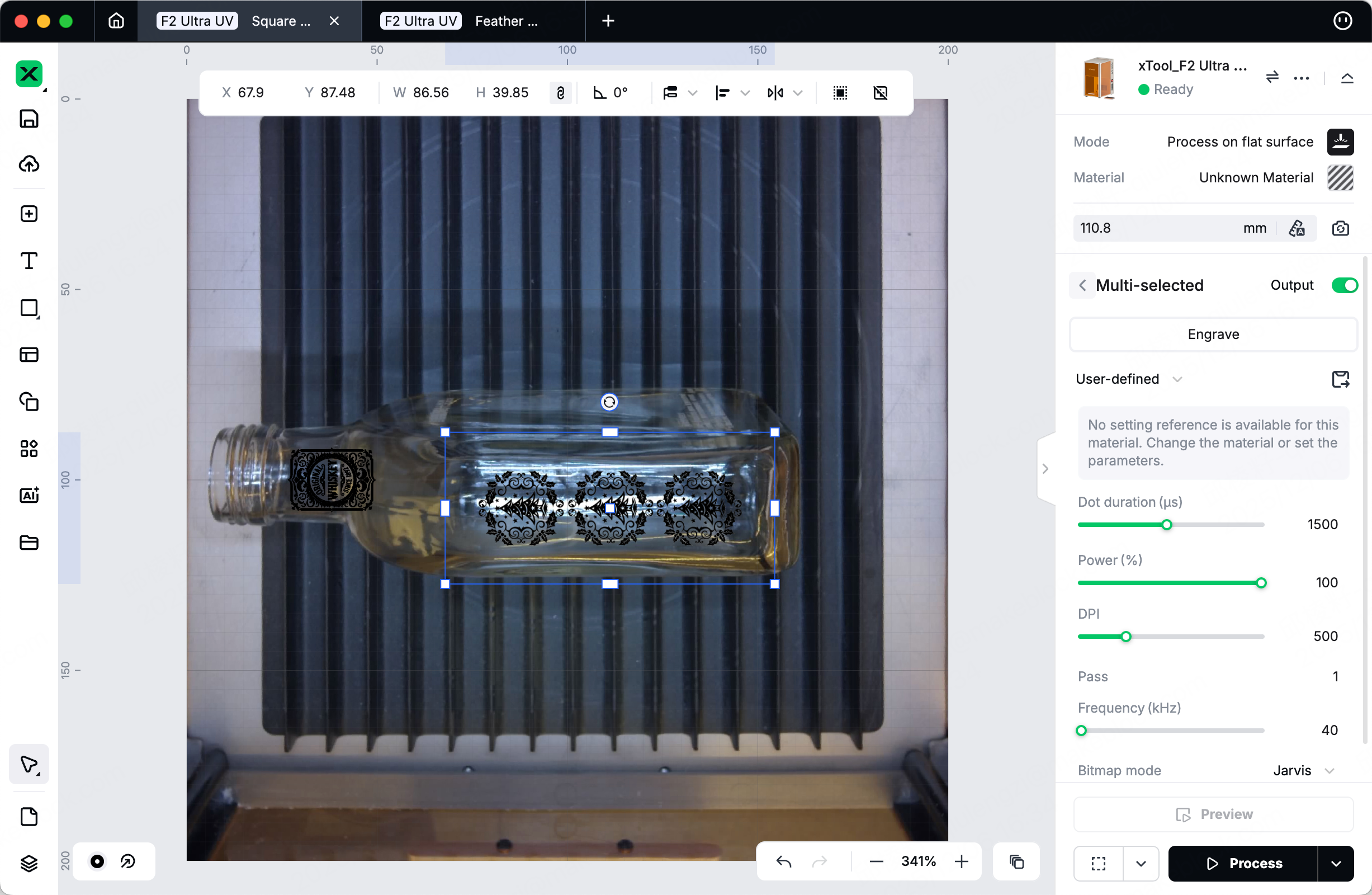
Open your file, and select the processing mode as flat surface.
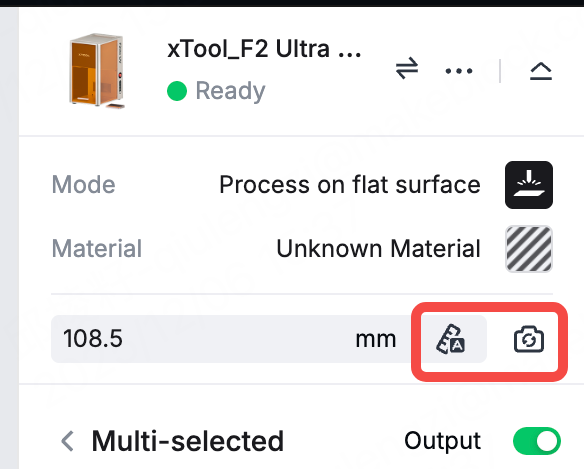
Make sure that you have placed the paper onto your bottle, then click Auto-measure as usual. Wait for a sec, then take out your paper and click the Refresh Background. From this point on, DO NOT move your bottle at all!
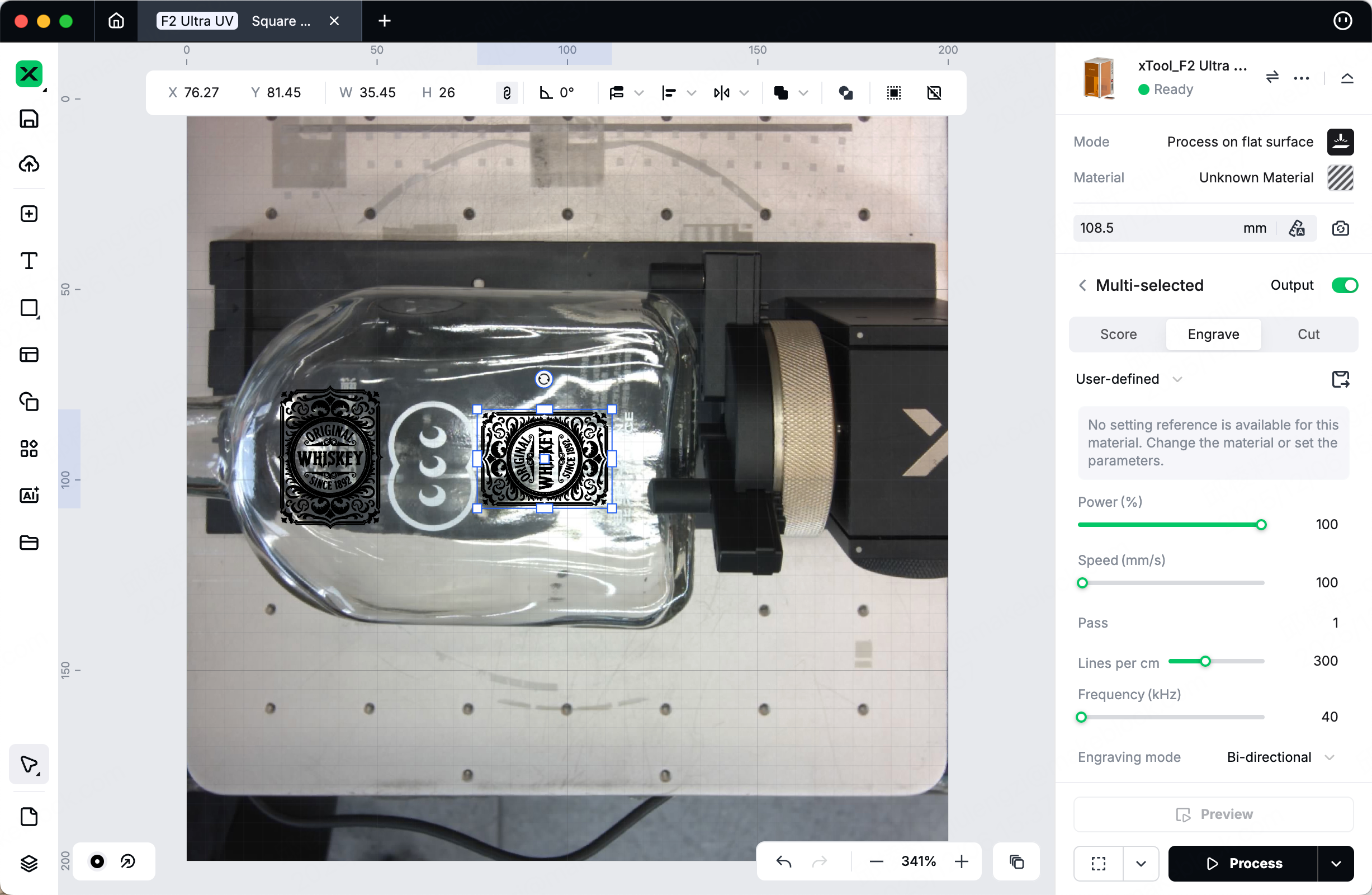
Adjust the pattern you want to engrave in the camera preview after refreshing the background. Once you’ve confirmed everything is correct, click Process.

P.S.: Surface engraving with small patterns usually doesn’t take much time—around 5-8 minutes to finish. For larger patterns, it’ll take roughly 15 minutes. If the processing time is shorter or longer than these ranges, you can double-check the focusing ^ ^
Step4: Got it? Try something else.