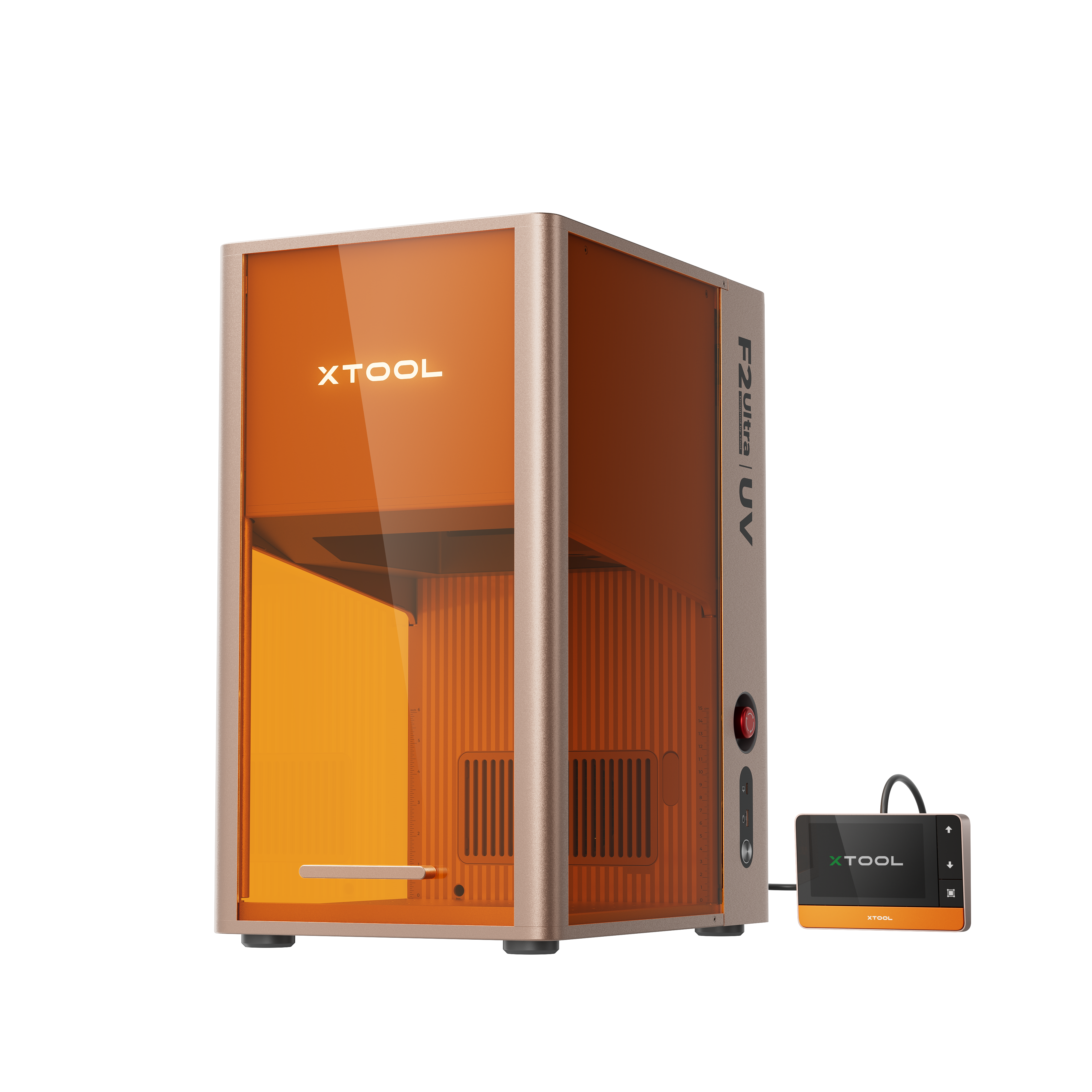
![[Laser cut and engrave] [How To] 3D Inner Engraved Solar System Crystal Globe](https://storage-us.atomm.com/resource/xtool/community/attachment/xtool-community/0b938452-d985-4054-8ffe-3c055b349024.jpg?x-oss-process=image/resize,w_1200,h_900,limit_0/interlace,1/format,webp/auto-orient,1)
![[Laser cut and engrave] [How To] 3D Inner Engraved Solar System Crystal Globe](data:image/png;base64,iVBORw0KGgoAAAANSUhEUgAAAAoAAAAKCAYAAACNMs+9AAAAAXNSR0IArs4c6QAAABdJREFUKFNjZCASMBKpjmFUId6QIjp4AAppAAuXjCs4AAAAAElFTkSuQmCC)
![[Laser cut and engrave] [How To] 3D Inner Engraved Solar System Crystal Globe](https://storage-us.atomm.com/resource/xtool/community/attachment/xtool-community/0b938452-d985-4054-8ffe-3c055b349024.jpg?x-oss-process=image/resize,w_200,h_150,limit_0/interlace,1/format,webp/auto-orient,1)
![[Laser cut and engrave] [How To] 3D Inner Engraved Solar System Crystal Globe](https://storage-us.atomm.com/resource/xtool/community/attachment/xtool-community/1de4536d-dc57-4560-ae06-04eecf16f622.jpg?x-oss-process=image/resize,w_200,h_150,limit_0/interlace,1/format,webp/auto-orient,1)
[How To] 3D Inner Engraved Solar System Crystal Globe
 Instruction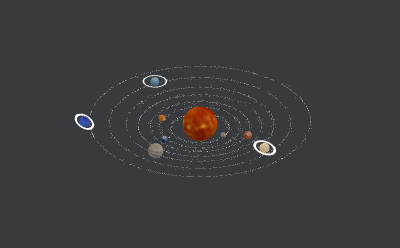


Information
      Bring the universe home with this laser-engraved crystal globe.
A dazzling centerpiece for desk or shelf, it’s the ultimate gift for astronomy enthusiasts and curious minds alike.

P.S.: If the XCS file you downloaded appears blank, no need to panic. We’ll roll out an updated version after the official launch of the xTool F2 Ultra UV, which will support seamless compatibility. For the exclusive 3D effect, please bear with us a little while longer 🙏
Instruction
Step1: About Glass Spheres Inner Engraving
![[How To] 3D Inner Engraved Solar System Crystal Globe instruction: step 1 - About Glass Spheres Inner Engraving](https://storage-us.atomm.com/resource/xtool/community/attachment/xtool-community/157788aa-901d-408d-af41-a9c8e178b158.png?x-oss-process=image/resize,m_fill,w_1500,h_1125,limit_0/interlace,1/format,webp/auto-orient,1)
Step2: Material preparation: K9 Glass & Oil
Material and Containers:
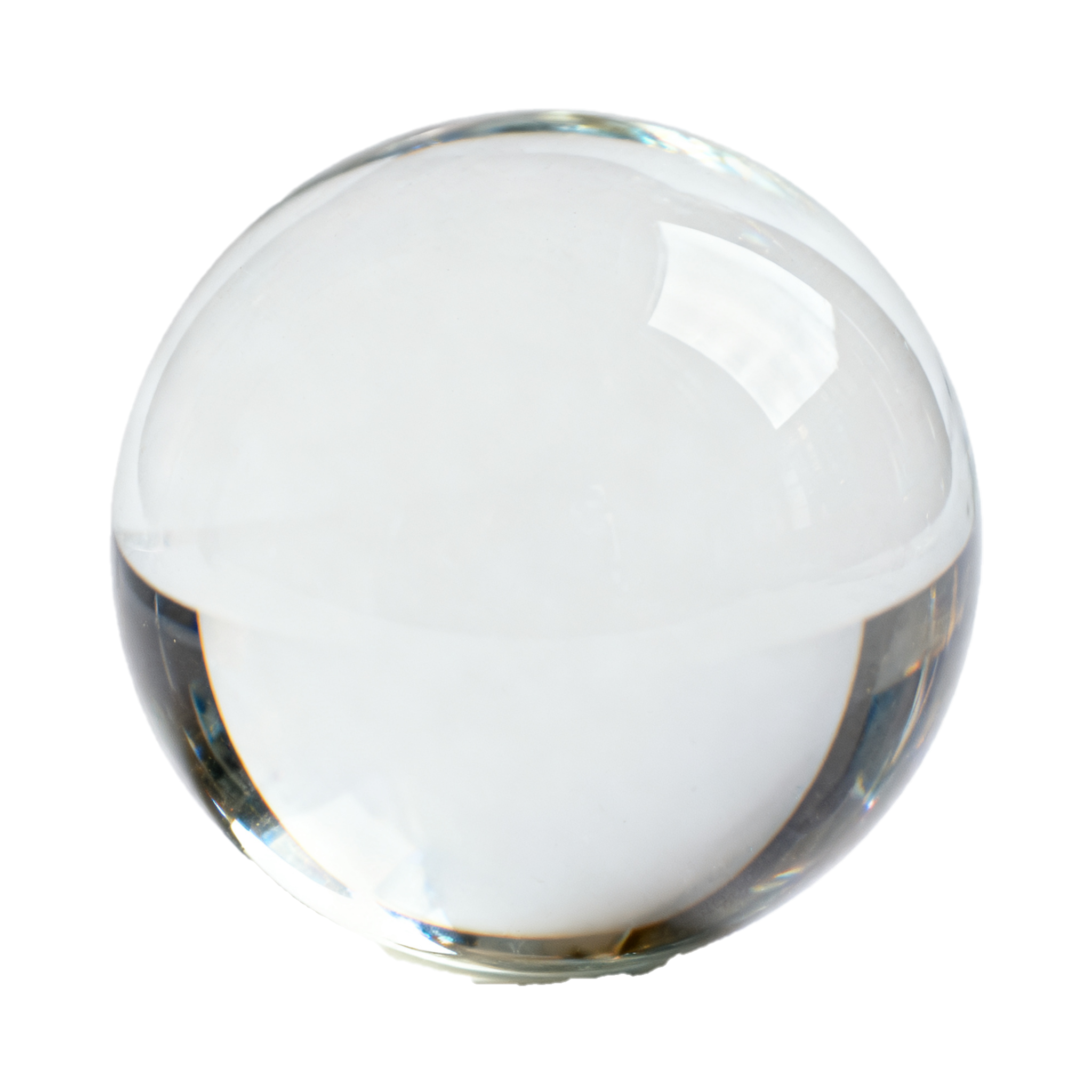
It is still K9 Glass, but in a spherical shape, with a recommended diameter of 7-8 cm.
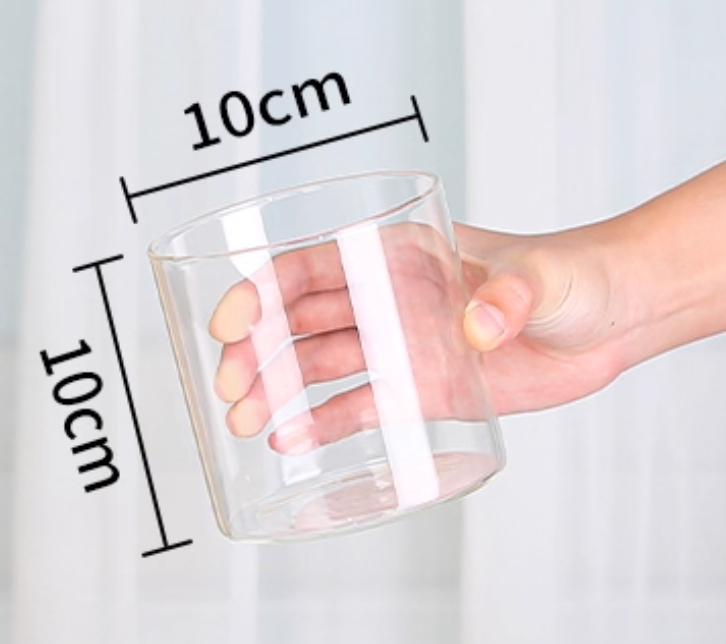
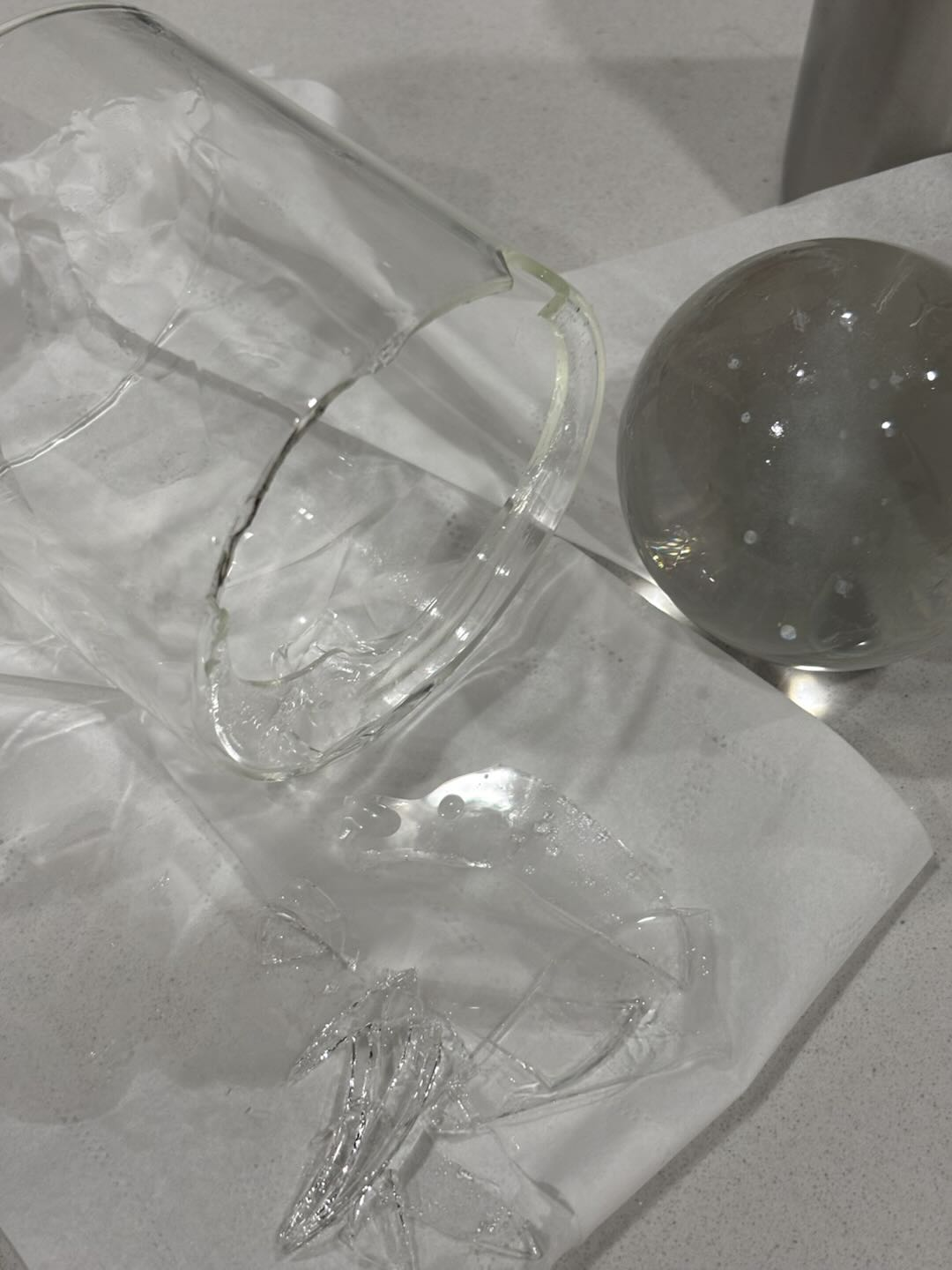
For the inner engraved oil container, it is recommended to use a cylindrical straight glass container with a diameter of 10×10 cm and a certain height.
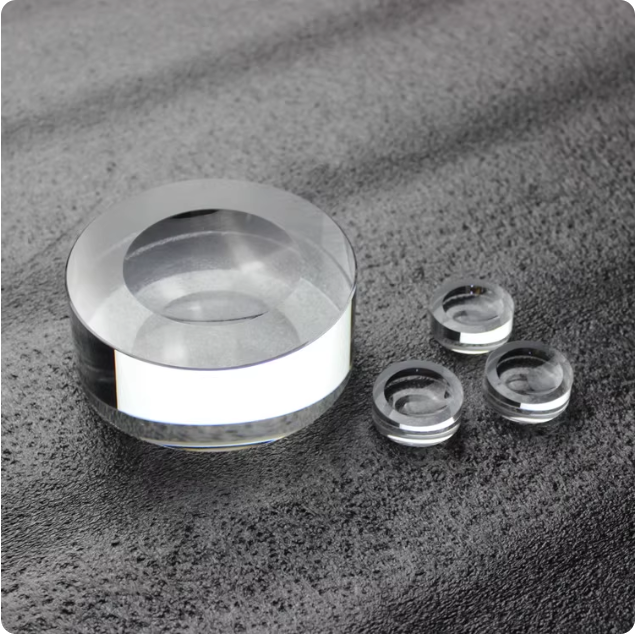
Crystal Ball Base:
Convenient for placing after processing, beautiful and suitable for taking photos.
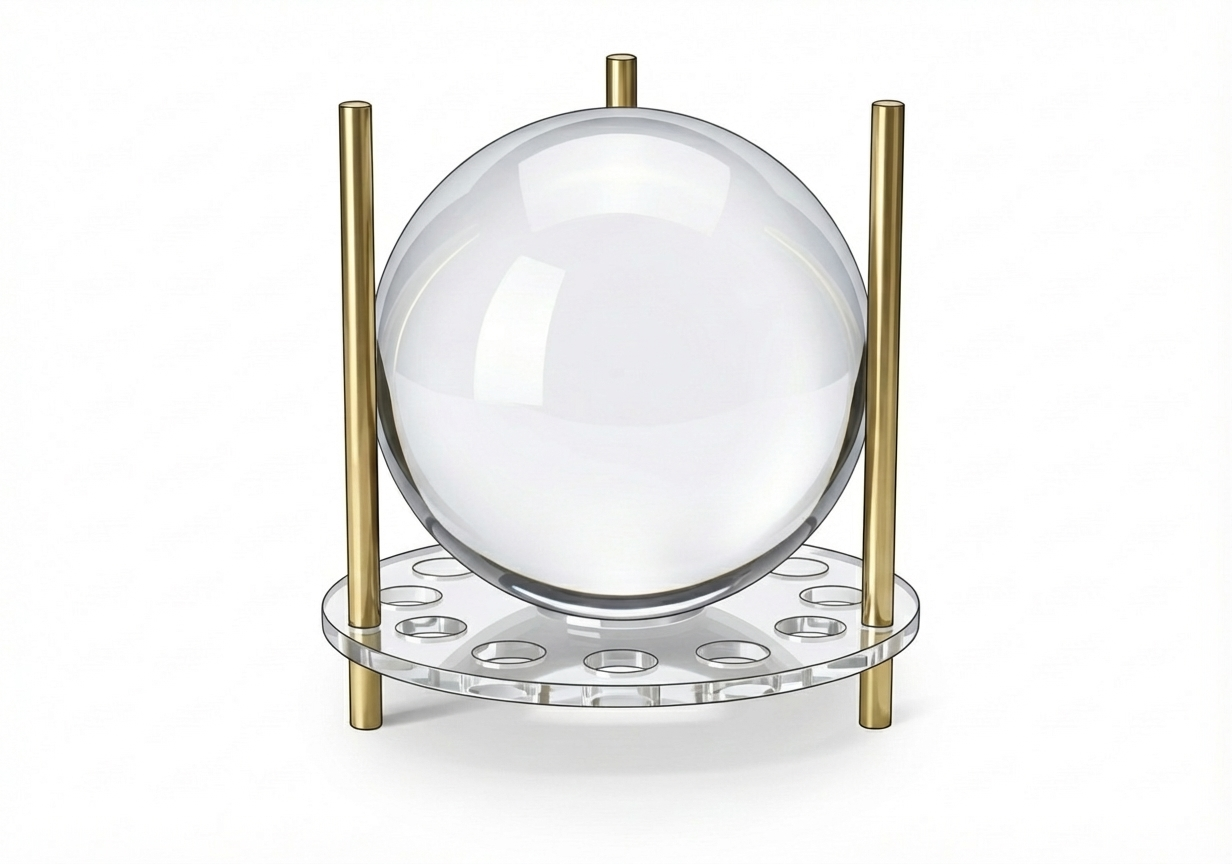
Alternatively, you can also prepare a crystal ball stand, which will be used during processing and can also be used for final display. This depends on personal preference and is not mandatory. Like this ⬇️
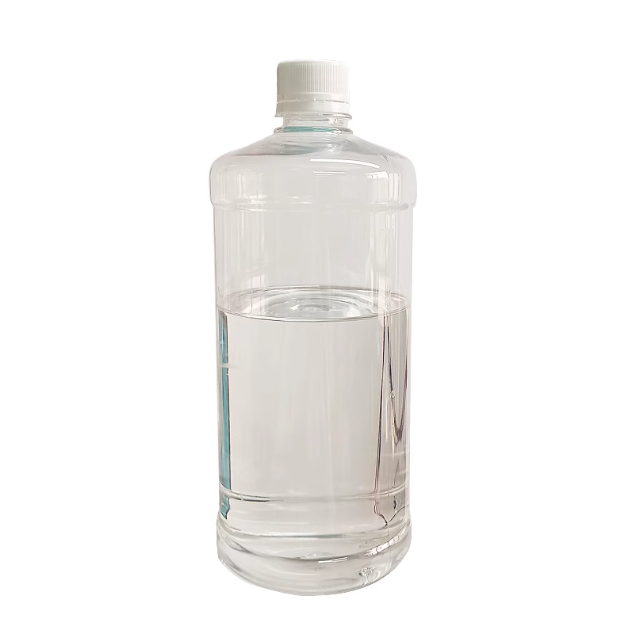
The Special Inner Engraving Oil:
Other Items:
You may also need (non-slip) gloves, rags, and a basin
Step3: Preparations before processing - Machine
Steps:
- Replace the inner engraving lens
- Install the riser to facilitate subsequent Inner Engraving Work Area Calibration and material placement.
- Prepare 3D project files: STL, OBJ, AMF, 3MF, GLB, PLY
Step4: Preparations before processing - Materials
Place the entire cup on the elevation platform, and align the bottom of the cup centrally with the elevation platform with reference to the 100*100mm marking line.
Steps:
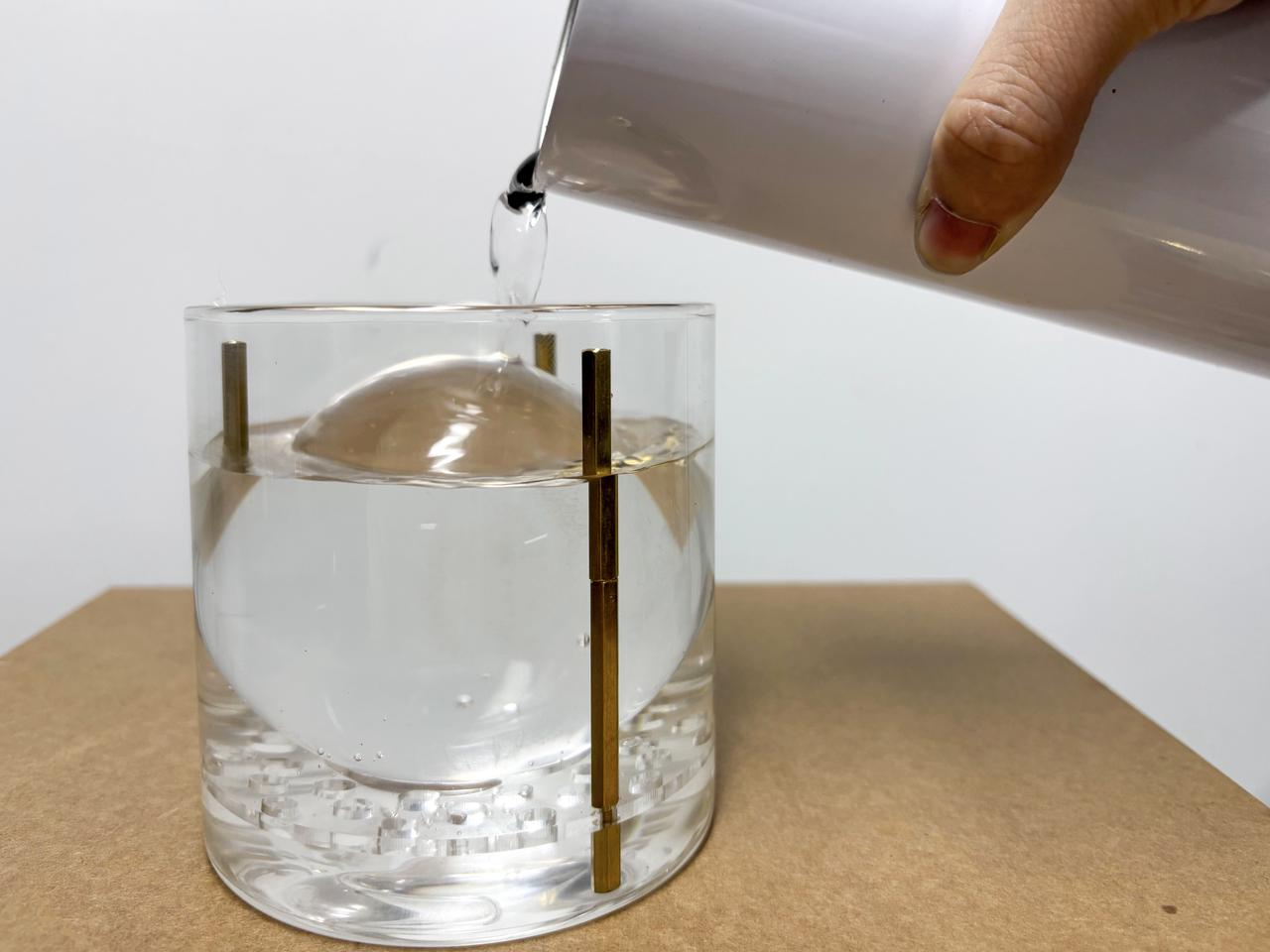
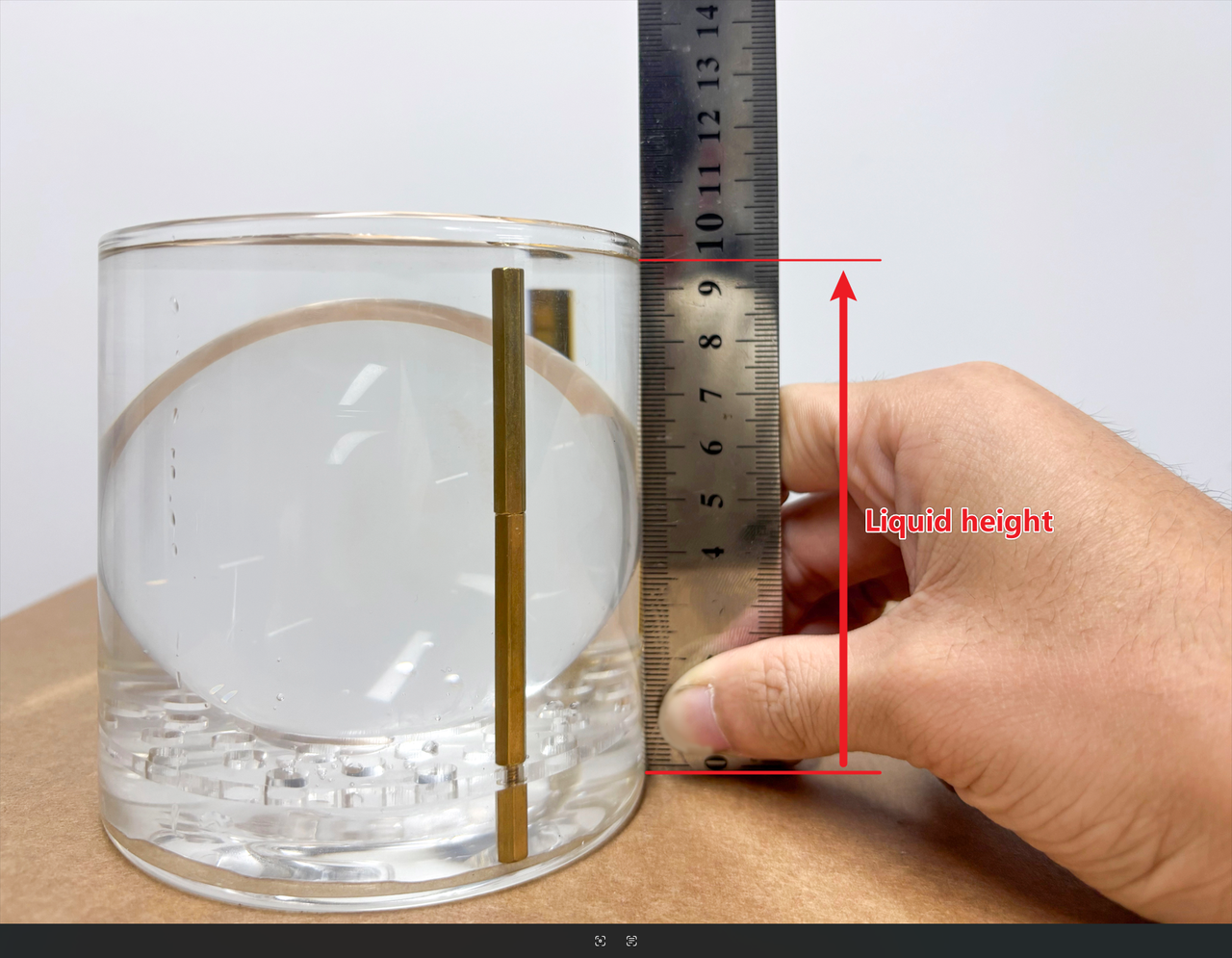
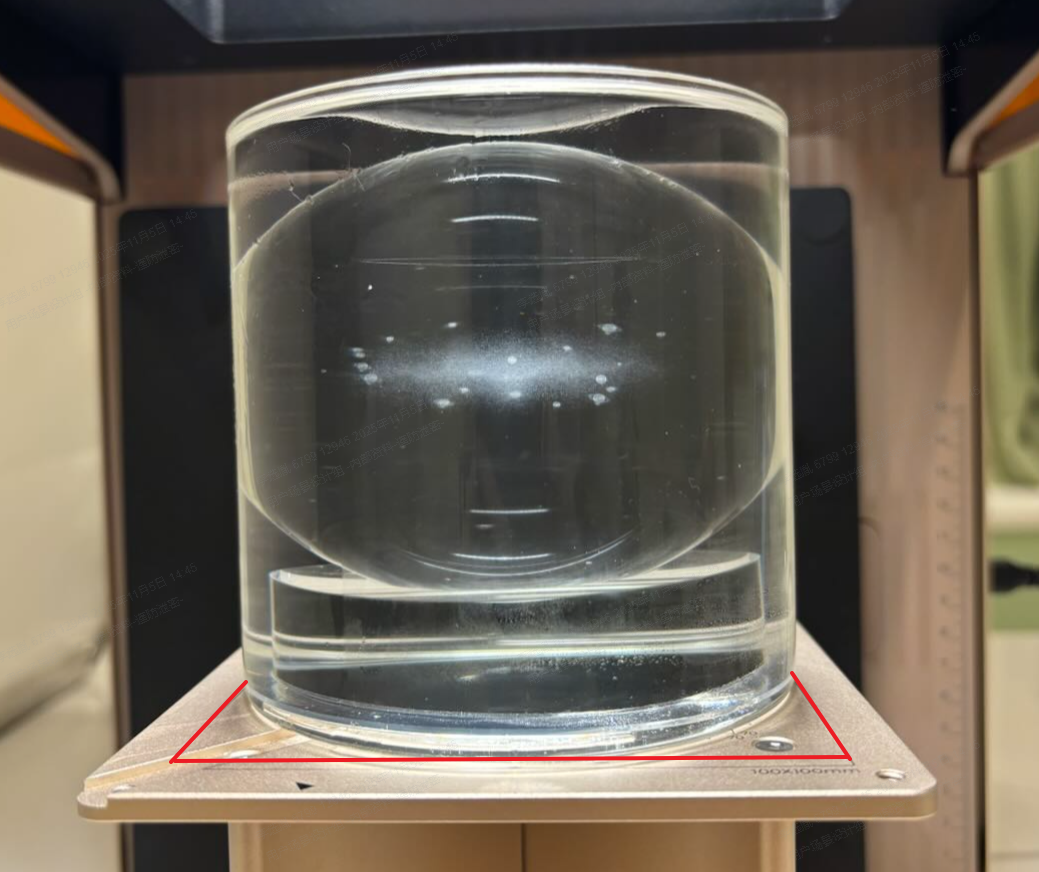
Step5: Open xTool Studio
![[How To] 3D Inner Engraved Solar System Crystal Globe instruction: step 5 - Open xTool Studio](https://storage-us.atomm.com/resource/xtool/community/attachment/xtool-community/9e1213c8-35a1-4232-9a8d-b931ff2285f4.jpg?x-oss-process=image/resize,m_fill,w_1500,h_1125,limit_0/interlace,1/format,webp/auto-orient,1)
In the Select Processing Mode menu, choose Inner Engraving to access the Inner Engraving Settings.
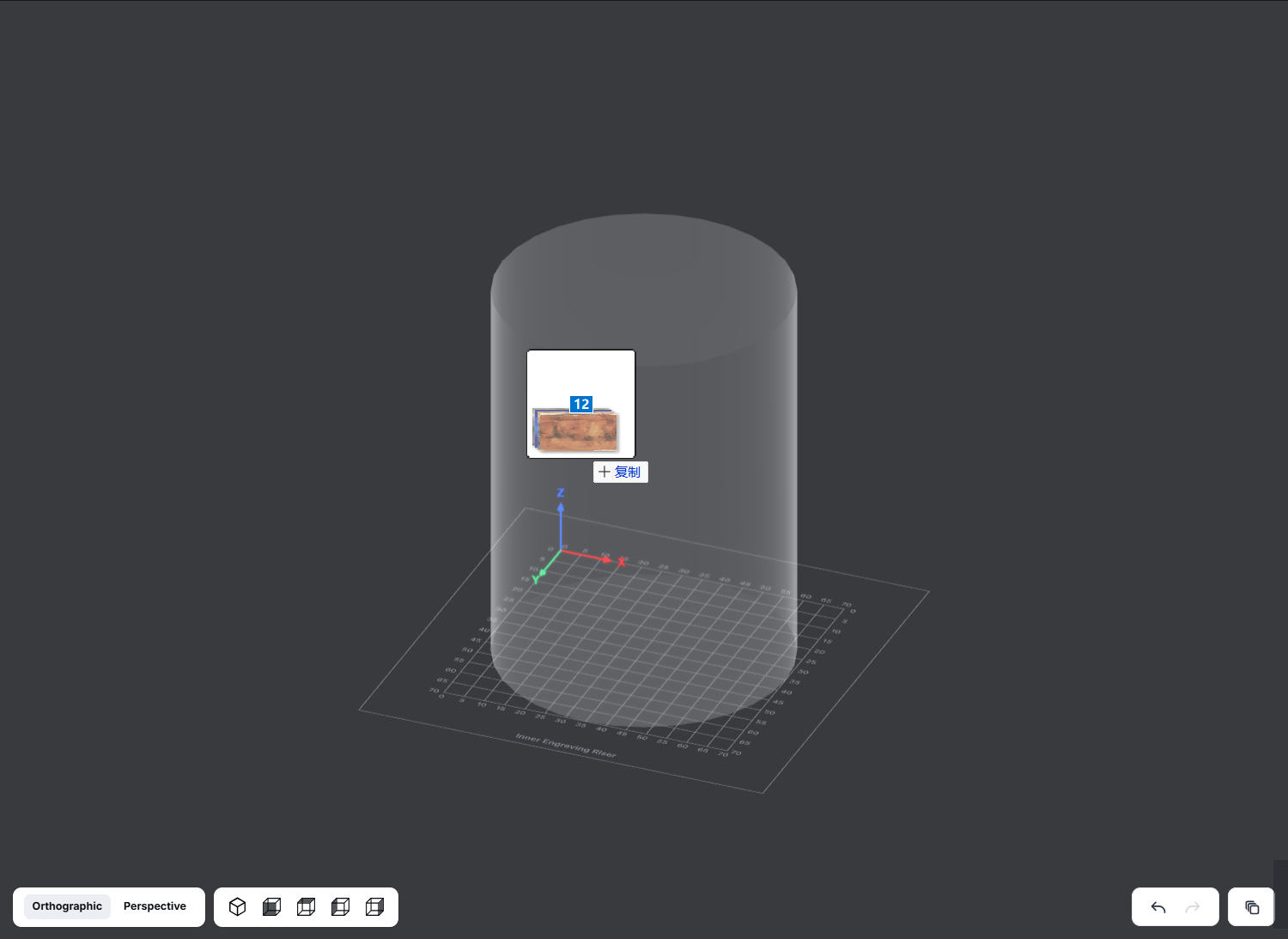
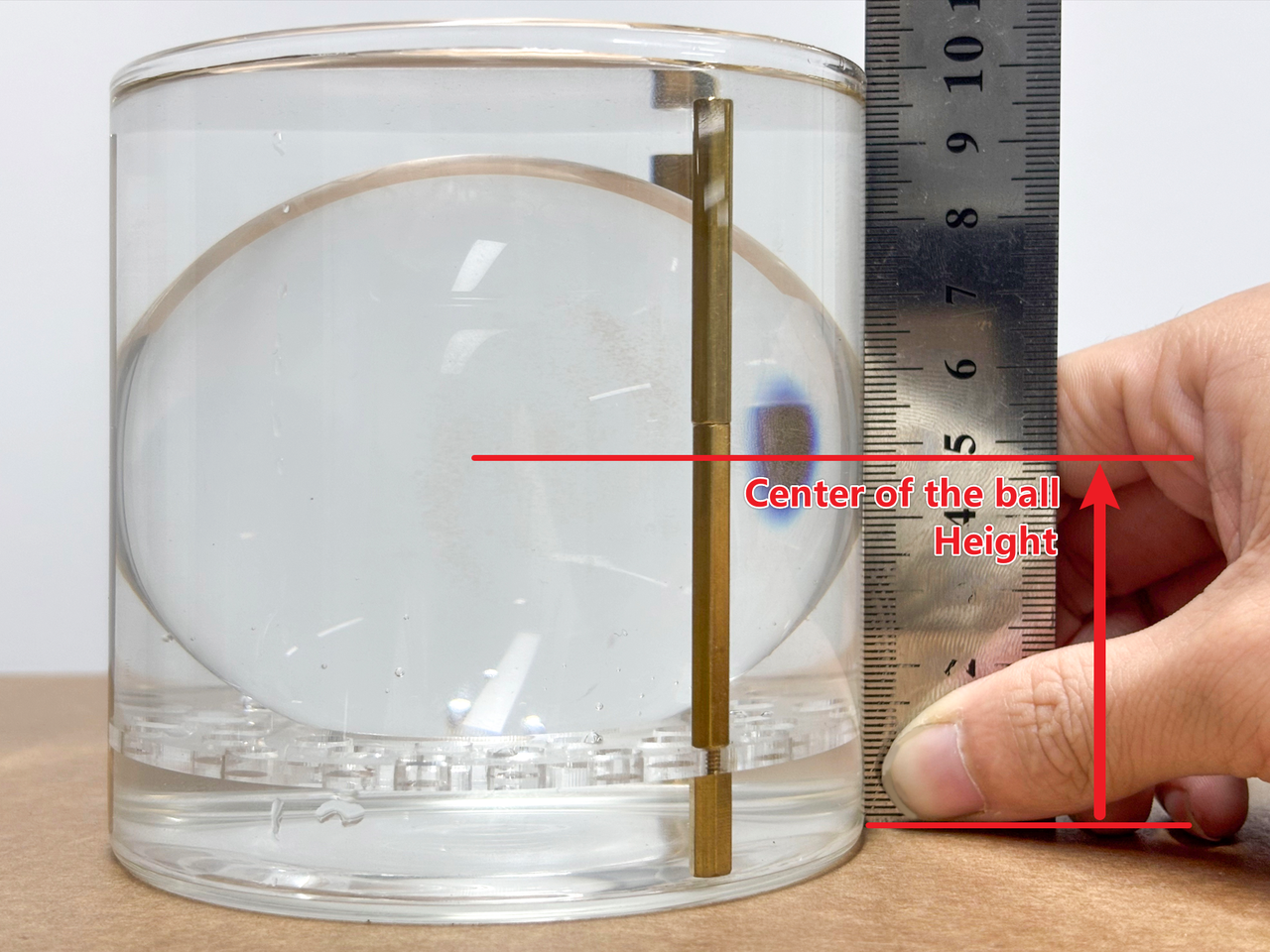
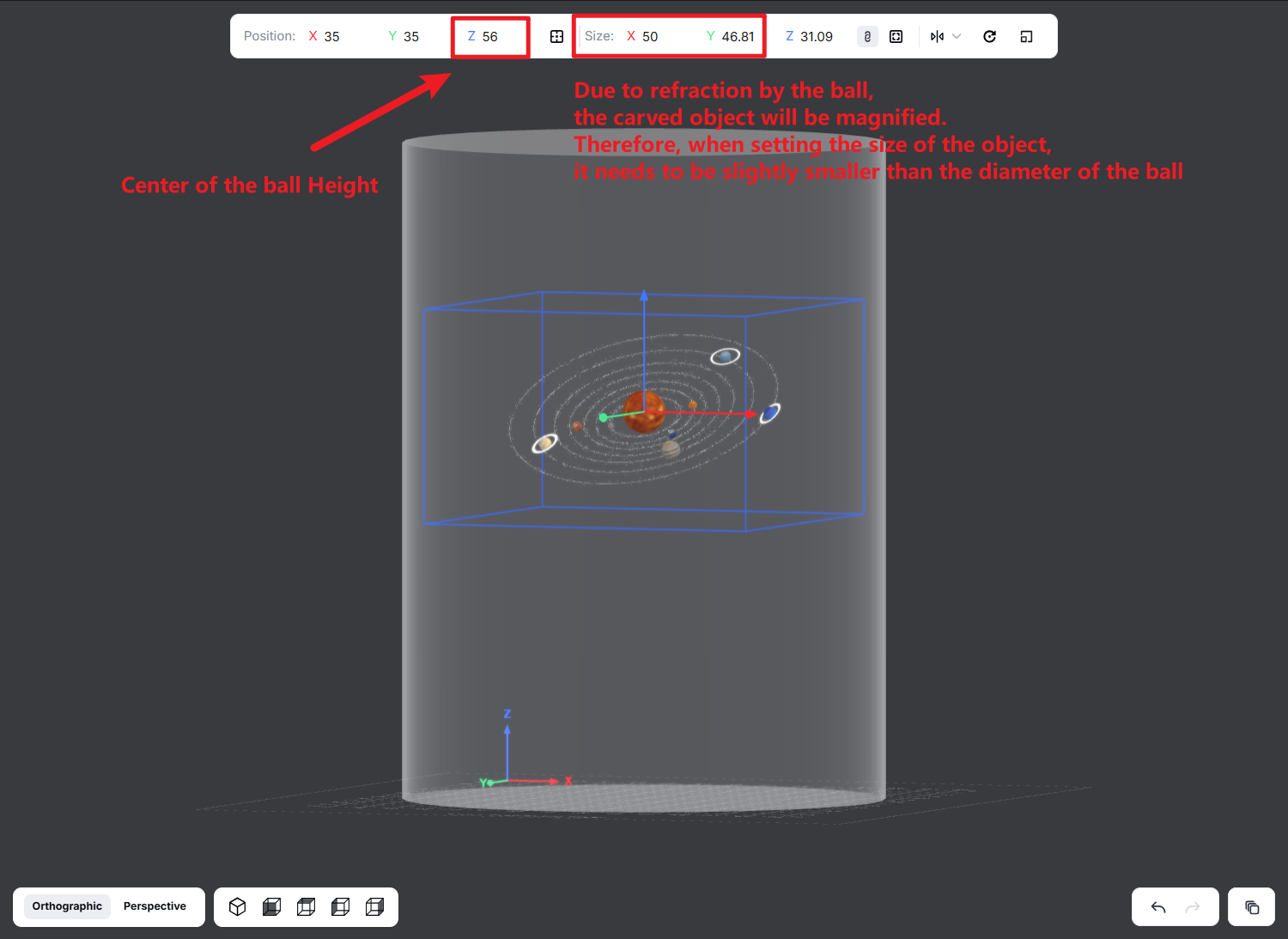
Enter the inner engraving settings, change the object to a cylinder, input the sphere diameter in the D diameter field, and input the measured liquid height in the Z height field (this is very important; the liquid level height determines the refraction incident height, which will affect the quality and position of the inner engraving).
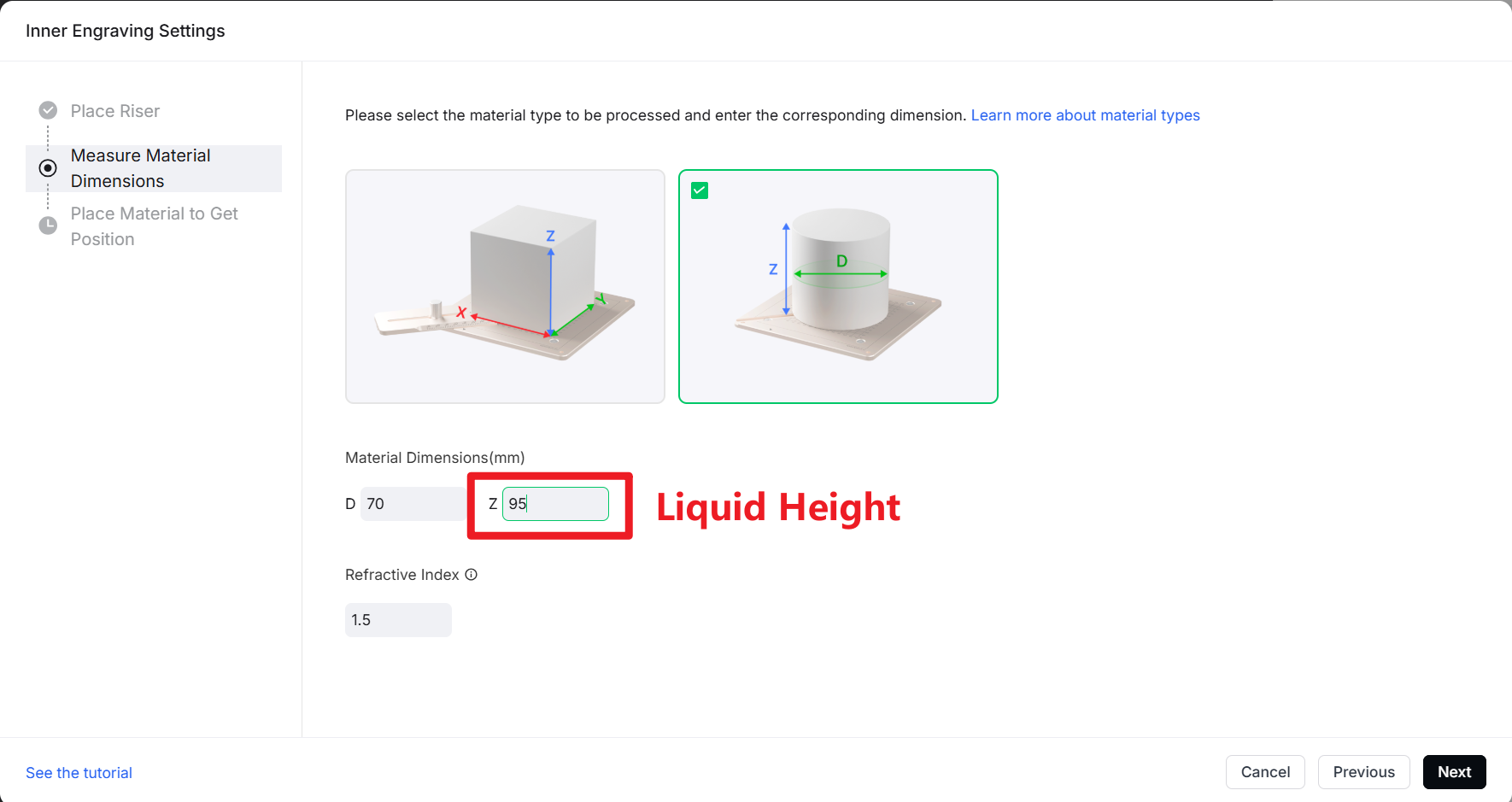

Step6: Processing
![[How To] 3D Inner Engraved Solar System Crystal Globe instruction: step 6 - Processing](https://storage-us.atomm.com/resource/xtool/community/attachment/xtool-community/06fb9e53-95a9-401b-bd9e-ba9be9edefda.jpeg?x-oss-process=image/resize,m_fill,w_1500,h_1125,limit_0/interlace,1/format,webp/auto-orient,1)
After adjusting the processing parameters, you can start processing.
After processing is completed, pour the inner engraving oil into a clean container, take out the ball, wash it, and place it on the base for display, and you're done!
💡 Inner engraving oil can be reused multiple times. Please keep the liquid clean, free from coloring and dust contamination.
Step7: Success!
![[How To] 3D Inner Engraved Solar System Crystal Globe instruction: step 7 - Success!](https://storage-us.atomm.com/resource/xtool/community/attachment/xtool-community/0e5947b8-f63e-4347-933f-851138eba554.jpg?x-oss-process=image/resize,m_fill,w_1500,h_1125,limit_0/interlace,1/format,webp/auto-orient,1)
Kindly follow the steps and choose the right materials. I know this might be a bit challenging, but please try with patience, and there will definitely be satisfying results!
The official xTool materials are recommended!