Report
![[Laser cut and engrave] [How To] Denim Shorts Cold Engraving with New Design](https://storage-us.atomm.com/resource/xtool/community/attachment/xtool-community/4fa6984c-f253-44c5-a731-bf21626dcf09.png?x-oss-process=image/resize,w_1200,h_900,limit_0/interlace,1/format,webp/auto-orient,1)
[How To] Denim Shorts Cold Engraving with New Design
 Instruction
Jeans
.xcs
Show 1 more
Application scenario
Laser processing (3min)
Machine & module

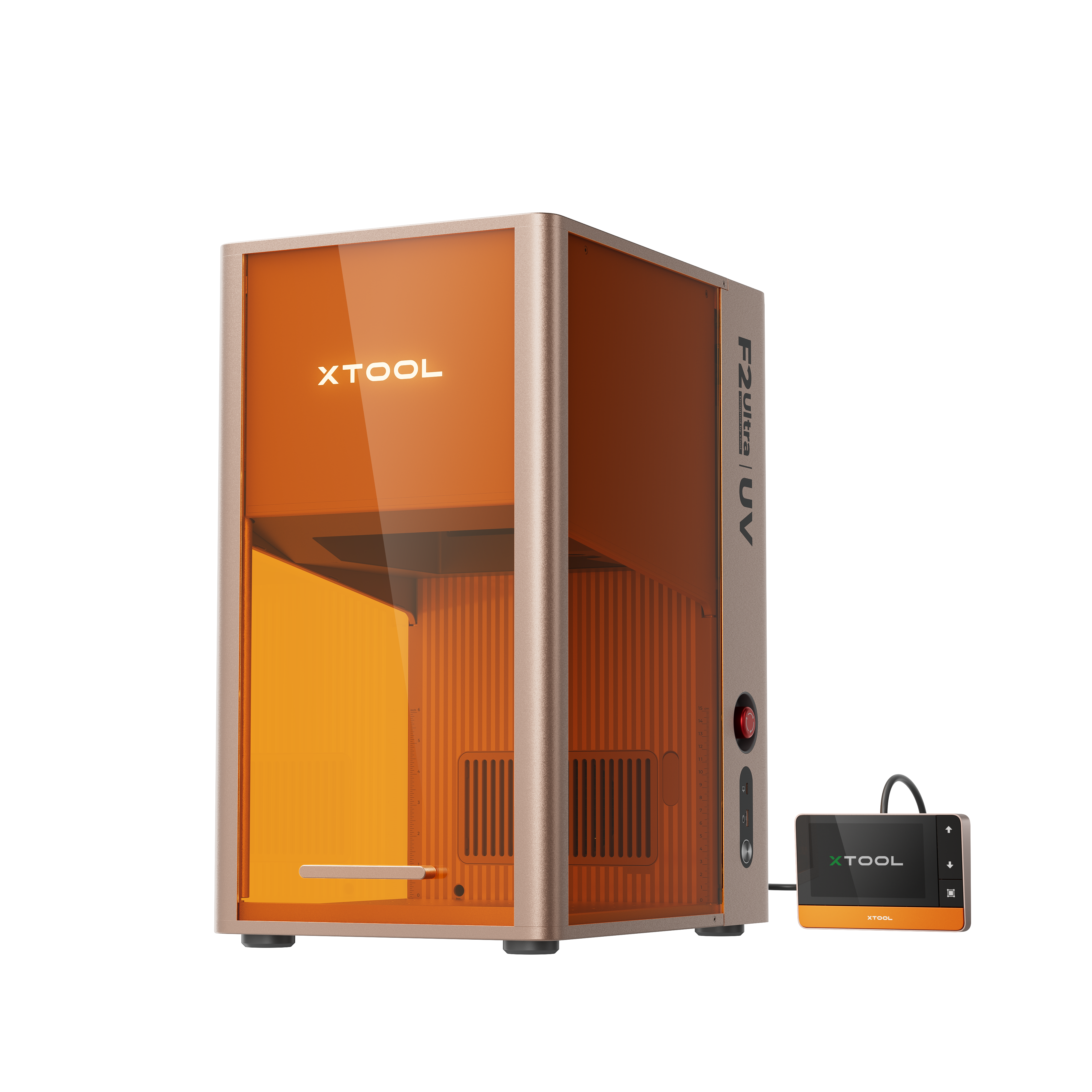
xTool F2 Ultra UV
5WMaterial used

jeans
100
1843
Information
Using the xTool F2 Ultra UV can completely refresh and upgrade all your daily wear! Just like this pair of jeans.
Instruction
1
Step1: About Cold Laser Engraving
A brief explanation of the Cold Laser:
The reason why UV lasers are also known as “Cold lasers” is because it breaks the bond of atoms and molecules on the product which prevents it from overheating and leads to giving precise and accurate results on the material as it gets evaporated, unlike other lasers which do not give precise marking results as the heat produce by them deposit some of the material on the surface.
2
Step2: Preparation before processing
![[How To] Denim Shorts Cold Engraving with New Design instruction: step 2 - Preparation before processing](https://storage-us.atomm.com/resource/xtool/community/attachment/xtool-community/e4f8a520-083d-4ff4-a590-b345adaff07c.png?x-oss-process=image/resize,m_fill,w_1500,h_1125,limit_0/interlace,1/format,webp/auto-orient,1)
Preview
The processing width of jeans is limited, so attention should be paid to the selection of patterns! (The processable size is 20cm × 20cm.)
Please try to choose flat, solid-colored and dark-colored jeans for the best results.
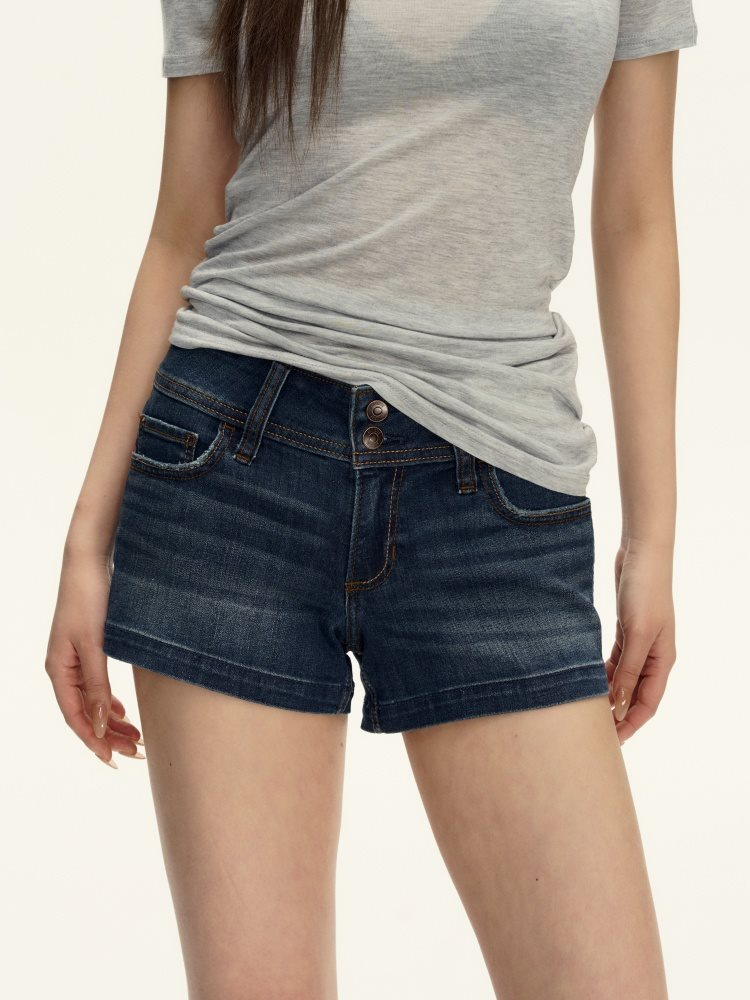
You can choose interesting patterns, such as some styles that match the pockets of the pants.
Please try to avoid processing on the uneven parts of the pants pockets, as the processing effect will become uneven.
Comments