



































Report
![[Laser cut and engrave] Merci engraved red pen on wooden table](data:image/png;base64,iVBORw0KGgoAAAANSUhEUgAAAAoAAAAKCAYAAACNMs+9AAAAAXNSR0IArs4c6QAAABdJREFUKFNjZCASMBKpjmFUId6QIjp4AAppAAuXjCs4AAAAAElFTkSuQmCC)
![[Laser cut and engrave] Merci engraved red pen on wooden table](https://storage-us.atomm.com/resource/xtool/community/attachment/xtool-community/9fe6e5db-5c78-41f1-90a4-058ef098c094.JPG?x-oss-process=image/resize,w_200,h_150,limit_0/interlace,1/format,webp/auto-orient,1)
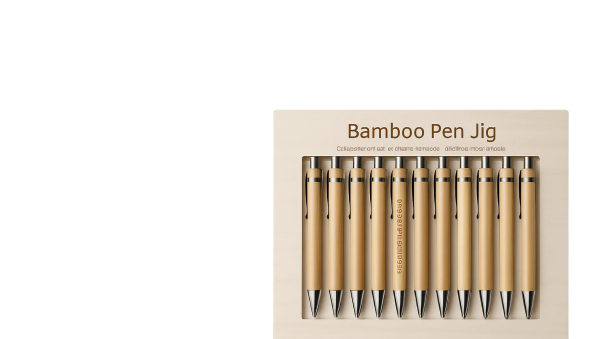
Stylo led personnalisé, cadeau parfait pour l'institutrice, cadeau rapide, personnalisation
 Instruction
styloled
.xcs
Application scenario
Laser processing (5min)
Machine & module

xTool M1 Ultra
10W
xTool M1
10W
xTool P2
55W
xTool S1
20W
xTool P2S
55WMaterial used

Stylus Ballpoint Pens With LED Light (10pcs)
44
907
Information
Les stylos led de xTool sont géniaux pour mettre en exergue nos gravures! Ce qui est génial dans ce tutoriel c'est que je n'ai pas utilisé le RA 2 Pro pour la personnalisation. C'est super rapide et fait son effet! Ce projet est compatible avec toutes les machines laser xTool!
Instruction
1
Step1

Preview
Placer le stylo dans votre machine (vous pouvez le maintenir au fonde la plaque avec du ruban de masquage)
Marquer la distance en veillant à ce que le laser de distance coïncide au point le plus haut du stylo
Marquer la zone à graver
Ajouter votre texte et veillez à ce qu'il rentre sur la surface du stylo en le redimensionnant
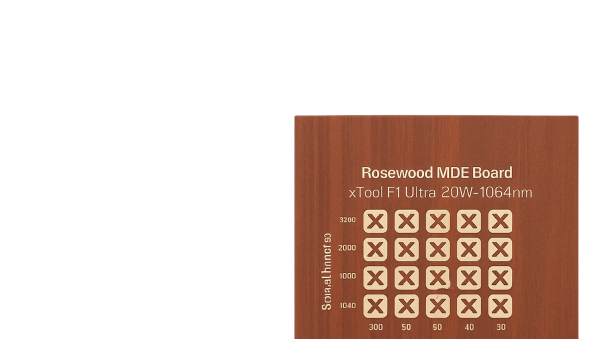
Les paramètres se trouvent en capture d'écran
Comments