


Stained Glass Sunflowers – 6 Coaster Designs + Matching Holder


Information
Bring golden warmth to your next project with six stained-glass sunflower coaster designs and matching holder artwork. Rich yellow petals, emerald leaves, and charming butterfly, bumblebee, and ladybug accents make this collection ideal for UV printing on slate. Includes seven PNG designs with transparent backgrounds.
Instruction
Step1
xTool Studio Instructions — UV Printing
Download and extract the ZIP. It contains six sunflower coaster PNGs and one matching holder PNG.
Prepare your blanks. Remove dust and residue from the slate, then let it dry completely. Use a flat, printable surface.
Connect your UV printer in xTool Studio. Start a new project and select the appropriate printing mode for your machine.
Import the PNG artwork. Keep the backgrounds transparent so only the flowers, leaves, and accents print.
Size the designs. Lock the aspect ratio and fit each image within your blank:
- Coasters: designed for 4″ × 4″ blanks.
- Holder: designed for a 5.20″ × 3.20″ print area.
Position and measure the blanks. Arrange them securely on the printer bed, complete the required surface-height measurement, and use the camera preview to align the artwork.
Configure the print layers. On dark slate, use a white ink underbase beneath the colored artwork to help the yellows and greens stand out. Generate white from the artwork’s opaque areas so the transparent background remains unprinted. Add varnish if desired and supported.
Check the preview. Confirm that every design fits its blank, nothing is clipped, and white ink is limited to the artwork.
Print one test coaster first. Use the recommended settings for your printer and material, then check color, detail, and adhesion before printing the remaining pieces.
Finish and care. Follow your printer’s handling guidance after printing. Wipe finished coasters gently with a damp cloth; avoid soaking, dishwashers, and abrasive cleaners.
These are full-color PNG files for printing. They do not include laser cutting or engraving paths.
Remixes
License



You may also like
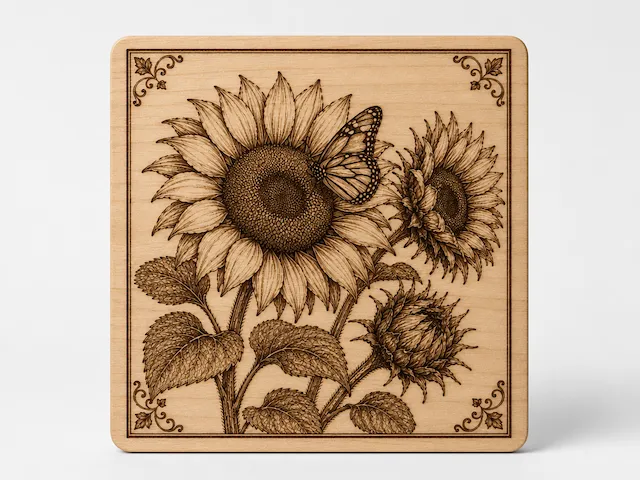
Square wooden wall art featuring sunflowers and a butterfly


Psalm 84:11


Boho Earrings Laser Cut Design. Flower Laser cut earrings.Sunflower Laser cut.


Sunflower Earrings


Laser Cut Wooden Sunflower Coasters with Yellow Paint

Layered Wooden Sunflower Wall Art


Leather Sunflower

Sunflower wall decoration with bees and ladybugs for garden


3D Sunflower Flower Witch Vase


Sunflower Wall Art SVG | Floral Laser Cut File | Farmhouse Flower Wall Decor | Wooden Sunflower Design (Digital Download)


Sunflower Stud Earring

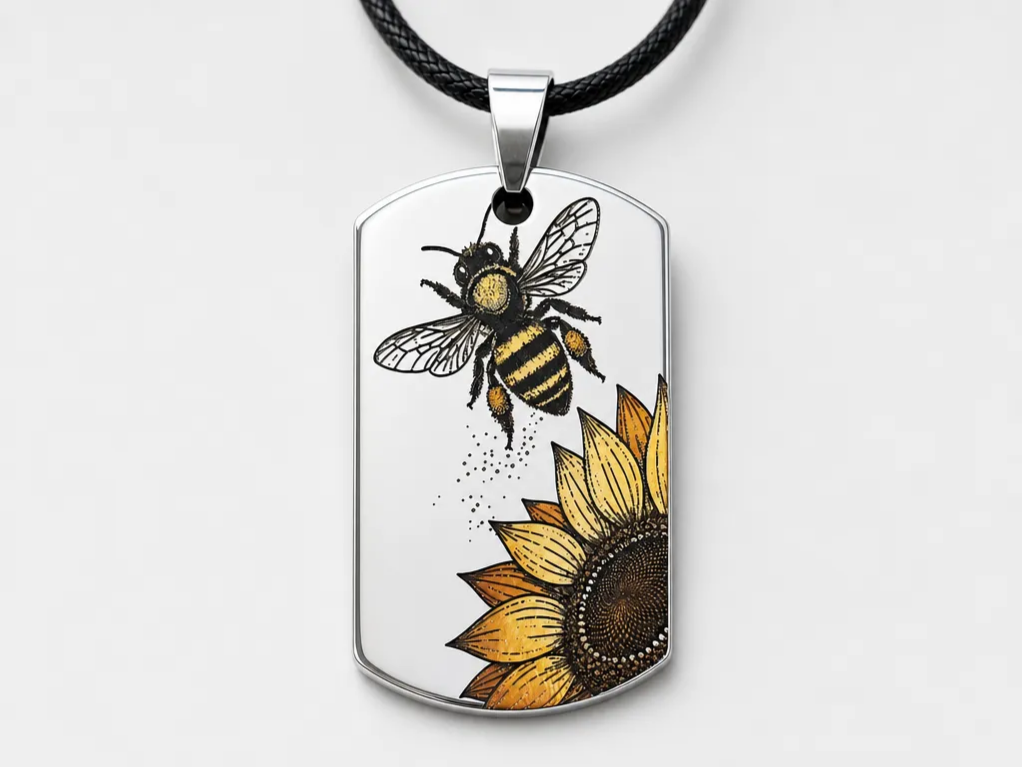

Bee and Sunflower Stainless Steel Dog Tag Pedant Color Engraving Necklace


Ohrringe Sonnenblume


Laser Cut Sunflower Studs and Earrings on Wood Display


Sunflower Napkin Ring


Sunflower that is recessed into a solid pine 1"x6" pressure treated board


Set of Five Sunflower Patterned Rectangular Bookmarks


Laser Cut Wooden Sunflower Wall Decor Hanging / Tournesol