


Wooden Christmas Ornaments: Four Doors of a Christmas in Bethlehem




Information
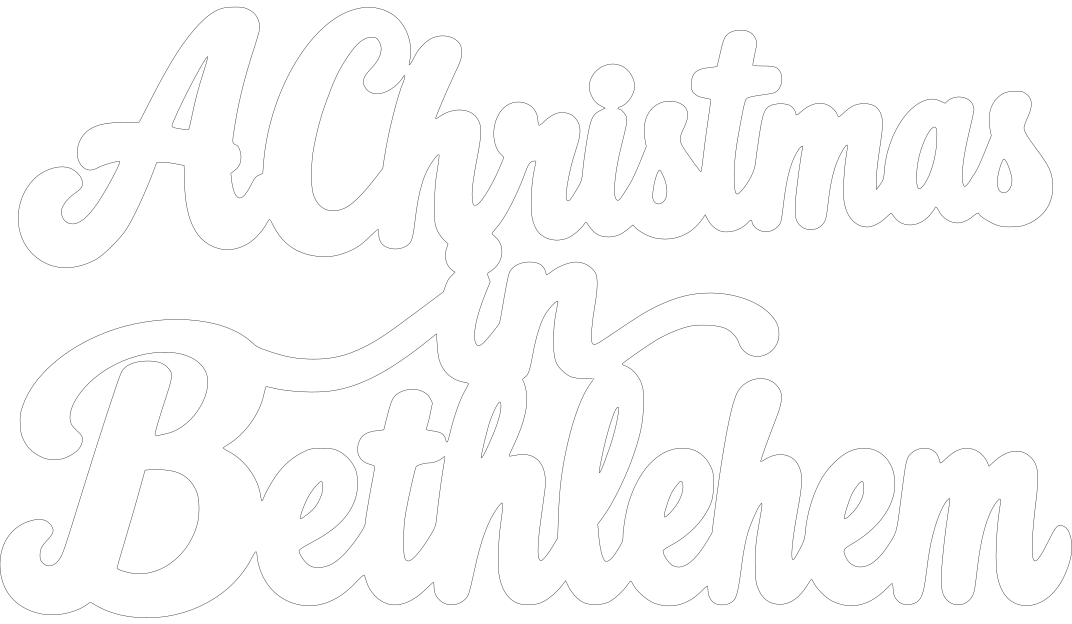
      Four superimposed wooden Christmas ornaments depicting 3 unmissable scenes from Bethlehem: the Nativity, the donkey and the ox around Jesus, the caravan of the Three Kings. The last door contains the message "A Christmas in Bethlehem", also available in English "A Christmas in Bethlehem" and in Spanish "Una Navidad en Belén".

Materials: light basswood and dark walnut plywood, 3 mm.
Machine: xTool M1 Ultra 20W.
Techniques: laser cutting, engraving and gluing.
Instruction
Step1: Open the file and prepare your canvases

Open the "Gates of Bethlehem.xs" file in xTool Studio and choose the models you want to make: the Nativity, the donkey and the ox around Jesus, the Caravan of the Three Kings or the message "A Christmas in Bethlehem". The English and Spanish versions are also available. Choose the language of your choice and skip the other two proposals to "ignore".
Keep the distribution of the pieces on the two canvases: "Basswood 3mm" for the door frames, doors, transoms, scenes, lettering and moon; "Walnut 3mm" for the backgrounds, stars and handles.
Keep the scale of the files so that the different layers match. If you want to change the size of a model, resize all its pieces together. Check that you have a background, a frame, two door leaves, four crossbars, two handles, a star and the corresponding scene or lettering. (For the Three Kings scene, there is an extra moon).
Step2: Check the settings and start the process


Check that each element is identified with its correct operation: cutting for the contours of the parts and engraving contours for the stones, slats and grain of the doors. Keep the groups and their operations as they are prepared in the file.
Place your plywood in the machine and check the following parameters, present in the attached file for an xTool M1 Ultra 20W:
| Operation | Power | Speed | Passages |
|---|---|---|---|
| Engrave contours | 20 % | 100 mm/s | 1 |
| Cut (basswood) | 90 % | 10 mm/s | 1 |
| Cut (walnut) | 90 % | 8 mm/s | 1 |
Using a different material?
Adjust the parameters for power, speed and, if necessary, the number of passes. If you are working with this material for the first time, make a test matrix to identify the right settings before starting the full production.
Before starting, check the overview of the operations in XCS.
Step3: Remove the parts and prepare the assembly

Remove the cut parts and group them by model. Check that small crossbars, handles and stars are present. Gently clean the cut marks and remove small residues in the openwork, without forcing the fine parts of the scenes.
Lay the elements flat to check their orientation before gluing. Prepare a wood glue, a small brush or a fine applicator and holding pliers.
Step4: Assemblez le cadre et le fond

Group the dark walnut bottoms and light basswood frames by model. Apply a thin layer of wood glue to the back of each frame, then carefully position it on its bottom, aligning the contours and the hanging hole.
Hold the pieces in place and observe the drying time indicated by the adhesive manufacturer. Wipe up any spills in the opening immediately.
Step5: Glue the rails to the doors

Prepare a left and right door for each model, with the engravings visible on the top. Glue two small horizontal light basswood rails to each door, in the locations shown in the photo.
Use a small amount of glue and align the rails with the edges of the door. Let dry flat.
Step6: Paste the scene or message

Apply a thin layer of glue to the back of the chosen scene and position it on the walnut background, inside the opening. Align its base with the bottom of the opening and center the whole.
For the Three Kings caravan, add the small lime moon to the background, above the figures.
For the text "A Christmas in Bethlehem", "Una Navidad en Belén" or "A Christma en Bethlehem", glue the whole thing to the centre of the walnut background.
Hold the pieces in place and respect the drying time indicated by the glue manufacturer.
Step7: Fixez les portes en position ouverte : deux variantes


There are two possibilities for gluing doors, as one could imagine:
- Sliding doors (photo 1): in this case, the arched parts of the door are facing outwards.
- Doors that can be pulled out (photo 2): in this case, the arched parts of the door are facing inwards.
Position the two doors on either side of the opening in the position of your choice and apply the glue only to the areas in contact with the frame, then hold each door in place while drying.
Step8: Add the star and handles

Be careful, use a very small amount of glue for these elements and handle with pliers.
Glue the small dark walnut star to the top of each arch, under the hanging hole. Point its long point downwards and leave the hole free.
Glue a small round dark walnut handle to each door. Check the symmetry of the left and right doors.
Step9: Nouez la ficelle et suspendez vos portes

Let the assembly dry completely according to the instructions on your glue. Run a string through the top hole and tie it to form a hanging loop.
Hang your doors on the tree, use them to decorate a gift package or put together a collection with all four models.
Remixes
License



You may also like

Nativity Religious Christmas Ornament


Laser Cut Wooden Nativity Scene Christmas Ornament


Minimal Nativity Scene – Christmas Silhouette


Nativity Scene - Oval shaped Christmas Ornament Decoration


Christmas Pendant "Holy Night" – Nativity Scene


Pyramid-shaped candle arch with nativity scene motif for LED tape


Nativity Napkin Holder


Christmas ball with the Three Kings


Laser Cut Wooden Nativity Christmas Ornament Decoration


Nativity Scene Christmas Ornament with Shooting Star


Laser Cut Wooden Nativity Scene Christmas Ornament Decoration

Laser Cut Wooden Nativity Scene Christmas Ornament

Laser Cut Wooden Nativity Christmas Ornament Decoration

Nativity Scene Christmas Decoration

Mini Christmas Nativity Scene


Miniature Nativity Scene

**Wooden Nativity Scene – The Miracle of Christmas** 🎄

Laser Engraved Wooden Nativity Scene Christmas Ornament
