Report


Flying Witch on Broomstick Halloween Wall Hanging


Files

Original files
AuthorM2 · 1/8"(3mm) Basswood Plywood
3


Add Make Profile
Same design, different machine, material, or any improvement · Earn 100 Credits
Tips for a great Make Profile →
231
1303
Information
      The witch flying on a broom stick is available in 3 download formats.  Each attached download includes both a laser cutout version and a laser engraving option, giving you more flexibility for your project. The design three file formats are: XS, XCS, and SVG.

The sample shown was cut at approximately 8" to 10", which provides a great balance of size and detail. You can easily resize the design larger or smaller to fit your needs. For best results, keep in mind that making the design significantly smaller may reduce some of the finer details and cause certain areas to become thin or delicate.
Instruction
1
Step1
For this project, I used my XTool M2 Ultra with 3mm basswood and the recommended XTool settings: 100% power, 8 mm/s speed, and 100% air assist.
I secured the basswood using the magnetic clips and elevated the material slightly above the surface to improve airflow and help achieve a cleaner cut.
To protect the base of the M2 Ultra from laser marks and accidental cuts, I also place a sheet of black foil underneath the material. It works extremely well and adds an extra layer of protection to the laser bed during cutting.
Comments
Remixes
License

This work contains AI-generated content.


You may also like

Headless Horseman with Pumpkin Wall Hanging

0
28


Halloween Haunted House Welcome Sign with Pumpkins and Bats
2
25

Frankenstein Monster Halloween Wall Art with Pumpkins and Haunted House
1
23

Halloween Monster Party Wall Hanging with Frankenstein, Mummy, Dracula and Friends
2
16

Multi-Layer Happy Halloween Round Wall Sign with Haunted House and Black Cat
3
9

Black Cat Wearing Witch Hat with Spiderweb Pumpkin Wall Hanging
2
10

Unicorn Wall Hanging Silhouette
3
23

Peanuts Linus and the Great Pumpkin has Arrived Halloween Wall Art
2
4

Barn Owl Silhouette Wall Art
1
9

Eagle Flying Over Mountain and Forest Landscape Wall Art
10
88
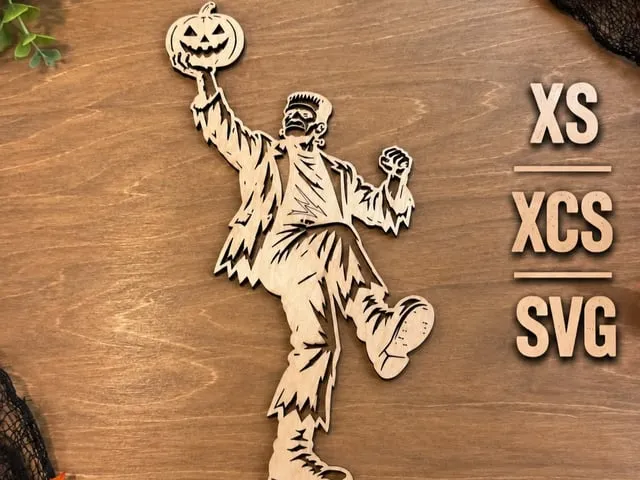
Frankenstein Monster Holding a Jack-o'-lantern Halloween Wall Hanging
0
12

Pegasus Wall Hanging with Intricate Wing and Mane Detail
1
8

Square Slate Coaster Featuring Dracula with Halloween Pumpkin and Castle
0
4

Unicorn and Mountain Landscape Wall Art Panel
0
12

Flying Bald Eagle Wall Art Silhouette
4
71

Intricate Bull Elk and Mountain Forest Wall Art Panel
1
15

Great White Shark Wall Hanging Silhouette
0
3

Multi-Layer Halloween Witch Gnome Wall Hanging with Pumpkin
1
8