
Laporkan
![[Laser cut and engrave] Screen Printing Can Koozie](https://image-res.atomm.com/resource/xtool/community/attachment/xtool-community/6f2599f1-66af-46fd-bc50-a6261a85095a?x-oss-process=image/resize,w_1200,h_900,limit_0/interlace,1/format,webp/auto-orient,1)
![[Laser cut and engrave] Screen Printing Can Koozie](data:image/png;base64,iVBORw0KGgoAAAANSUhEUgAAAAoAAAAKCAYAAACNMs+9AAAAAXNSR0IArs4c6QAAABdJREFUKFNjZCASMBKpjmFUId6QIjp4AAppAAuXjCs4AAAAAElFTkSuQmCC)
![[Laser cut and engrave] Screen Printing Can Koozie](https://image-res.atomm.com/resource/xtool/community/attachment/xtool-community/6f2599f1-66af-46fd-bc50-a6261a85095a?x-oss-process=image/resize,w_200,h_150,limit_0/interlace,1/format,webp/auto-orient,1)
![[Laser cut and engrave] Screen Printing Can Koozie](https://image-res.atomm.com/resource/xtool/community/attachment/xtool-community/311d919c-5912-48ce-a24a-979f832773cc/IMG_4454.jpeg?x-oss-process=image/resize,w_200,h_150,limit_0/interlace,1/format,webp/auto-orient,1)
![[Laser cut and engrave] Screen Printing Can Koozie](https://image-res.atomm.com/resource/xtool/community/attachment/xtool-community/027b6a50-e3fd-48c9-8c9e-2125547cfcd7/IMG_4459.jpeg?x-oss-process=image/resize,w_200,h_150,limit_0/interlace,1/format,webp/auto-orient,1)
![[Laser cut and engrave] Screen Printing Can Koozie](https://image-res.atomm.com/resource/xtool/community/attachment/xtool-community/efc3c0c7-bab5-429a-8f03-54a55e12326c/IMG_4450.jpeg?x-oss-process=image/resize,w_200,h_150,limit_0/interlace,1/format,webp/auto-orient,1)
Sablon Bisa Koozie
 Instruksi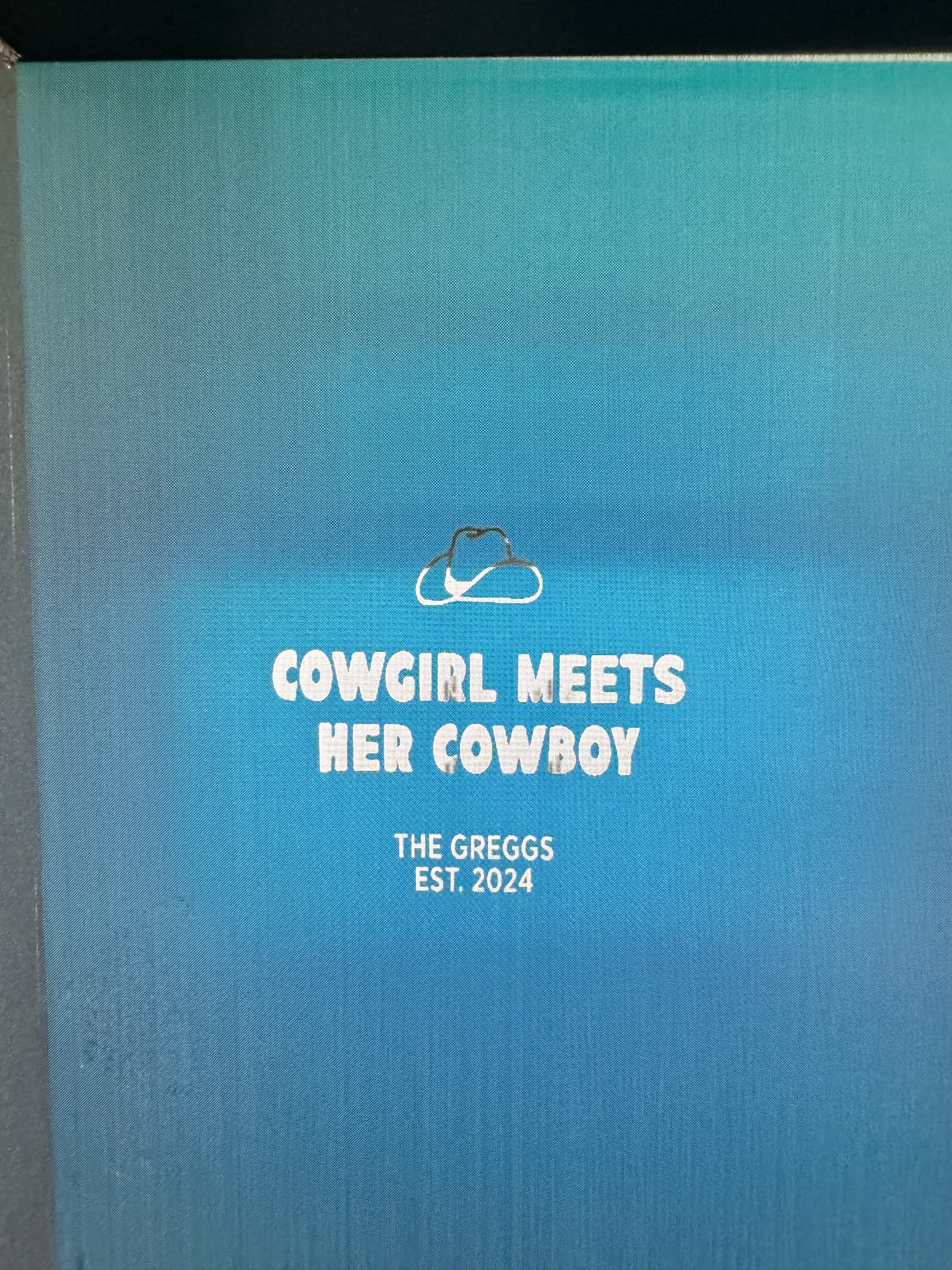
IMG_4322
.jpeg
Skenario aplikasi
Laser (452min)
Mesin & modul

xTool S1
20WBahan yang digunakan

Layar bersalut 100 mesh

Layar Dilapisi 0.2mm-efisiensi lebih tinggi

11
1268
Informasi
Saya sangat bersemangat tentang sablon 100 kaleng koozies menggunakan layar berukir saya yang saya buat pada mesin S120 W baru saya! Sangat mudah!
Instruksi
1
Langkah1: Unggah desain Anda
Unggah gambar Anda ke XL Creative Space.
Mulai proyek baru dan temukan bahan kode sablon.
Tandai, Ruang
Desain Anda Dan jangan lupa untuk mencerminkan gambar Anda dan memutarnya 90 °
Klik mulai
2
Langkah2: Putar gambar Anda 90° dan cerminkan secara horizontal
Unggah gambar Anda untuk memuji Ruang Kreatif, pilih bahan sablon berlapis, putar gambar Anda 90° dan cerminkan gambar itu.
Komentar
Remix
Lisensi



Anda mungkin juga menyukai

Koozie, Kemoceng Kaleng

0
11

Hari Ibu: Buat 3 hadiah hanya dengan 1 layar

26
53

Catu Daya Ukiran

112
357

Penggemar getaran musim panas

49
197

Perlengkapan Printer Layar P2

53
300

Dompet BiFold

20
123

Sarung naga kembar

37
135

Logo Saya

3
20

Sablon pada Balon

16
17

Sablon bunga

11
20

Sendok F1
16
30

bilah kipas langit-langit
10
16

Atasan kue cetak sapi
2
25

Pengaduk Minuman Musim Panas
27
55

Koozies Kulit Imitasi

32
119

Anak-anak kembali ke SEKOLAH lebih banyak waktu untuk membuat XTOOL
2
4

Alkitab Kembali ke Sekolah
9
24

Ukiran Ipad
13
78