
Melden
![[Laser cut and engrave] United States Military Commemorative Challenge Coin](https://image-res.atomm.com/resource/xtool/community/attachment/xtool-community/400b5f76-f353-4eb7-a085-c337ce9f2e7d.png?x-oss-process=image/resize,w_1200,h_900,limit_0/interlace,1/format,webp/auto-orient,1)
![[Laser cut and engrave] United States Military Commemorative Challenge Coin](data:image/png;base64,iVBORw0KGgoAAAANSUhEUgAAAAoAAAAKCAYAAACNMs+9AAAAAXNSR0IArs4c6QAAABdJREFUKFNjZCASMBKpjmFUId6QIjp4AAppAAuXjCs4AAAAAElFTkSuQmCC)
![[Laser cut and engrave] United States Military Commemorative Challenge Coin](https://image-res.atomm.com/resource/xtool/community/attachment/xtool-community/400b5f76-f353-4eb7-a085-c337ce9f2e7d.png?x-oss-process=image/resize,w_200,h_150,limit_0/interlace,1/format,webp/auto-orient,1)
![[Laser cut and engrave] United States Military Commemorative Challenge Coin](https://image-res.atomm.com/resource/xtool/community/attachment/xtool-community/10e9dd3a-423b-47ab-8d42-01ce4d150d57.png?x-oss-process=image/resize,w_200,h_150,limit_0/interlace,1/format,webp/auto-orient,1)
![[Laser cut and engrave] United States Military Commemorative Challenge Coin](https://image-res.atomm.com/resource/xtool/community/attachment/xtool-community/a696d72e-4160-4e6c-9804-0dfd9d19e8bb.jpg?x-oss-process=image/resize,w_200,h_150,limit_0/interlace,1/format,webp/auto-orient,1)
![[Laser cut and engrave] United States Military Commemorative Challenge Coin](https://image-res.atomm.com/resource/xtool/community/attachment/xtool-community/c98e8447-3f12-49db-920c-6d369737d97c.jpg?x-oss-process=image/resize,w_200,h_150,limit_0/interlace,1/format,webp/auto-orient,1)
Memorial Day Messing-Challenge-Münze
 Anleitung
Dieses Projekt wird durch AImake unterstützt.
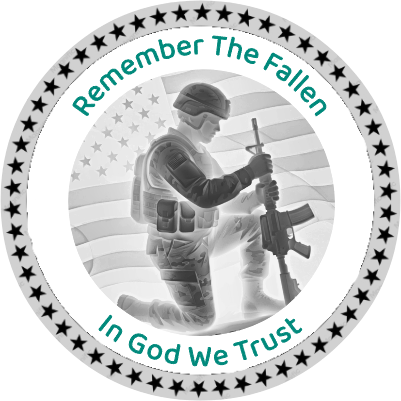
Memorial Day Coin
.xcs
Anwendungsszenario
Laserbearbeitung
Maschine & Modul

xTool F2
5W, 15WKompatible xTool Maschine
Neu
M2
3WF2 Ultra UV
5WP3
5WF2 Ultra
60WF1 Ultra
20WD1
2WD1 Pro
2WF1
2WS1
2WF2 Ultra (Single)
60WVerwendetes Material

Leere Gedenk-Messingmünzen

17
593
Quellbild mit AImake erstellt
Tippen Sie, um den Prompt anzuzeigen und neu zu gestalten!

Eingabeaufforderung anzeigen
Information
Ich habe die Messing-Challenge-Münze mit meinem F2 5w IR erstellt, um die Gefallenen zu ehren.
Anleitung
1
Schritt1: Bild herunterladen und vergrößern

Vorschau
- Sobald du die Datei heruntergeladen hast, musst du sie auf die Münze anpassen, die du benutzt
- . Ich habe eine Messingmünze verwendet, die ich bei xtool gekauft habe.
- Deine Einstellung kann sich ändern.
- Hinweis: Ich habe 6 Pässe erlaubt
2
Schritt2: Backside-Gravur

Vorschau
- Ich habe die gleiche Einstellung für die Rückseite der Münze
- verwendet. Wieder habe ich 6 Durchgänge
- gemacht. Das ist keine tiefe Gravur
Viel Spaß
.Kommentare
Remixe
Lizenz

Dieses Werk enthält KI-generierte Inhalte.


'/%3e%3cdefs%3e%3clinearGradient%20id='paint0_linear_1433_15675'%20x1='12'%20y1='3.25'%20x2='16.6891'%20y2='20.75'%20gradientUnits='userSpaceOnUse'%3e%3cstop%20stop-color='%23FF5D80'/%3e%3cstop%20offset='1'%20stop-color='%23FF0035'/%3e%3c/linearGradient%3e%3c/defs%3e%3c/svg%3e)

Das könnte Ihnen auch gefallen

Gedenkmünze der Weltmeisterschaft 2026
2
4

GIF
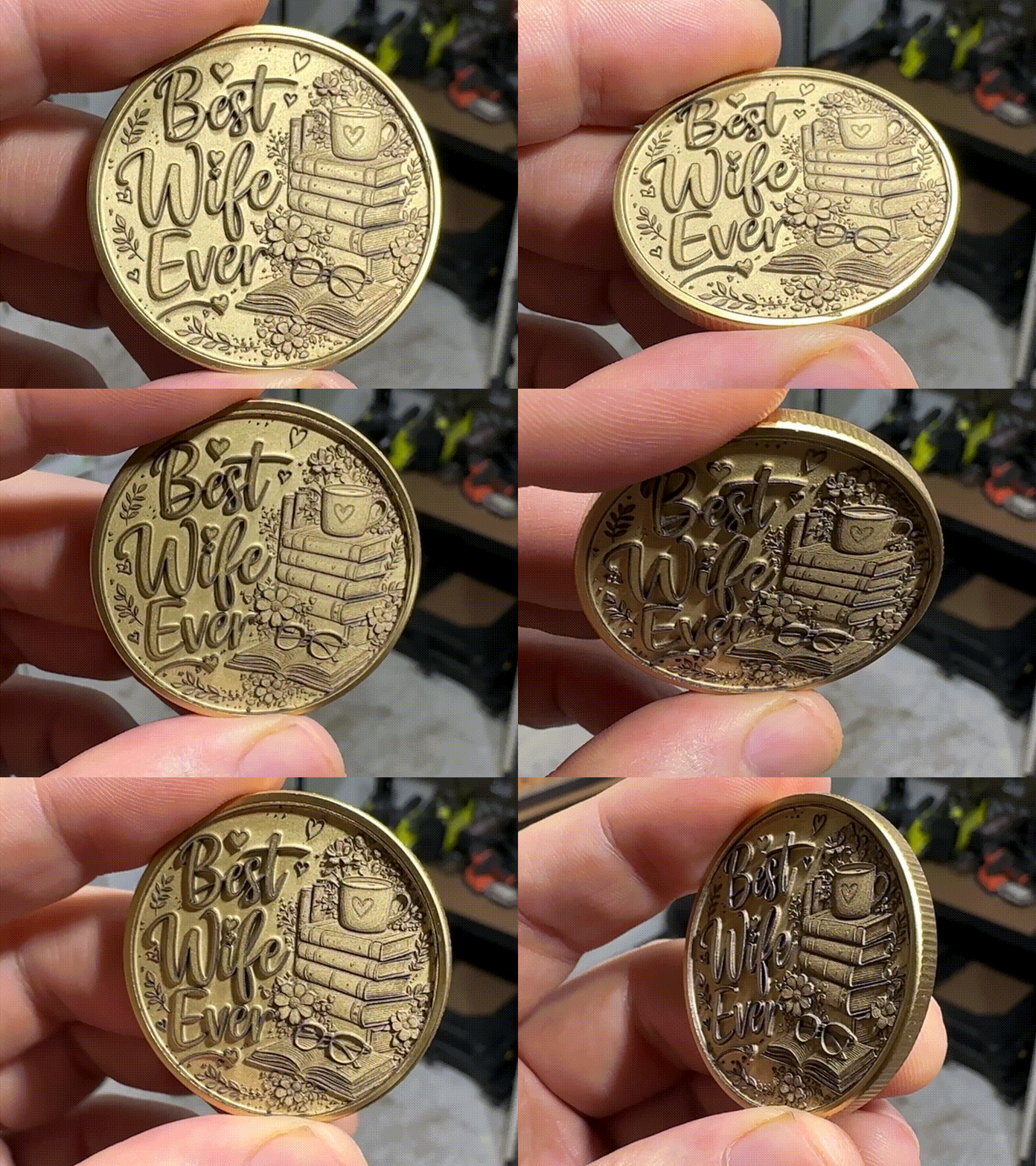
BWE/Books Gedenk-/Herausforderungsmünze

6
36
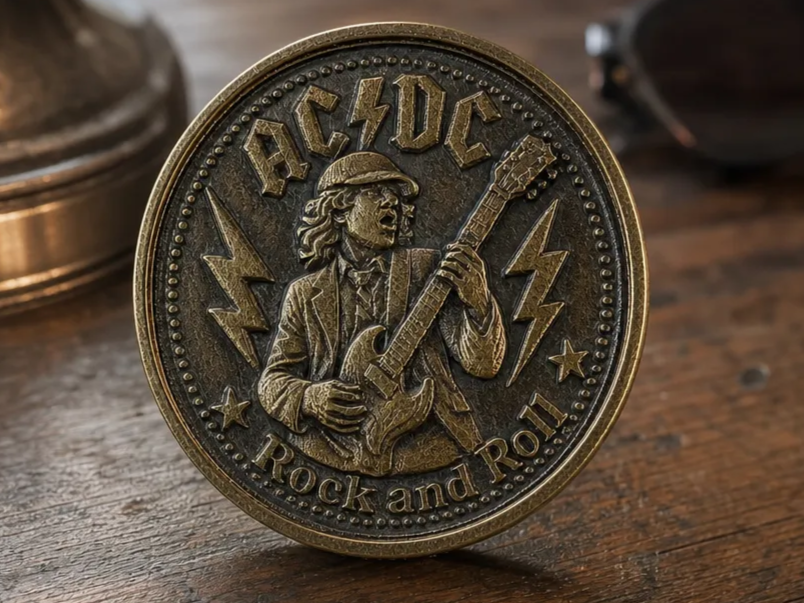
AC/DC "Rock and Roll" Messing-Challenge-Münze

12
38

Blackbeard Kommerative Herausforderungsmünze

5
36

Andreas Mogensen Huginn Mission Gedenk-Weltraummünze

1
7

American Legion Post 211 Reiter-Challenge-Münze mit inspirierendem Zitat

0
0

Ich habe es als Raben- und Totenkopf-Herausforderungsmünze gefunden

0
4

Endgültige Übertragung 2026 Gedenk-Challenge-Münzen
0
4

Herausforderungsmünze
6
24

250 Jahre 1776–2026 Gedenkmünze mit Kampfjet-Formation

0
4
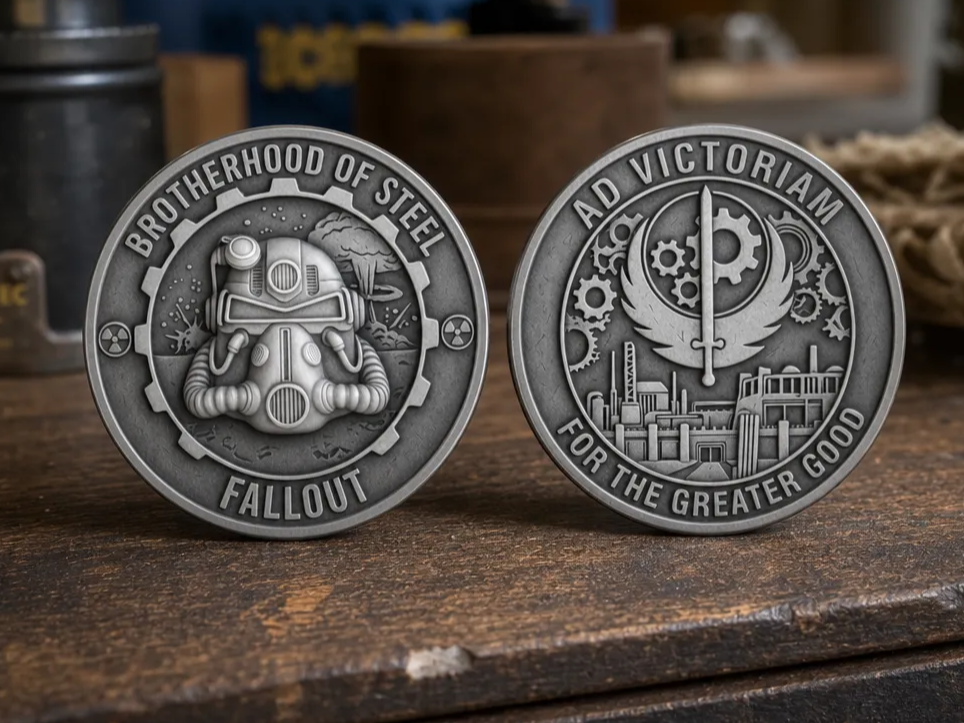
Fallout Bruderschaft des Stahls Herausforderungsmünze
0
8

GIF
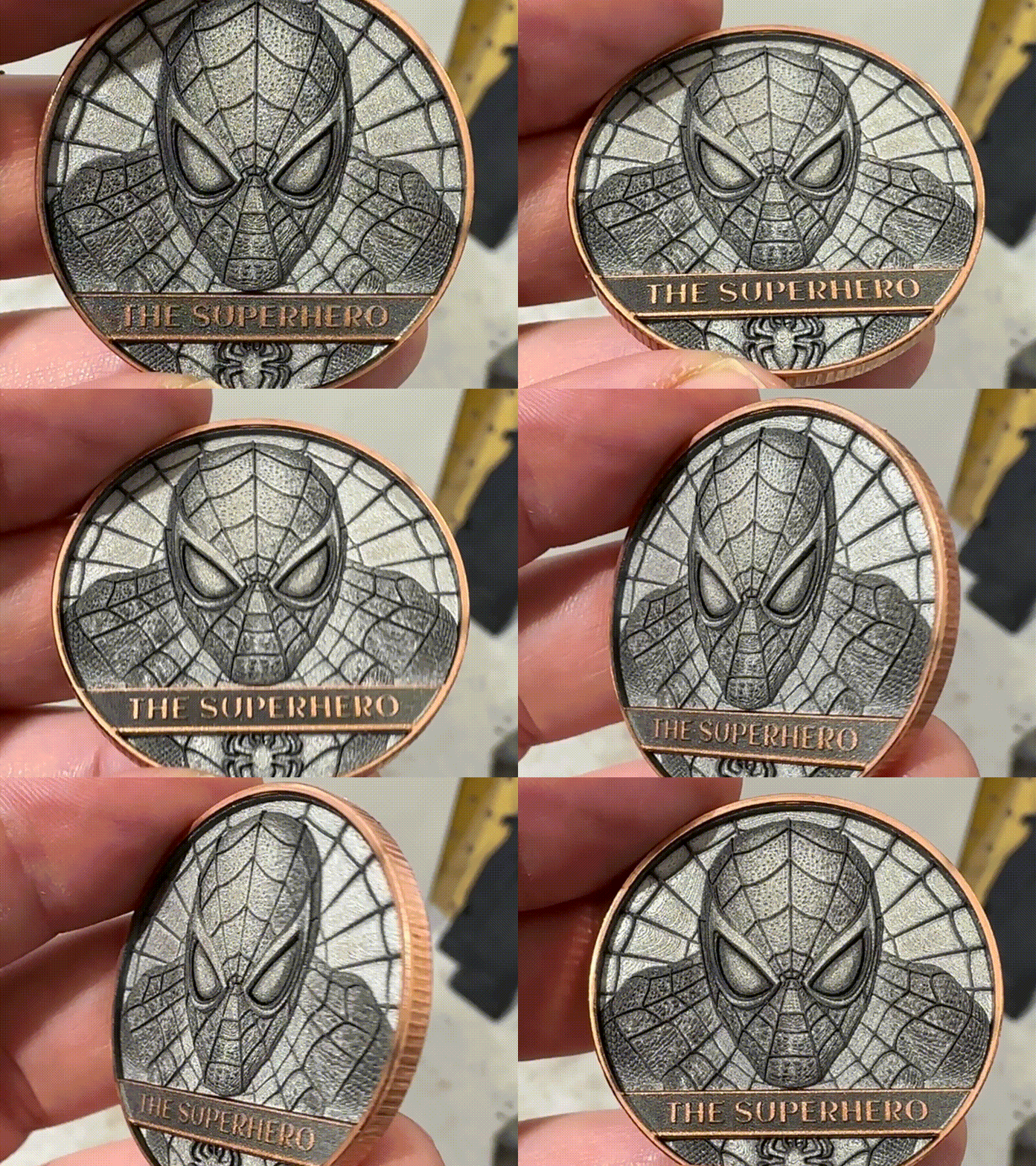
Die Superhelden-Gedenk-/Herausforderungsmünze
1
30

Messingmünze mit einem indianischen Häuptling in traditioneller Kopfbedeckung

1
6

Nostromo Alien Herausforderungsmünze
0
12
U.S. Navy Security Forces Gold-Metallabzeichen
1
1

Messingmünze mit einem detaillierten gehörnten Totenkopf-Motiv
1
3

Schattenboxen und Flaggenboxen für Militärangehörige, Ersthelfer usw.
1
1

Messingmünze – Aztec Owl – F2 Ultra UV oder F2 Ultra

7
71