
Signaler
![[Laser cut and engrave] Laser Cut Bee Flower Holder | Kids Nature Craft SVG | Wooden Flower Picking Activity](https://image-res.atomm.com/resource/xtool/community/attachment/xtool-community/33dafadf-c3eb-4842-942f-d33545f30ef2.png?x-oss-process=image/resize,m_fill,w_1280,h_960,limit_0/interlace,1/format,webp/auto-orient,1)
Porte-fleur d’abeille découpé au laser | Enfants Nature Craft SVG | Activité de cueillette de fleurs en bois
 Instruction
Flower Picking Bee
.xcs
Scénario d'application
Traitement au laser
Machine et module

xTool M1 Ultra
20WMachine xTool compatible
P3
F2
F2 Ultra UV
F2 Ultra(Single)
F2 Ultra
F1 Ultra
F1
F1 Lite
S1
P2S
P2
M1
D1 Pro 2.0
D1 Pro
D1
Laserbox
M2
Matériau utilisé

Contreplaqué de tilleul de 3 mm d’épaisseur

125
2983
Information
      Ce design ludique permet aux enfants ou à vous-même de choisir de petites fleurs et de les placer dans les trous, créant ainsi leur propre décoration naturelle.

✔ Conception interactive de support fleur
✔ Parfait pour une activité de plein air avec les enfants !
✔ Facile à découper et assembler au laser
✔ Détails gravés + trous découpés pour les fleurs

Une façon amusante et créative d’explorer la nature et de créer quelque chose de beau 🌼

👉 Si ce design vous plaît, merci de laisser un like ! Merci !
Instruction
1
Étape1: Social
Réseaux sociaux : https://nl.pinterest.com/pin/1149262398680435179/
Reddit : https://www.reddit.com/r/xToolOfficial/comments/1sgkof2/laser_cut_bee_flower_holder_kids_nature_craft_svg/
2
Étape2: Enseignement
Le design est conçu pour découper et graver
Noir = graver
Rouge = coupe
- Allumez votre machine
- Connectez l’ordinateur à la machine laser
- Posez votre bois sur le nid d’abeilles de la machine laser
- Ouvrez le fichier dans Xtool Studio / Xtool espace créatif ou tout autre que vous utilisez
- Sélectionnez le design
- Modifiez les paramètres pour couper et graver
- Réglez les réglages du matériau (tilleul 3 mm ou tout autre que vous utilisez)
- Sélectionnez le procédé
Une fois la pièce coupée, vous pouvez simplement placer vos fleurs cueillies à la main dans les petits trous.
Tu peux utiliser un des trous supérieurs pour mettre de la corde à suspendre si tu veux.
Bonne lecture !
Commentaires
Remixes



Vous pourriez aussi aimer

Figurine en bois en forme d'abeille pour décoration de table

13
42

Arrosoir avec des fleurs Décor mural

0
1

Figurine en bois avec une silhouette d’abeille pour étagère

7
16

Bouquet de fleurs en bois à poser

1
1

SVG découpé au laser Bee
11
89

Porte en treillis sur le thème du jardin avec fleurs en pot et outils de jardinage
9
31

Papillon figurine en bois sur une fleur

17
99

Boîte de rangement hexagonale en nid d’abeille en bois avec couvercle en motif d’abeille découpé au laser

3
43

$0.99
$0.99
Crédits99
Stand d’exposition en nid d’abeille SVG - Stand en tilleul 3mm découpé au laser, chevalet floral, décoration en ruche

0

Cadre d’œuf en bois découpé au laser avec un motif floral et papillon
4
19

Dessous de verre de table en forme de lapin de Pâques à découpes florales

0
0

Sac à main en bois avec accent d’orchidée et arrangement floral

11
52

$2.49
$2.49
$8.30
Crédits249
Panneau de table de bienvenue avec des fleurs de marguerite et des bourdons

0
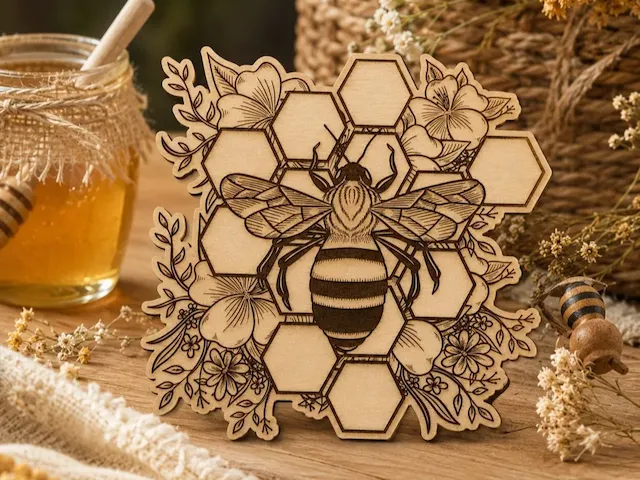
Décoration abeille florale

5
46

Fleur de marguerite en bois dans une découpe de table en tasse de café
1
10

Fleurs pour toi

45
216

Plant Plug avec Fleurs Arrosoir Papillon et Abeille pour le jardin

10
43
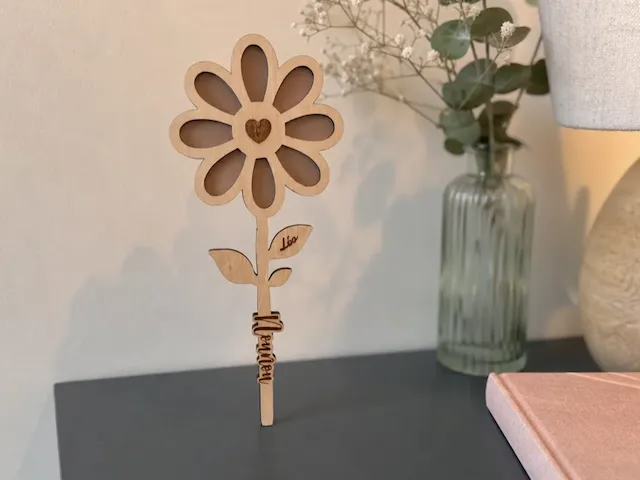
fleur en bois avec fond coloré
2
6