
Report
![[Laser cut and engrave] Porte cartes de visite](https://image-res.atomm.com/ali-res/community/making/2e083f7b-dcfd-44c9-b00c-8cdb3b630316/IMG_20231018_125054.jpg?x-oss-process=image/resize,w_1200,h_900,limit_0/interlace,1/format,webp/auto-orient,1)
![[Laser cut and engrave] Porte cartes de visite](data:image/png;base64,iVBORw0KGgoAAAANSUhEUgAAAAoAAAAKCAYAAACNMs+9AAAAAXNSR0IArs4c6QAAABdJREFUKFNjZCASMBKpjmFUId6QIjp4AAppAAuXjCs4AAAAAElFTkSuQmCC)
![[Laser cut and engrave] Porte cartes de visite](https://image-res.atomm.com/ali-res/community/making/2e083f7b-dcfd-44c9-b00c-8cdb3b630316/IMG_20231018_125054.jpg?x-oss-process=image/resize,w_200,h_150,limit_0/interlace,1/format,webp/auto-orient,1)
![[Laser cut and engrave] Porte cartes de visite](https://image-res.atomm.com/ali-res/community/making/8eaca545-54e3-44c0-af07-3be399fef161/IMG_20231018_125042.jpg?x-oss-process=image/resize,w_200,h_150,limit_0/interlace,1/format,webp/auto-orient,1)
![[Laser cut and engrave] Porte cartes de visite](https://image-res.atomm.com/ali-res/community/making/adada876-b65a-4686-9b3d-4ba55322d8f0/IMG_20231018_125038.jpg?x-oss-process=image/resize,w_200,h_150,limit_0/interlace,1/format,webp/auto-orient,1)
Porte cartes de visite
 Instruction
porte cartes de visite pour Xtool
.xcs
Application scenario
Laser
Machine & module

xTool M1
10WMaterial used

Wood
3mm Basswood Plywood

1019
5770
Instruction
1
Step1

Preview
- Download the file
2
Step2

Preview
- Type your text: choose the font, the size, the inclination...
- Click on SOLDER to avoid engraving allowances
3
Step3

Preview
- Select the text
- Click on OUTER LINE
- Choose the offset distance to obtain a single block
- Click on OK
4
Step4

Preview
- Select the 2 blocks: text + surround (do not group them)
- Place them on the front of the card holder
- Adjust the size and inclination if necessary
5
Step5

Preview
- Select the surround and the front panel (not the text)
- Click on COMBINE
- Click on LINK
6
Step6

Preview
- This is what you get!
7
Step7

Preview
- Cut what is green
- Engrave what is red
You can add text, logos...
Let your imagination run wild and above all have fun!
Comments
Remixes


You may also like

Laser cut wooden business card holder

6
19

Business Card Holder's 1, 2, and 4 Tier

45
333

patron acrylique pour porte CB, Billets & Carte de Visites

11
48

Business card holder

10
129

Soporte para notas
11
35

Personal Notebook

18
35

Acrylic business card holder

37
118
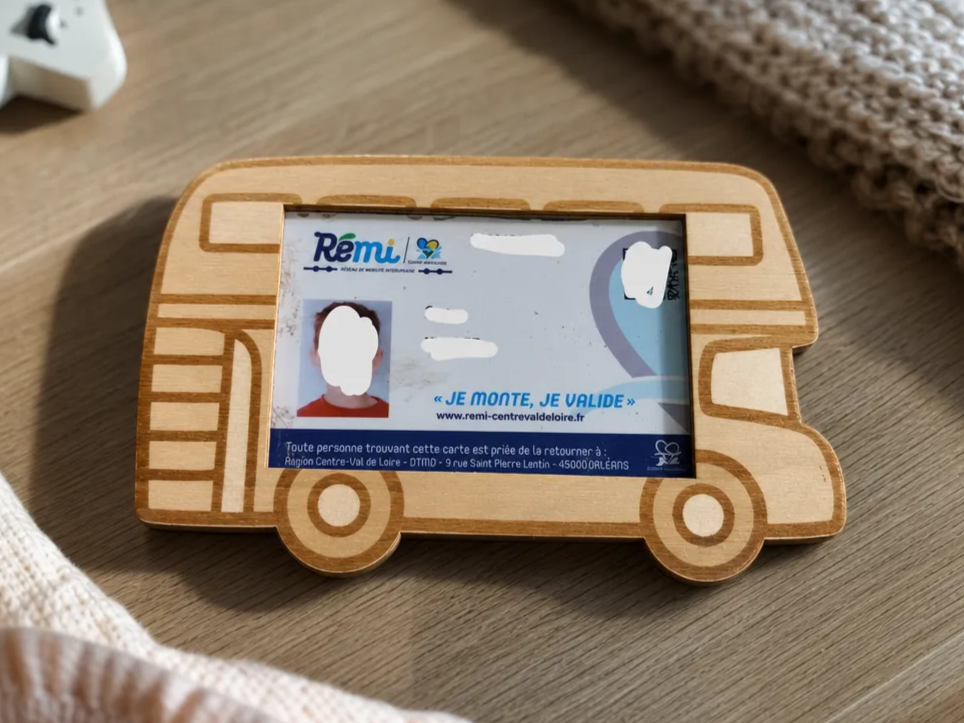
Bus card holder

0
3

Desktop Organiser

187
490

Trees Business Card Holder

49
165
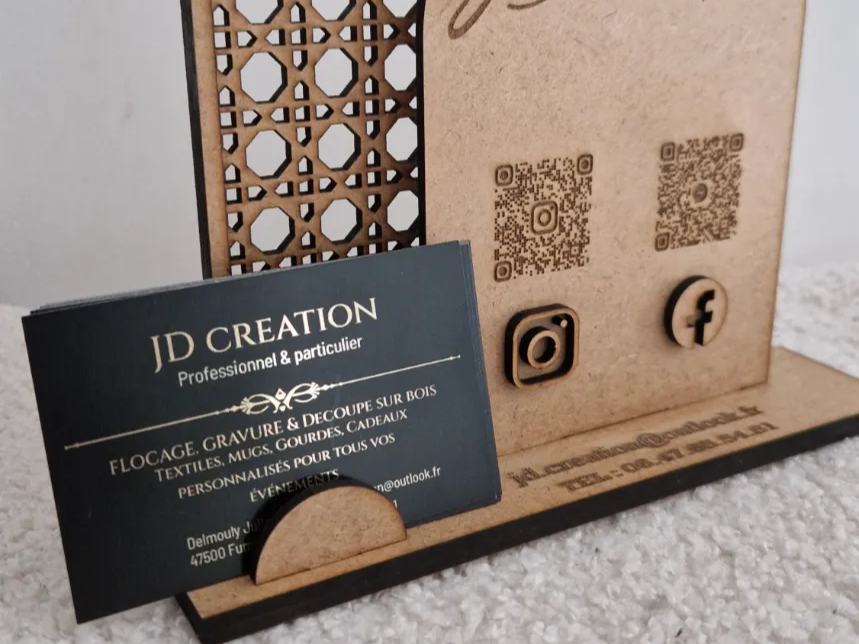
Counter display for business cards with QR codes

3
17

Support à notes repositionnables avec une plume porte stylo

48
221

Clip board

8
19

card holder
5
7

Easy assembled card holder

42
228

Business card holder
62
167

Soft Ruler Holder

69
198

Pencil Holder and Sticky Note Holder

5
30