신고
![[Laser cut and engrave] Laser Engraved Wooden Coffee Game Tokens Your Turn My Turn](https://storage-us.atomm.com/resource/xtool/community/attachment/xtool-community/6d72dd68-ad4b-4edb-9564-19297962c261.jpg?x-oss-process=image/resize,w_1200,h_900,limit_0/interlace,1/format,webp/auto-orient,1)
![[Laser cut and engrave] Laser Engraved Wooden Coffee Game Tokens Your Turn My Turn](data:image/png;base64,iVBORw0KGgoAAAANSUhEUgAAAAoAAAAKCAYAAACNMs+9AAAAAXNSR0IArs4c6QAAABdJREFUKFNjZCASMBKpjmFUId6QIjp4AAppAAuXjCs4AAAAAElFTkSuQmCC)
![[Laser cut and engrave] Laser Engraved Wooden Coffee Game Tokens Your Turn My Turn](https://storage-us.atomm.com/resource/xtool/community/attachment/xtool-community/6d72dd68-ad4b-4edb-9564-19297962c261.jpg?x-oss-process=image/resize,w_200,h_150,limit_0/interlace,1/format,webp/auto-orient,1)
![[Laser cut and engrave] Laser Engraved Wooden Coffee Game Tokens Your Turn My Turn](https://storage-us.atomm.com/resource/xtool/community/attachment/xtool-community/838afdd9-7296-41d9-98d1-18fb64cdf902.jpg?x-oss-process=image/resize,w_200,h_150,limit_0/interlace,1/format,webp/auto-orient,1)
![[Laser cut and engrave] Laser Engraved Wooden Coffee Game Tokens Your Turn My Turn](https://storage-us.atomm.com/resource/xtool/community/attachment/xtool-community/5dce4544-7153-4ccf-9b52-15adafbc860e.jpg?x-oss-process=image/resize,w_200,h_150,limit_0/interlace,1/format,webp/auto-orient,1)
커피 플립
 지침
지침
Coffee flip
.xcs
응용 시나리오
레이저 가공 (10min)
기계 및 모듈

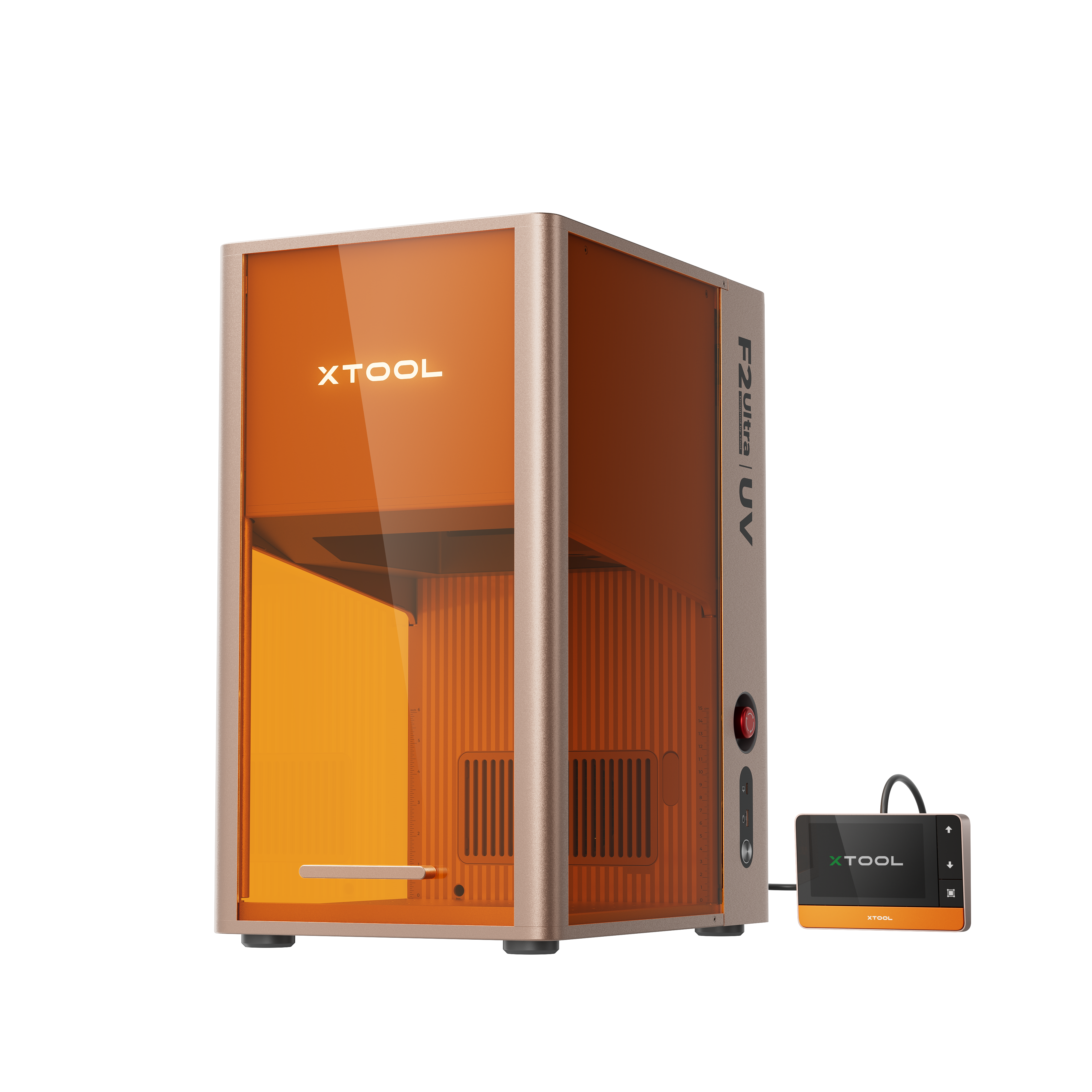
xTool F2 Ultra UV
5W호환되는 · 12
사용된 재료

3mm 포플러 합판
18
지침
1
단계1

미리보기
이건 재미있고 쉬운 프로젝트예요. 폭이 최소 4.5인치, 높이가 2.5인치인 베이스우드 조각을 가져와요. 자동 측정 후 전체 디자인을 한 번에 잘라내도록 나무를 위치시키세요. 아웃라인 프레이밍 기능을 사용해서 두 조각을 동시에 자르는지 확인하세요.
두 번의 패스가 설정이지만, 디자인을 더 어둡게 만들고 싶다면 다시 프로세스를 처리하세요.
2
단계2
이사 전에 꼭 확인하는 게 중요한데, 조각을 뒤집어 뒷면에 새기게 되기 때문에, 옮겼다가 마음이 바뀌
는 걸 피하고 싶지 않아요.각인에 만족하면 각 조각을 꺼내세요.
3
단계3
"Your Turn"이라고 적힌 조각을 가져와, 뒷면에 "Not My Turn"이 새겨지도록 위치를 잡으세요.
다른 조각도 똑같이 하세요. 첫 번째 조각 후에는 각 조각을 바꿔서 앞면에는 "Your Turn", 뒷면에는 "Not My Turn"
이라고 적히도록 하세요.4
단계4
다시 윤곽선 프레임을 사용해 작품들이 중앙에 맞춰져 올바르게 각인되도록
정렬하세요.각인을 처리하세요.
각인 색상을 다시 확인하고, 원한다면 다른 과정을 보내세요.
5
단계5
이제 누가 커피를 만들었는지 뒤집어 볼 수 있어! 네가 아니야!
댓글