
Three releases went out on September 20 — a rebuilt creator reward system, color in 3Dmake, and Pinterest inside Atomm AI. They ship separately, but they point the same direction: less friction between having an idea and holding the finished thing, and real payback for the people whose work gets made.
Key takeaways
- Coins are live. Exclusive projects and generators now earn Coins, 1 Coin = 100 Credits (worth $1). Coins are withdrawable.
- We count what got made. A download is 1 valid use; a real job reported by Studio is 2.
- 3Dmake V1.10 adds color — the Agent colors panels for you, presets apply in one click, and the palette carries through export into Print then Cut on the M2.
- Atomm AI V3.7 connects Pinterest — browse your own Boards and Pins in-app, and pull a usable design straight out of a finished-product photo.
- Also in Atomm AI: seven new Skills, sharper pattern extraction, better image layering, cleaner vectors, and Agent memory you can see and manage.
Creator Program
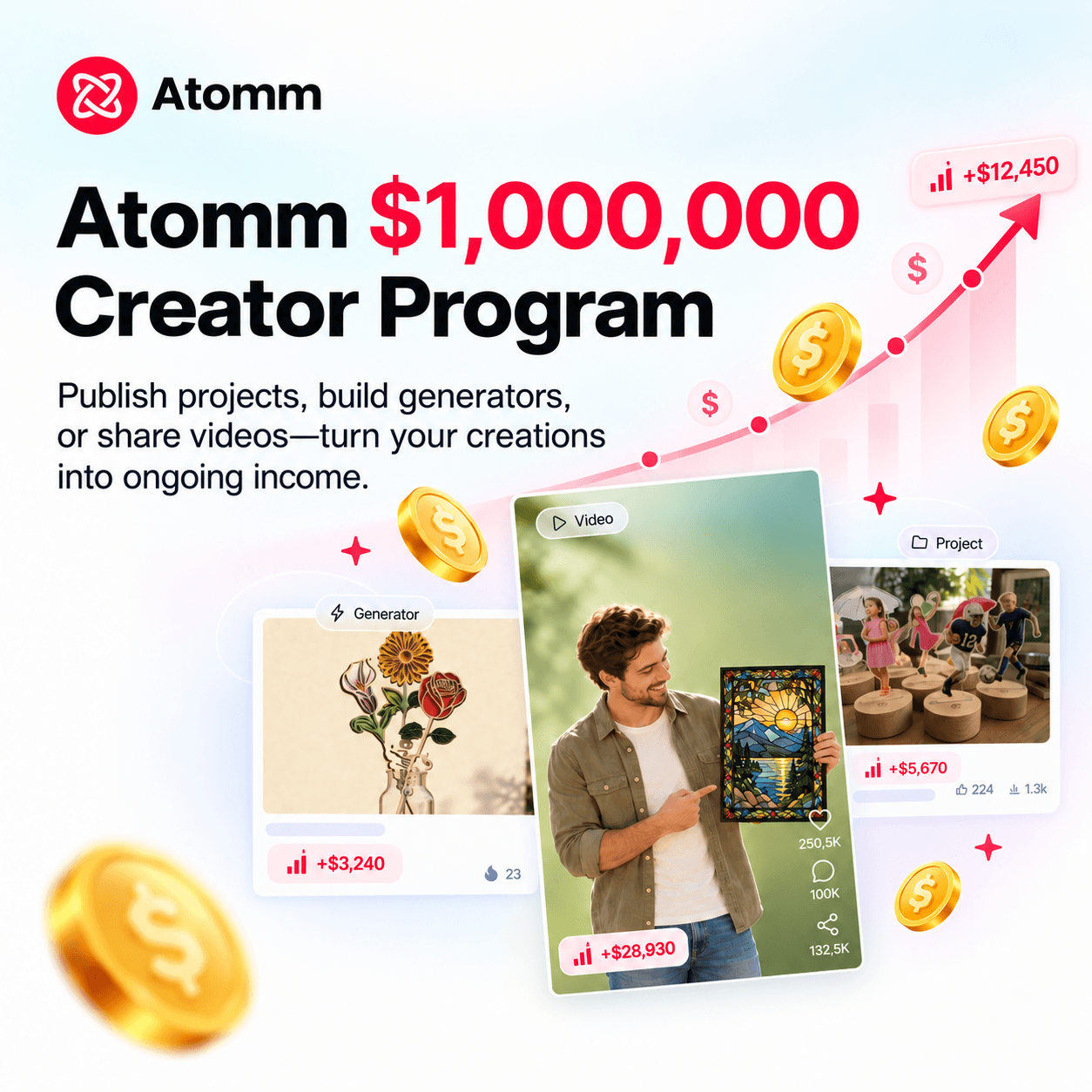
Until now, we rewarded you for publishing and for getting downloaded. This release changes what we measure and what we pay in: exclusive content earns Coins based on how much it actually gets used, and Coins convert to cash.
The essentials:
- Three ways to earn — Credits for taking part, Coins for exclusive projects and generators, cash share for content that sells.
- Valid uses replace downloads as the measure. A download or export is 1 valid use; a real job reported by Studio is 2.
- Exclusive is opt-in, project by project. Publish it only on Atomm, and it earns 0.1 – 0.23 Coins per valid use depending on quality tier, plus more exposure.
- Coins convert to money at 1 Coin = 100 Credits, or 1 Coin = $0.80 in cash. Settlement is weekly, with a $20 minimum withdrawal.
- Referrals and videos are paid too — Coins for creators you bring in who actually publish, and $10 per approved video plus $0.001 per qualified view.
3Dmake V1.10
Color on the panels — generated with it, and adjustable after
Color is now a property of the panel, shared across the Agent, the editor and the 3D preview. Four ways to work with it:
Describe it, and the Agent colors it
Say the color or the style you want in chat, and the Agent assigns colors across the panels — no generating first and painting afterwards.
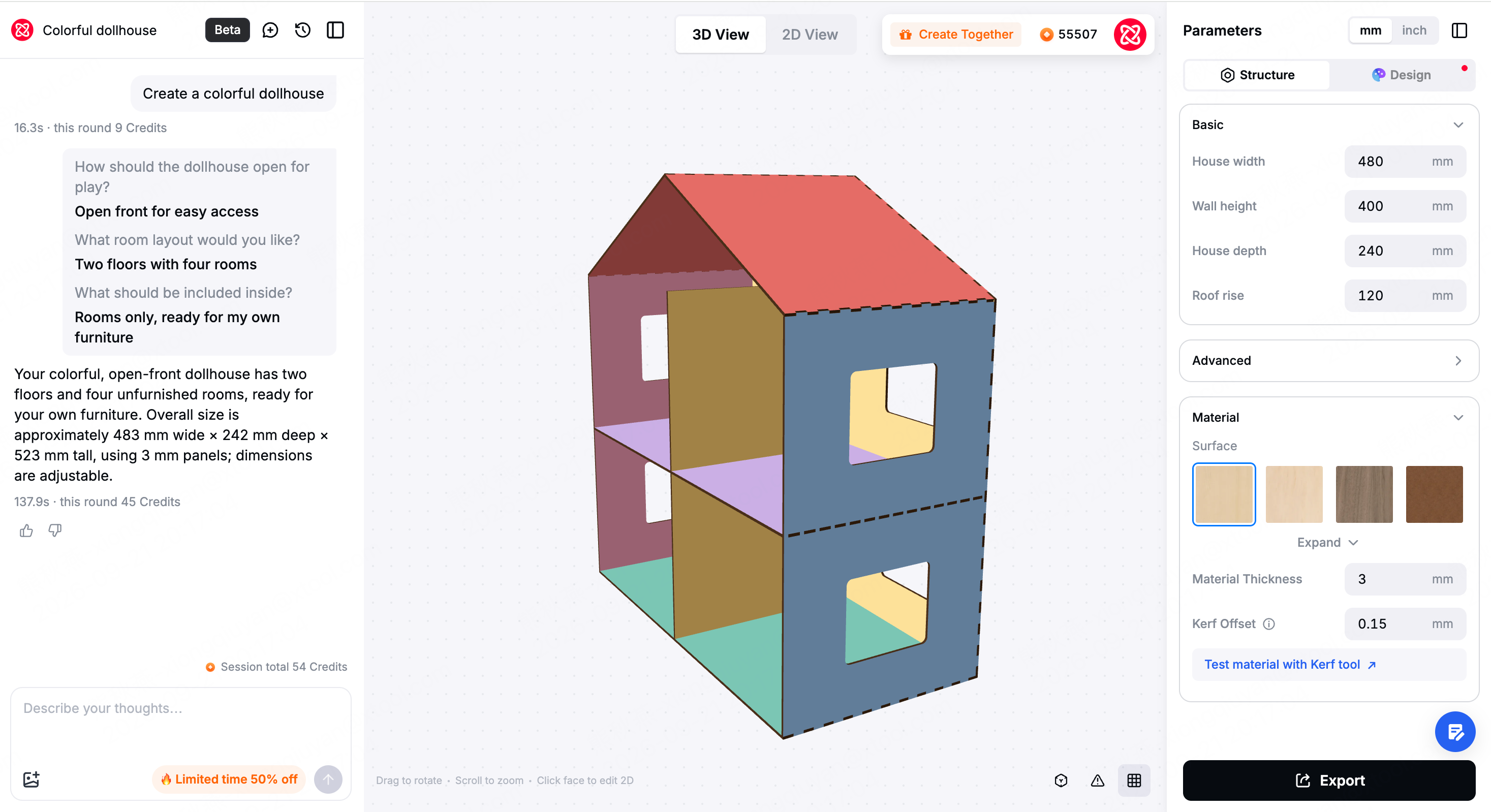
Preset palettes
Halloween, Christmas, Bauhaus, Candy, Morandi and more — one click applies a whole scheme to the model, so you're not building one from scratch.
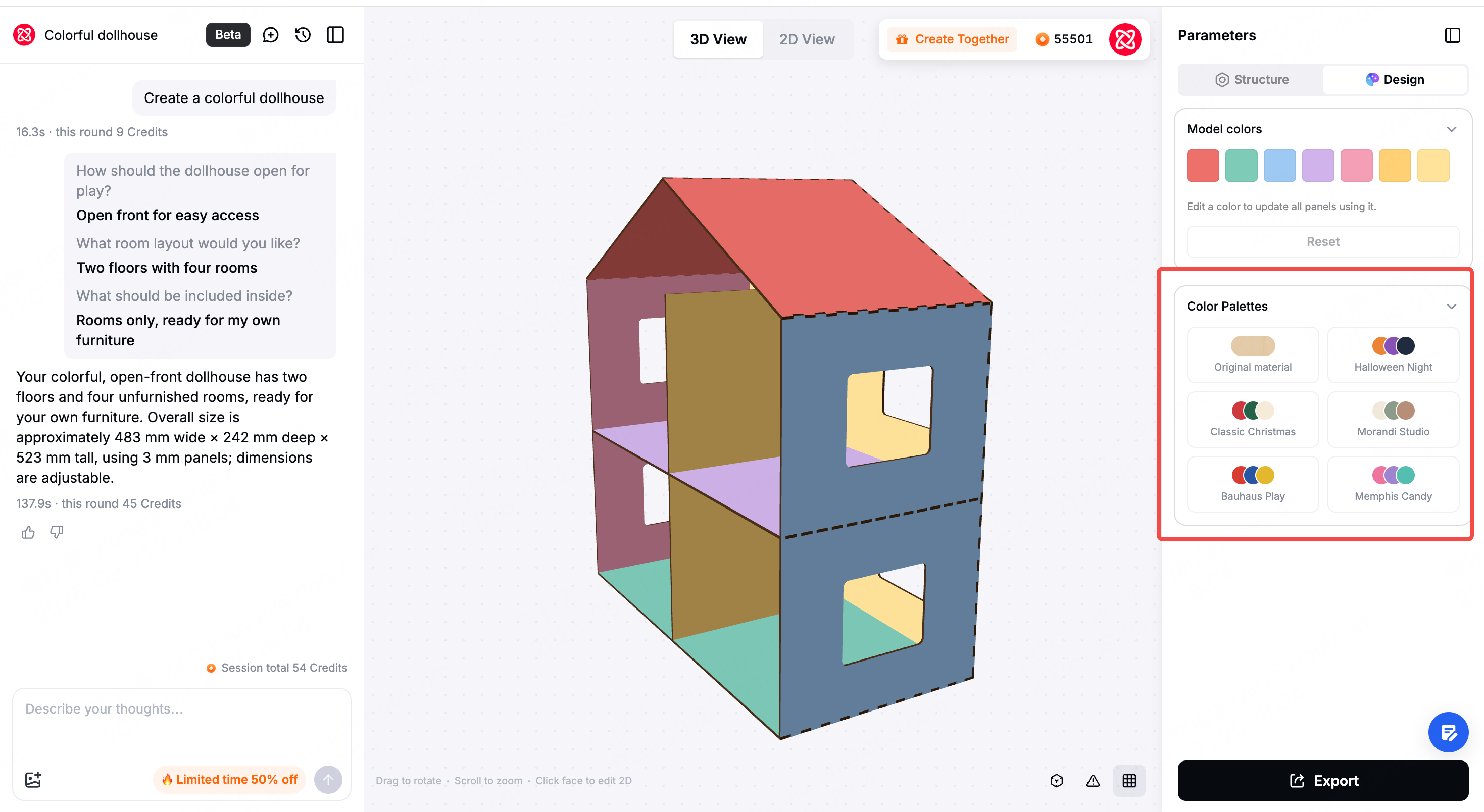
Adjust globally by color
The panel lists every color currently in use. Change one, and every panel using it changes together — restyle the whole model without clicking through it piece by piece.
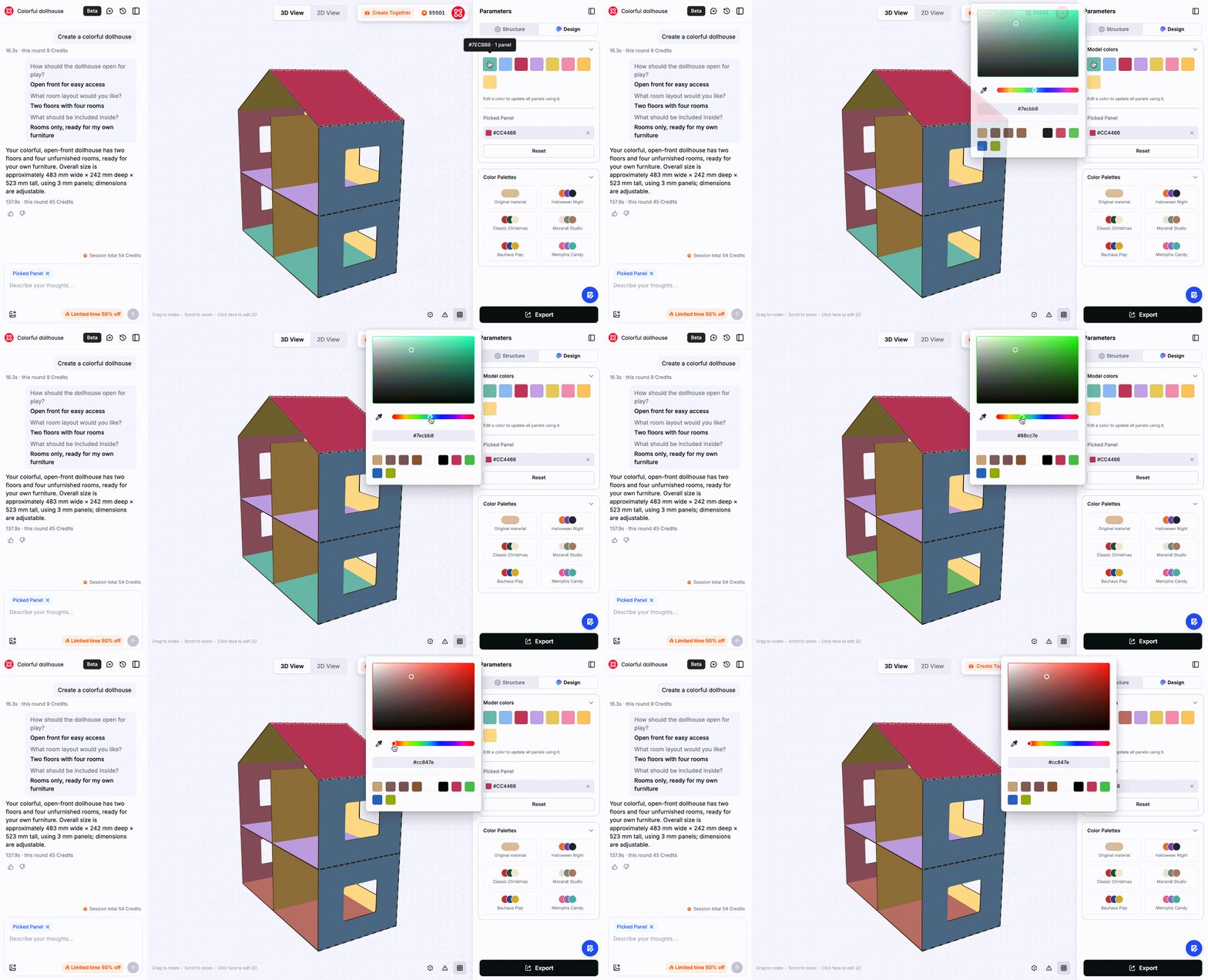
Recolor a single panel
Pick one panel, give it its own color, and the model's color list updates to match.
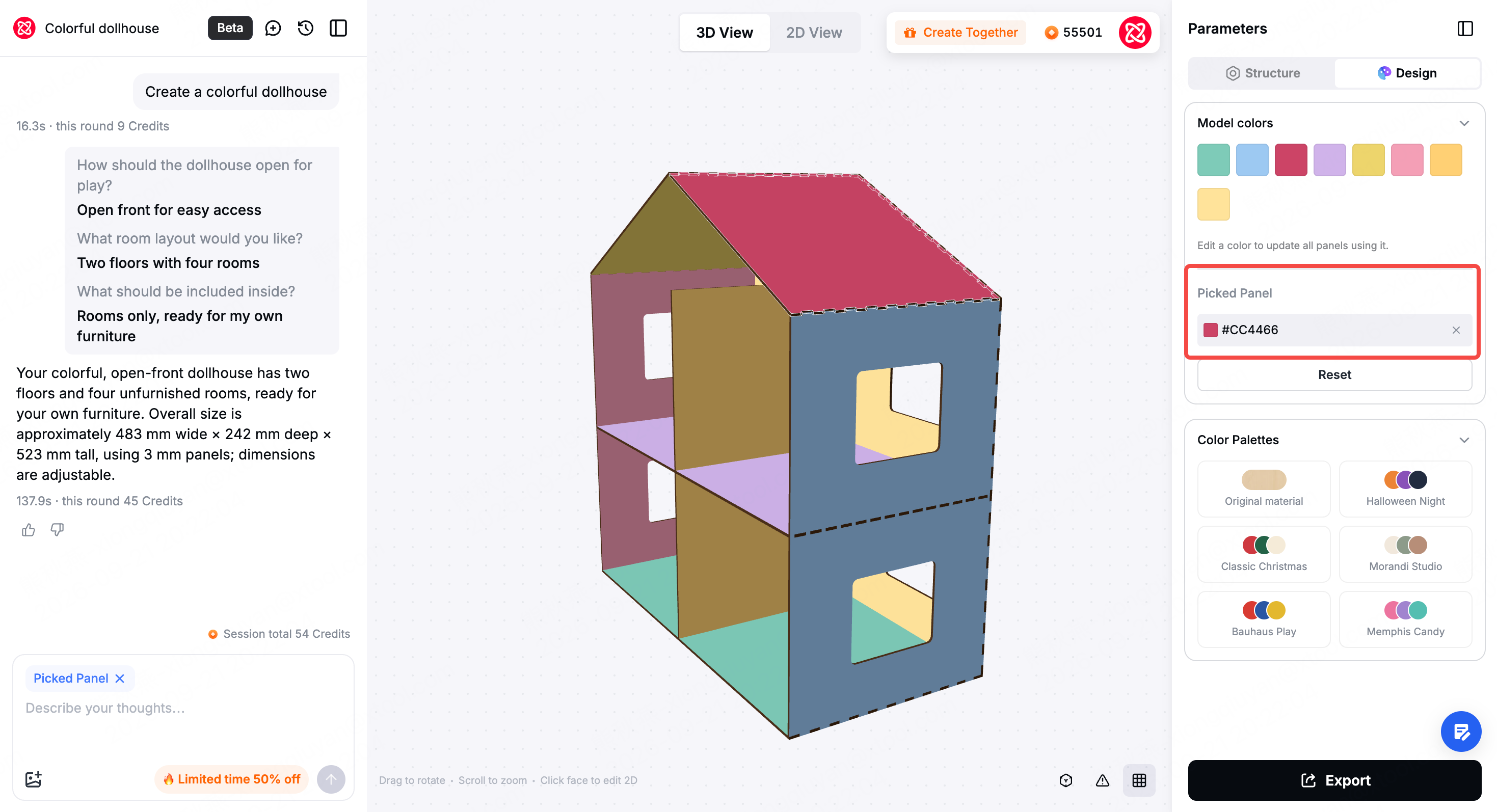
Color follows the export into production
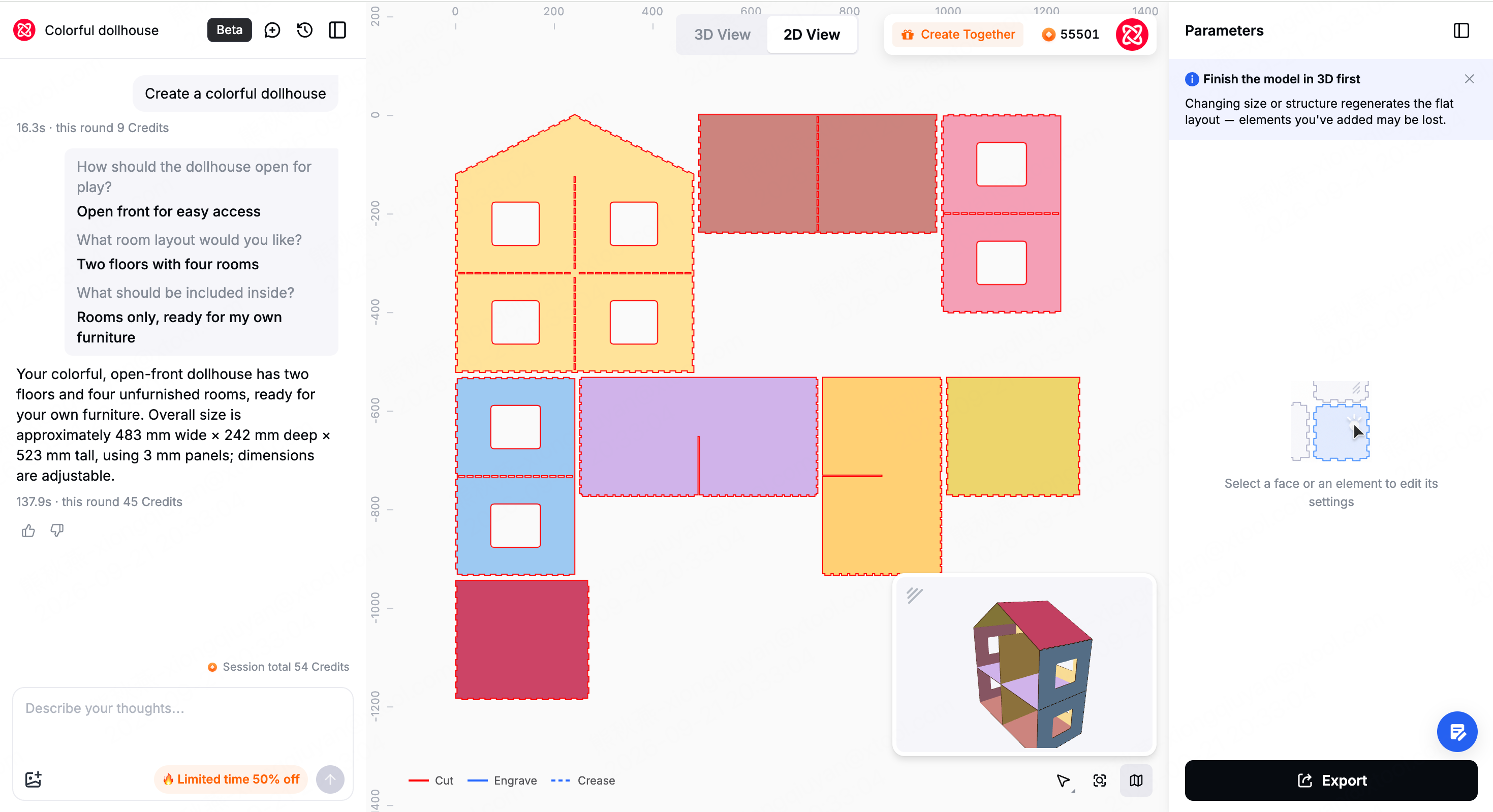
The palette doesn't stop at the screen. Colors run the whole way from design to job: the 3D and 2D views both show them, the export carries the processing mode with it, and it lands ready for Print then Cut on the M2 — no extra setup to get a finished piece.
Color changes nothing about the geometry or the fit. What it changes is the moment you finish designing — it's now the moment you can see the finished thing.
Interaction polish
- Adding text and graphics moved into panel properties — it's where you'd look for it, so fewer "where is that feature" moments.
- Click to enlarge images in chat — open a reference at full size and compare it against the model properly.
- Faster sending and responses — we tuned several steps in the pipeline; the wait during chat and generation is noticeably shorter.
Atomm AI V3.7
You browse Pinterest, social media and a dozen other sites, and you save the things you like. But between I like this and I'm actually making this sit a download, an upload, a hunt for assets, and a round of reprocessing.
V3.7's main job is to connect that stretch. Pinterest is now built in, pattern extraction and vectorizing got sharper, there are more Skills to start from, and the Agent's memory is finally something you can see and manage.
Pinterest, built in
Authorize Pinterest once and you can browse your own Boards and Pins inside Atomm AI, drop any image onto the canvas in one click, and have it land in your asset library automatically. From there, two things you can do:
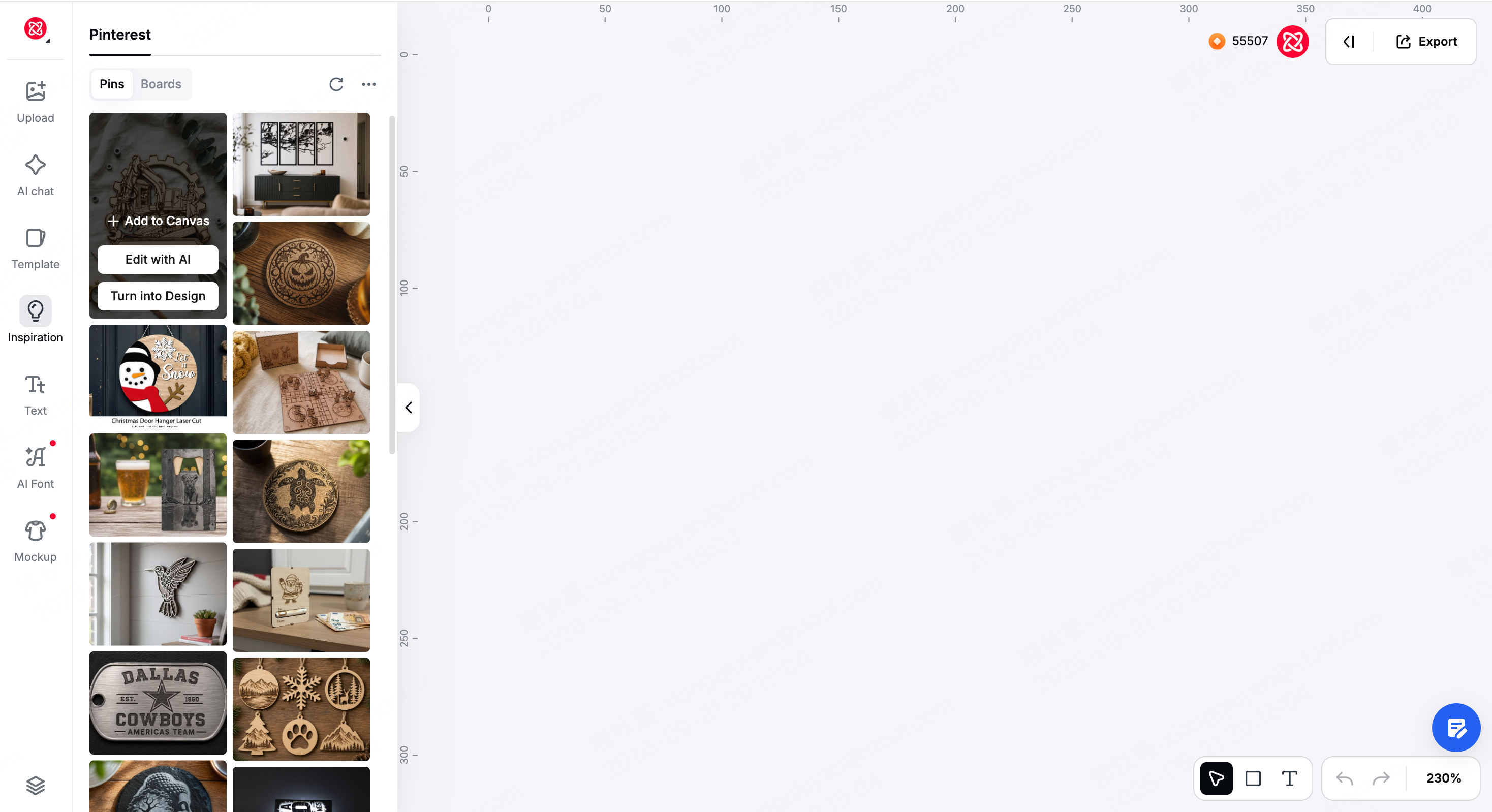
Keep building on an image you already like
Hit Edit with Atomm AI to change the content, adjust the colors and composition, or push it further into something ready to engrave, print or cut. You don't have to start from a blank prompt every time — you start from something you already chose.
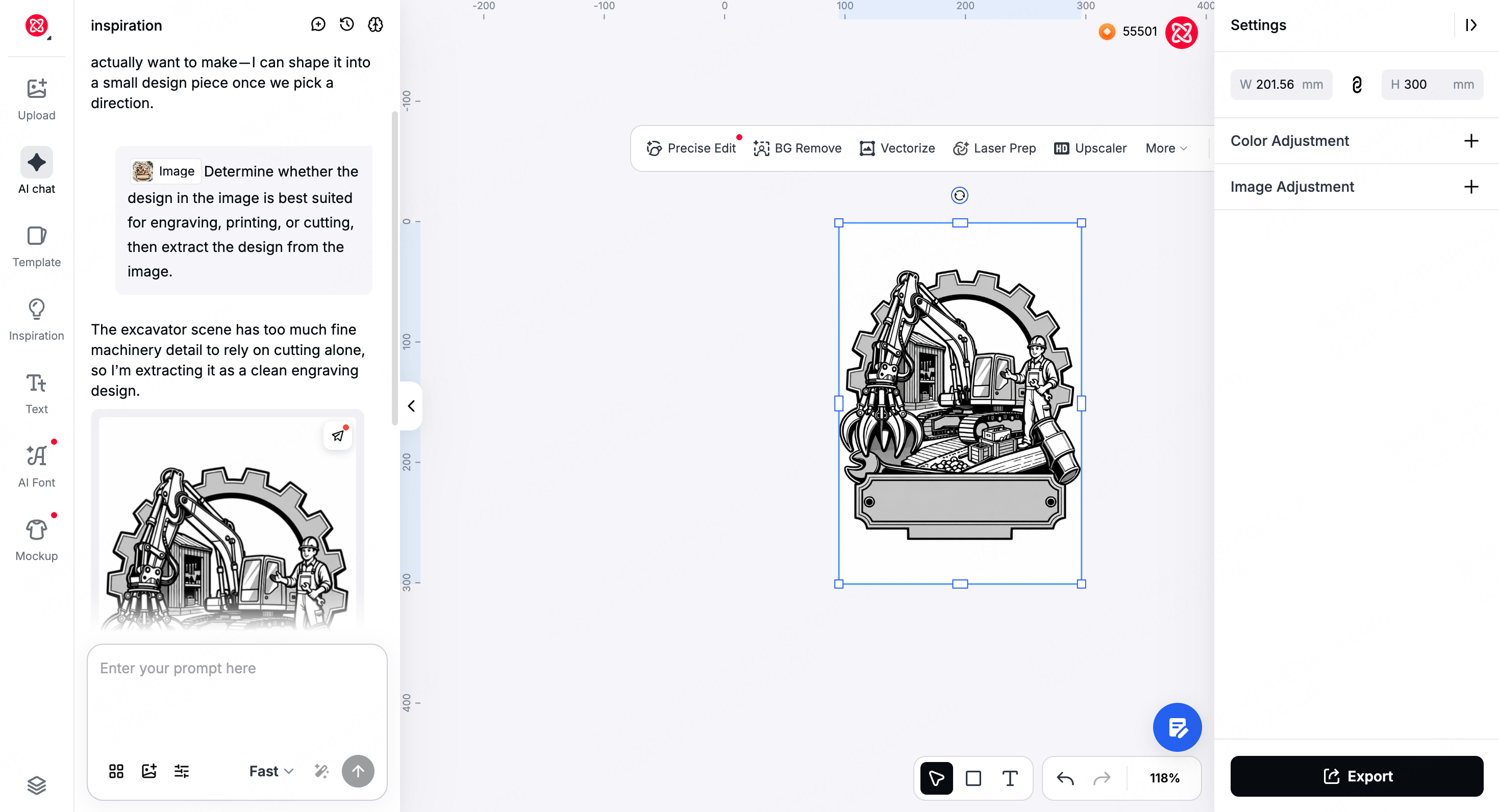
Pull the design out of a finished product
See an earring, a mug, a piece of wall art you like? It doesn't have to stay a reference photo. Atomm AI extracts the design itself and generates assets suited to engraving, printing or cutting — skipping the retracing, cropping and background removal.
Seven new Skills
We added more hand-drawn styles and filled in Skills across more themes and Filters, covering popular styles people are actually asking for.
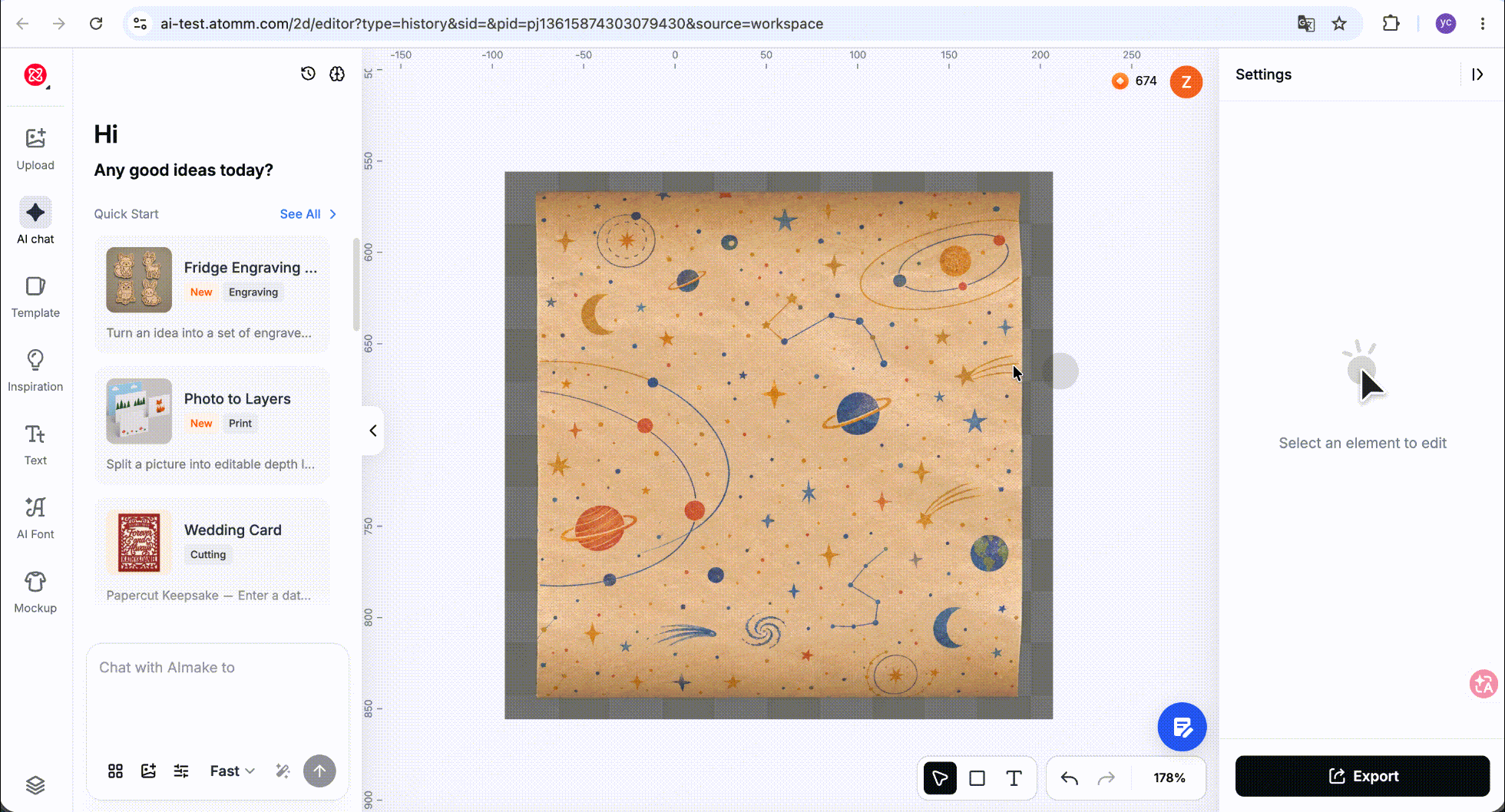
Pattern extraction: say what you need out of the picture
Upload any image and choose what to pull out of it based on what you'll do with it:
- For printing — extract the main graphic as a bitmap ready for the job.
- For cutting or engraving — extract the outline, line art or structure as a cut-ready vector.
- Or just ask — "only the pattern on the mug", "the cat in the middle", "keep the text and the frame, nothing else".
Going from a whole photo to the one part of it you actually need to make is now a single step.
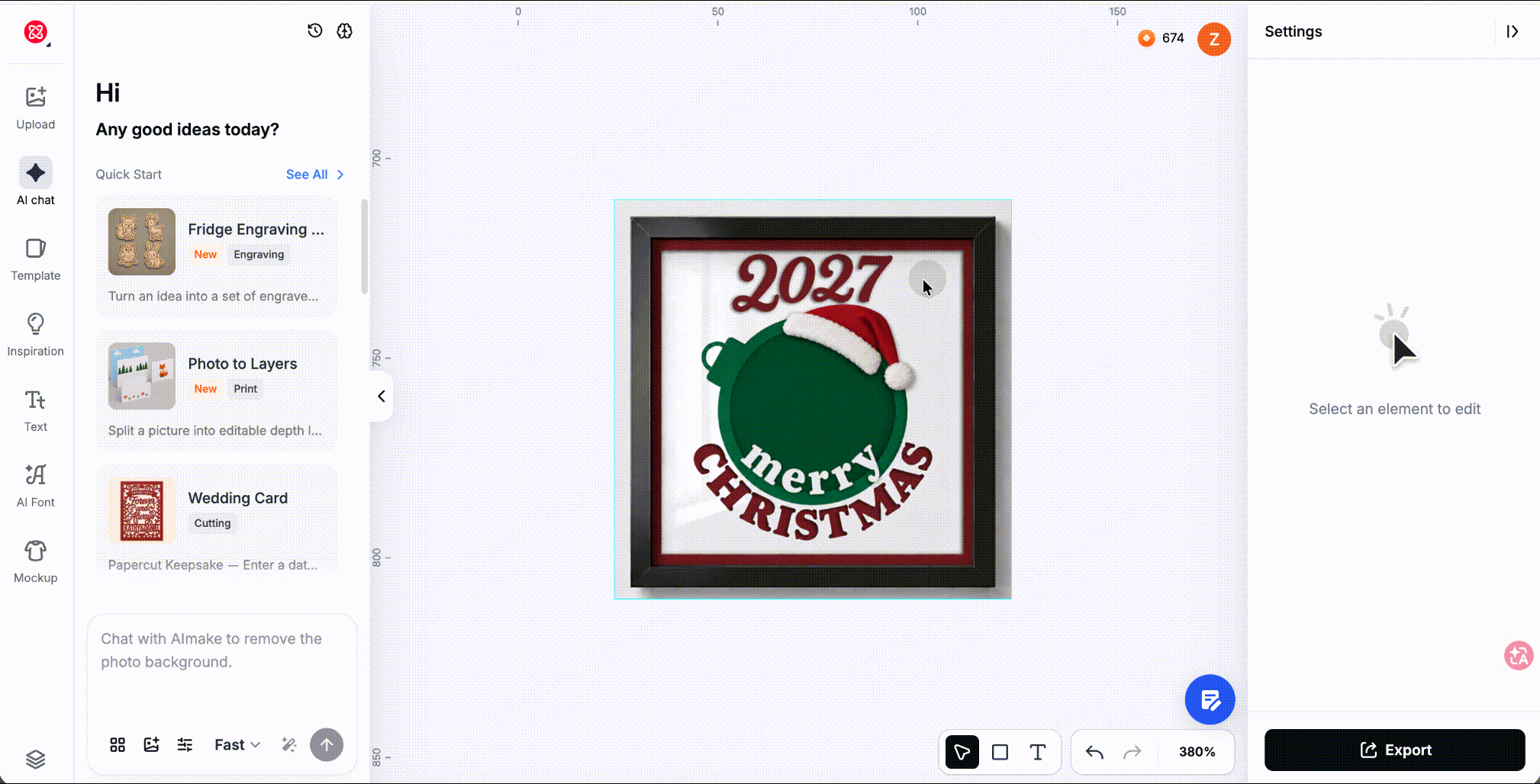
Better image layering
Foreground, middle ground, background and individual elements separate more accurately, so each layer can be moved, deleted, adjusted and edited on its own — a better base for detailed changes later.
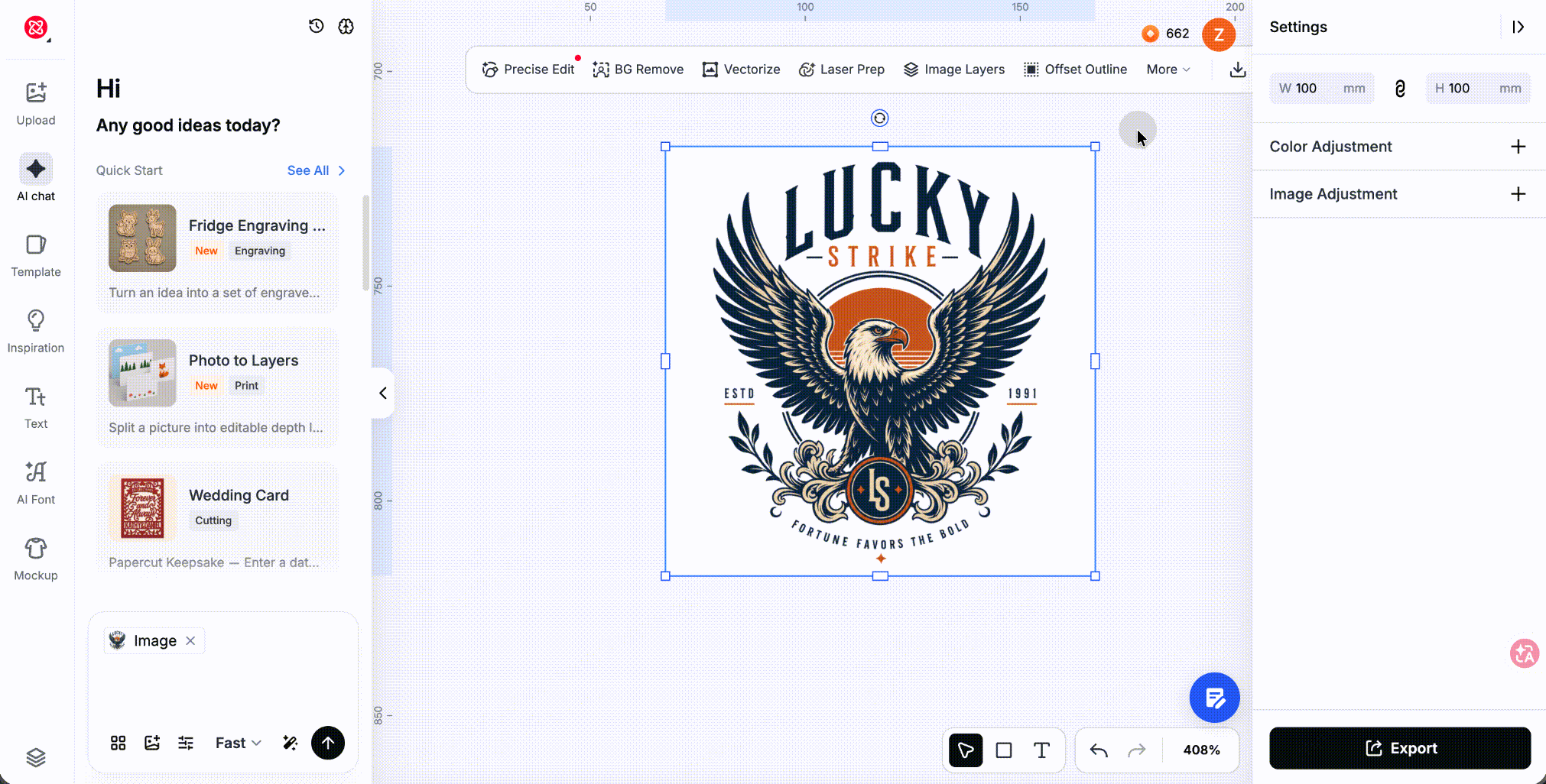
Cleaner vectors, without touching the settings
Logos, line art, illustrations and photographs all used to go through the same treatment, which is why you'd end up with messy lines, soft outlines or lost detail.
Now you pick the approach that suits the image and the job — preserve detail, emphasize outline, simplify lines — and get a clean, usable vector without tuning anything by hand.
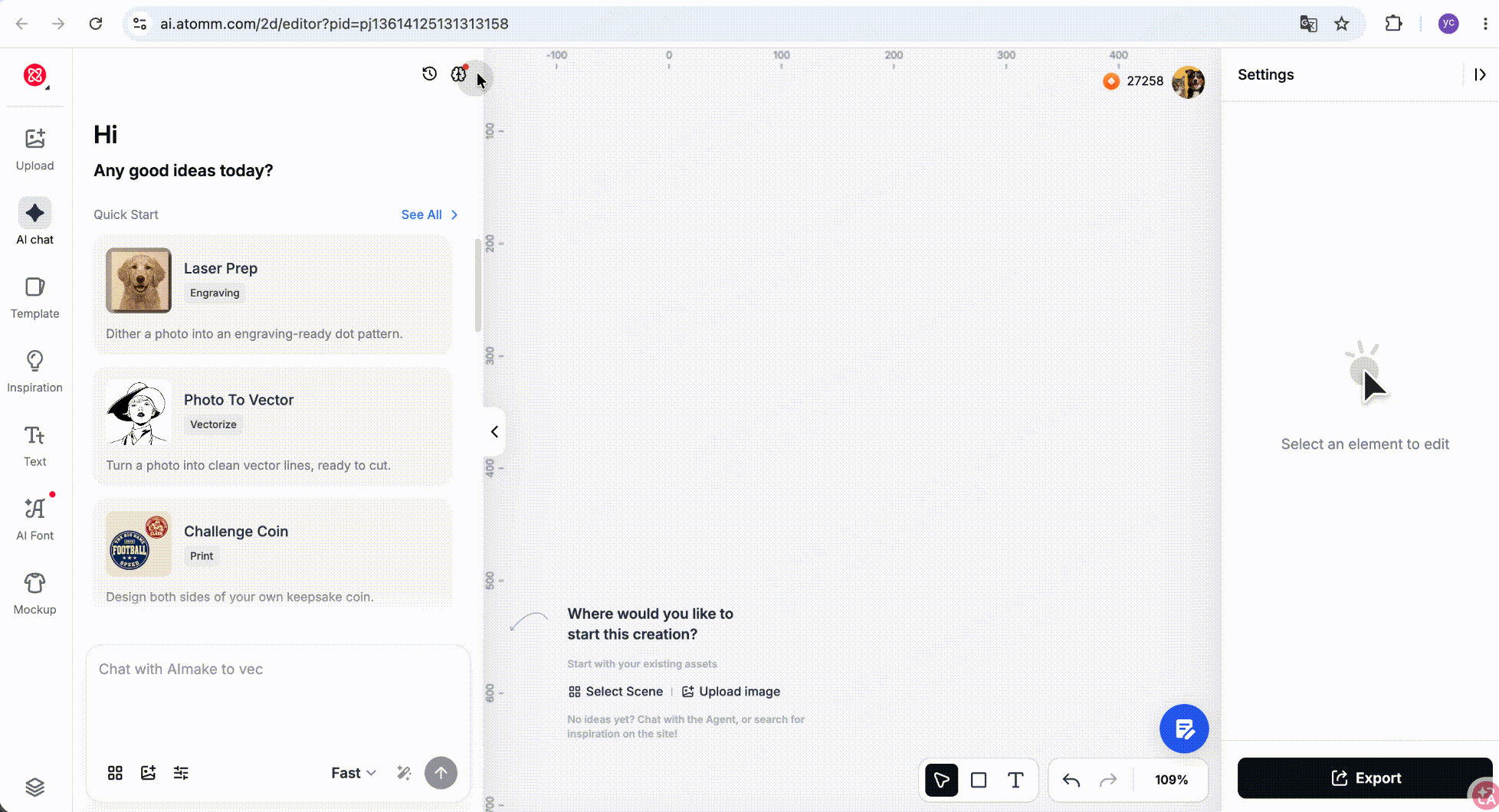
Agent memory you can see and control
The Agent gets to know you over time — and now it tells you what it's remembering. When it adds a memory, it says so; when there's new memory content, the entry point flags it. You can add, review and manage your own preferences directly.
It keeps learning your habits; you keep the ability to see and change what it learned.
Try it out
All three are live now.
| What | Where |
|---|---|
| Creator Program | https://www.atomm.com/creatorprogram |
| 3Dmake V1.10 | https://www.atomm.com/home |
| Atomm AI V3.7 | https://www.atomm.com/home |
