![[Laser cut and engrave] 3D Printed Decorative Medallion Featuring Snake Design](https://image-res.atomm.com/resource/xtool/community/attachment/xtool-community/945ff36a-60da-49c4-9720-523187a54bfb.jpeg?x-oss-process=image/resize,w_1200,h_900,limit_0/interlace,1/format,webp/auto-orient,1)
![[Laser cut and engrave] 3D Printed Decorative Medallion Featuring Snake Design](data:image/png;base64,iVBORw0KGgoAAAANSUhEUgAAAAoAAAAKCAYAAACNMs+9AAAAAXNSR0IArs4c6QAAABdJREFUKFNjZCASMBKpjmFUId6QIjp4AAppAAuXjCs4AAAAAElFTkSuQmCC)
![[Laser cut and engrave] 3D Printed Decorative Medallion Featuring Snake Design](https://image-res.atomm.com/resource/xtool/community/attachment/xtool-community/945ff36a-60da-49c4-9720-523187a54bfb.jpeg?x-oss-process=image/resize,w_200,h_150,limit_0/interlace,1/format,webp/auto-orient,1)
![[Laser cut and engrave] 3D Printed Decorative Medallion Featuring Snake Design](https://image-res.atomm.com/resource/xtool/community/attachment/xtool-community/be294559-4ee9-49e8-8cda-9049fa676491.jpeg?x-oss-process=image/resize,w_200,h_150,limit_0/interlace,1/format,webp/auto-orient,1)
![[Laser cut and engrave] 3D Printed Decorative Medallion Featuring Snake Design](https://image-res.atomm.com/resource/xtool/community/attachment/xtool-community/de47cbc4-10aa-4043-919a-0bb294dfa221.jpeg?x-oss-process=image/resize,w_200,h_150,limit_0/interlace,1/format,webp/auto-orient,1)
蛇形硬幣壓印
 教程
教程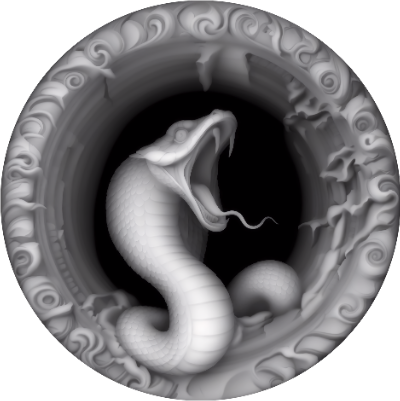
SnakeCoin
.xcs
顯示剩餘(1項)
應用場景
激光加工 (120min)
機器與模組

xTool F2 Ultra
60W, 40W
xTool F2 Ultra (Single)
60W兼容的 xTool 機器
上新
M2
3W, 10W, 20WF2 Ultra UV
5WF2
5WP3
5WF1 Ultra
20WM1
5W, 10WD1 Pro
2W, 40WF1
2W, 10WS1
2W, 10W, 20W, 40W使用的材料

2mm304不鏽鋼片

198
2457
教程
1
步驟1: 載入 xcs 檔案
打開 .xcs 檔案,將設計置中到你的 Coin 上。按下處理並開始切割。
2
步驟2: 後製

預覽
用鋼絲刷或 Dremel 工具去除氧化層
評論
二創



您可能還喜歡

萬聖節壓花硬幣搭配 xTool F1 Ultra

70
370

$2.99
$2.99
积分299
矮人獵人/維京狂戰士浮雕硬幣

14

雷射壓印侏羅紀與恐龍主題生日銅幣

3
32

十二星座三維銅幣

111
914

刻字比特幣加密貨幣金屬幣複製品

13
188

浮雕獅頭

18
263

40毫米銅幣,AI生成的凱爾特十字架。

11
124
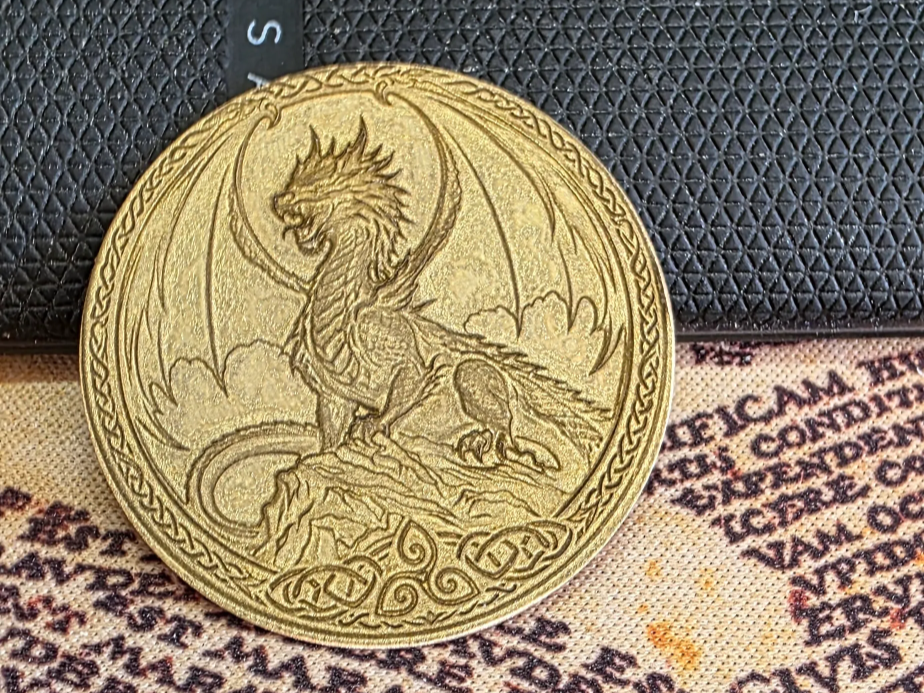
龍形雙面硬幣壓印

1
8

騎士棋子紀念幣

9
253

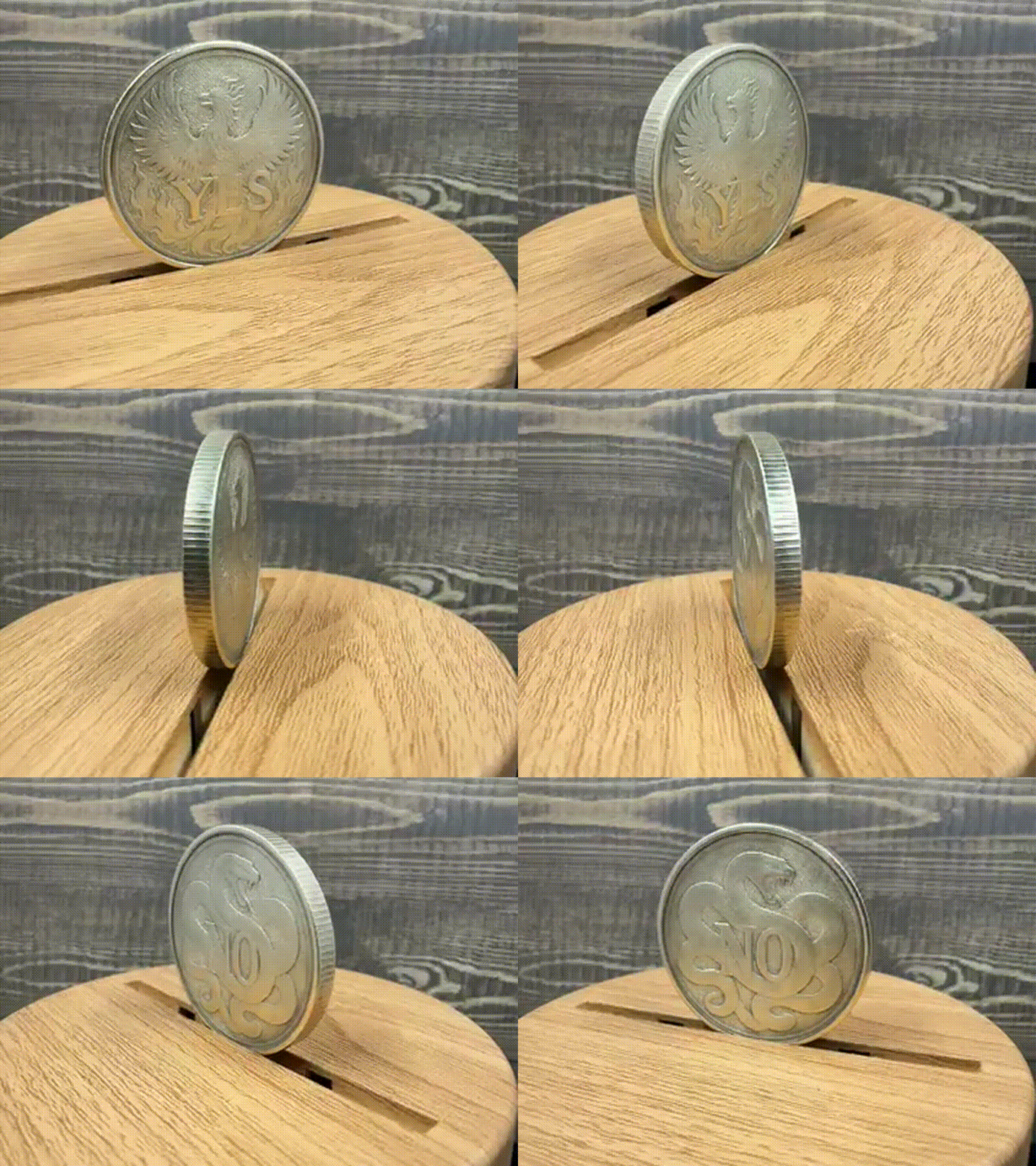
GIF
鳳凰 是 蛇 無決定幣

0
3

'/%3e%3cdefs%3e%3clinearGradient%20id='paint0_linear_1433_15675'%20x1='12'%20y1='3.25'%20x2='16.6891'%20y2='20.75'%20gradientUnits='userSpaceOnUse'%3e%3cstop%20stop-color='%23FF5D80'/%3e%3cstop%20offset='1'%20stop-color='%23FF0035'/%3e%3c/linearGradient%3e%3c/defs%3e%3c/svg%3e)
萬聖節壓印銅幣,附有女巫圖案
13
118

$2.99
$2.99
积分299
獸人戰士浮雕硬幣雷射雕刻設計
7

F-COW-F Chalange 硬幣

6
24

雷射雕刻的狼曼陀羅硬幣

2
25

恐龍化石浮雕於河石上
17
129

40毫米鱸魚硬幣
5
70

索爾硬幣

3
21

銅幣上的十字軍
5
43