
Report


cork coaster
ID 2732
 Instruction
Files

Original files
AuthorM1 · Cork Desk Pad
1


Add Make Profile
Same design, different machine, material, or any improvement · Earn 50 Credits
Tips for a great Make Profile →
352
6161
Information
I made a cork coaster with a floral design and a nice greeting, saying "good to see you" (but in German)
Instruction
1
Step1: the design
Use the “shape” tool on the left hand side in the design space an select your favorite border. I used a round border because my coasters were round.
If you want to, you can now think of a nice sentence, you want to engrave onto the design.
2
Step2: place your coaster
Place your coaster onto the laser machine. I drew another circle at the edge of my coaster and aligned my design by centering it horizontally and vertically.
Delete the circle you used for centering before you start the engraving process.
3
Step3: start the engraving process
remeber: Delete the circle you used for centering before you start the engraving process.
Then you can start the engraving process with the described settings.
After 4-5 minutes your design should be good to go :)
Comments
Remixes


You may also like
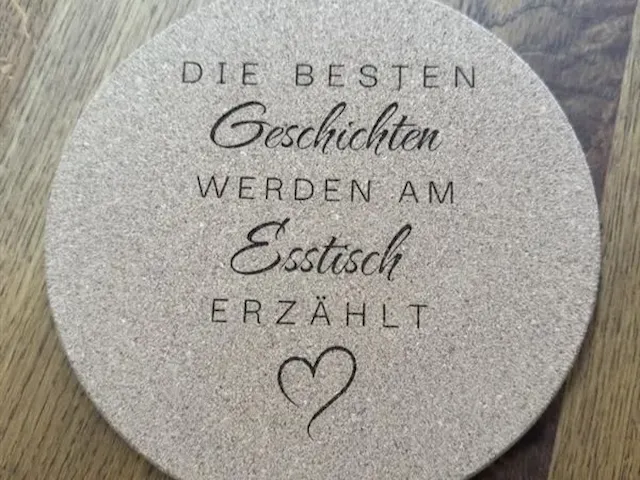
The best stories are told at the dinner table

0
3

Cork Coasters

167
701
Round Cork Coaster with Saying #008

2
13
Round Cork Coaster with Saying #023
0
4
Round Cork Coaster with Saying #015
0
10
Round Cork Coaster with Saying #028
2
5
Round Cork Coaster with Saying #019
1
8

Coasters with sayings for a nice evening made of cork

3
28
Round Cork Coaster with Saying #018
1
6
Runder Korkuntersetzer mit Spruch #033
0
3

Round cork coaster with wine motif and saying Come to rest

1
10


Laser Engraved Cork Coffee Coaster Awaken With Every Sip

22
55

Wooden lid for Ikea candles with 2 sayings
1
0
Runder Korkuntersetzer mit Spruch #034
1
6

The secret ingredient is love
0
3
Runder Korkuntersetzer mit Spruch #031
0
2
Round Cork Coaster with Saying #012
1
7
Round Cork Coaster with Saying #025
1
10