
![[Laser cut and engrave] Recordatorio bautizo](https://image-res.atomm.com/resource/xtool/community/attachment/xtool-community/6ef3d205-9ce4-419a-9ae4-bf5d87b8005a?x-oss-process=image/resize,w_1200,h_900,limit_0/interlace,1/format,webp/auto-orient,1)
![[Laser cut and engrave] Recordatorio bautizo](data:image/png;base64,iVBORw0KGgoAAAANSUhEUgAAAAoAAAAKCAYAAACNMs+9AAAAAXNSR0IArs4c6QAAABdJREFUKFNjZCASMBKpjmFUId6QIjp4AAppAAuXjCs4AAAAAElFTkSuQmCC)
![[Laser cut and engrave] Recordatorio bautizo](https://image-res.atomm.com/resource/xtool/community/attachment/xtool-community/6ef3d205-9ce4-419a-9ae4-bf5d87b8005a?x-oss-process=image/resize,w_200,h_150,limit_0/interlace,1/format,webp/auto-orient,1)
![[Laser cut and engrave] Recordatorio bautizo](https://image-res.atomm.com/resource/xtool/community/attachment/xtool-community/30eb80ff-e842-496c-87f6-f37080e55274/Photoroom_20240723_115701.jpg?x-oss-process=image/resize,w_200,h_150,limit_0/interlace,1/format,webp/auto-orient,1)
![[Laser cut and engrave] Recordatorio bautizo](https://image-res.atomm.com/resource/xtool/community/attachment/xtool-community/01a1444f-ced4-418b-a7d5-aeaed7a00a37/Photoroom_20240723_115204.jpg?x-oss-process=image/resize,w_200,h_150,limit_0/interlace,1/format,webp/auto-orient,1)
![[Laser cut and engrave] Recordatorio bautizo](https://image-res.atomm.com/resource/xtool/community/attachment/xtool-community/ec744fcb-e289-4815-b1c2-572605de73eb/Photoroom_20240723_115539.jpg?x-oss-process=image/resize,w_200,h_150,limit_0/interlace,1/format,webp/auto-orient,1)
![[Laser cut and engrave] Recordatorio bautizo](https://image-res.atomm.com/resource/xtool/community/attachment/xtool-community/984d0916-0696-43e4-87b4-df9ba803ff5b/Photoroom_20240723_115437.jpg?x-oss-process=image/resize,w_200,h_150,limit_0/interlace,1/format,webp/auto-orient,1)
![[Laser cut and engrave] Recordatorio bautizo](https://image-res.atomm.com/resource/xtool/community/attachment/xtool-community/a9a60d37-3ee4-4824-b0b6-80361c7cb51c/Photoroom_20240723_115629.jpg?x-oss-process=image/resize,w_200,h_150,limit_0/interlace,1/format,webp/auto-orient,1)
Przypomnienie o chrzcie
 Instrukcja


Informacja
Te magnesy, które dają jako przypomnienie o chrzcie, są bardzo piękne i łatwe do zrobienia.
Instrukcja
Krok1: Konstrukcja


stworzyć wzory, wstawiłem różne kształty, aby zrobić kilka modeli magnesów.
Włożyłem koło, kwadrat, serce i sześciokąt. Wszystkie o wysokości 60 mm.
W każdym z nich wpisałem tekst: "imię", "Mój chrzest", "data". W zależności od dostępnej przestrzeni w każdym z kształtów, umieszczamy tekst i dostosowujemy go do kształtu, aby wyglądał pięknie i był dobrze czytany. Użyłem kroju pisma "Ballet Harmony".
Następniewstawiłam inne kształty związane z niemowlęciem, takie jak smoczek, butelka i stopy. W przypadku smoczka najpierw stworzyłem jego kontur w 2, umieściłem go wycentrowany na głównym kształcie i zrobiłem kopię. Ponieważ chciałem wygrawerować rysunek, wybrałem ten do grawerowania i umieściłem go wewnątrz konturu, który będzie wycięty.
Umieściłem kształty wewnątrz głównych kształtów i wycentrowałem je. Wybrałem kształt do zaznaczenia, dzięki temu będziemy wiedzieć, gdzie wklejać każdą rzecz później i że jest dobrze wyśrodkowana.
Wybieramy pozostałe kształty do cięcia i tekst do grawerowania.
Krok2: Grawerowanie i cięcie


Włączamy Xtool, wprowadzamy materiał, z którym chcemy pracować, przeglądamy wszystkie parametry i klikamy projekt do przetworzenia.
Krok3: Maluj i składaj


Gdy już mamy wszystkie elementy, pomalujemy te, które chcemy.
Po wyschnięciu skleimy każdy kształt na odpowiednim miejscu.
Gdy elementy są dobrze przymocowane, odwrócimy kształt i na jego plecach przykleimy magnes. Przykleiłam go klejem i dobrze się przylegał, ale jeśli masz pistolet do kleju na gorąco, to też dobra opcja.
Po skończeniu nalałam na wszystkie matowy lakier w sprayu.
Mamy już gotowe magnesy na zamówienie!
Remiksy



Możesz również polubić

Magnesy na nagrobki


Królicza nazwa dekoracyjna

Halloweenowa dekoracja magnetyczna


Magnes do lodówki z gin-tonikiem


Miłość to magnes na miłość


Magnes armii USA


Magnes z żywicy teksaskiej


Etykieta na butelkę


Mini uśmiechnięte magnesy do lodówki Sun


Zabawny magnes. Pilnik z magnesem na lodówkę wycięty laserowo. Drewniana odznaka. Zabawny magnes na lodówkę podglądający. Wystrój kuchni


Magnes na Dzień Ojca.


Magnesy Pierwszej Komunii
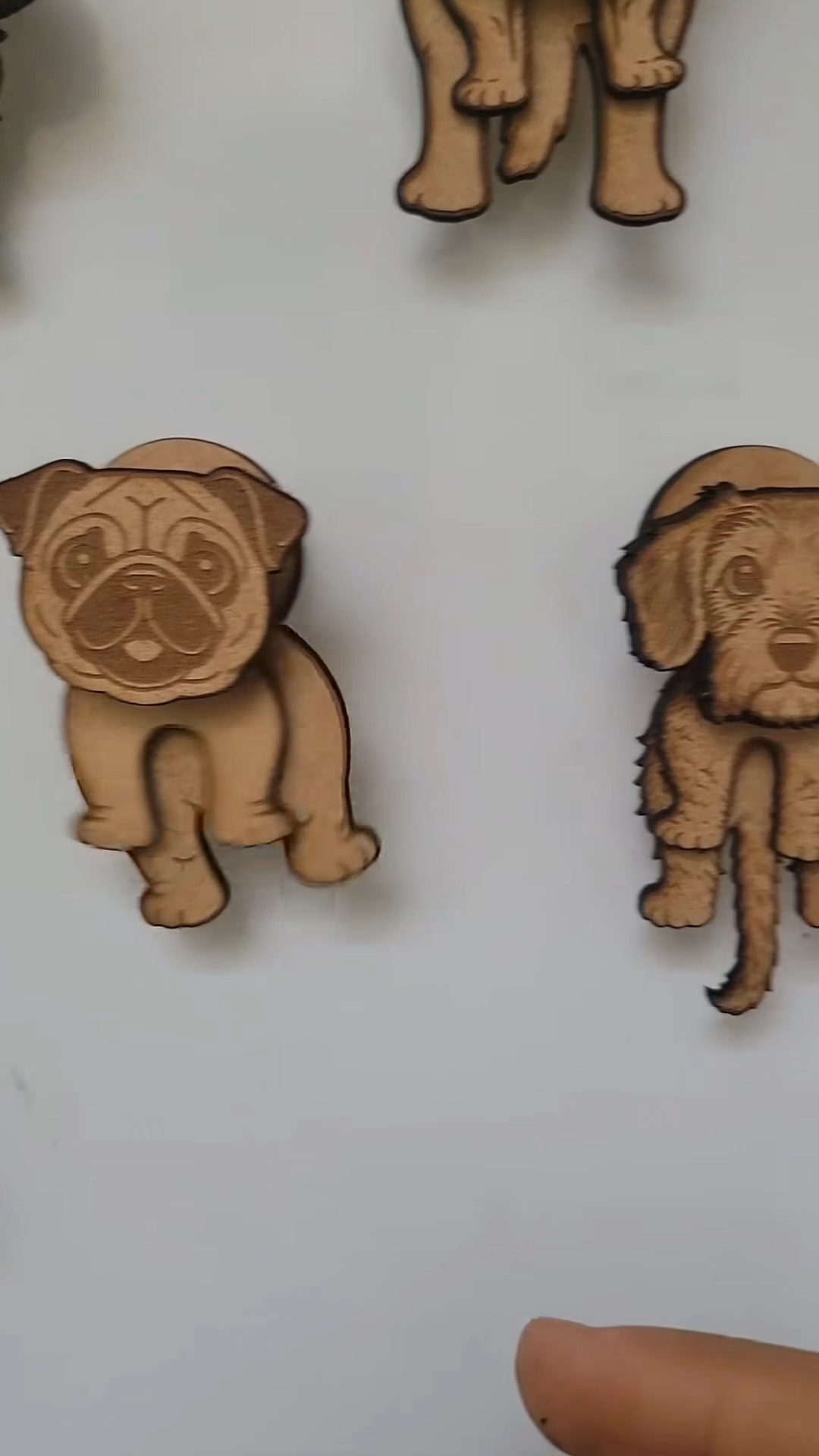
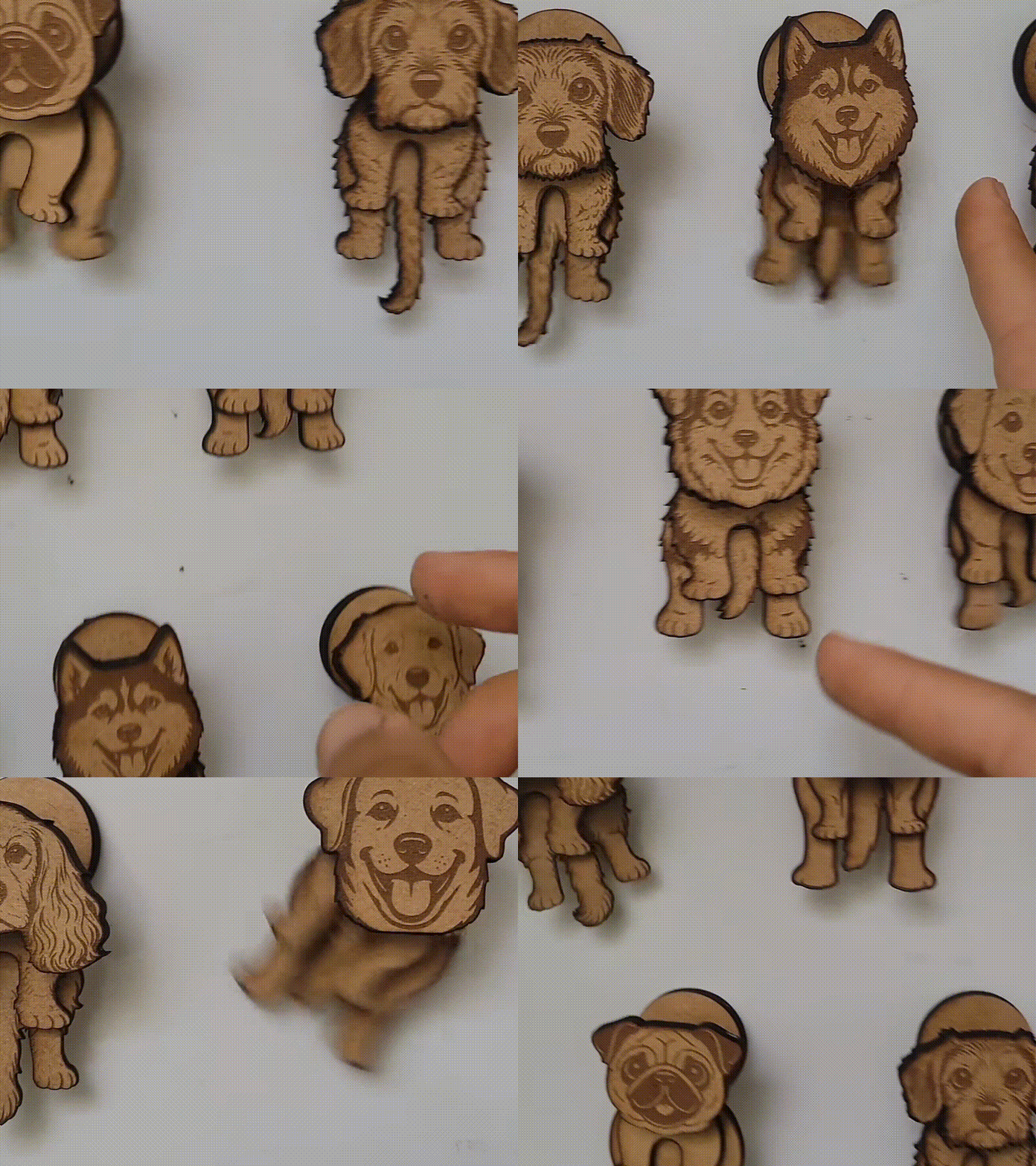
Pakiet magnesów dla psów


Zestawy magnesów do lodówki na malowanej płycie MDF


Retro Pride Magnes

Ślad chrztu


Magnes na prezenty do nowego domu

Laser Cut Corgi Portal Portal Dekorator Lodówki Zestaw Magnes
