
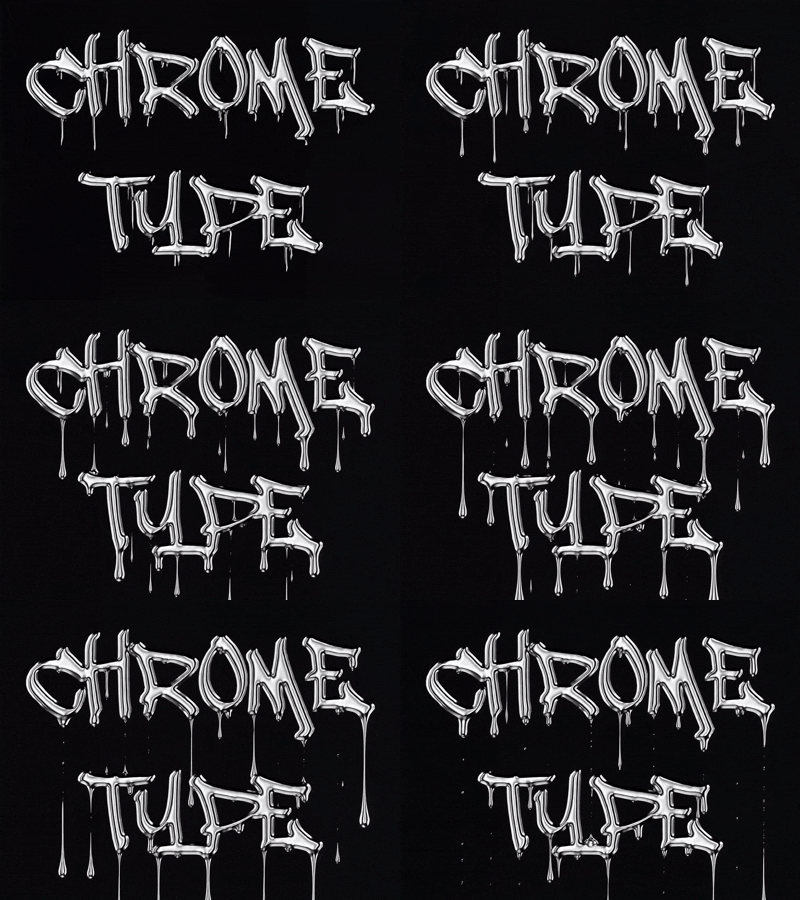


Beschreibung
Geben Sie ein Wort ein, wählen Sie ein Finish und erhalten Sie echte Chrombeschriftungen – live gerendert mit einem Studio-HDRI und einem physikalisch basierten Metall-Shader, nicht mit einem Filter-Stack. Jeder Export ist in Millimetern dimensioniert, sodass das, was Sie sehen, genau das ist, was von der Maschine kommt.
Was Sie bekommen
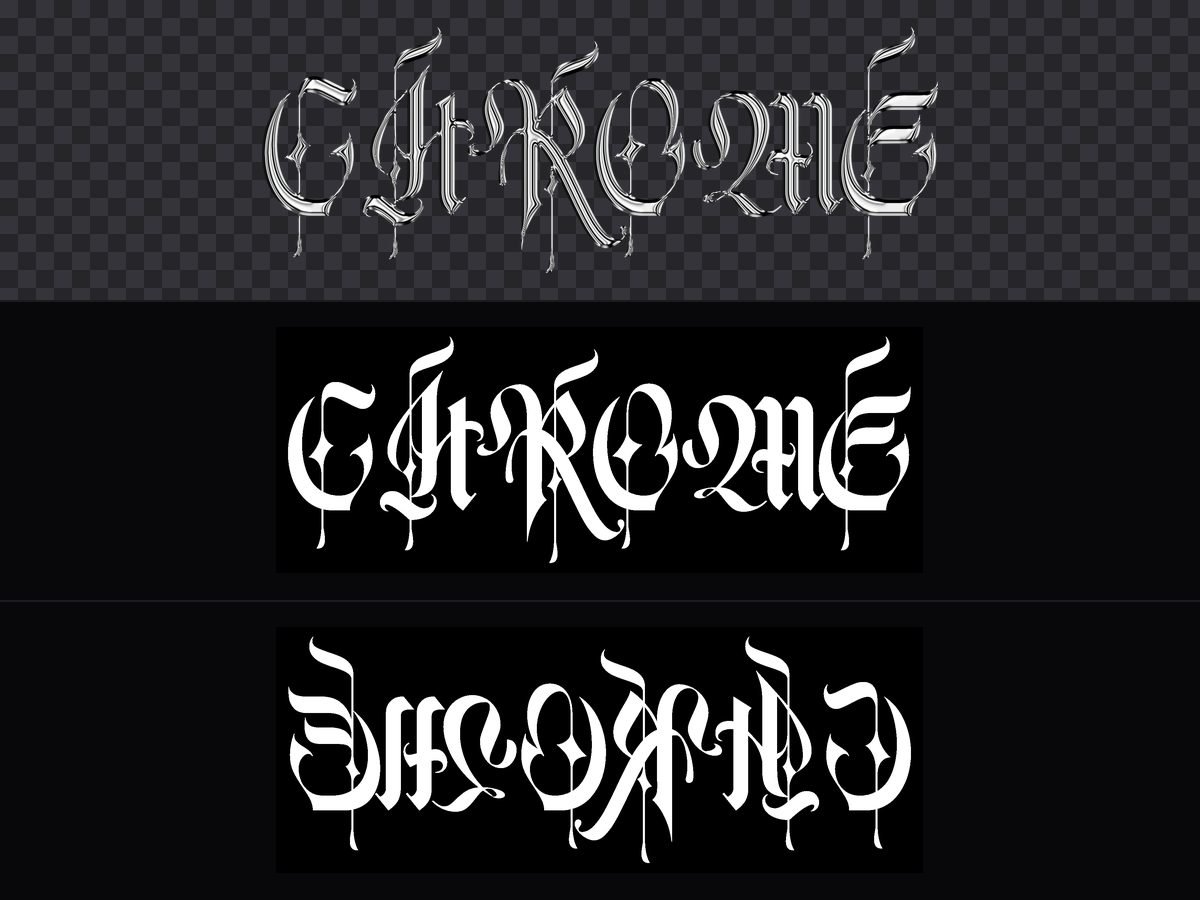
- Artwork PNG bei 300 DPI – standardmäßig mit transparentem Hintergrund, bereit für DTF/DTG auf Kleidungsstücken oder UV-Druck auf Metall und Holz.
- 16-Bit-Graustufen-Tiefenmappe – optional, für 3D-Reliefgravur.
- Eine spiegelverkehrte Kopie der Tiefenmappe – für die Rückseite, sodass eine zweiseitige Gravur ohne manuelles Wenden der Datei ausgerichtet werden kann.
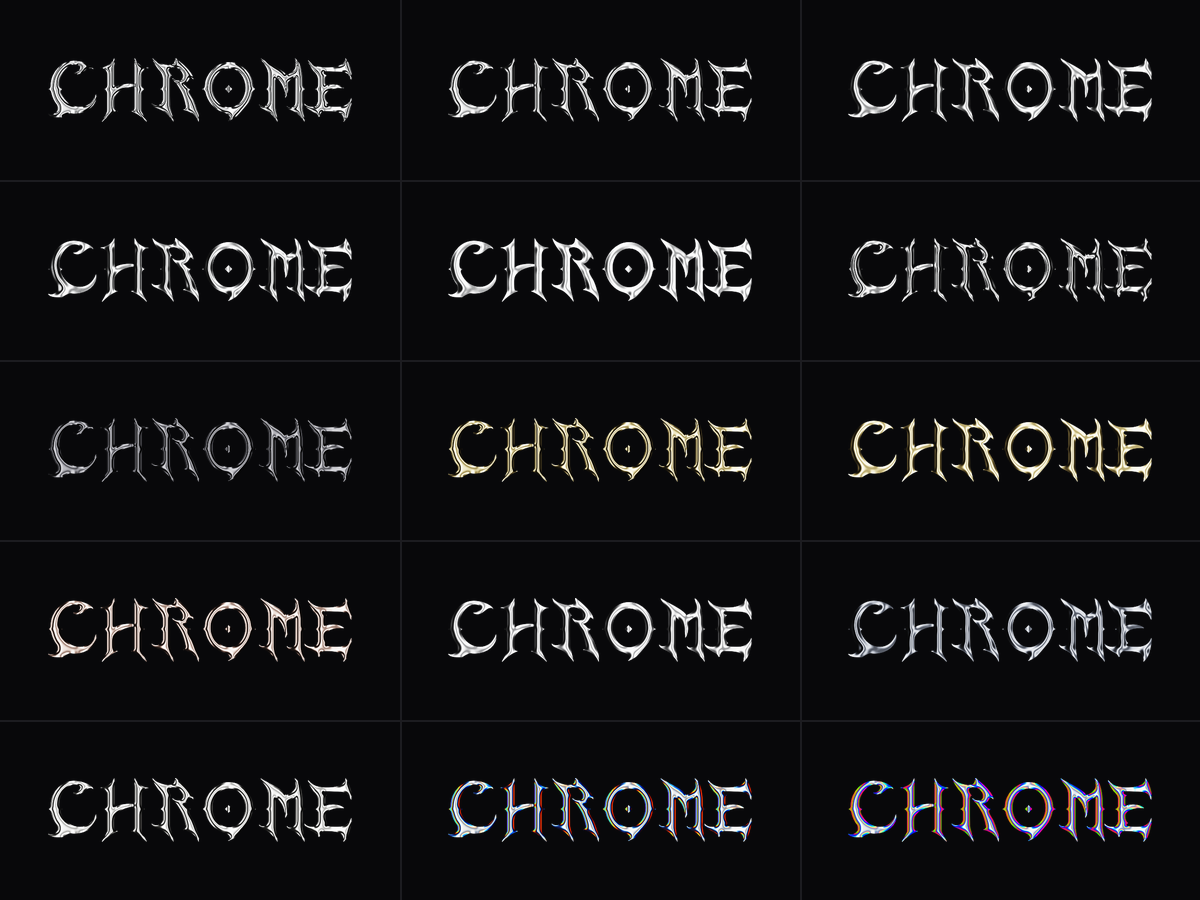
15 Finishes
Flüssiges Chrom · Poliertes Chrom · Plattenmirror · Scharfes Chrom · Weiches Chrom · Tiefe Prägung · Schwarzes Chrom · Geschmolzenes Gold · Satin-Gold · Gealtertes Kupfer · Gebürsteter Stahl · Waffenstahl · Helles Silber · Regenbogenkante · Holo-Iridescent
Jedes einzelne ist ein echtes Material – Grundfarbe, Rauigkeit und Belichtung – kein umgefärbtes Preset, sodass sie auf jeder Schriftart einzigartig bleiben.
10 Display-Schriften
Blackletter Sharp · Blackletter Bold · Spiked Gothic · Wide Display · Vintage Gothic · Plate Serif · Thin Elegant · Street Bold · Drip · Liquid Sans
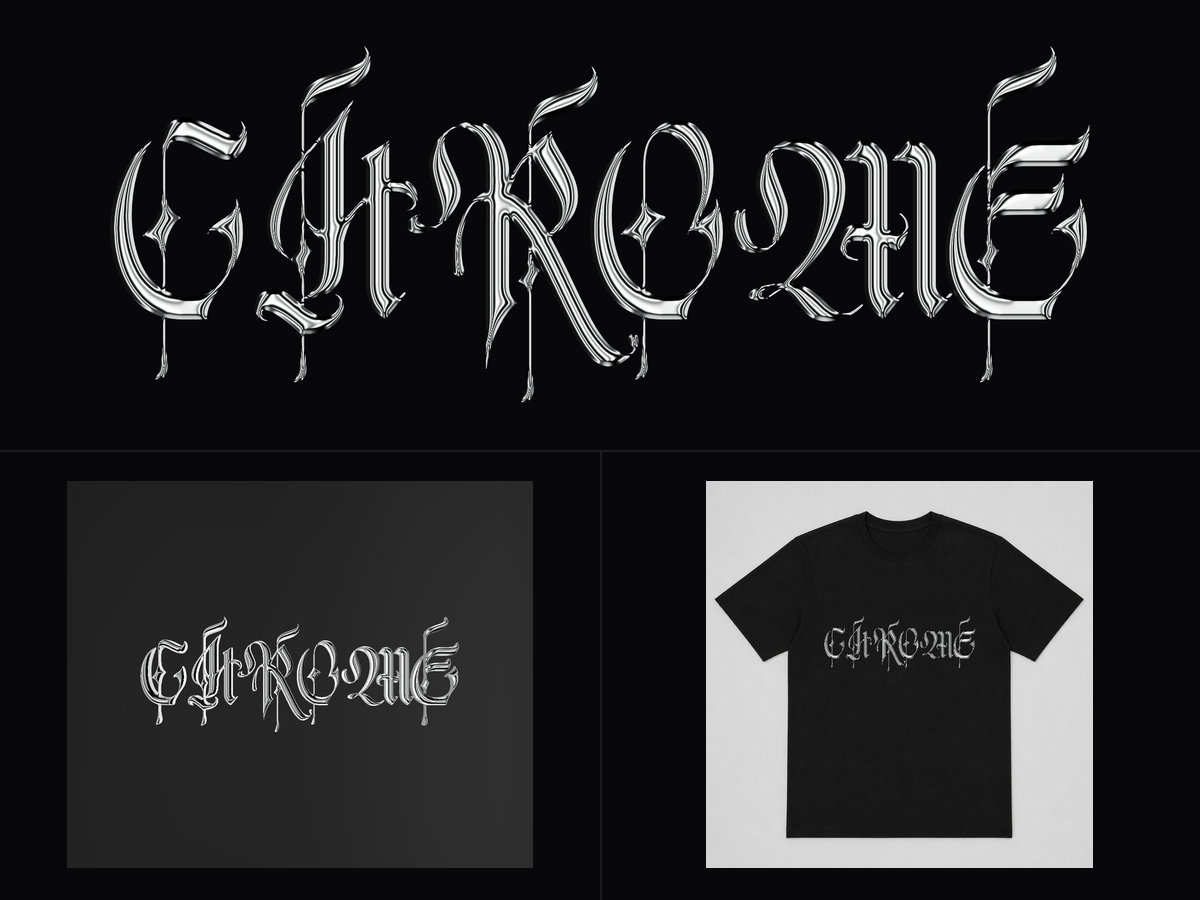
Drei Vorschauen
- Flach – das Artwork selbst, zoombar, in Exportauflösung.
- 3D-Relief – die Tiefenmappe als solides, graviertes Stück, auf beiden Seiten graviert. Ziehen Sie zum Rotieren, ziehen Sie mit der rechten Maustaste, um zu schwenken.
- Auf einem Produkt – Ihre Beschriftung im echten Maßstab auf einem T-Shirt, einer Metallplatte oder einem Holzschild. 280 mm Text auf einem 560 mm T-Shirt sieht aus wie 280 mm, sodass Sie die Größe vor dem Drucken einschätzen können.
Wie man es benutzt
- Geben Sie Ihren Text ein. Stellen Sie die Höhe in Millimetern ein – dies ist die tatsächliche Endgröße, kein Vorschau-Maßstab.
- Wählen Sie ein Finish links, eine Schriftart darunter aus.
- Feinjustieren Sie die Fase (6 Profile, von einer gewölbten Kuppel bis zu einer gravierten Vertiefung), die Beleuchtung und die Reflexion.
- Wechseln Sie zu Auf einem Produkt, um die Größe mit dem echten Produkt zu vergleichen.
- Exportieren.
Hinweise
- Text ist standardmäßig in Großbuchstaben gesetzt – mehrere der Display-Schriften sind nur in Großbuchstaben, und kleine Großbuchstaben in einer schweren Chromfase sind sowieso unleserlich.
- Der Graubereich der Tiefenmappe ist absichtlich eng. Eine vollständige 0–255-Mappe setzt voraus, dass das Material über seinen gesamten Leistungsbereich abgetragen wird, weshalb vollständige Tiefenmaps flach eingraviert werden.
- Es wird kein Vektorschneidpfad exportiert – dieses Tool erstellt Oberflächenkunstwerke, keine Schneidelinien.

'/%3e%3c/g%3e%3cdefs%3e%3clinearGradient%20id='paint0_linear_1737_57170'%20x1='16.5097'%20y1='8.87061'%20x2='16.5097'%20y2='23.3945'%20gradientUnits='userSpaceOnUse'%3e%3cstop%20stop-color='%232E9AFF'/%3e%3cstop%20offset='1'%20stop-color='%233378FF'/%3e%3c/linearGradient%3e%3c/defs%3e%3c/svg%3e)
