
Key Takeaways
- To an AI eraser, text is just another object: brush over the words, watermark, or date stamp and the tool paints the area back in.
- It works for captions, logos, timestamps, and watermarks baked into a photo — free and in the browser.
- Results are best when the background behind the text is fairly even; busy areas may need a quick touch-up.
- Only remove watermarks from images you own or have the right to use — don't strip credit from someone else's work.
Sometimes an otherwise perfect image is spoiled by text — an old caption, a date stamp, a logo, or a watermark on a photo you have the rights to. Because an AI eraser treats text like any other object, removing it is quick: mark the text and the tool rebuilds whatever was behind it. Here's how to remove text from an image for free, plus the one rule to follow first.
Why remove text from an image?
Text baked into an image gets in the way the moment you want to reuse the picture. Clearing it — or swapping it — frees the photo up. Common reasons:
- Delete a watermark from an image you own or are licensed to use.
- Update a caption or price without recreating the whole graphic.
- Reuse a template by removing old text and adding your own.
- Clean a screenshot of names, labels, or dates before sharing.
- Localize an image by removing text so it can be translated.
How do I remove text from an image?
To remove text from an image, open a tool like Atomm Image Text Editor to select and delete or replace the text directly, or an AI eraser to brush over a caption or watermark and let it rebuild the background. Then download the clean image. Only do this on images you own or are licensed to edit.
What you'll need
Here's what you need — all free:
- The image with unwanted text (JPG, PNG, or WEBP).
- Confirmation that you have the right to edit it — your own photo, or one you're licensed to modify.
- A free AI text tool such as Atomm Image Text Editor, which lets you edit or delete text on an image with no watermark of its own.
How to remove text with Atomm Image Text Editor
Atomm Image Text Editor is a free, browser-based tool that detects the text on your image so you can edit, replace, or delete it directly — ideal for captions, labels, and overlaid text, with no watermark of its own.

- Open Atomm Image Text Editor and upload your image.
- It detects the text — select the caption, label, or watermark you want gone.
- Delete it, or retype to replace it; the AI keeps the surrounding style consistent.
- Download the clean image. (For text baked over a busy photo, an eraser below blends best.)
How to remove text with Cleanup.pictures
Cleanup.pictures is a fast, no-login eraser that brushes text away and rebuilds the background behind it — best for text sitting on photos rather than flat colors.
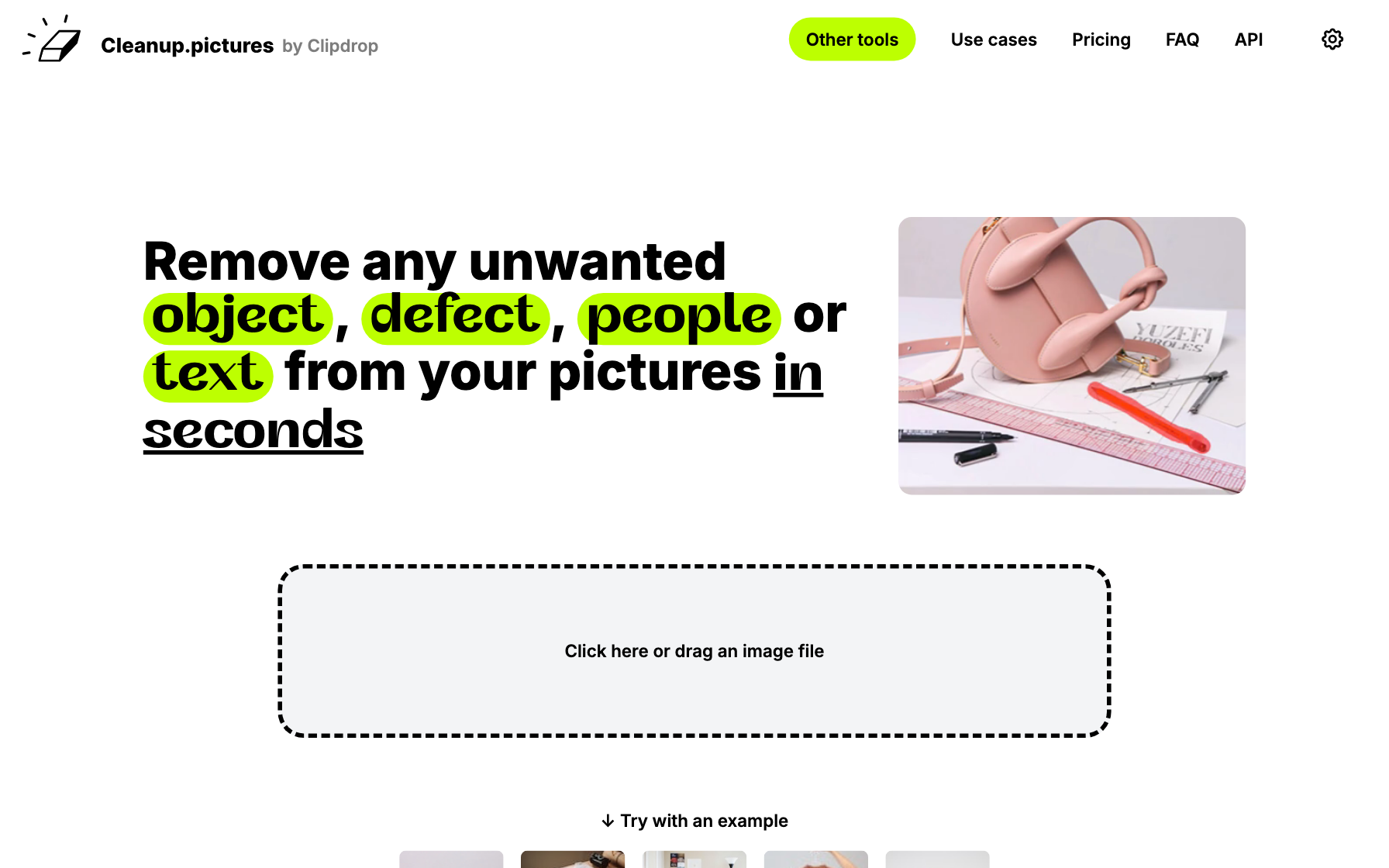
- Open Cleanup.pictures and drop in your image.
- Brush over the text or watermark, covering it fully plus a little margin.
- The AI removes it and reconstructs the background.
- Download the result (paid unlocks full resolution).
How to remove text with PicWish
PicWish has a dedicated AI watermark and text remover with one-click detection and bulk processing — handy for cleaning many images at once.

- Open PicWish's watermark remover and upload your image.
- Let it auto-detect the text, or brush over it manually.
- Apply to erase the lettering and fill the background.
- Download the clean image, or batch-process more.
How to remove text with Pixelcut
Pixelcut pairs a magic eraser with product-photo tools on web and mobile, so you can wipe text off a listing image and keep styling it.

- Open Pixelcut's Magic Eraser (web or app) and add your image.
- Brush over the text you want removed.
- The AI clears it and rebuilds the background.
- Save the cleaned image.
How to remove text with Fotor
Fotor includes a text and object remover inside a full editor, so you can erase a caption and then crop or retouch in one place.

- Open Fotor's object remover and upload your photo.
- Brush over the text or watermark.
- Apply to erase it and inpaint the background.
- Download, or keep editing in Fotor.
Tips for clean text removal
- Match the tool to the text. Editable-style overlays are easiest to change in a text editor; text over a photo needs an eraser that rebuilds the background.
- Cover the whole glyph plus a little margin when brushing — leftover serifs are the usual giveaway.
- Zoom in to check edges and re-brush any faint ghosting.
- Only edit images you own or are licensed to modify. To add new text afterward, see how to add text to an image.
What is the best way to remove text from an image?
The right tool depends on whether the text is an editable overlay or baked into a photo. Here's who each is for; for a ranked eraser list, see our best magic eraser roundup.
Choose Atomm Image Text Editor
Best for editable-style overlays — detect, change, or delete the text directly, free and watermark-free.
Choose Cleanup.pictures
Best for text baked onto a photo; brush over it and the AI rebuilds the background behind it.
Choose PicWish
Best for automatic watermark removal and bulk jobs.
Choose Pixelcut
Best for cleaning text off product and listing images on web or mobile.
Choose Fotor
Best if you want to erase text and then keep editing in one place.
| Tool | Best for | Platform | Price |
|---|---|---|---|
| Atomm Image Text Editor | Editing or deleting overlaid text | Web | Free |
| Cleanup.pictures | Erasing text on photos | Web | Free / paid HD |
| PicWish | Auto watermark removal, bulk | Web, apps | Freemium |
| Pixelcut | Product & listing images | Web, iOS, Android | Freemium |
| Fotor | Erase then keep editing | Web, apps | Freemium |
What people use this for
Removing text comes up when clearing watermarks from licensed images, refreshing captions and prices, reusing templates, tidying screenshots, and preparing images for translation.
Edit or remove text on any imageDetect, change, or delete text on a picture in seconds with Atomm's free Image Text Editor — no signup, no watermark.Try the Image Text EditorFrequently asked questions
How do I remove text from an image for free?
Use a free AI eraser like Atomm Magic Eraser. Upload the image, brush over the text or watermark, and let the AI erase it and rebuild the background. It runs in the browser with no account and adds no watermark of its own.
Is it legal to remove a watermark from an image?
Only remove a watermark from an image you own or are licensed to edit — for example, a stock photo you've purchased, or your own work. Removing a watermark to use someone else's image without permission can infringe copyright, so always confirm your rights first.
Why can I still see a faint trace of the text?
Either the mask didn't cover every part of the lettering (including thin strokes or shadows), or the text sat over a detailed background. Zoom to 100%, brush the leftover area again with a little extra margin, and the AI will clean up the remaining ghost.
Can I remove text that's over a busy background?
You can, but it's the hardest case. AI does well over even areas like sky or a wall; over faces, patterns, or fine detail it may leave slight artifacts. Remove it, then zoom in and touch up any spots that don't match.
What's the difference between removing text and editing text?
Removing text deletes the words and rebuilds the background, as if they were never there. Editing text changes the wording while keeping the design — for that you'd use an image text editor instead of an eraser.
